

Mermaidviewer




What is Mermaidviewer?
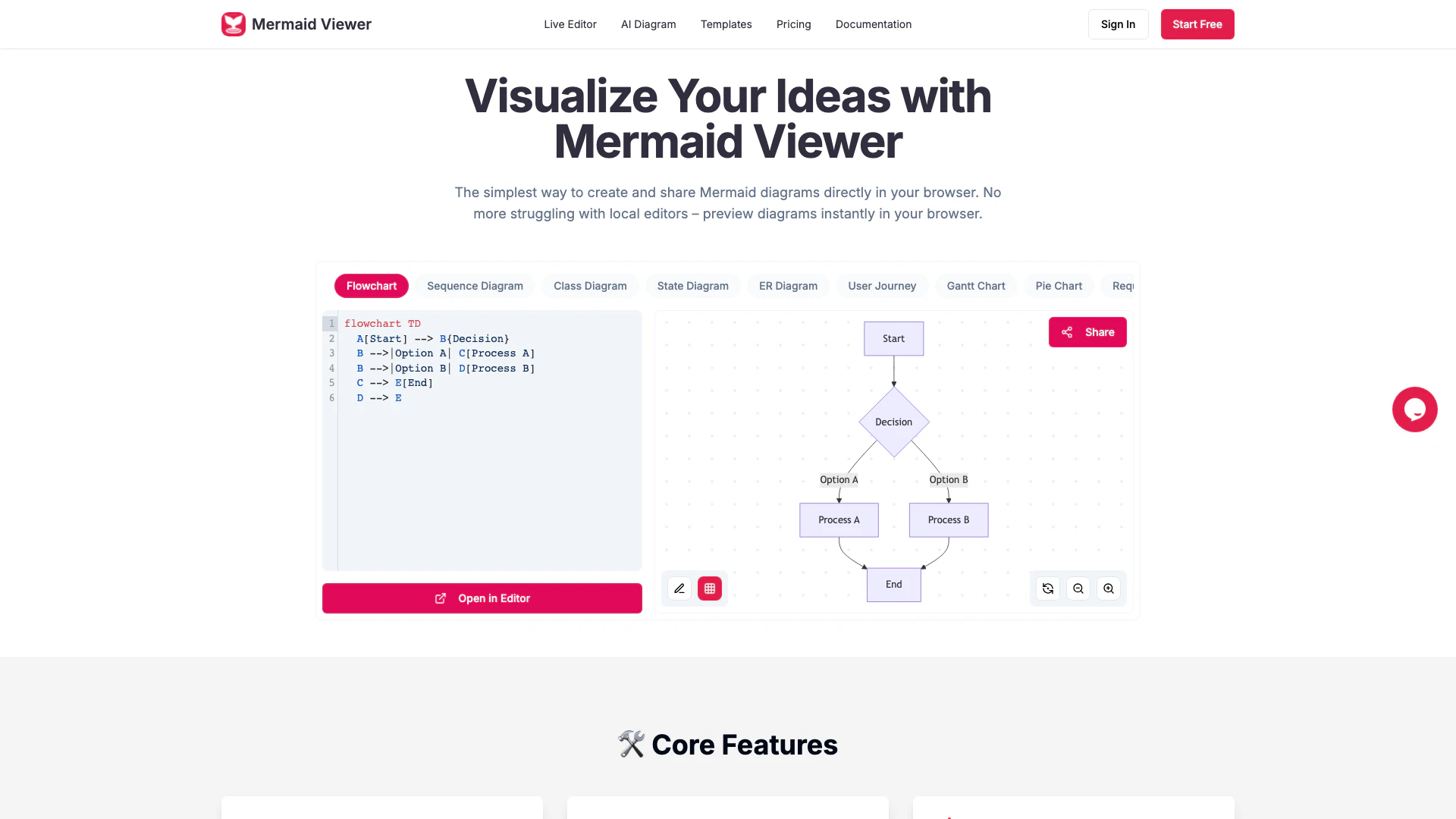
Mermaidviewer is an innovative online tool designed for creating and editing Mermaid diagrams[1] seamlessly. This free-to-use platform allows users to visualize their ideas directly in the browser, eliminating the need for local editors. With features such as real-time collaboration[2], instant previews, and multiple export formats, Mermaidviewer optimizes workflow for individuals and teams alike. Its core value lies in its simplicity and efficiency, making it an essential tool for anyone looking to create professional diagrams effortlessly.
How to use Mermaidviewer?
Using Mermaidviewer is straightforward and can be accomplished in three easy steps: 1. Enter Mermaid Code: Input your diagram code directly into the Mermaid viewer interface. 2. Real-time Preview: Instantly see your Mermaid diagram as you type, thanks to the live preview[3] feature. 3. Export as SVG/PNG/PDF: Once your diagram is complete, download it in various formats, including SVG, PNG, or PDF.
What are the main features of Mermaidviewer?
Mermaidviewer offers a range of powerful features designed to enhance the diagram creation experience: - Live Preview: Visualize changes instantly without needing to click a 'Render' button. - AI-Assisted Coding[4]: Use the 'Generate with GPT-4' feature to convert text descriptions into Mermaid code automatically. - Smart Export[5]: Save diagrams in SVG, PNG, or Markdown formats with customizable DPI settings and theme options. - Enterprise Integration: Deploy via Docker with role-based access control for team management. - Smart Debugging: Get syntax error highlighting and auto-correction suggestions to streamline your coding process. - Real-time Collaboration: Share links with team members for simultaneous editing of diagrams.
Who is Mermaidviewer for?
Mermaidviewer is tailored for a diverse audience, including developers, project managers, educators, and anyone who needs to create visual representations of complex information. It is particularly beneficial for teams collaborating on projects, as the real-time editing and sharing features facilitate seamless communication. Additionally, educators can use it to create engaging diagrams for their students, while developers can streamline their workflow by integrating Mermaid diagrams into their documentation.
What are the use cases of Mermaidviewer?
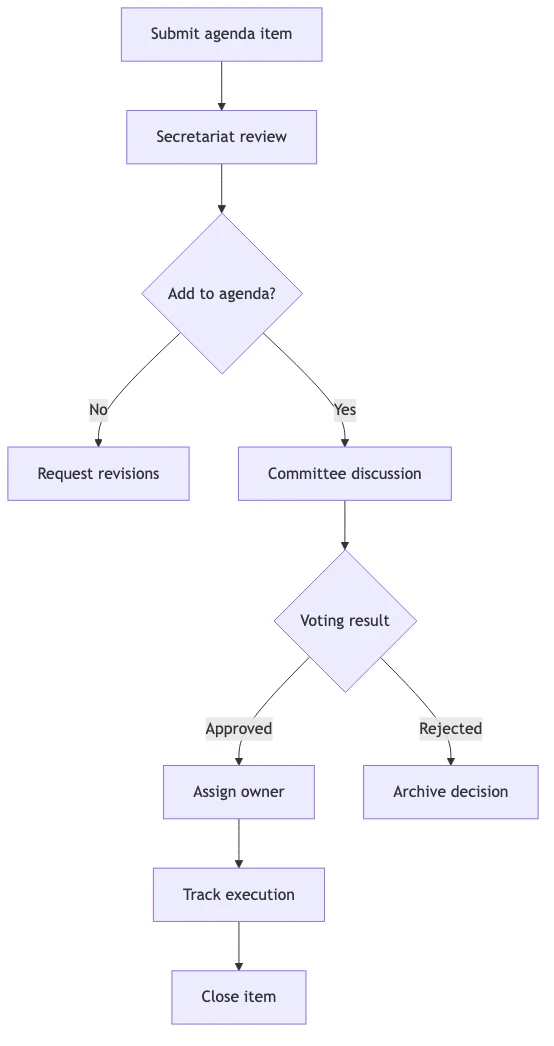
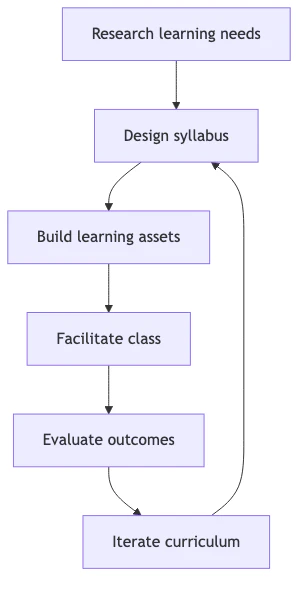
Mermaidviewer can be utilized in various scenarios, including: 1. Software Development: Create flowcharts and sequence diagrams to visualize application workflows and architecture. 2. Project Management: Develop Gantt charts and timelines to track project progress and deadlines. 3. Education: Design diagrams that illustrate complex concepts, making learning more accessible and engaging.
Product Images

Mermaidviewer Pros and Cons
Pros
- Live Preview Feature: Visualize changes in real-time as you type, eliminating the need for a 'Render' button.
- AI-Assisted Coding: Utilize the 'Generate with GPT-4' feature to convert text descriptions into Mermaid code effortlessly.
- Smart Export Options: Export diagrams in various formats like SVG, PNG, and Markdown with customizable DPI and themes.
- Real-time Collaboration: Share editor links for team members to co-edit diagrams in real-time, enhancing teamwork.
Cons
No cons data detected for this tool
Mermaidviewer Pricing
Free
Perfect for getting started - 3 diagrams - 5 AI conversations per day - Low-res PNG export (with watermark) - Basic sharing - No version history
Starter
Most popular choice for individuals - 30 diagrams - 500 AI conversations per month - High-res PNG export (no watermark) - Unlimited sharing - 30 version history
Pro
For professional developers - Unlimited diagrams - Unlimited AI conversations - All formats (PNG/JPG/PDF/SVG) - Advanced sharing & statistics - 100 version history - Personal notes & annotations - Priority support
For the latest pricing, please visit this link: https://mermaidviewer.com/#pricing
Prices are subject to change. Please visit the official website for the most up-to-date pricing information.
Analytics of Mermaidviewer
Mermaidviewer Website Traffic Analysis
Visits Over Time
Traffic Sources
Nov 2025 - Jan 2026 Worldwide Desktop Only
- Search: 57.65%
- Direct: 28.99%
- Referrals: 7.91%
- Social: 4.15%
- Paid Referrals: 1.12%
- Mail: 0.12%
Top Keywords
| Keyword | Volume | CPC | Estimated Value |
|---|---|---|---|
| mermaid | 421.13K | $0.69 | $630.00 |
| mermaid live editor | 119.45K | $0.96 | $570.00 |
| mermaid online | 25.56K | $0.94 | $2010.00 |
| mermaid viewer | 13.59K | $1.75 | $8600.00 |
| mermaid diagram viewer | 4.13K | $2.82 | $1720.00 |
Mermaidviewer Reviews
MermaidViewer reduced our architecture design time from days to hours. The VS Code plugin is genius!
For more reviews, visit this link: https://mermaidviewer.com/#reviews





Mermaidviewer Social Listening
Mermaid In Markdown, Diagrams ...
Creating diagrams have never b...
Mermaid vs PlantUML vs HackerD...
💡 Learn how to design great s...
【技術概念】AI 應用效率倍增 | 讓 AI 秒懂你的邏輯 ...
📙 用一張圖,讓 AI 一次就懂你的邏輯! 你有沒有遇過...
Unlock to view 32 social media results.