

Makeanyimage
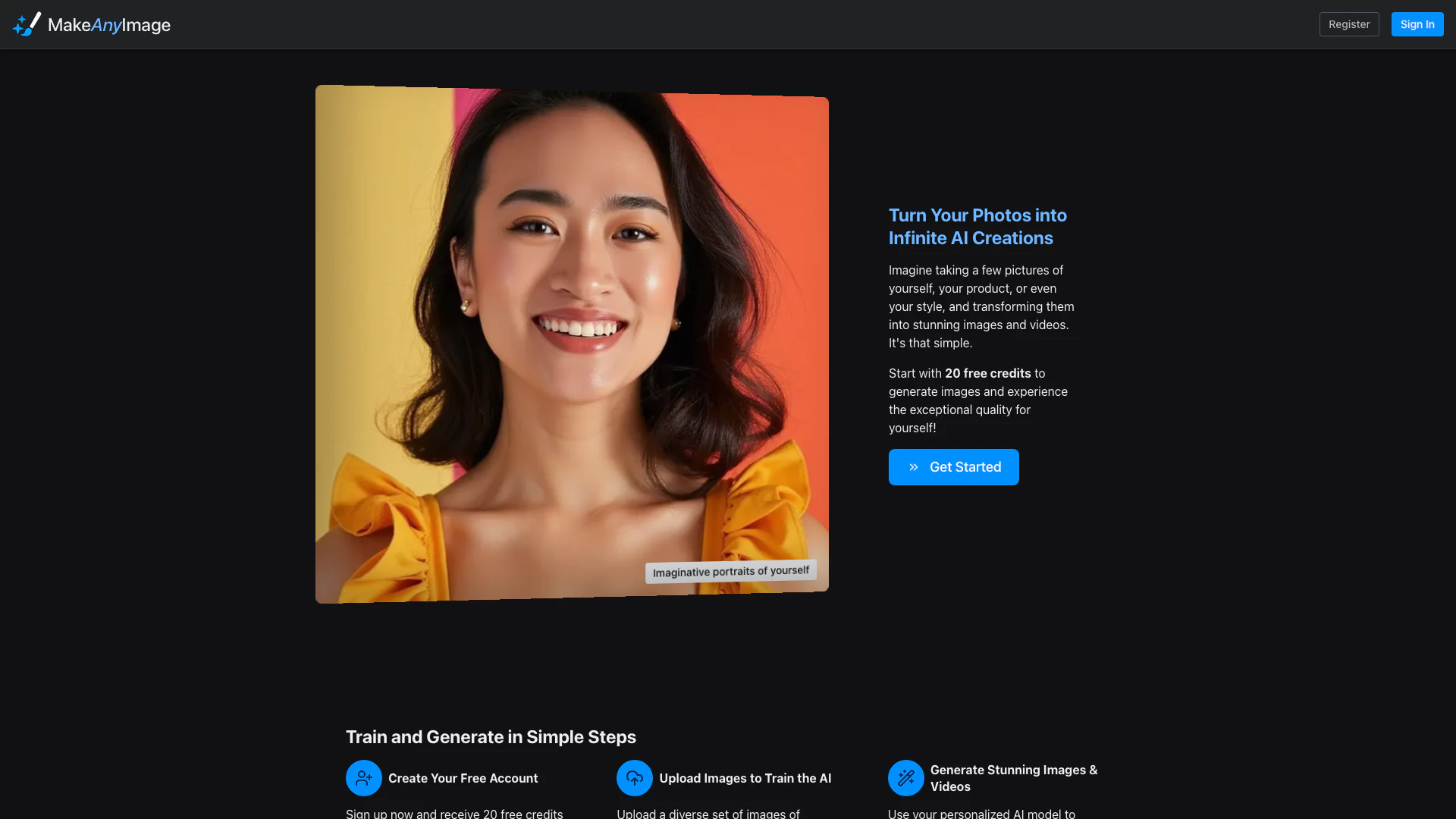


What is MakeAnyImage?
MakeAnyImage is an innovative AI tool[1] that transforms your photos into stunning images and videos, allowing users to create unique visual content effortlessly. By uploading a set of images, users can train the AI to generate personalized models[4] tailored to their vision. With its easy-to-use interface and high-quality output, MakeAnyImage empowers users to produce professional-grade results, making it an ideal solution for artists, marketers, and anyone looking to enhance their visual storytelling.
How to use MakeAnyImage?
- Create Your Free Account: Sign up on the MakeAnyImage website to receive 20 free credits for generating images.
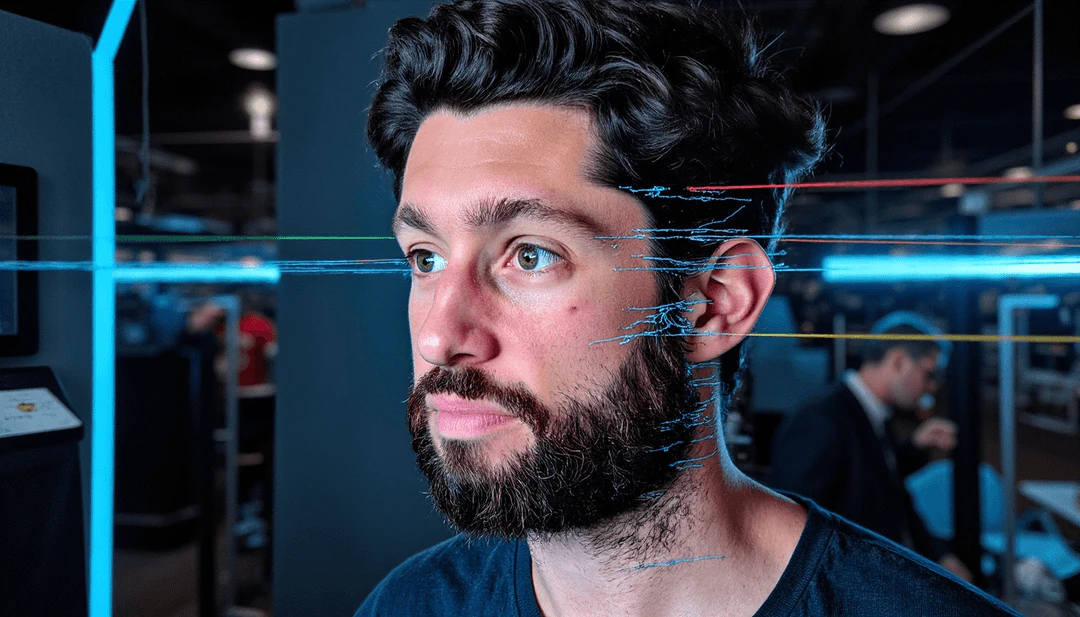
- Upload Images to Train the AI: Upload a diverse set of images that represent your desired style, subjects, or products to train the AI model.
- Generate Stunning Images & Videos: Use your personalized AI model by providing simple text prompts to create high-quality images and videos that align with your vision.
What are the main features of MakeAnyImage?
- AI Video Generation[3]: Create cinematic videos from AI-generated images with smooth motion and high quality.
- Train Your Own AI Models: Customize the AI model based on your specific needs for unique visual content.
- Professional-Grade Results: Deliver studio-quality AI model training, ensuring high-quality outputs unlike many low-cost alternatives.
- Effortless Image Generation[2]: Generate images in seconds by simply describing your idea, thanks to the trained AI model.
Who is MakeAnyImage for?
MakeAnyImage is designed for a wide range of users including photographers, marketers, product designers, and creative professionals who seek to enhance their visual content. Whether you are creating marketing materials, social media posts, or personal projects, this tool is perfect for anyone looking to generate high-quality images and videos quickly and efficiently.
What are the use cases of MakeAnyImage?
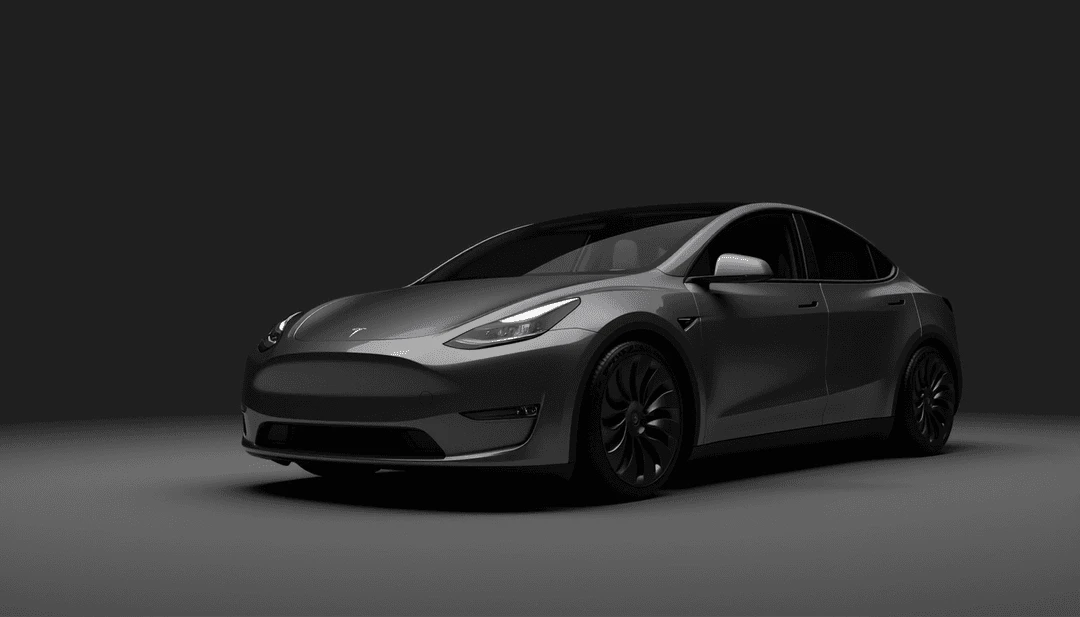
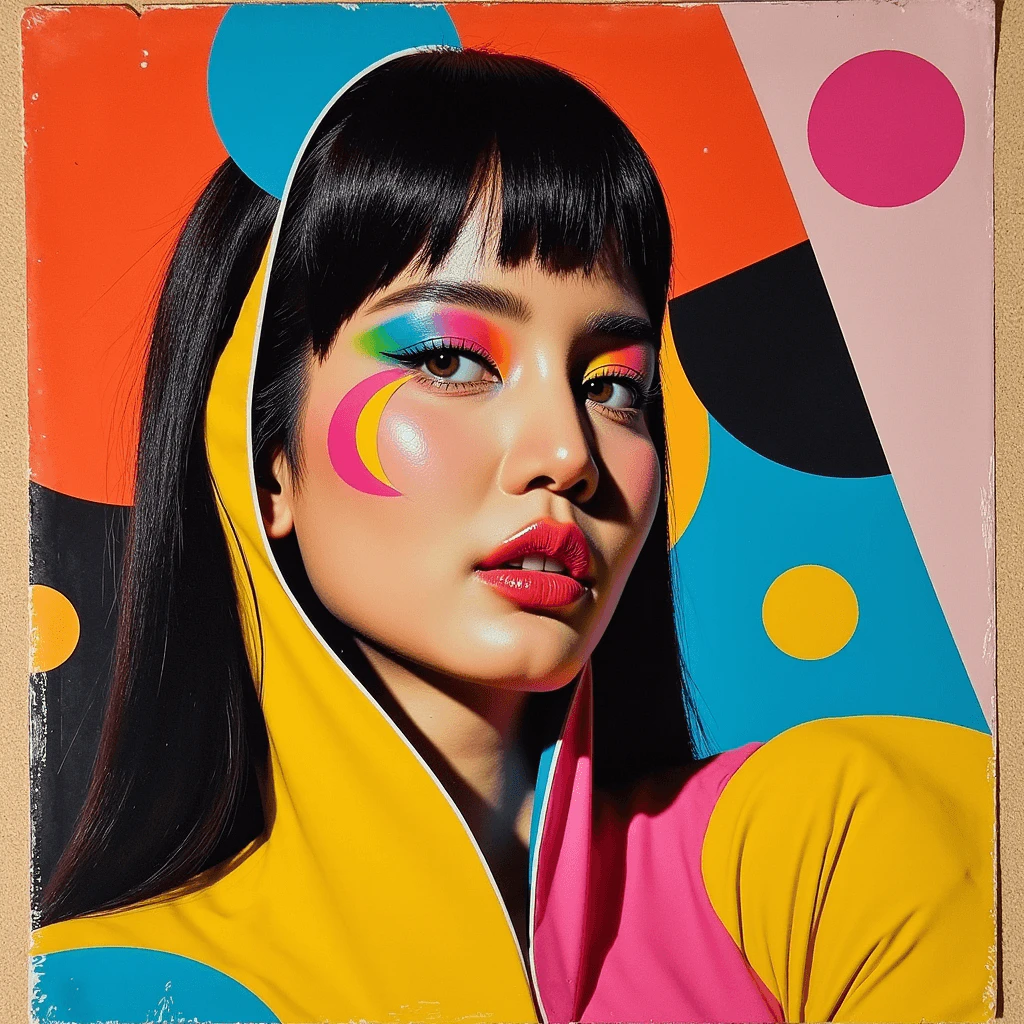
- Fashion Product Shots: Generate stunning images for fashion products to enhance online presence and marketing efforts.
- Corporate Photography: Create professional headshots and corporate images for business profiles and branding.
- Concept Product Designs: Visualize new product ideas and variations, aiding in product development and marketing strategies.
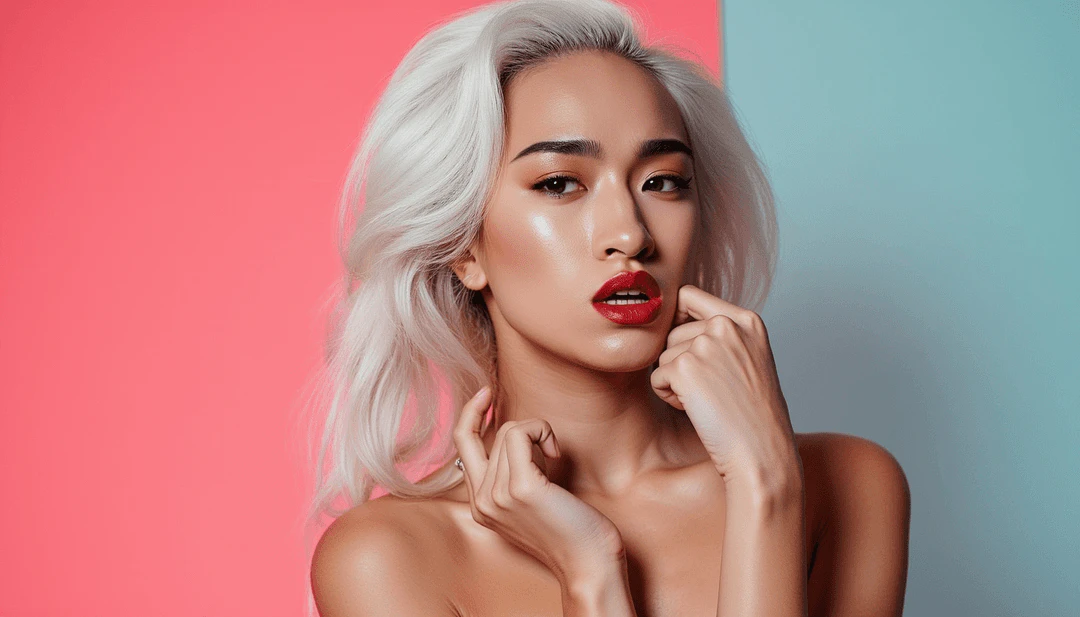
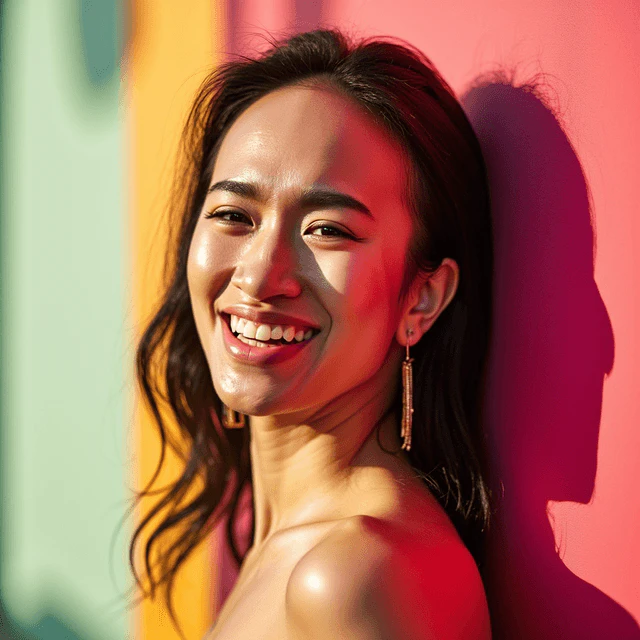
Product Images

Makeanyimage Pros and Cons
Pros
- High-Quality Image Generation: Make Any Image delivers professional-grade AI model training, producing stunning images and videos with exceptional quality.
- Custom AI Model Training: Users can upload diverse images to train personalized AI models that align with their specific vision and needs.
- User-Friendly Process: The platform allows effortless image generation by simply describing ideas, making it accessible for users of all skill levels.
Cons
No cons data detected for this tool
Makeanyimage Pricing
Small
1,500 credits for $15.
Medium
3,000 credits for $27. Save 10%.
Large
10,000 credits for $85. Save 15%.
For the latest pricing, please visit this link: https://www.makeanyimage.com/
Prices are subject to change. Please visit the official website for the most up-to-date pricing information.





