

Kumooai





What is Kumooai?
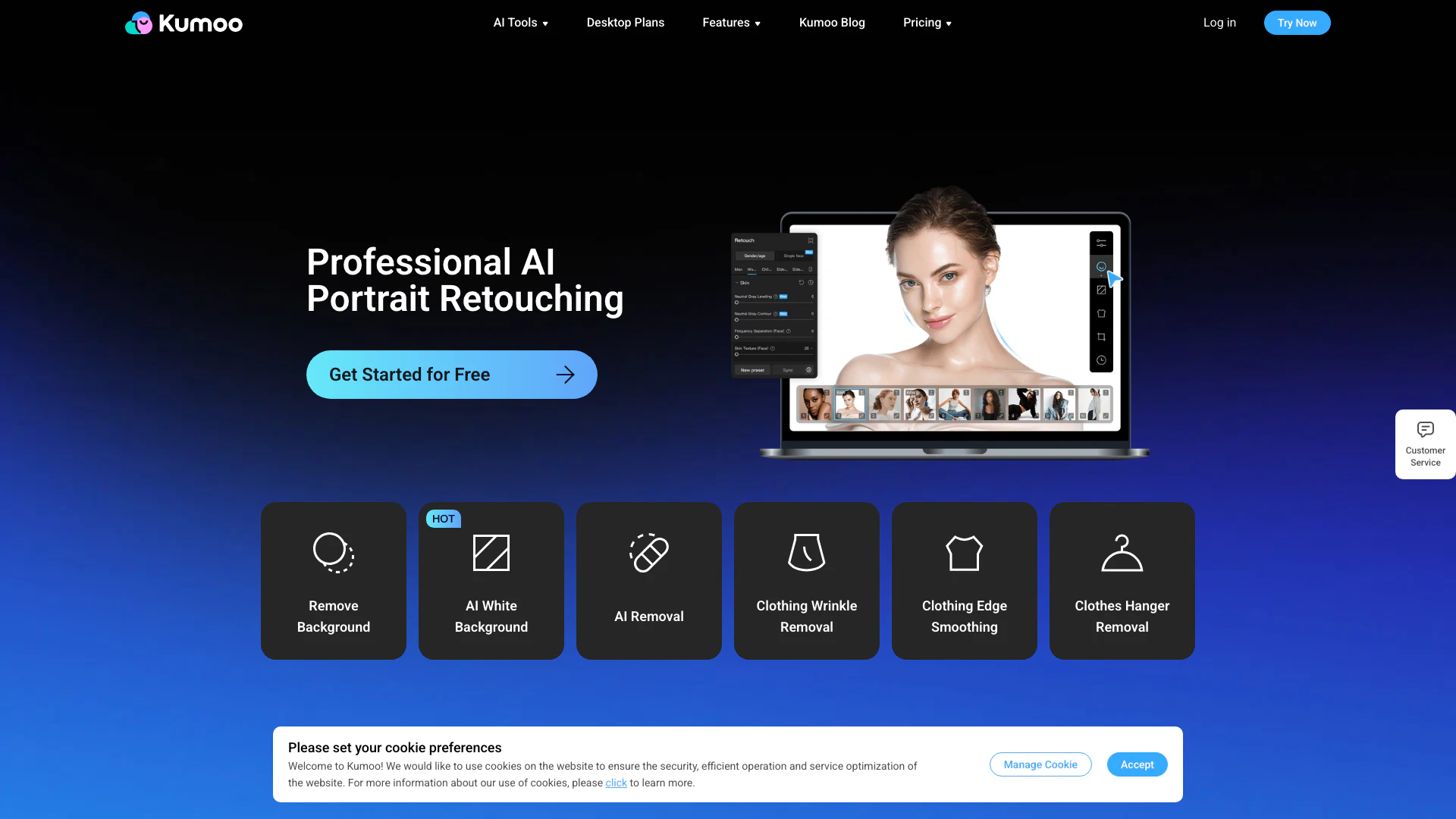
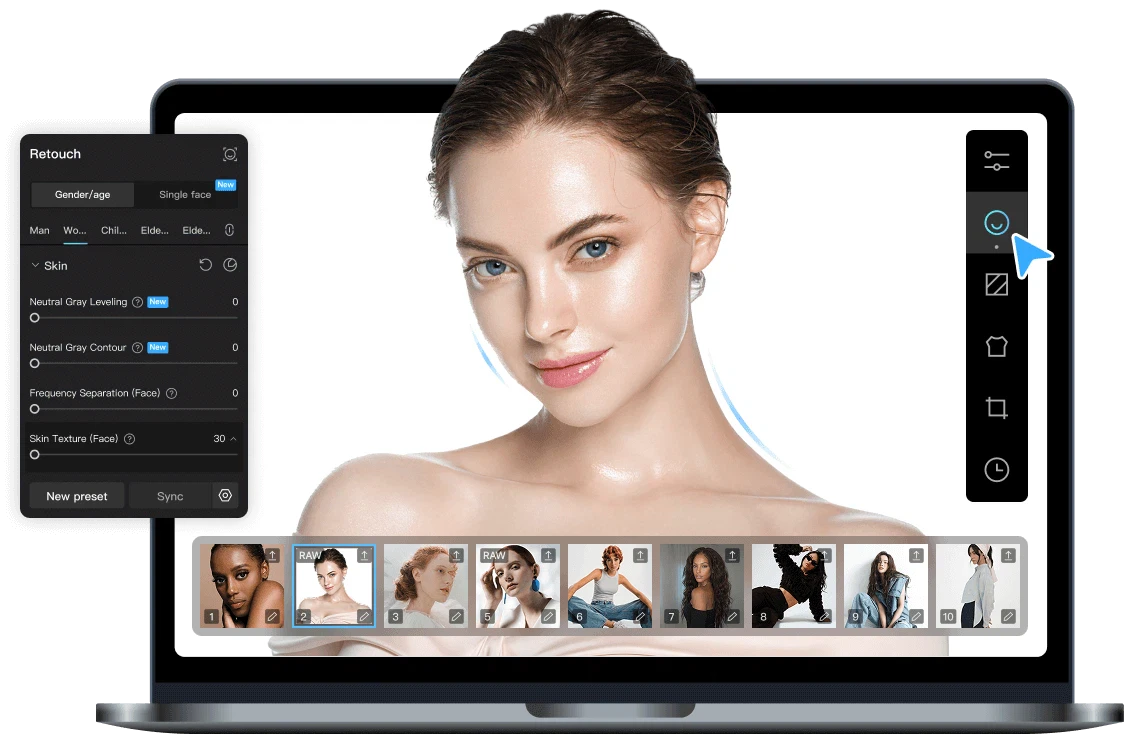
Kumooai is an AI-powered[1] photo editing[2] platform designed for fast batch portrait retouching and background processing. Available on both web and desktop, it leverages advanced artificial intelligence technology to streamline the editing workflow, allowing users to enhance and process large volumes of images efficiently. Whether for professional photography, e-commerce, or personal projects, Kumooai offers a suite of tools that facilitate high-quality image editing, making it an essential tool for anyone in need of quick and effective photo enhancements.
How to use Kumooai?
- Visit the Kumooai website or download the desktop application.
- Upload your images to the platform using the batch upload feature for efficiency.
- Select the desired editing options such as background removal[4], skin retouching, or color adjustments.
- Review the automatic adjustments made by the AI and make any manual tweaks if necessary.
- Export your edited images in the desired format and resolution.
What are the main features of Kumooai?
- Batch Processing[3]: Efficiently edit multiple images simultaneously to save time.
- AI Background Removal: Automatically remove backgrounds with precision, even in complex images.
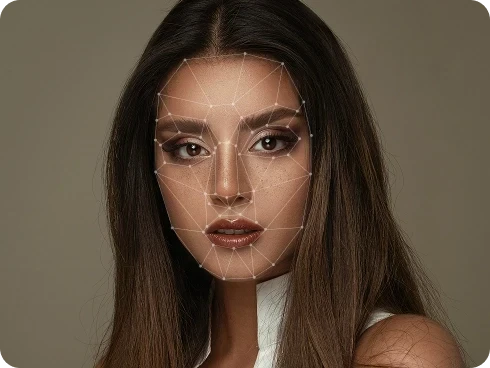
- Skin Retouching: Enhance skin tones and textures for professional-quality portraits.
- Change Background: Easily replace backgrounds with solid colors or other images.
- Image Enhancements: Improve overall image quality with tools for color correction and clarity.
Who is Kumooai for?
Kumooai is designed for photographers, graphic designers, e-commerce businesses, and anyone needing efficient photo editing solutions. It caters to both professionals and amateurs who seek to enhance their images quickly and effectively. The platform is particularly useful for wedding photographers, portrait studios, and online retailers who require high-quality images for their products or services.
What are the use cases of Kumooai?
- Wedding Photography: Quickly retouch wedding photos to enhance the beauty of portraits and group shots.
- E-commerce: Improve product images by removing backgrounds and enhancing details for online listings.
- ID Photos: Create professional-quality identification photos with background adjustments and skin retouching.
Product Images


Kumooai Pros and Cons
Pros
- AI-Powered Batch Processing: Kumooai utilizes advanced AI technology for fast batch portrait retouching and background processing, significantly improving efficiency for users.
- High-Quality Image Output: The platform supports RAW file import and HD exports, ensuring professional-quality images suitable for commercial use.
- User-Friendly Interface: Kumooai features an intuitive interface that simplifies the photo editing process, making it accessible even for beginners.
Cons
No cons data detected for this tool
Kumooai Pricing
Member Exclusive Services
24/7 Service, Community Chats, Numerous Presets, Online Training.
For the latest pricing, please visit this link: https://kumoo.ai/pricing-for-pro
Prices are subject to change. Please visit the official website for the most up-to-date pricing information.
Analytics of Kumooai
Kumooai Website Traffic Analysis
Visits Over Time
Traffic Sources
Nov 2025 - Jan 2026 Worldwide Desktop Only
- Referrals: 29.68%
- Direct: 29.02%
- Search: 25.47%
- Social: 14.43%
- Paid Referrals: 1.32%
- Mail: 0.07%
Top Keywords
| Keyword | Volume | CPC | Estimated Value |
|---|---|---|---|
| kumoo | 1.65K | $0.13 | $610.00 |
| kumoo app | 680 | $0.00 | $200.00 |
| kumoo ai | 510 | $0.27 | $650.00 |
| kumoo pc | 380 | $0.00 | $280.00 |
| kumo retouch | 150 | $0.00 | $130.00 |




Kumooai Social Listening
Kumoo AI Review & Tutorial | A...
Download Free Kumoo AI here: h...
Edit photos x100 times faster ...
🤯Mind-blowing AI portrait edi...
How to download and Install Ku...
🤯Mind-blowing AI portrait edi...
Unlock to view 32 social media results.