

Kamero
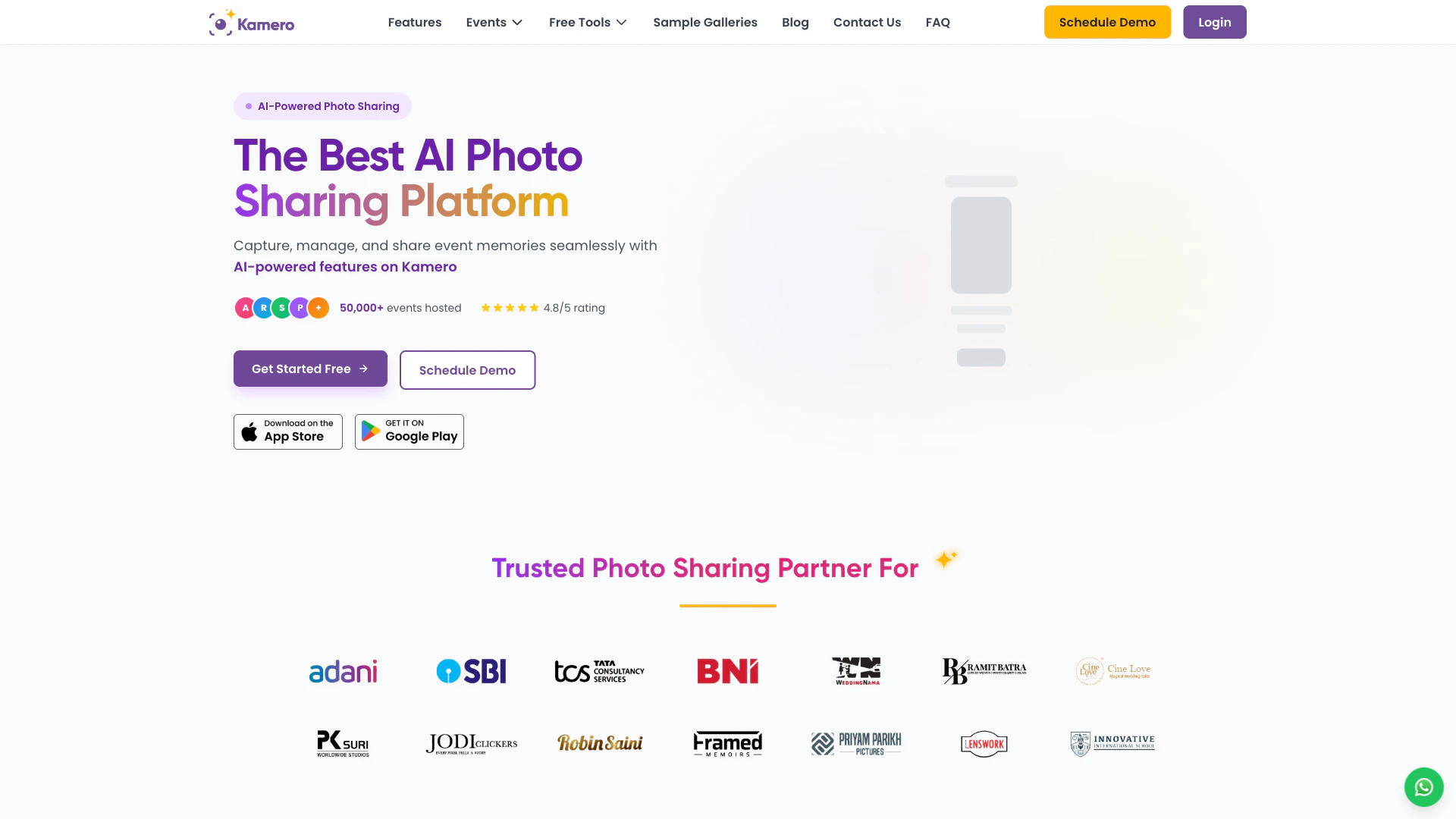





What is Kamero?
Kamero is the leading AI-powered[1] photo sharing[2] platform designed specifically for events. It employs advanced artificial intelligence and face recognition[3] technology to facilitate seamless sharing and retrieval of photos for photographers, event organizers, and guests. Kamero enables instant photo delivery, allowing users to access their photos within seconds of being uploaded. The platform is ideal for various events, including weddings, corporate functions, schools, and expos, making it a versatile solution for capturing and sharing unforgettable moments.
How to use Kamero?
- Sign-up on Kamero: Visit login.kamero.ai and click on 'Sign Up' to create your account. Enter your email, verify it, and gain access to a free trial event.
- Create an Event: Once logged in, create your event gallery[4] by following the prompts on the dashboard.
- Upload Photos: Use the web portal or mobile app to upload your event photos. You can drag and drop or bulk upload images easily.
- Enable AI Face Recognition: Activate the AI feature for automatic face detection and grouping of photos.
- Share with Guests: Provide guests with the event link or a QR code for easy access to their photos.
- Guests Find Photos: Guests can take a selfie through the Kamero app or web gallery to quickly locate their photos.
What are the main features of Kamero?
- AI Face Recognition: Automatically groups photos by detected faces, allowing guests to find their images by uploading a selfie.
- Instant Photo Delivery: Real-time sharing[5] of photos during events, making them available to guests within seconds.
- Guest Photo Uploads: Event attendees can contribute their own photos to the gallery, enriching the collection with multiple perspectives.
- Custom Branded Apps: White-label solutions for photographers and businesses to enhance their brand identity.
- Multi-level Privacy Controls: Ensures secure access to photos with event IDs, PINs, and admin controls.
- Photo Shortlisting: Clients can easily shortlist their favorite photos for print albums directly within the app.
- QR Code Guest Registration: Simplifies guest registration and photo access using branded QR codes.
Who is Kamero for?
Kamero caters to a diverse audience, including: - Wedding Photographers: Enables instant sharing of wedding photos with couples and guests, enhancing the overall experience. - Corporate Event Organizers: Facilitates efficient management of corporate photography with robust privacy controls and branded experiences. - Schools and Colleges: Provides secure photo sharing for educational events, ensuring safe access for parents and students. - Live Events and Concerts: Offers real-time photo distribution for festivals and concerts, capturing valuable audience engagement. - Exhibitions and Expos: Engages attendees with instant photo access and social sharing capabilities, enhancing their overall experience.
What are the use cases of Kamero?
- Weddings: Photographers can instantly share wedding photos with guests, allowing them to find their images through AI face recognition.
- Corporate Events: Event organizers can manage photography seamlessly, providing guests with immediate access to event photos and enhancing engagement.
- Educational Institutions: Schools and colleges can use Kamero for sharing graduation and sports event photos, ensuring a secure and organized photo distribution.
- Concerts and Live Performances: Capture and share moments in real-time, allowing attendees to relive their experiences through shared photos.
- Exhibitions and Trade Shows: Use Kamero to enhance attendee engagement with instant photo sharing and social media integration.
Product Images
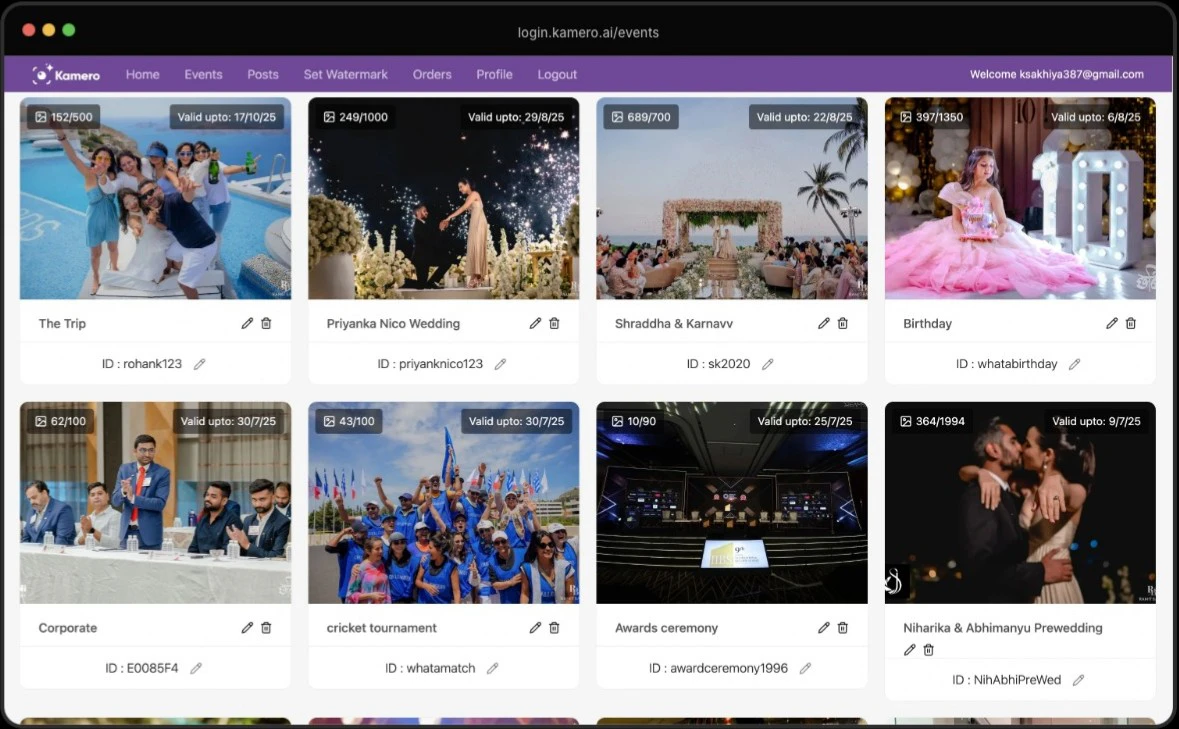






Kamero Pros and Cons
Pros
- AI Face Recognition Feature: Kamero utilizes advanced AI face recognition technology to automatically group photos by detected faces, allowing guests to easily find their photos by uploading a selfie.
- Instant Photo Delivery: The platform offers real-time photo sharing, ensuring that photos are available to guests within seconds of being uploaded, enhancing the event experience.
- Guest Photo Uploads: Kamero allows event attendees to contribute their own photos to the event gallery, capturing multiple perspectives and enriching the overall photo collection.
- Custom Branded Apps: Users can create white-label photo sharing apps with their branding, providing a personalized experience for photographers and businesses.
- Multi-Level Privacy Controls: The platform offers multi-level privacy controls, including event IDs and PINs, ensuring secure access to photos and protecting user privacy.
Cons
No cons data detected for this tool
Kamero Pricing
Pay-Per-Use Plan
Kamero offers pay-per-use plans based on the number of photos per event. Plans range from 100 to 10,000 photos per event, suitable for small gatherings to large-scale events. Custom enterprise plans are available for high-volume users.
For the latest pricing, please visit this link: https://kamero.in/
Prices are subject to change. Please visit the official website for the most up-to-date pricing information.
Kamero Reviews
Our app is very user-friendly, allowing us to upload photos and videos and for the clients to share and shortlist photos for their coffee table books.
This unique concept of sharing photos with their clients on our App within hours of the Events has helped us close more weddings this year.
With over 14,000+ downloads in the 1st year, our App has helped us showcase our work to guests at all the weddings we cover.
For more reviews, visit this link: https://kamero.in/#testimonials




