
Juice




What is Juice?
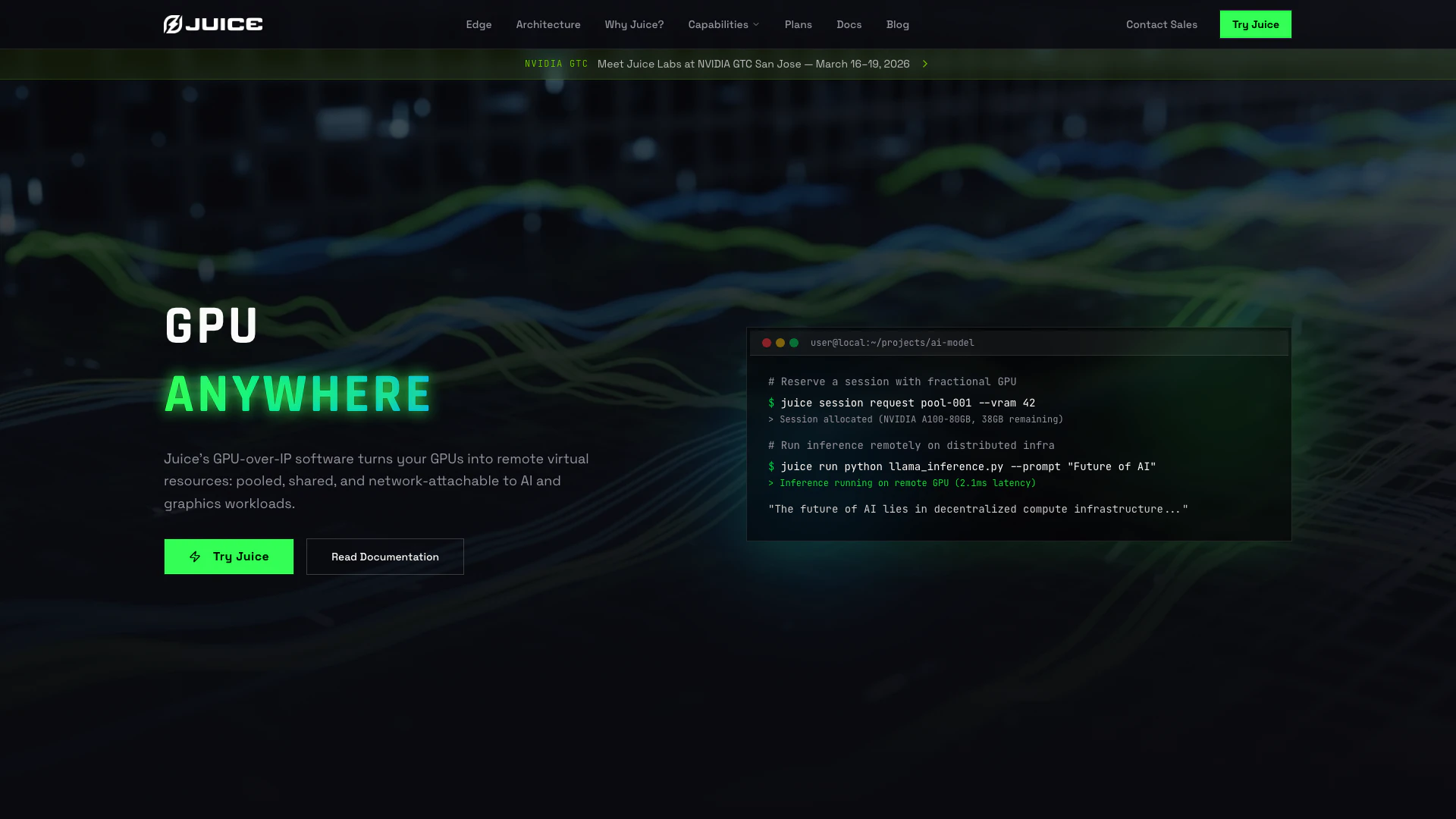
Juice is an innovative GPU-over-IP software solution that transforms your GPUs into remote virtual resources, enabling them to be pooled, shared, and network-attached to various AI and graphics workloads. This technology allows users to run demanding applications seamlessly over standard networks, offering high GPU utilization and maximizing ROI. Juice decouples the application process from the physical GPU, allowing for dynamic resource allocation and eliminating the complexities associated with traditional virtual desktop infrastructure (VDI). With Juice, users can access powerful NVIDIA GPUs remotely, making it an essential tool for industries requiring high-performance computing.
How to use Juice?
- Download & Install: Download the Juice Client binaries for your operating system from the Juice Labs portal.
- Authenticate: Log in securely using your organization credentials to access the GPU pool by running `$juice login` in your terminal.
- Run Applications: Execute your desired application with the 'juice run' prefix to attach a remote GPU, using the command `$juice run
`.
What are the main features of Juice?
- Remote GPU Access: Allows users to leverage powerful NVIDIA GPUs over standard networks without changing application code.
- Dynamic Resource Allocation: Juice offers granular and dynamic GPU resource sharing, enabling true oversubscription and high utilization.
- Cross-Platform Compatibility: Works seamlessly across different operating systems and architectures, supporting both Windows and Linux environments.
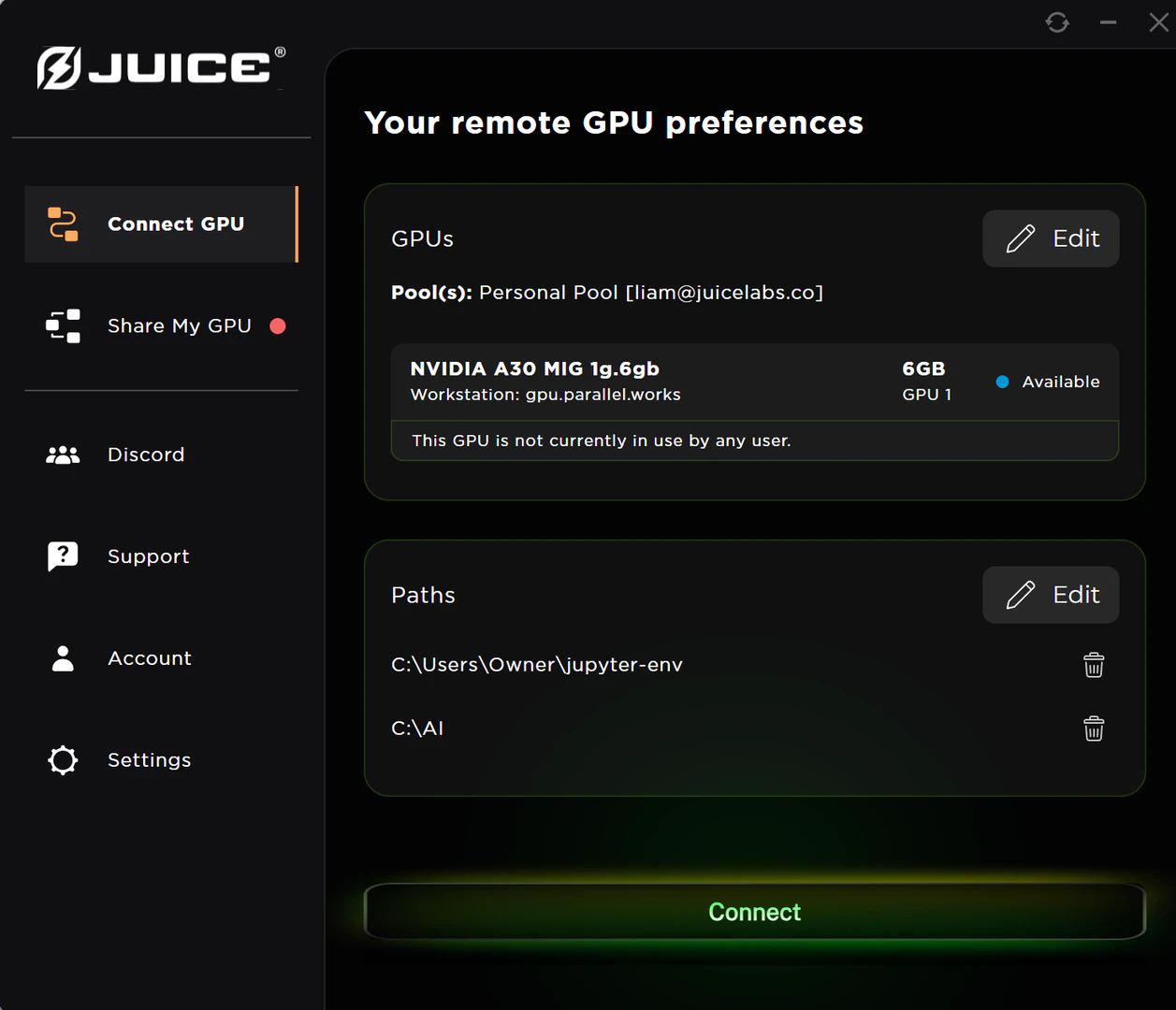
- User-Friendly Interface: The Juice Desktop App simplifies access to remote GPU power for creative and engineering tools.
- Data Sovereignty: Ensures that customer data remains secure and compliant, never resting on provider systems.
Who is Juice for?
Juice is designed for a wide range of users, including engineers, data scientists, and creative professionals who require high-performance GPU resources for their applications. It is particularly beneficial for organizations in sectors such as AI, gaming, and engineering that demand powerful computing capabilities without the overhead of traditional infrastructure. Juice is ideal for companies looking to maximize their existing hardware investments and for those in need of flexible, scalable GPU resources to support their workloads.
What are the use cases of Juice?
- AI Model Training: Utilize Juice to run complex AI training models on powerful GPUs without needing physical access to the hardware.
- Remote Rendering: Creative professionals can use Juice to render high-quality graphics in applications like Blender or Unreal Engine remotely.
- High-Performance Computing (HPC): Integrate Juice with SLURM clusters to access GPU resources on-demand, optimizing resource allocation and job scheduling.
Product Images



Juice Pros and Cons
Pros
- Remote GPU Access: Juice allows users to access remote GPUs over the network, enabling high-performance computing for AI and graphics workloads without the need for local hardware.
- Dynamic Resource Sharing: Juice allows dynamic allocation of VRAM and compute resources, enabling true oversubscription and maximizing GPU utilization.
- Dynamic Resource Allocation: Unlike traditional static partitioning, Juice offers dynamic allocation of VRAM and compute resources, maximizing GPU utilization and efficiency.
- Cross-Platform Compatibility: Juice supports various operating systems and architectures, allowing applications to access remote GPUs regardless of the underlying platform.
- Easy Setup and Use: Juice can be installed and configured quickly without the need for complex infrastructure or custom kernels, making it user-friendly.
Cons
No cons data detected for this tool
Juice Pricing
Juice Free
Run up to 10 hours of total GPU time per month. Pool up to 3 GPU agents. Use any Nvidia GPU up to 40GB of VRAM.
Juice Pro
Run for unlimited GPU time per month. Pool up to 3 GPU agents. Use any Nvidia GPU up to 40GB of VRAM.
Juice Enterprise
Run for unlimited GPU time per month. Pool unlimited GPU agents. Use any Nvidia GPU of any size.
For the latest pricing, please visit this link: https://www.juicelabs.co/#plans
Prices are subject to change. Please visit the official website for the most up-to-date pricing information.
Analytics of Juice
Juice Website Traffic Analysis
Visits Over Time
Traffic Sources
Dec 2025 - Feb 2026 Worldwide Desktop Only
- Direct: 45.63%
- Search: 35.06%
- Social: 11.92%
- Referrals: 6.04%
- Paid Referrals: 1.27%
- Mail: 0.09%
Top Keywords
| Keyword | Volume | CPC | Estimated Value |
|---|---|---|---|
| network attached gpus | 230 | $0.00 | $180.00 |
| nvidia career website locked | 230 | $0.00 | $0.00 |
| juice ai | 180 | $0.89 | $0.00 |
| juice labs | 160 | $0.00 | $90.00 |
| juicelabs | 150 | $0.00 | $20.00 |
Juice Reviews
We see immediate benefit… not only in terms of GPU utilization, but in terms of how we build out resources and design from the storage layer to the GPU layer.
We see a great opportunity to partner on achieving our longer-term objectives related to end-user computing and the paradigm shift of AI… We are impressed by the technological advancements [Juice] has achieved in the computing space.
We believe Juice Labs will unlock the potential of Private AI on a global scale.
For more reviews, visit this link: https://www.juicelabs.co/#reviews