

Invoiceclip
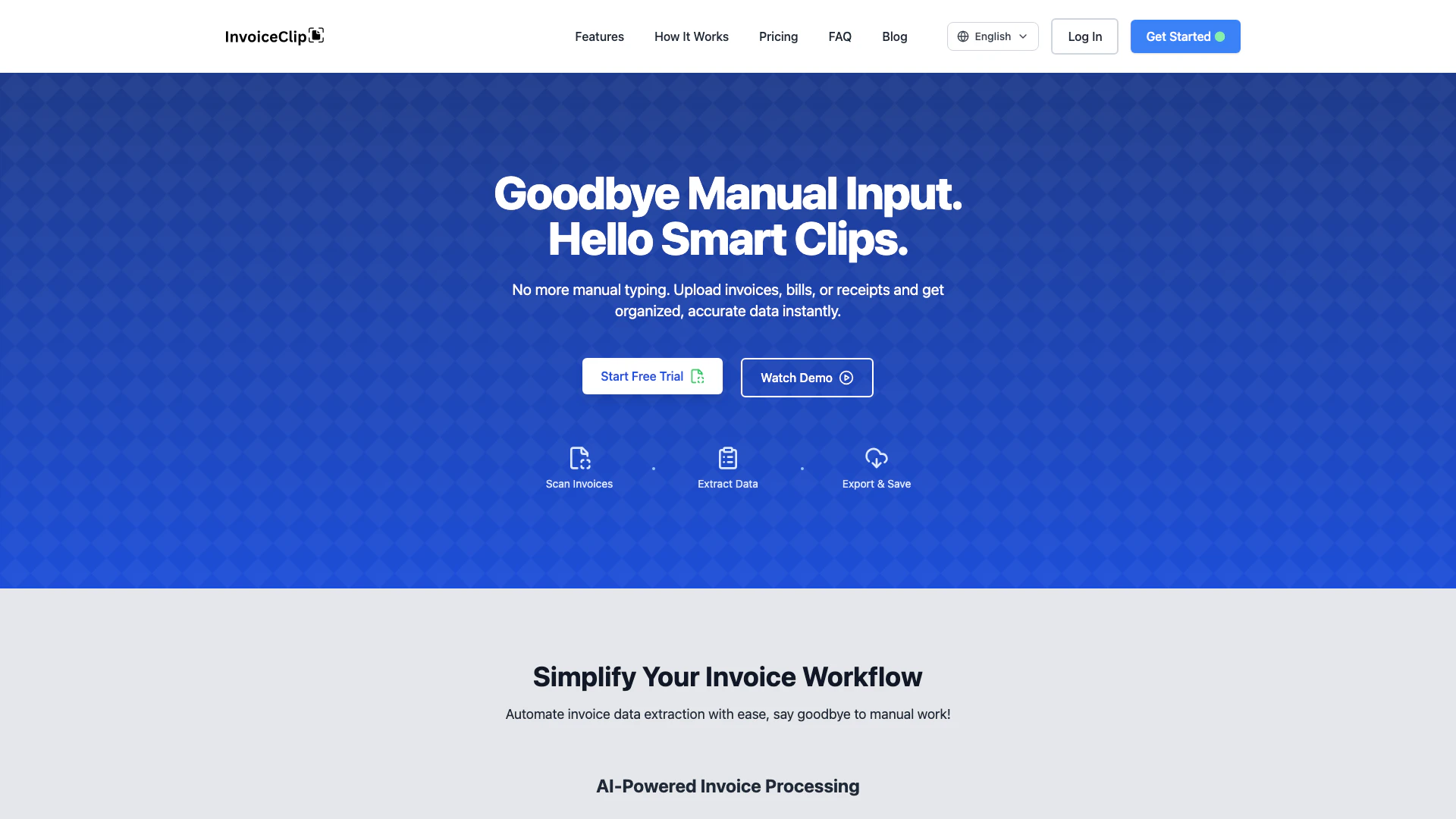





What is InvoiceClip?
InvoiceClip is an advanced AI-powered invoice and receipt scanning tool designed to eliminate the tedious task of manual data entry. Utilizing cutting-edge Optical Character Recognition (OCR) technology, InvoiceClip instantly scans and processes receipts, bills, and utility invoices, providing users with organized, accurate, and export-ready data. This innovative solution streamlines the invoice workflow, making it ideal for freelancers, small businesses, and larger teams looking to automate their accounting processes and improve efficiency.
How to use InvoiceClip?
- Scan Invoices: Drag and drop your PDF invoices, receipts, or images into the InvoiceClip interface. The AI-powered OCR technology supports seamless processing in English and Spanish.
- Extract Data: Once uploaded, InvoiceClip automatically extracts critical invoice data such as dates, amounts, vendor details, and line items with impressive accuracy, typically around 98%.
- Export & Save: After reviewing the extracted data, you can easily export it to Excel or CSV formats, or integrate it directly with your accounting software like QuickBooks or Xero.
What are the main features of InvoiceClip?
- AI-Powered Data Extraction: Automatically captures invoice data including headers, taxes, and line items with high accuracy.
- Smart Expense Categorization: Each document and line item is auto-tagged into 21 different expense categories for better organization.
- Project-Based Organization: Allows users to assign invoices to specific projects for clearer tracking.
- Bulk Uploads: Supports drag-and-drop functionality for uploading multiple invoices at once, enhancing productivity.
- Search & Quick-Edit: Users can search by vendor, date, or project and quickly edit any fields as necessary.
- One-Click Export: Facilitates easy downloading of data in clean CSV or Excel formats.
Who is InvoiceClip for?
InvoiceClip is tailored for freelancers, small businesses, and larger teams who need to manage invoices and receipts efficiently. It is particularly beneficial for those who are tired of the manual data entry process and seek an automated solution to streamline their accounting tasks. Additionally, it serves users who require bilingual support for invoice processing, making it suitable for diverse business environments.
What are the use cases of InvoiceClip?
- Freelancer Invoice Management: Freelancers can easily scan and categorize invoices received from clients, ensuring timely payment tracking and expense management.
- Small Business Accounting: Small businesses can automate their invoice processing, reducing manual errors and saving time on data entry, allowing them to focus on growth.
- Utility Bill Processing: Users can scan utility bills and automatically extract relevant data such as meter readings and payment amounts for better expense tracking.
Product Images

Invoiceclip Pros and Cons
Pros
- Automated Data Extraction: InvoiceClip automates the extraction of data from invoices, receipts, and bills, significantly reducing manual input time.
- High Accuracy Rate: The AI technology boasts a 98% accuracy rate in data extraction, ensuring reliable results for users.
- Bilingual Support: Supports both English and Spanish, making it accessible for a wider range of users and businesses.
Cons
No cons data detected for this tool
Invoiceclip Pricing
Free Test-Drive
Process up to 10 pages, stored for 7 days.
Starter
For freelancers and small businesses. 100 pages/month, 90-day data retention, all core features, standard batch uploads.
Growth
For growing businesses. 250 pages/month, 180 day storage, all core features + bulk actions, large batch uploads & priority queue.
Pro
For power users and teams. 500 pages/month, 1-year data retention, all Growth features, high-volume processing & highest priority.
For the latest pricing, please visit this link: https://invoiceclip.com/
Prices are subject to change. Please visit the official website for the most up-to-date pricing information.




