Invocly



What is Invocly?
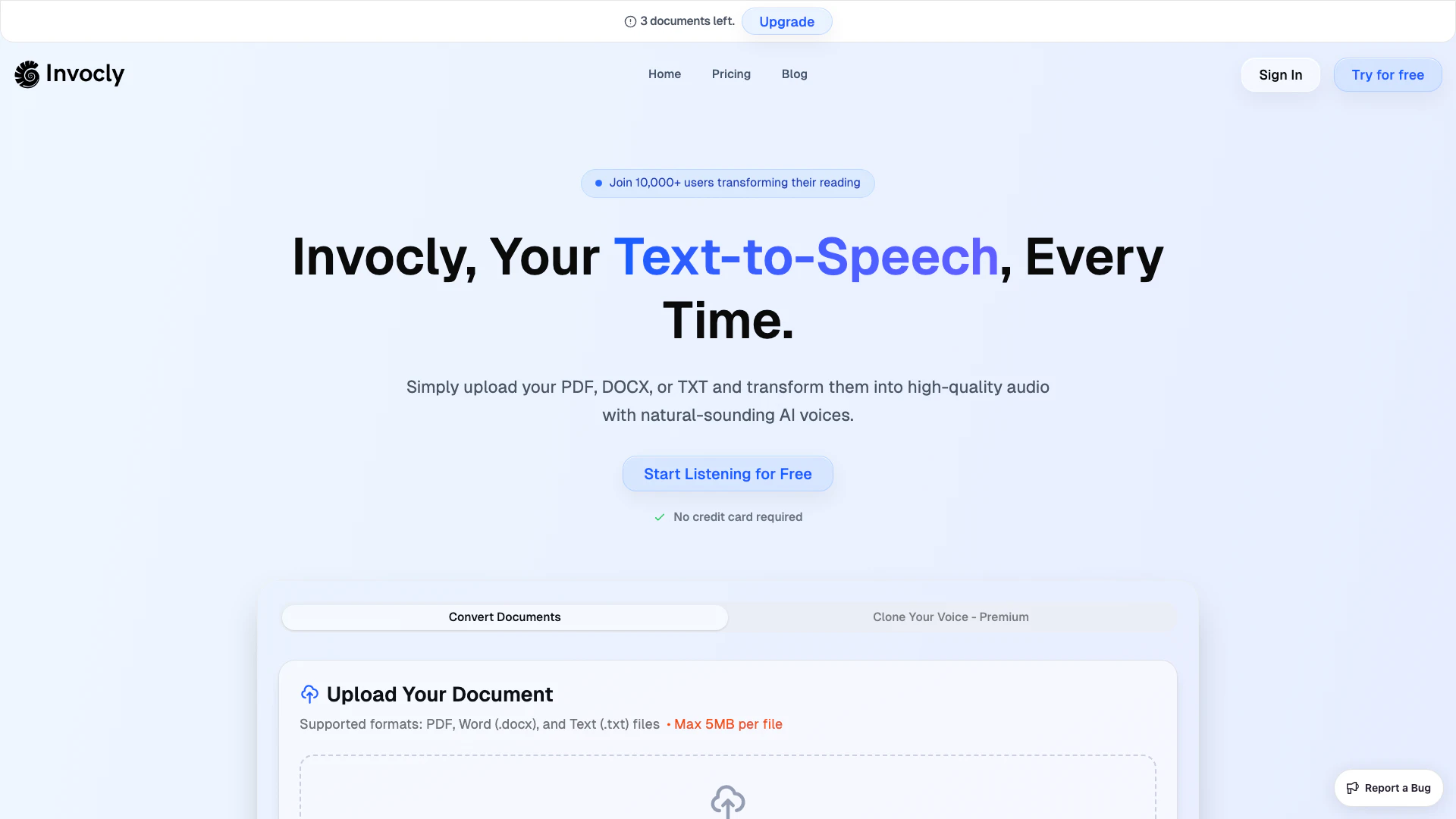
Invocly is a text-to-speech web application that transforms PDF, DOCX, and TXT documents into clear, lifelike audio. It is particularly beneficial for dyslexic learners, visually impaired users, and busy multitasking students who want to enhance their learning experience. By converting written content into spoken word, Invocly enables users to absorb information efficiently and effectively, making it a powerful tool for both educational and professional purposes.
How to use Invocly?
- Upload your Document: Drag-and-drop or click to upload your PDF, DOCX, or TXT file. Invocly’s engine instantly reads your document.
- Choose a Voice: Select from over 60 languages and natural-sounding voices. You can also adjust the speed and style to suit your preference.
- Generate Audio: Click on the 'Generate' button, and Invocly will create the speech. You can then download the MP3 file and enjoy listening anywhere you go.
What are the main features of Invocly?
- Multi-Format Support: Convert PDF, DOCX, and TXT documents into audio.
- Voice Selection: Choose from 60+ languages and accents with natural-sounding voices.
- Adjustable Settings: Modify voice speed and style for a personalized listening experience.
- Accessibility Focus: Designed for dyslexic learners and visually impaired users, meeting ADA & WCAG standards.
- Productivity Enhancement: Listen to documents while multitasking, commuting, or exercising, turning idle time into productive learning.
Who is Invocly for?
Invocly is designed for a diverse range of users, including students who need to convert complex materials into audio for easier comprehension, professionals looking to enhance productivity by listening to reports and emails, and individuals with disabilities such as dyslexia or visual impairments who require accessible content. Additionally, it is ideal for busy individuals who want to maximize their time by listening to documents while engaged in other activities, such as commuting or exercising.
What are the use cases of Invocly?
- Students: Convert lecture notes and research papers into audio for easier comprehension while commuting or exercising.
- Professionals: Use text-to-speech for reports, presentations, and emails to maximize productivity during downtime.
- Accessibility: Assist users with dyslexia or visual impairments in consuming written content effectively, making learning more inclusive.
Invocly Pros and Cons
Pros
- File Format Compatibility: Invocly converts PDF, DOCX, and TXT files into clear audio, making it accessible for various users.
- Boosts Productivity: The app helps users save time by allowing them to listen to content while engaging in other activities.
- Reduces Eye Fatigue: Invocly reduces eye strain by providing an audio alternative to reading, which is beneficial for users with long screen time.
- Enhances Learning Retention: The dual approach of reading and listening improves memory retention and comprehension.
Cons
- Requires Internet Connection: The app may require a stable internet connection for optimal performance, which could limit usage in offline scenarios.