Innicdata





What is Innicdata?
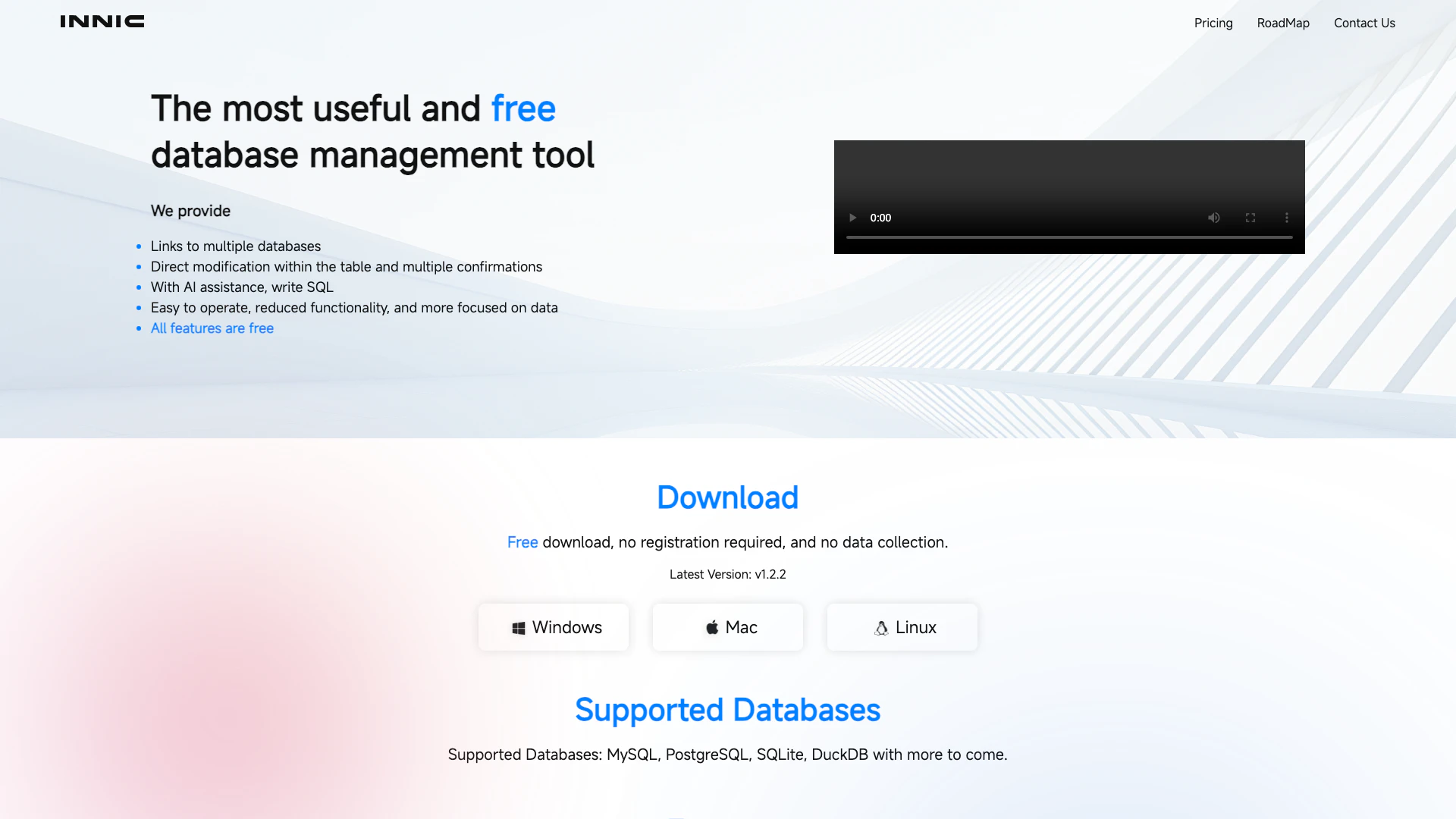
Innicdata is a free and powerful database management tool designed to streamline the process of handling various databases such as MySQL, PostgreSQL, SQLite, and DuckDB. It provides users with a user-friendly interface that allows for direct modifications within tables, SQL auto-completion, and AI assistance for writing SQL queries. Innicdata stands out by offering all its features without any registration or data collection requirements, making it accessible for anyone looking to manage databases efficiently.
How to use Innicdata?
- Download Innicdata from the official website without any registration.
- Install the application on your device (Windows, Mac, or Linux).
- Open Innicdata and select the database you want to manage (e.g., MySQL, PostgreSQL).
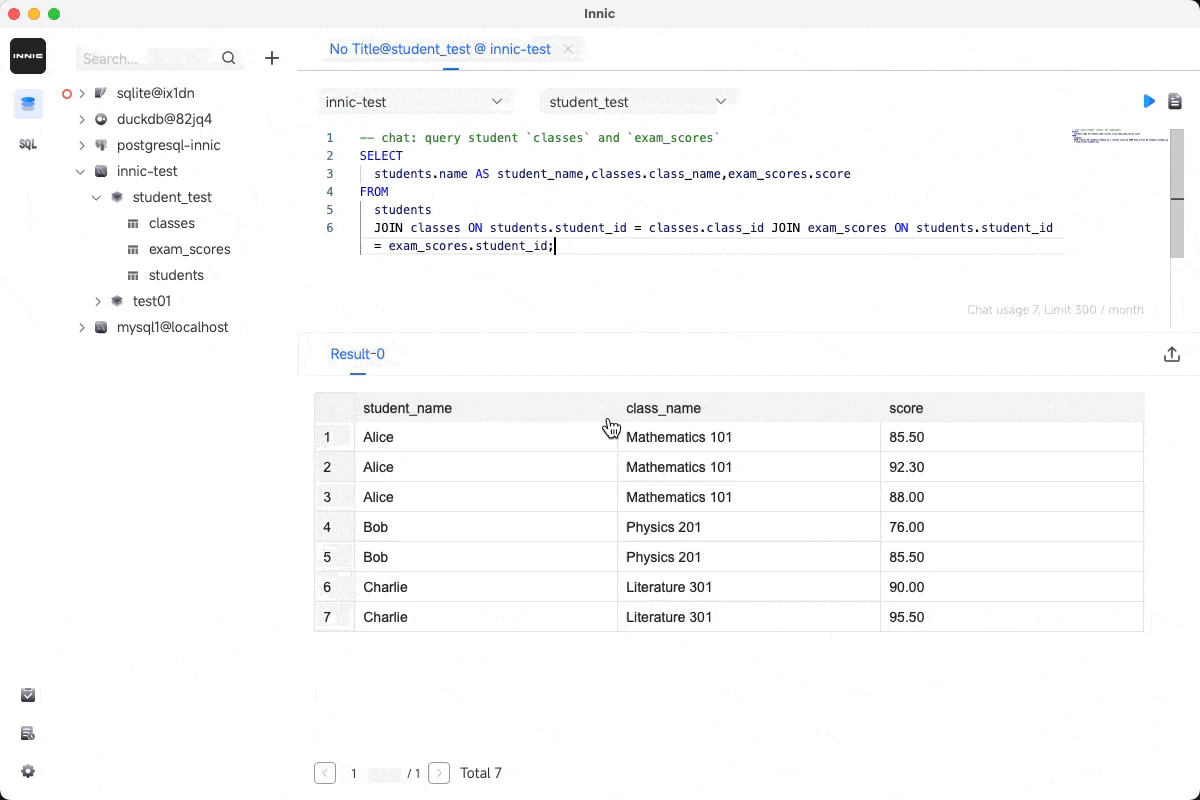
- Use the built-in SQL editor to write your queries, utilizing the auto-completion feature for efficiency.
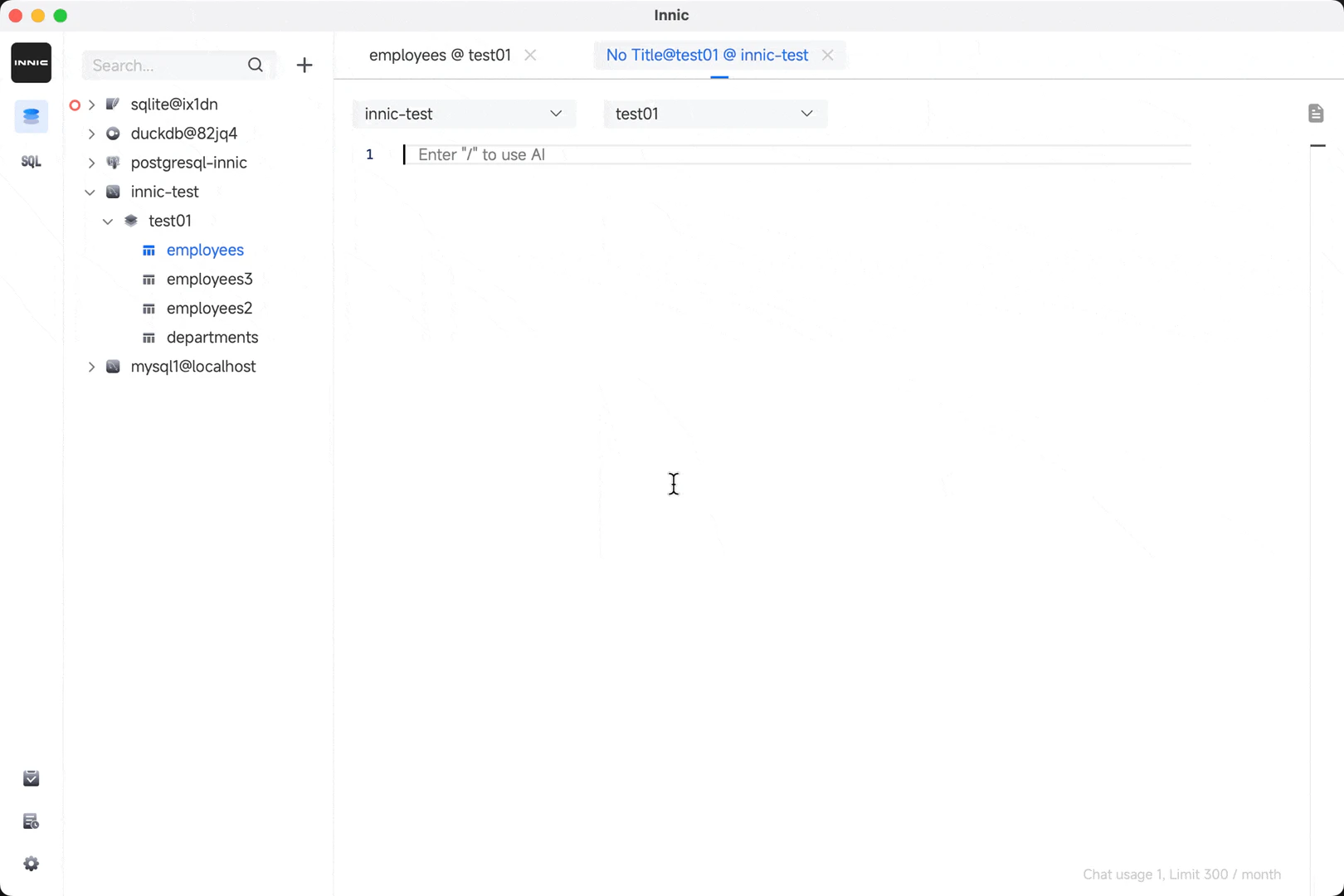
- If needed, use the AI assistant to get suggestions and improve your SQL statements.
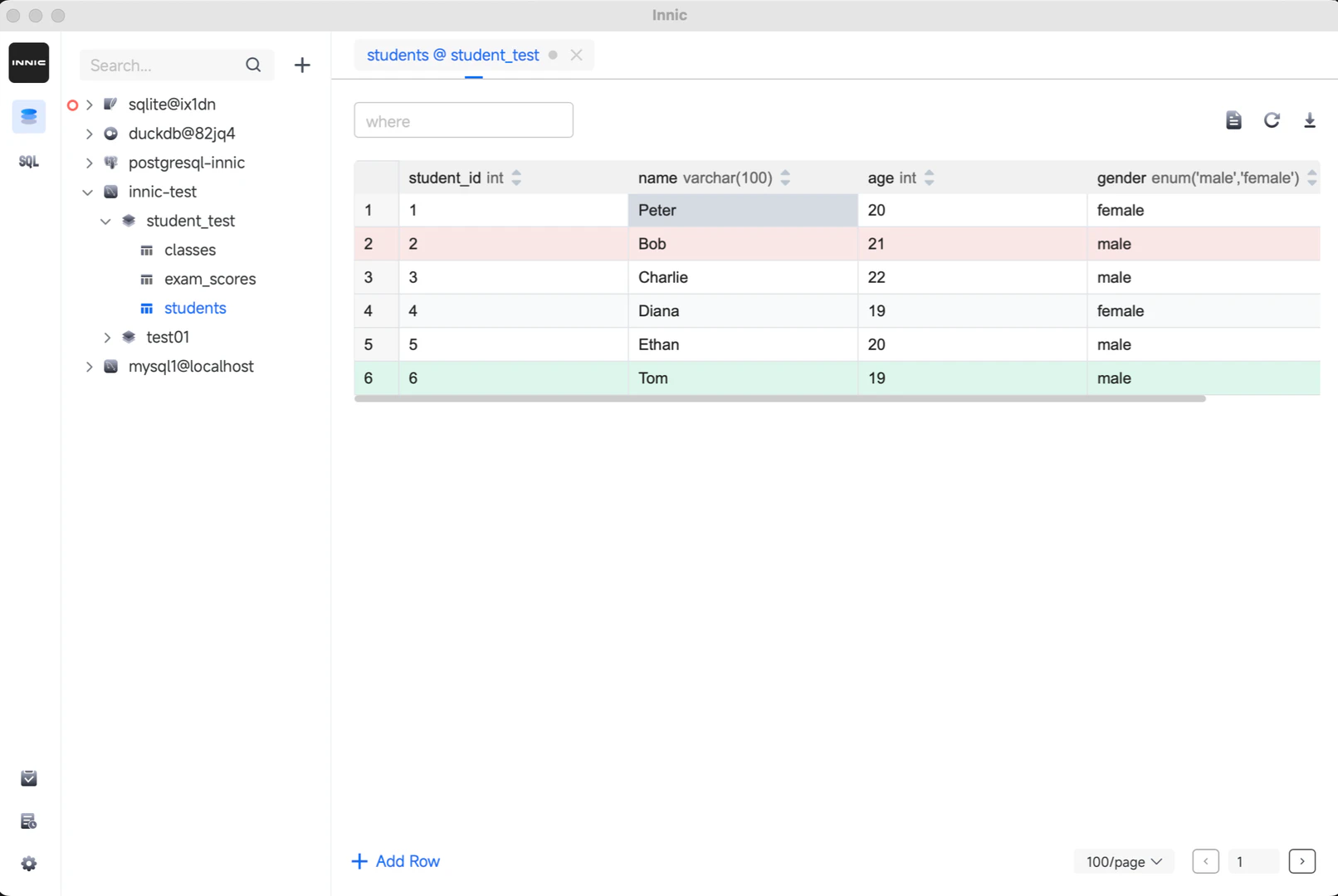
- Edit table data directly within the interface and preview your changes.
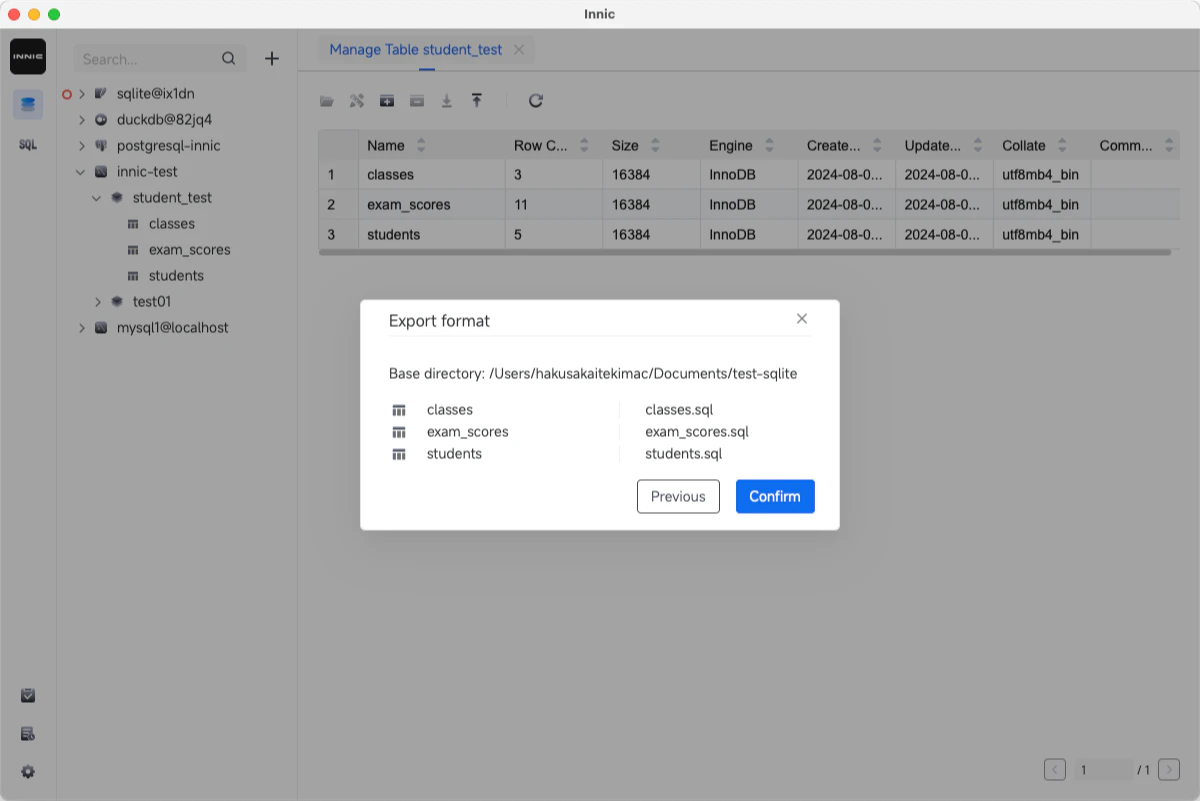
- Export your data in CSV or SQL formats as required.
What are the main features of Innicdata?
- Links to multiple databases including MySQL, PostgreSQL, SQLite, and DuckDB.
- Direct modification of table data with preview options.
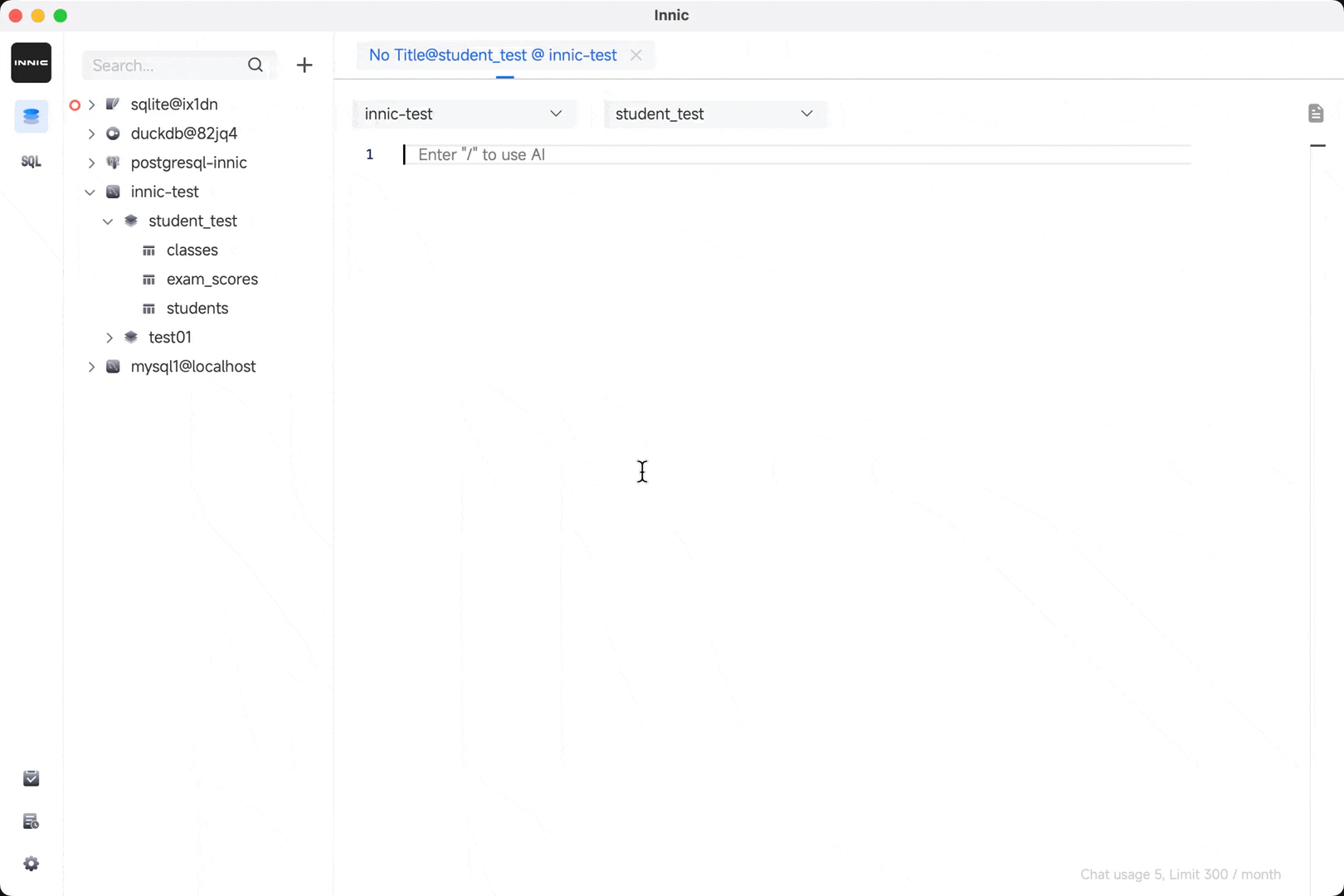
- SQL auto-completion with syntax highlighting and suggestions for tables and columns.
- AI assistance for faster and more efficient SQL writing, powered by GPT-3.5 Turbo / GPT-4 Turbo.
- Support for exporting multiple tables or entire databases to CSV or SQL files.
- Dark mode feature for user comfort during extended usage.
Who is Innicdata for?
Innicdata is ideal for database administrators, developers, and data analysts who require a reliable and efficient tool for managing various types of databases. Its user-friendly interface and powerful features make it suitable for both beginners and experienced users. Whether you are working on small personal projects or large enterprise applications, Innicdata provides the necessary tools to handle your database management needs effectively.
What are the use cases of Innicdata?
- Managing and editing data in MySQL and PostgreSQL databases for web applications.
- Utilizing the AI assistant to generate complex SQL queries for data analysis.
- Exporting database tables to CSV files for reporting and data sharing.
- Using the tool in educational settings to teach SQL and database management concepts.
- Implementing quick data modifications and exports for data migration tasks.
Product Images
Innicdata Pros and Cons
Pros
- Free and No Registration Required: Innicdata offers a completely free database management tool with no registration needed, allowing users to download and use it immediately.
- AI-Assisted SQL Writing: The tool features an AI assistant that helps users write SQL queries more efficiently, providing auto-completion and suggestions for tables and columns.
- Multiple Database Support: Innicdata supports various databases including MySQL, PostgreSQL, SQLite, and DuckDB, making it versatile for different user needs.
Cons
No cons data detected for this tool