Inboxpro





What is InboxPro?
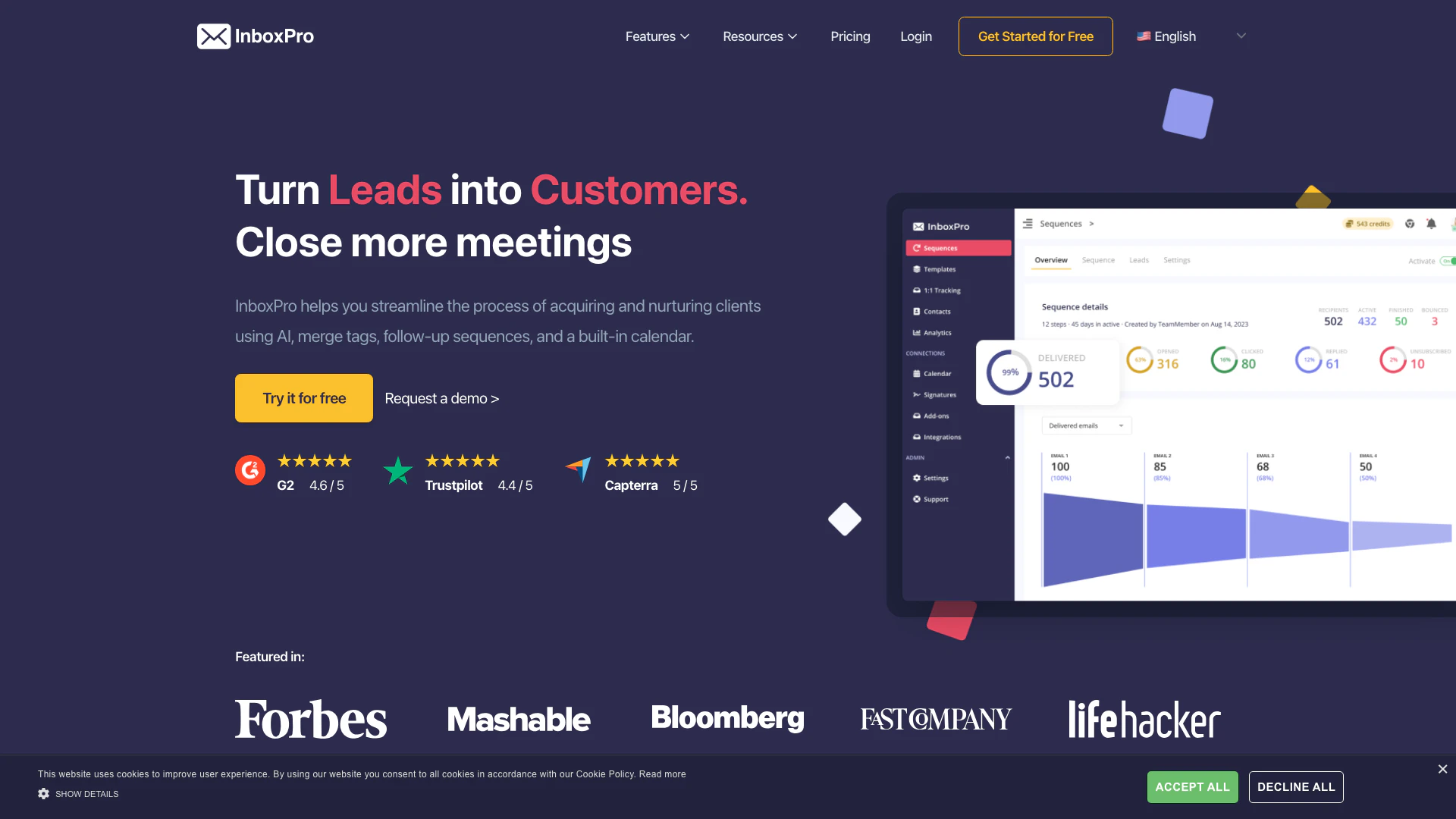
InboxPro is a powerful AI-driven tool designed to streamline the process of acquiring and nurturing clients. It leverages artificial intelligence, merge tags, automated follow-up sequences, and a built-in calendar to enhance communication and improve client engagement. By simplifying the email management process, InboxPro allows users to focus on closing deals rather than getting bogged down by repetitive tasks. This tool is ideal for sales professionals, marketers, and business owners looking to optimize their client acquisition strategies.
How to use InboxPro?
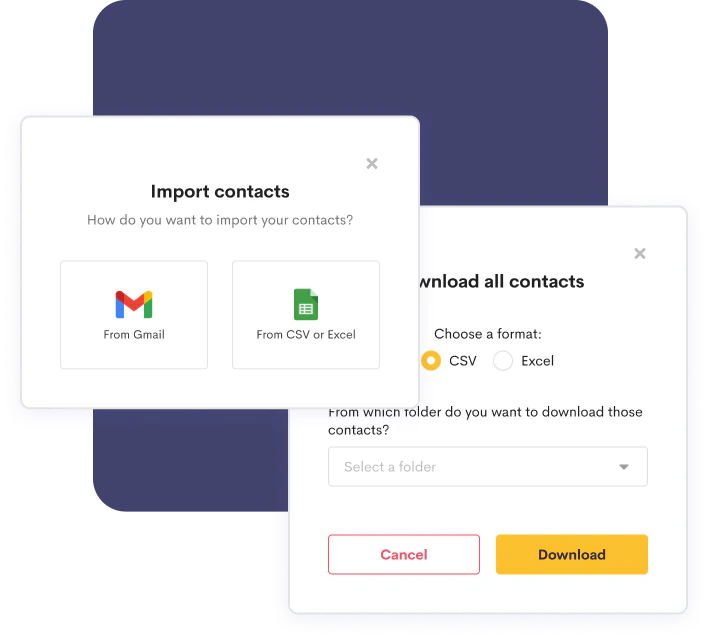
- Import Your Contacts: Start by transferring your existing email contacts to InboxPro. You can easily import your contact list or add new contacts manually.
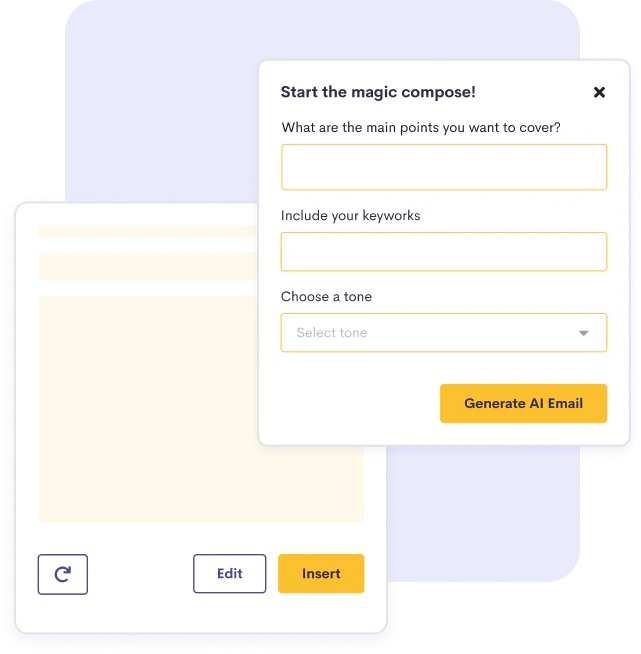
- Utilize the AI Email Assistant: Use the AI Email Assistant to compose emails quickly. Just provide the subject, keywords, and desired tone, and let the AI generate professional emails for you.
- Set Up Follow-Up Sequences: Create automated follow-up email sequences based on your sales objectives, allowing you to engage prospects effectively.
- Personalize Communications: Use merge tags to include personal touches in your emails, such as the recipient's name or company details.
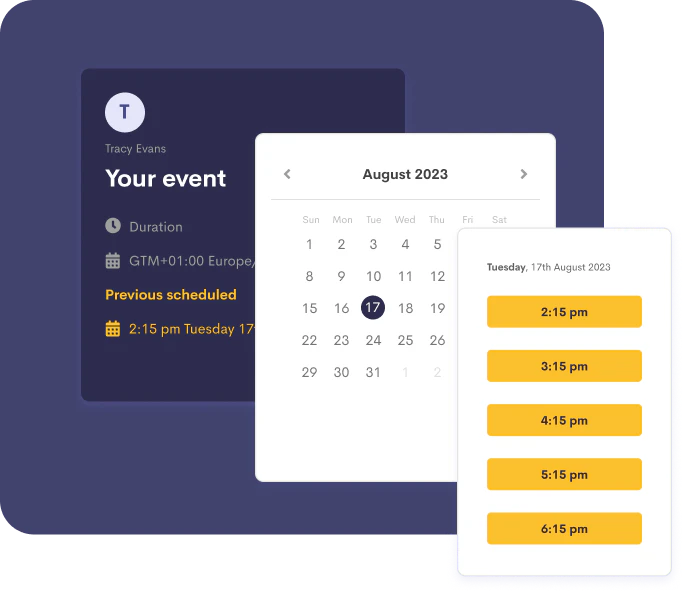
- Schedule Appointments: Set up your availability through InboxPro's built-in calendar, allowing prospects to book appointments at their convenience.
What are the main features of InboxPro?
- AI Email Assistant: Compose and summarize emails with one click using AI technology.
- Calendar Scheduling: Allow others to schedule meetings with you easily through a built-in calendar.
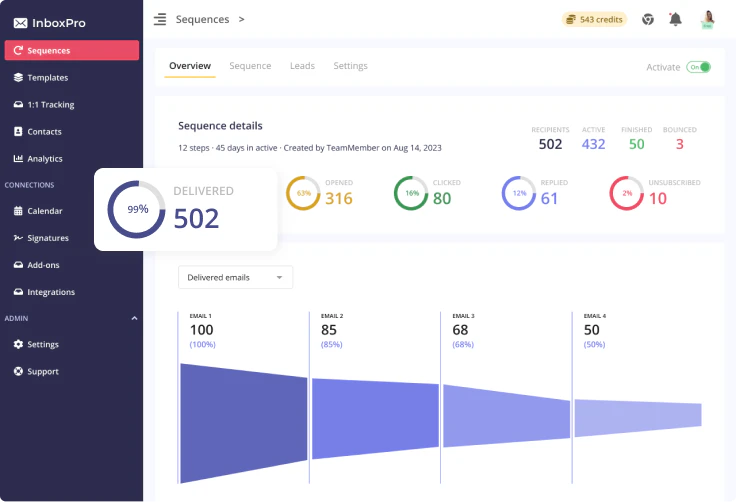
- Automated Sequences: Create follow-up email sequences that trigger based on specific conditions.
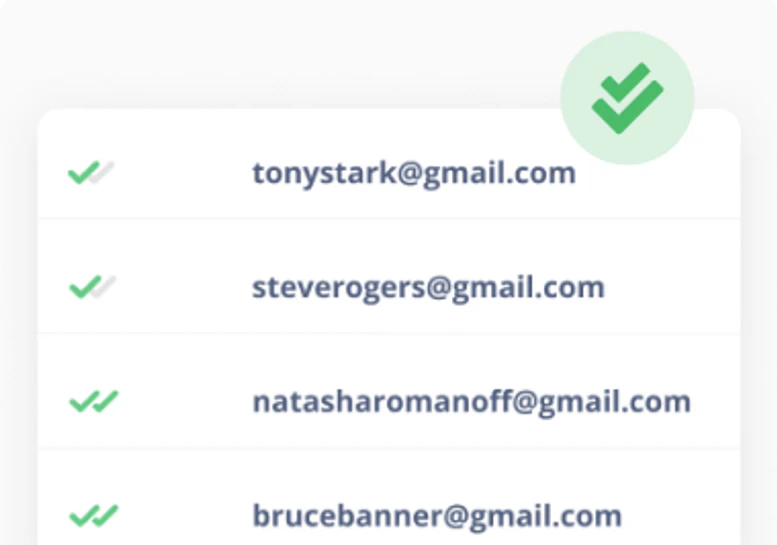
- Email Tracking: Monitor who opens your emails and clicks on links to gauge engagement.
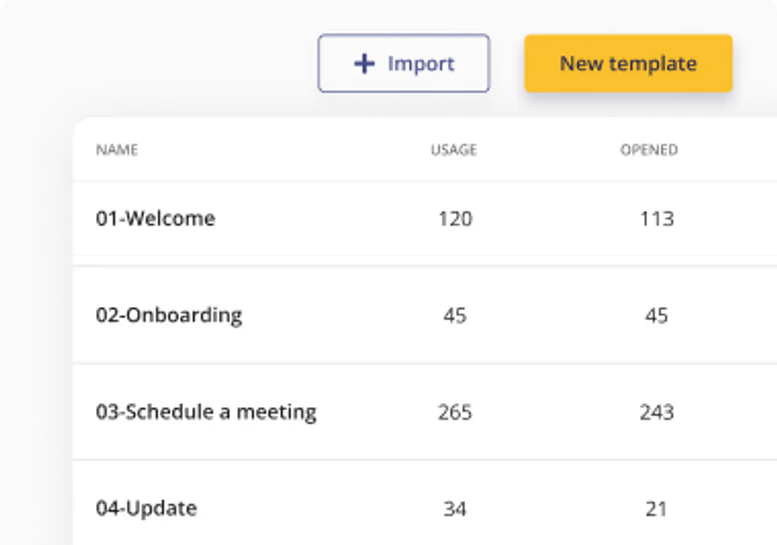
- Email Templates: Save and reuse email templates for consistent communication.
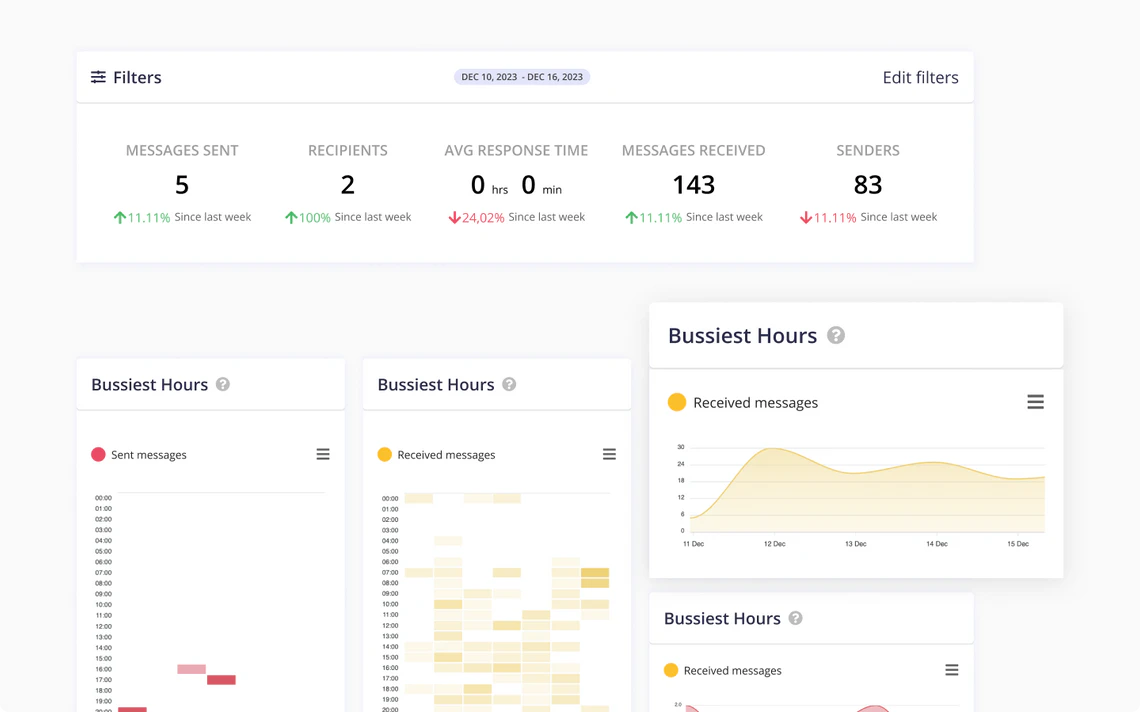
- Email Analytics: Visualize email activity statistics to make informed decisions.
Who is InboxPro for?
InboxPro is designed for sales professionals, marketers, and business owners who need to manage high volumes of email communication efficiently. It is particularly beneficial for those who want to enhance their client acquisition and nurturing processes through automation and personalization. The tool caters to individuals and teams looking to streamline their email workflows, reduce manual tasks, and improve client engagement.
What are the use cases of InboxPro?
- Lead Generation: Use InboxPro to automate follow-up emails to potential leads, increasing the chances of conversion.
- Client Engagement: Personalize communication with clients using merge tags to address their specific needs and concerns.
- Meeting Scheduling: Simplify the process of booking meetings with prospects by allowing them to choose their preferred time through the integrated calendar.
Product Images
Inboxpro Pros and Cons
Pros
- AI Email Assistant: Compose and summarize emails effortlessly with the AI Email Assistant, allowing for quick and efficient communication.
- Automated Follow-Up Sequences: Build automated follow-up sequences to nurture leads and ensure consistent communication with prospects.
- Email Tracking: Monitor email engagement with tracking features that notify you when emails are opened or links are clicked.
Cons
No cons data detected for this tool
Analytics of Inboxpro
Inboxpro Website Traffic Analysis
Visits Over Time
Traffic Sources
Dec 2025 - Feb 2026 Worldwide Desktop Only
- Direct: 47.48%
- Search: 38.78%
- Referrals: 7.96%
- Social: 4.45%
- Paid Referrals: 0.95%
- Mail: 0.12%
Top Keywords
| Keyword | Volume | CPC | Estimated Value |
|---|---|---|---|
| check mailadres | 0 | $0.00 | $110.00 |
| 邮箱签名设计在线制作 | 0 | $0.00 | $90.00 |
| inboxpro | 110 | $0.00 | $30.00 |
| via een tool erachter komen waar een mailadres is | 100 | $0.00 | $70.00 |
| email address checker nederland | 70 | $0.00 | $40.00 |
Inboxpro Reviews
Overall its a great tool. Best for people with high volume email work and needs to keep a track of email activity.
Great potential. I love the idea behind InboxPro - one app that does what many I have to use several others for today.
For more reviews, visit this link: https://inboxpro.io/#reviews