Immagicai


What is Immagicai?
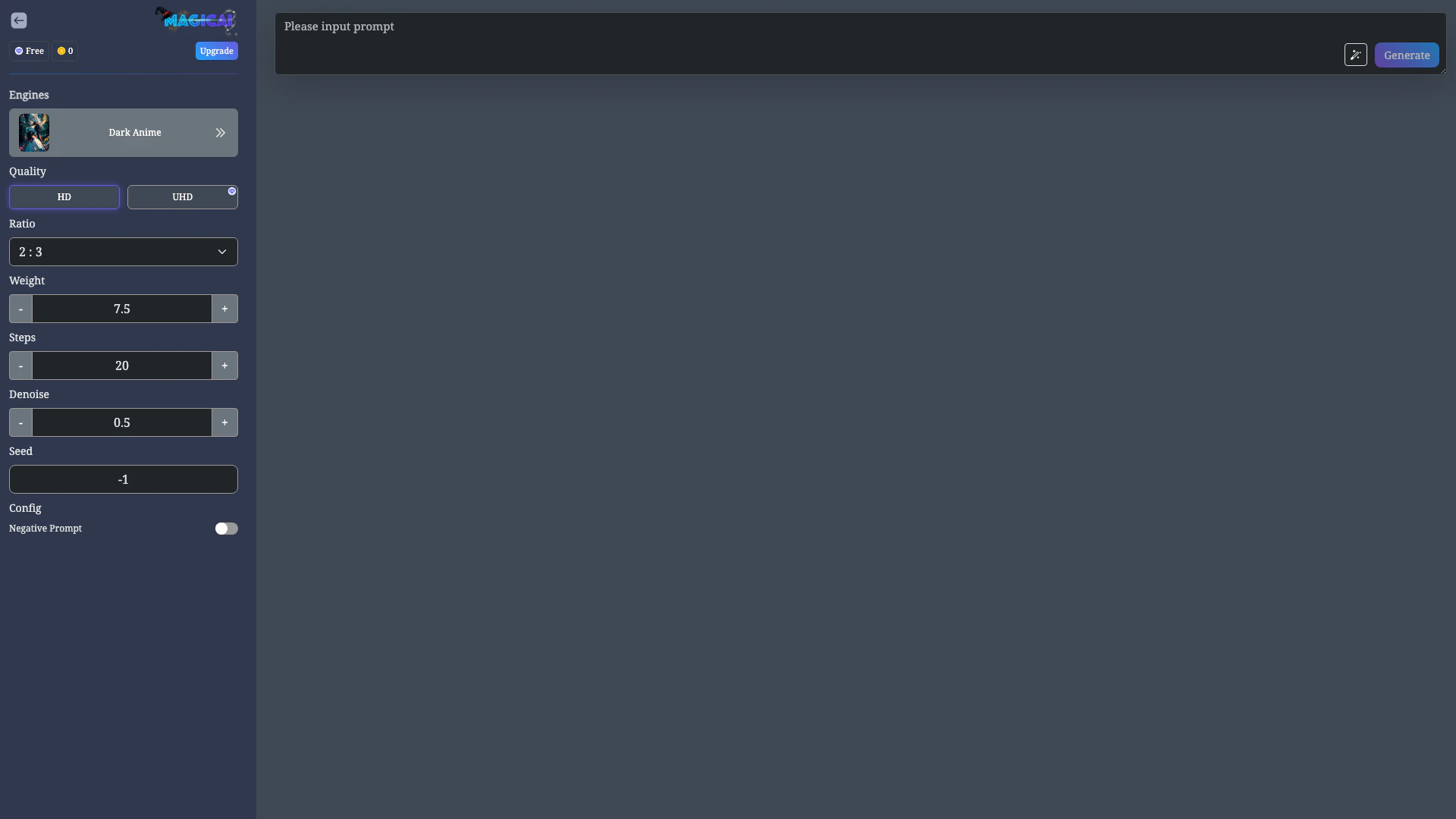
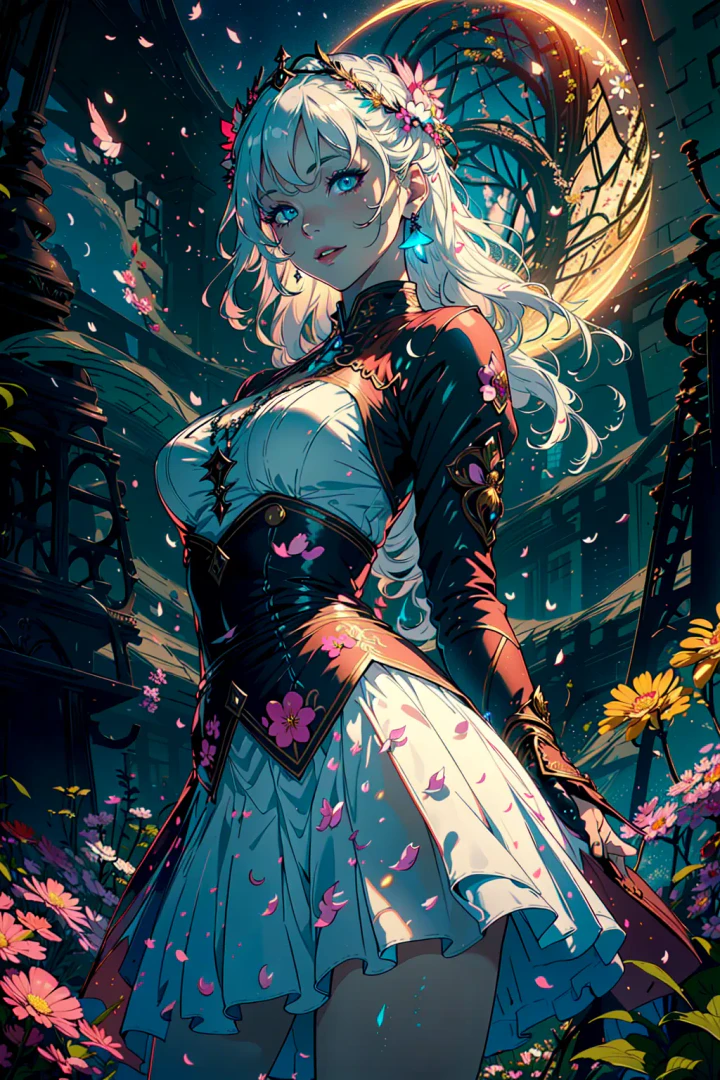
Immagicai is a free-to-use online AI image generator[2] that transforms text prompts into stunning images. This tool leverages advanced artificial intelligence technology to create unique AI art, photos, and images based on user-defined text inputs. With its user-friendly interface, Immagicai allows anyone to generate high-quality visuals effortlessly, making it an ideal solution for artists, marketers, and anyone interested in creative design.
How to use Immagicai?
- Visit the Immagicai website at https://immagic.ai/image.
- Enter your desired text prompt in the designated input field to describe the image you want to create.
- Select any optional settings, such as quality (HD/UHD), aspect ratio[4], and denoise settings, to customize your image.
- Click on the 'Generate' button to create your AI-generated image.
- Once the image is generated, you can download it or publish it directly from the platform.
What are the main features of Immagicai?
- Text to Image[1] Generation: Create images based on text prompts effortlessly.
- Multiple Quality Options: Choose from HD and UHD image quality[3] settings.
- Aspect Ratio Customization: Select from various aspect ratios including 2:3, 1:1, and more (PRO feature).
- Negative Prompt[5] Option: Specify elements to avoid in the generated image.
- User-Friendly Interface: Simple design that makes it easy for anyone to generate images.
Who is Immagicai for?
Immagicai is designed for a wide range of users, including artists seeking inspiration, marketers looking to create unique visuals for campaigns, and hobbyists interested in generating AI art. It is particularly beneficial for those who may not have advanced design skills but wish to produce high-quality images quickly and easily. Additionally, educators and students can use it for creative projects and presentations.
What are the use cases of Immagicai?
- Art Creation: Artists can use Immagicai to generate unique artworks based on their creative prompts.
- Marketing Materials: Marketers can create eye-catching images for social media posts, advertisements, and promotional content.
- Educational Projects: Students and educators can utilize the tool to generate visuals for presentations, reports, and creative assignments.
Product Images
Immagicai Pros and Cons
Pros
- Free to Use: Immagicai offers a free-to-use online AI image generator, allowing users to create AI art without any cost.
- Multiple Image Styles: Users can choose from various image styles and engines, enhancing creativity and customization in generated images.
- High-Quality Outputs: The tool supports HD and UHD quality outputs, ensuring that the generated images are visually appealing and detailed.
Cons
No cons data detected for this tool
Analytics of Immagicai
Immagicai Website Traffic Analysis
Visits Over Time
Top Keywords
| Keyword | Volume | CPC | Estimated Value |
|---|---|---|---|
| magic ai | 19.03K | $0.27 | $0.00 |
| magicai | 3.00K | $0.26 | $30.00 |
| big tits ai | 750 | $1.63 | $0.00 |
| ai big tits | 360 | $0.00 | $0.00 |