

Imgart




What is ImgArt?
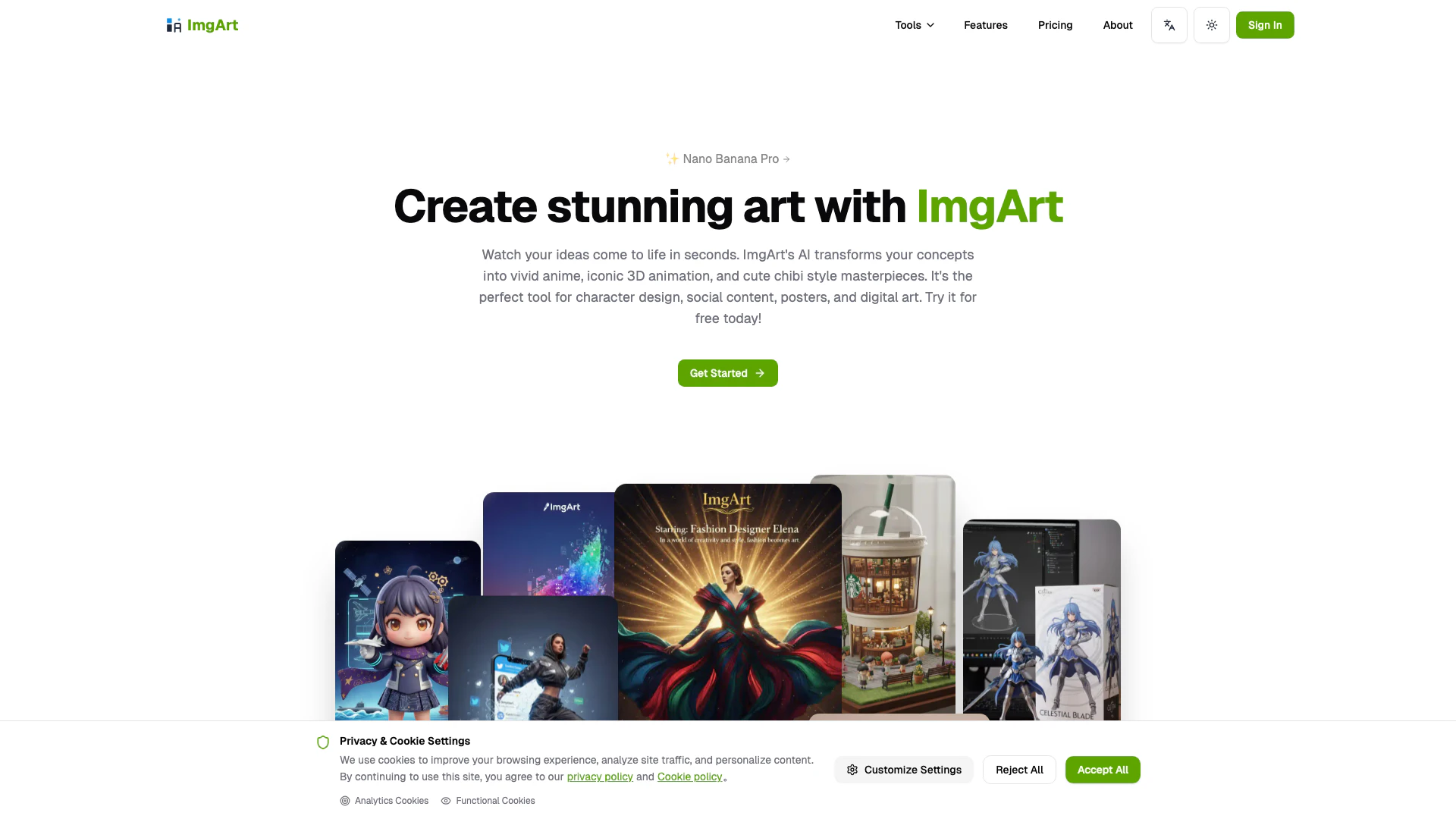
ImgArt is an innovative AI-powered image generation tool that allows users to create stunning artwork[2], avatars[3], and more in just seconds. Utilizing advanced AI technology, ImgArt enables users to transform their ideas into vivid images without requiring any signup for its free tier. It is designed for both casual users and professionals, providing a variety of features that cater to different artistic needs.
How to use ImgArt?
- Visit the ImgArt website at https://imgart.net/.
- Choose the desired image generation feature, such as the AI Image Generator or any specific style generator.
- Input your text prompt or upload an image to start the generation process.
- Adjust settings as needed, such as style or quality preferences.
- Click on the 'Generate' button and wait for the AI to create your image.
- Review the generated image and download it if satisfied.
What are the main features of ImgArt?
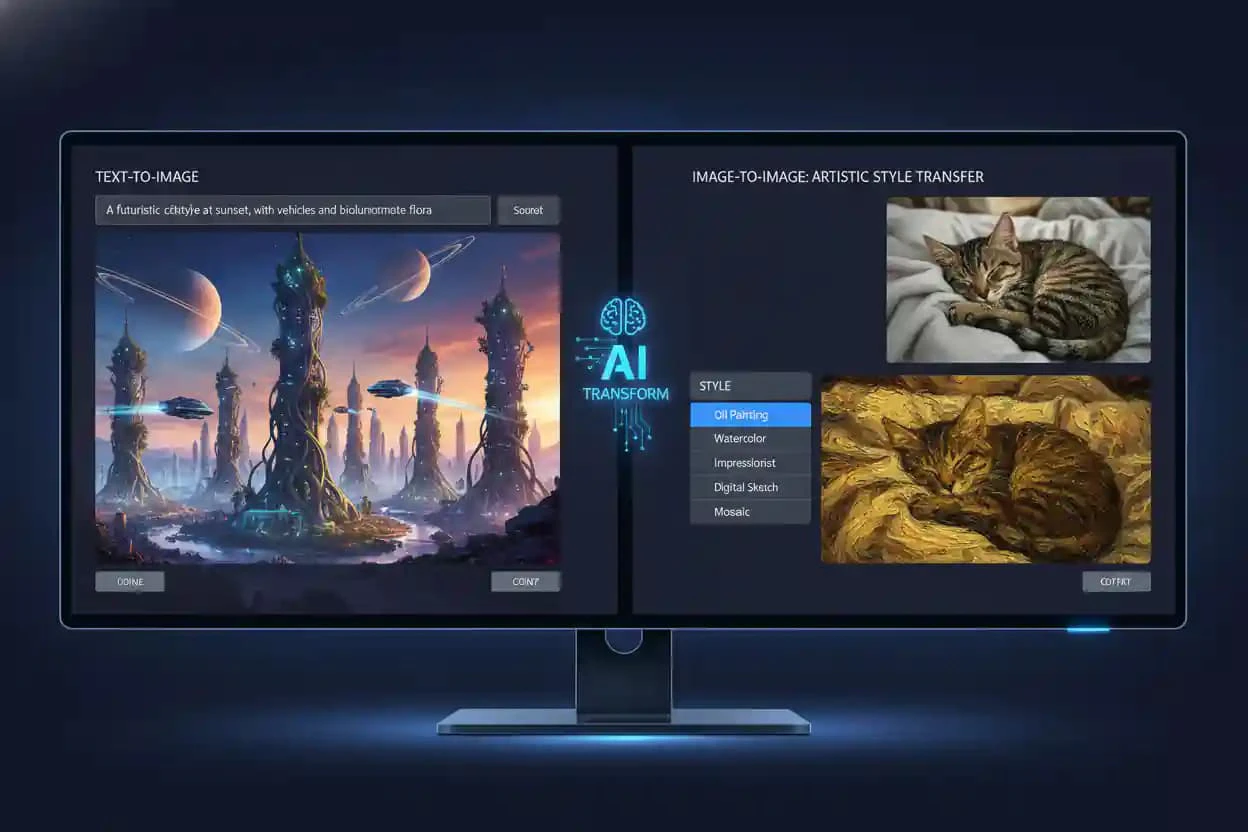
- AI Image Generation[1]: Create images from text prompts or transform existing images.
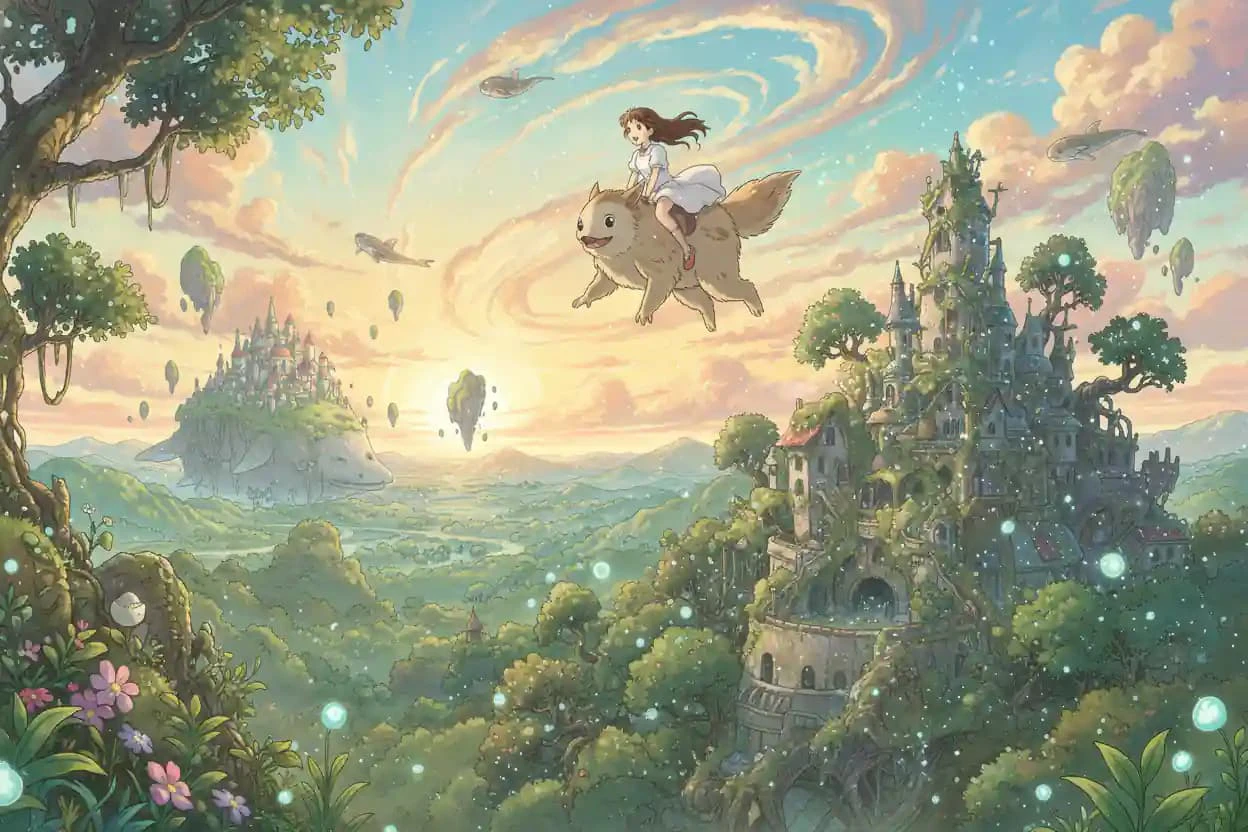
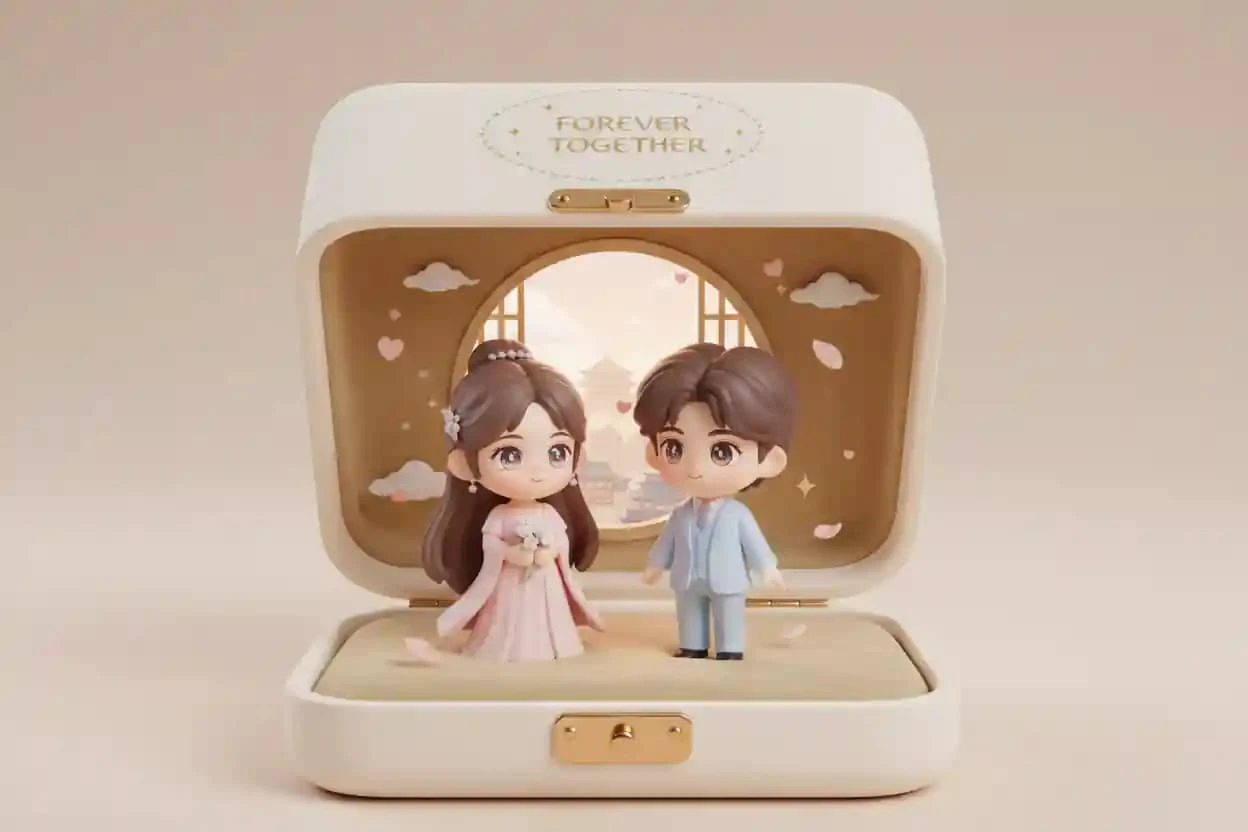
- Multiple Style Generators[4]: Includes Ghibli, Pixar, and Chibi styles for unique artwork.
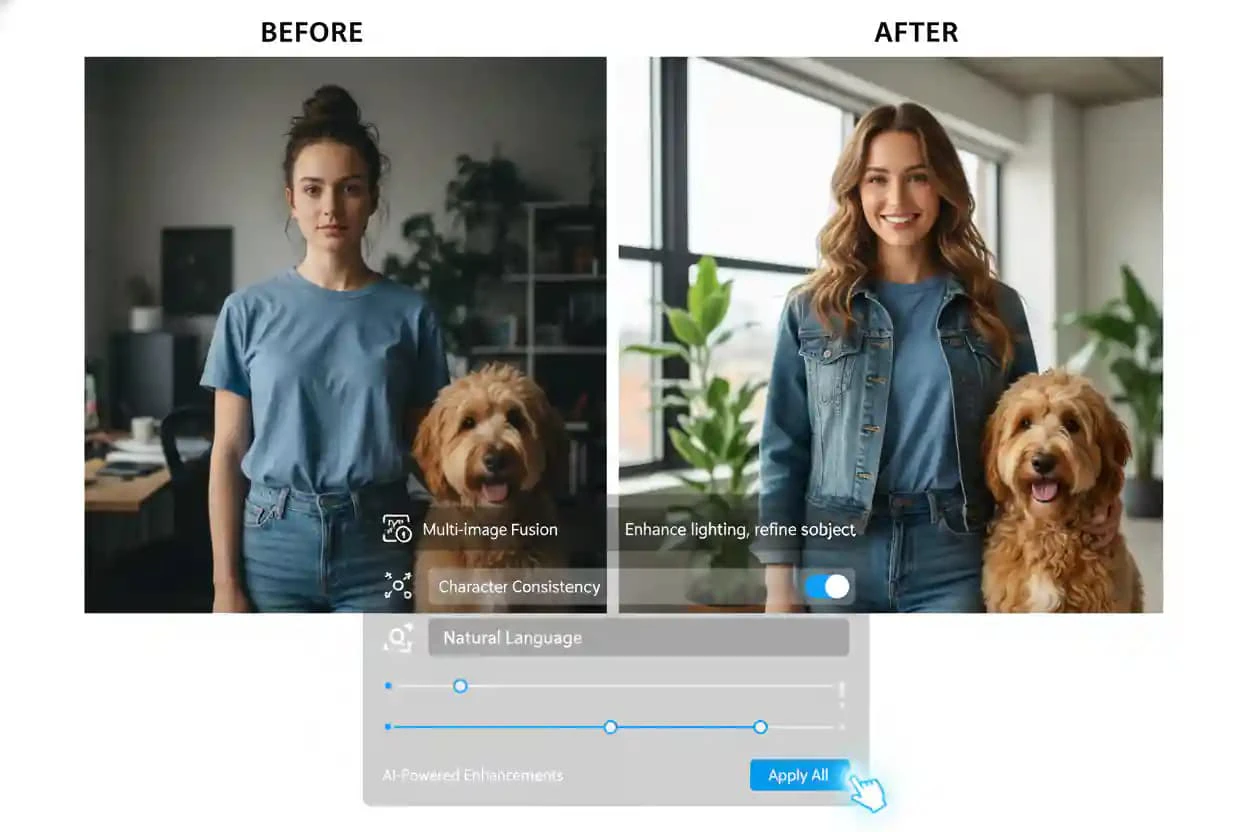
- Advanced Editing Tools: Features like multi-image fusion and natural language editing for precise control.
- Free Tier Availability: Users can start generating images without signup, making it accessible for everyone.
- High-Quality Outputs: Ensures consistent and visually appealing results with every generation.
Who is ImgArt for?
ImgArt is ideal for a wide range of users including graphic designers, social media managers, content creators, and hobbyists. It caters to those looking to create unique artwork quickly, whether for professional projects, social media posts, or personal use. The tool's accessibility and diverse features make it suitable for anyone interested in digital art, from beginners to experienced artists.
What are the use cases of ImgArt?
- Character Design: Generate unique characters for games, animations, or illustrations.
- Social Media Content: Create eye-catching visuals for posts, enhancing engagement and reach.
- Marketing Materials: Design promotional graphics and advertisements that stand out.
- Personalized Gifts: Create custom avatars or artworks for gifts or personal projects.
- Artistic Exploration: Experiment with different styles and concepts without the need for extensive artistic skills.
Product Images
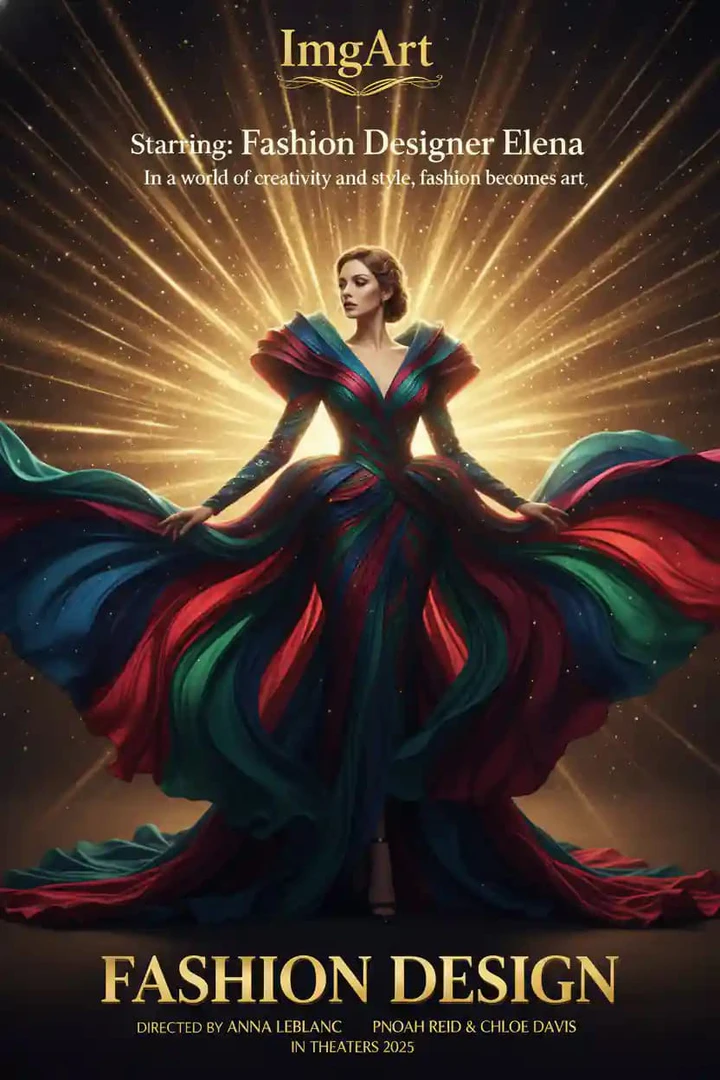
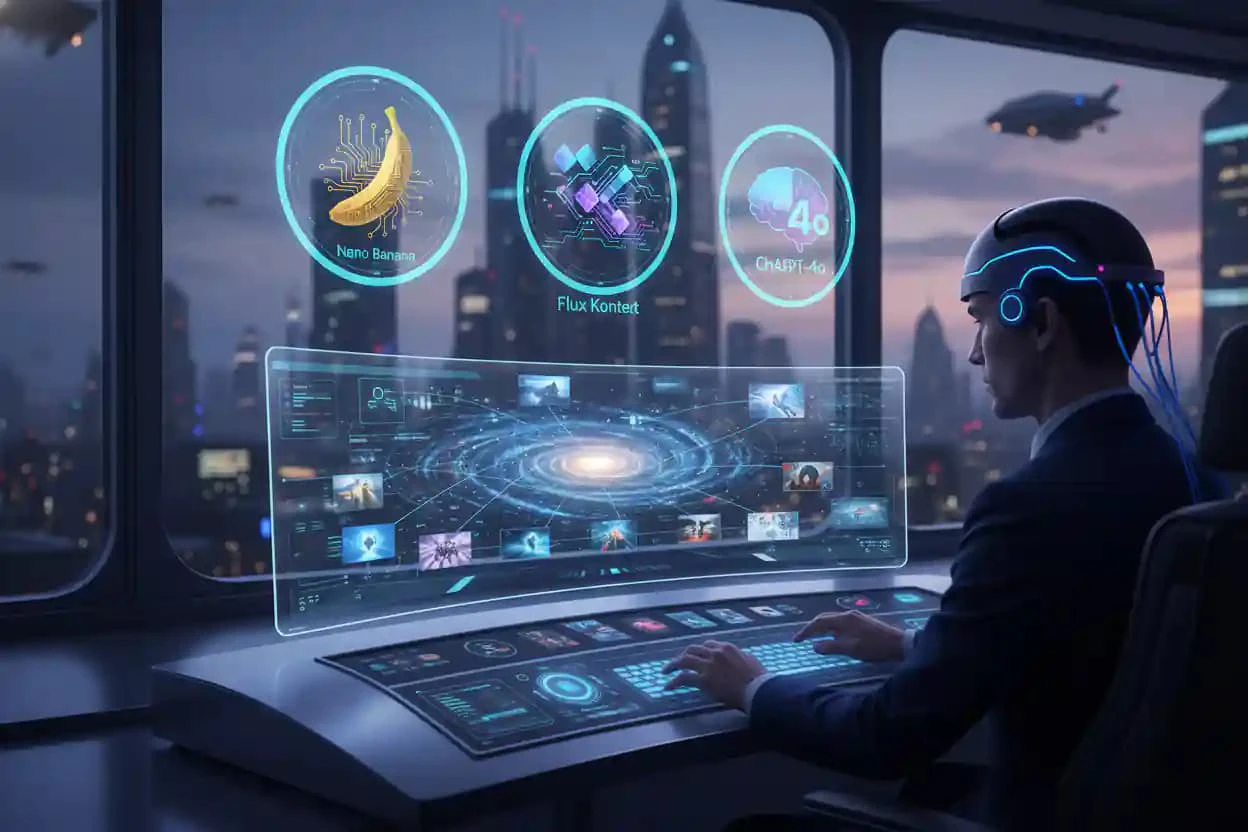

Imgart Pros and Cons
Pros
- Free Image Generation: ImgArt allows users to generate stunning AI images for free without requiring signup, making it accessible for casual users.
- Multiple Styles and Models: The platform supports various styles such as Ghibli, Pixar, and Chibi, allowing users to create diverse artwork using advanced AI models.
- User-Friendly Interface: ImgArt features an intuitive interface that makes it easy for users of all skill levels to create and edit images quickly.
Cons
No cons data detected for this tool
Imgart Pricing
Trial
Perfect for trying out - Standard generation speed - 50 credits (one-time bonus) - Public gallery (no private mode) - Non-commercial use - For casual users
Pro
Save 20% with annual billing - Commercial license - No watermark - Access to basic models - 1,000 credits/month (12,000/year)
Ultra
For designers and power users - Fast GPU access - Private mode - Advanced features (Inpainting/ControlNet) - 5,000 credits/month (60,000/year)
For the latest pricing, please visit this link: https://imgart.net/pricing
Prices are subject to change. Please visit the official website for the most up-to-date pricing information.
Imgart Reviews
ImgArt's Ghibli style generator has transformed my creative workflow. Time from concept to finished product reduced by 70%, and the quality is consistently excellent.
We need massive visual content every week. ImgArt's multi-style support lets us quickly generate on-brand images, saving significant outsourcing costs.
The Chibi style character generation is fantastic! I use it to rapidly iterate character designs—team review approval rates doubled.
For more reviews, visit this link: https://imgart.net/#reviews





