

Imgage



What is Imgage?
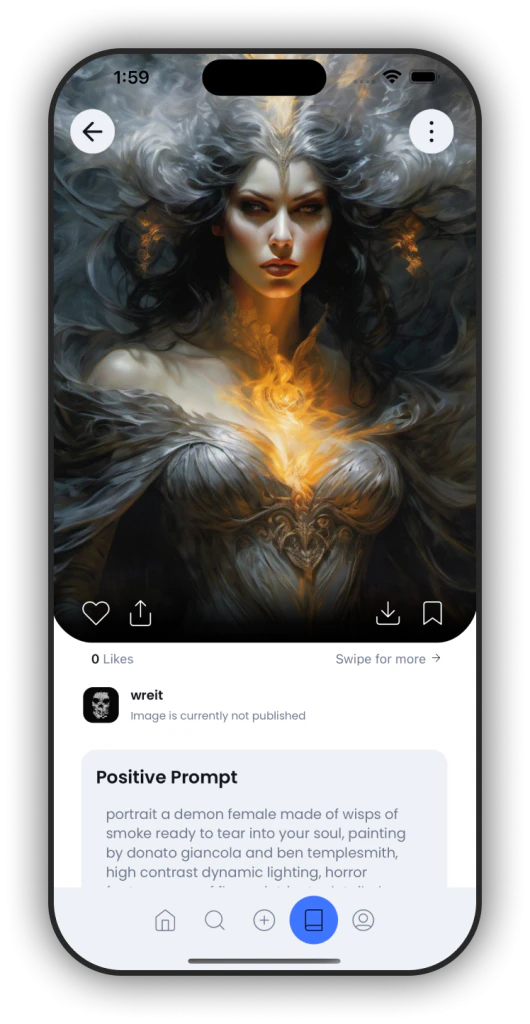
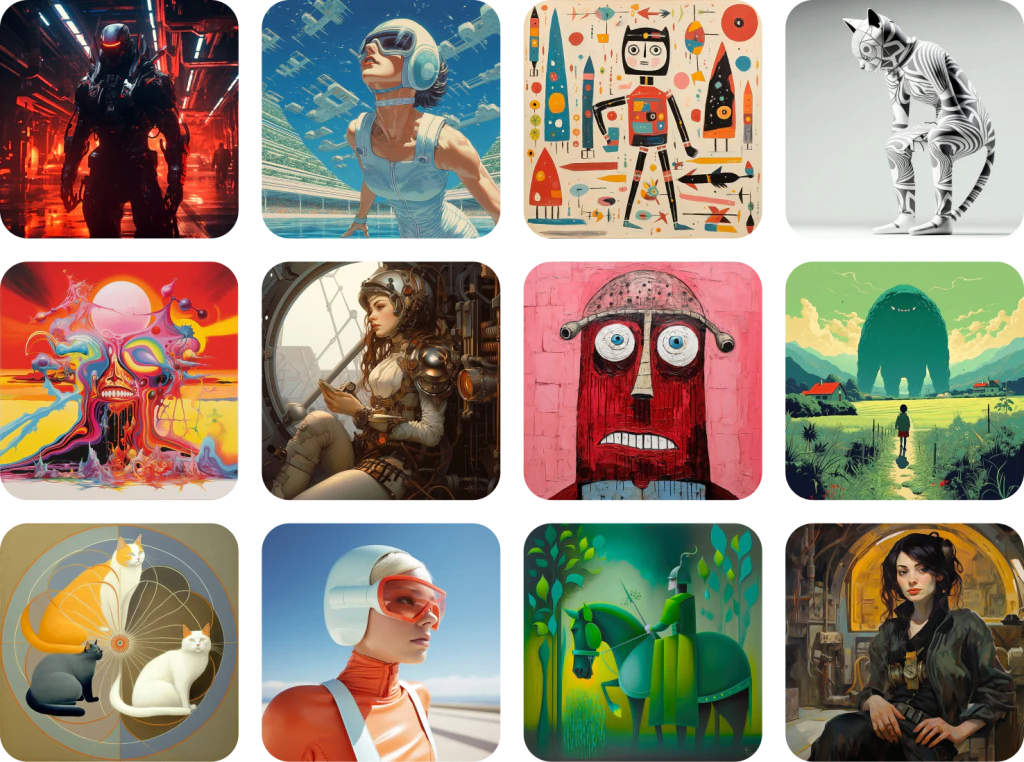
Imgage is an innovative tool designed for individuals looking to harness their creativity and generate stunning images based on personalized requests. This platform allows users to create gorgeous pictures using advanced algorithms that analyze text prompts, providing a variety of artistic styles[1] such as watercolor[2], oil painting[3], and sketch[4]. Imgage not only serves as a creative outlet but also enables users to monetize their artwork, turning their creative passion into a potential source of income.
How to use Imgage?
- Download and install the Imgage app from the App Store.
- Open the app and create an account or log in to your existing account.
- Start by entering a text prompt describing the image you want to create.
- Choose from a variety of artistic styles available in the app.
- Let Imgage generate your unique image based on your request.
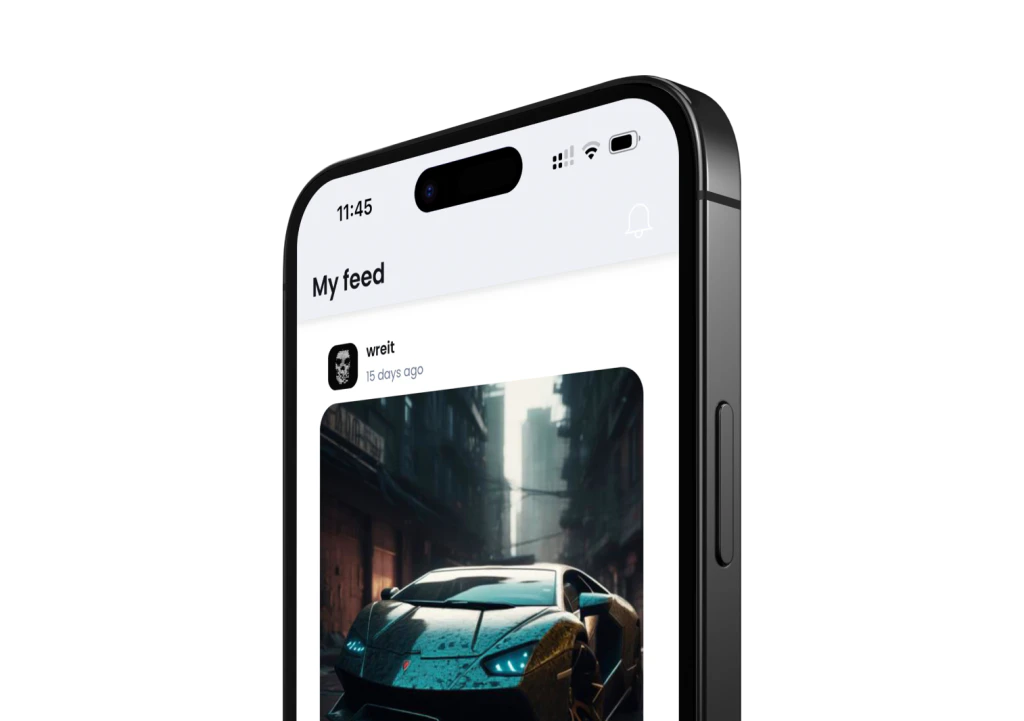
- Once your artwork is ready, you can download it, share it on social media, or publish it on the public feed to connect with other users.
What are the main features of Imgage?
- Artistic Styles: Choose from various styles like watercolor, oil painting, and sketch to create unique images.
- User-Friendly Interface: An intuitive platform that makes it easy for anyone to generate beautiful artwork.
- Monetization[5] Options: Users can sell their images and prompts directly through the app, providing a seamless earning experience.
- Community Engagement: Share your creations with a global audience and connect with fellow artists.
- Inspiration Gallery: Explore a vast gallery of artworks to find inspiration and discover new artistic trends.
Who is Imgage for?
Imgage is designed for creative individuals, artists, and anyone interested in generating beautiful images from text prompts. It caters to both amateur creators looking to explore their artistic potential and professional artists seeking to monetize their work. Whether you are a hobbyist wanting to share your creations or a serious artist aiming to build an audience and earn income, Imgage provides the tools and community support to help you succeed.
What are the use cases of Imgage?
- Personal Artwork Creation: Users can generate unique images for personal projects, gifts, or social media posts.
- Selling Art Online: Artists can create and sell their images on Imgage, providing a platform for income generation.
- Inspiration and Learning: Users can explore the gallery for inspiration, learning new styles and techniques from other artists.
- Community Engagement: Share your artwork on the public feed to gain feedback, likes, and connect with other creatives.
Product Images

Imgage Pros and Cons
Pros
- User-Friendly Tools: Imgage offers intuitive tools that allow users to easily generate stunning artwork, making it accessible for both beginners and experienced artists.
- Monetization Opportunities: Users can monetize their creations by selling images and prompts directly on the platform, providing a pathway to earn income from their artistic efforts.
- Diverse Artistic Styles: Imgage supports a variety of artistic styles, including watercolor and oil painting, enabling users to create personalized images that reflect their unique vision.
Cons
No cons data detected for this tool





