

Imagineai




What is Grok Imagine 1.5?
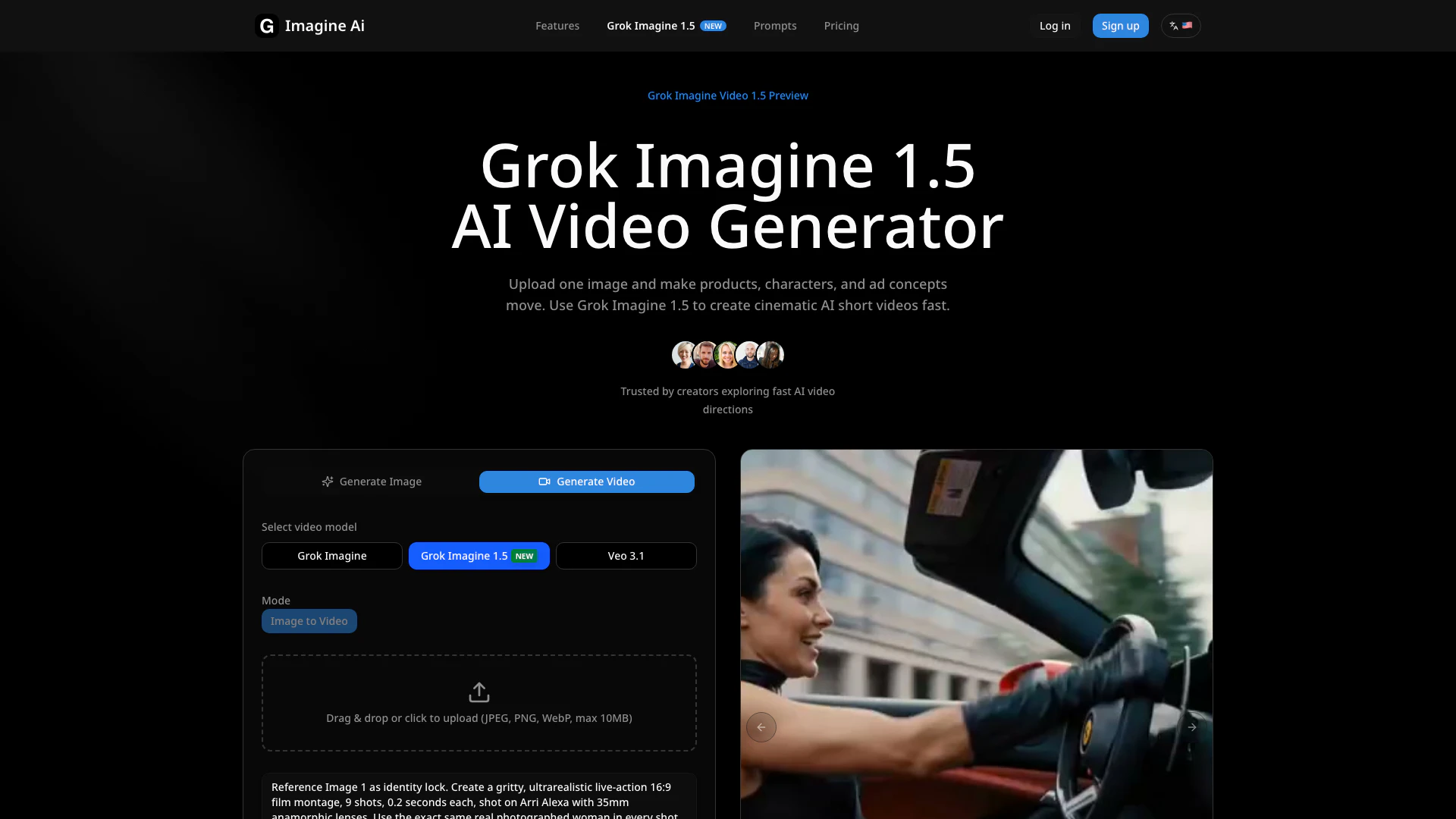
Grok Imagine 1.5 is a cutting-edge image-to-video AI generator that allows users to transform a single reference image into a captivating 1-15 second video. This innovative tool excels in creating dynamic visual content, offering resolutions of 480p and 720p, and supports eight different aspect ratios. With its intuitive design, Grok Imagine 1.5 is perfect for generating product motion clips, animated portraits, character animations, ad previews, and storyboard tests. As the top-ranked tool in the Image-to-Video Arena, Grok Imagine 1.5 stands out for its quality and stability, making it a valuable asset for creators looking to enhance their visual storytelling.
How to use Grok Imagine 1.5?
- Prepare a clear reference image: Upload a product shot, portrait, or character frame with good lighting and minimal occlusion.
- Choose video settings: Select the desired duration (1-15 seconds), aspect ratio, and resolution (480p or 720p).
- Optionally write a prompt: Describe the motion you want to see, such as camera movement or environmental changes.
- Generate the video: Start the process to create your video based on the uploaded image and settings.
What are the main features of Grok Imagine 1.5?
- Transforms a single reference image into a 1-15 second video.
- Offers resolutions of 480p and 720p.
- Supports eight different aspect ratios for versatile output.
- Allows for optional prompt control to guide motion and camera dynamics.
- Designed for quick direction testing and visual draft creation.
- Ideal for product animations, character clips, ad previews, and storyboard tests.
Who is Grok Imagine 1.5 for?
Grok Imagine 1.5 is tailored for creators who work with specific images rather than fully open text prompts. It is especially beneficial for marketers, product designers, animators, and content creators who need to quickly generate visual drafts and motion previews. Whether you're looking to create engaging social media clips, ad previews, or visual storyboards, Grok Imagine 1.5 provides the tools necessary to bring your static images to life with ease and efficiency.
What are the use cases of Grok Imagine 1.5?
- Product motion: Create animated previews for ecommerce images or packaging shots to enhance online listings.
- Character clips: Generate dynamic social media content from character sheets or avatars to showcase expressions and actions.
- Ad previews: Test different lighting and motion directions to align creative teams before production.
- Content storyboards: Produce visual drafts for scripts, music videos, or campaign teasers to visualize concepts.
- Brand visuals: Add subtle motion to brand images while preserving key identity elements for video marketing.
Imagineai Pros and Cons
Pros
- Efficient Image-to-Video Conversion: Grok Imagine 1.5 allows users to quickly turn static images into dynamic short videos, making it ideal for ad previews and social media content.
- Customizable Video Settings: Users can control video duration, aspect ratio, and resolution, providing flexibility for different project needs and ensuring optimal output.
- Strong Performance in Image Anchoring: The tool excels in maintaining stability and quality by starting with a reference image, which enhances the overall video output.
- Ranked #1 in Image-to-Video Arena: Grok Imagine 1.5 is recognized for its quality and stability, being ranked #1 in the Image-to-Video Arena, which adds credibility to its performance.
Cons
No cons data detected for this tool
Imagineai Pricing
Starter
Perfect for getting started with AI generation - 1,000 credits per month - Up to 200 images or 50 videos - Text-to-Image generation - Text-to-Video generation - Image-to-Video conversion - $0.06/image, $0.24~$1.02/video (6-30s)
Pro
Best value for regular creators - 2,400 credits per month - Up to 480 images or 120 videos - Text-to-Image generation - Text-to-Video generation - Image-to-Video conversion - $0.05/image, $0.2~$0.85/video (6-30s)
Studio
For power users and professionals - 6,000 credits per month - Up to 1,200 images or 300 videos - Text-to-Image generation - Text-to-Video generation - Image-to-Video conversion - $0.04/image, $0.16~$0.68/video (6-30s)
For the latest pricing, please visit this link: https://imagineai.studio/grok-imagine-1-5
Prices are subject to change. Please visit the official website for the most up-to-date pricing information.
Imagineai Compare
| Tool Name | Introduction | Pricing | Type | Rating | Launch Date | Learn more |
|---|---|---|---|---|---|---|
Wolfram|Alpha: Computational Intelligence | Free | -- | July 30, 2008 | Get deal | ||
Writesonic: AI Agents for SEO, Content & Generative Engine Optimization (GEO) | Free | -- | January 13, 2021 | Get deal | ||
Dream Interpreter AI | AI Dream Interpretations & Free Dream Dictionary | Free | -- | January 8, 2023 | Get deal |


Info current as of post date. Offers and availability may vary by location and are subject to change.
Imagineai Q&A
This page uses the image-to-video flow, so a reference image is required. The prompt can be empty, but specific motion, camera, and sound guidance usually improves control.
Imagineai Alternatives

Create stunning AI-generated videos and images with ease.
- Video & Animation
- AI Video Generator
- AI Video and Image Creator
- AI Creative Video and Image Generation

Kling AI empowers creators to generate stunning images and videos using advanced generative AI techniques.
- Image Generation & Editing
- AI Image Generator
- AI Video Generator
- AI Image and Video Synthesis

Kling AiClaimed
Create stunning videos and images effortlessly with Kling AI's advanced generative AI platform.
- Video & Animation
- AI Video Generator
- AI Video and Image Creator
- AI Creative Video and Image Generation