

Imagetool
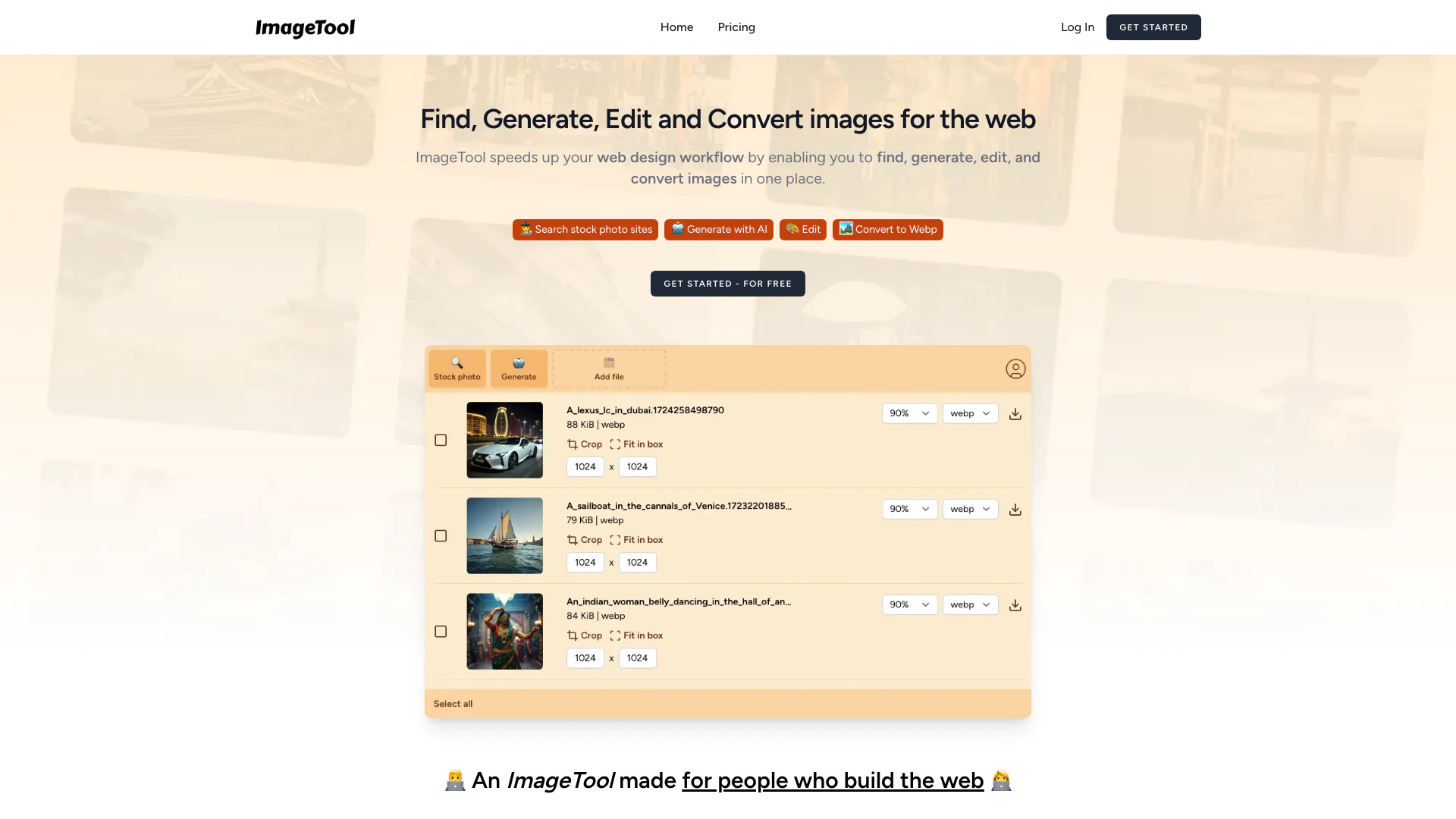





What is Imagetool?
Imagetool is an innovative web-based application[2] designed to streamline the image handling[1] process for web designers and developers. This versatile tool allows users to find, generate, edit, and convert images all in one platform, significantly enhancing workflow efficiency[8]. With integrated access to stock photo sites like Unsplash, Pexels, and Pixabay, users can search for free images seamlessly. Additionally, Imagetool offers AI-driven image generation capabilities, enabling the creation of up to 500 unique images annually at no cost. The tool also simplifies image editing and conversion, supporting formats such as WebP[6] and AVIF[7], making it an essential resource for anyone involved in web design.
How to use Imagetool?
- Sign Up or Log In: Start by visiting the Imagetool website and create an account or log in if you already have one.
- Search for Images: Use the integrated search feature to find free stock photos from Unsplash, Pexels, and Pixabay by entering your desired keywords.
- Generate Images: Utilize the AI generation feature to create up to 500 images by selecting the AI option and specifying your requirements.
- Edit Your Images: Select images to crop, compress, or resize as needed using the editing tools provided within the platform.
- Convert Formats: After editing, export your images in web-friendly formats like WebP or AVIF by clicking the export option.
What are the main features of Imagetool?
- Image Search: Integrated access to multiple stock photo platforms (Unsplash, Pexels, Pixabay) for seamless image discovery.
- AI Image Generation[3]: Ability to generate up to 500 unique images annually using advanced AI models.
- Image Editing Tools[4]: Features for cropping, compressing, and bulk resizing images to fit web specifications.
- Format Conversion[5]: Automatic conversion of images to web-friendly formats such as WebP and AVIF, eliminating the need for external software.
Who is Imagetool for?
Imagetool is designed for web designers, developers, content creators, and marketers who require a comprehensive solution for image management. It caters to those who need to efficiently find, generate, and edit images for websites and digital projects. Whether you are a freelancer, a part of a design team, or a business owner looking to enhance your online presence, Imagetool provides the necessary tools to streamline your workflow and improve productivity.
What are the use cases of Imagetool?
- Web Design Projects: Quickly find and edit images for websites, ensuring they meet specific design requirements.
- Content Creation: Generate unique visuals for blog posts, social media, and marketing materials using AI-generated images.
- E-commerce: Optimize product images by converting them to web-friendly formats and resizing them for better performance on online stores.
Product Images


Imagetool Pros and Cons
Pros
- Comprehensive Image Management: ImageTool allows users to find, generate, edit, and convert images all in one platform, streamlining the web design workflow.
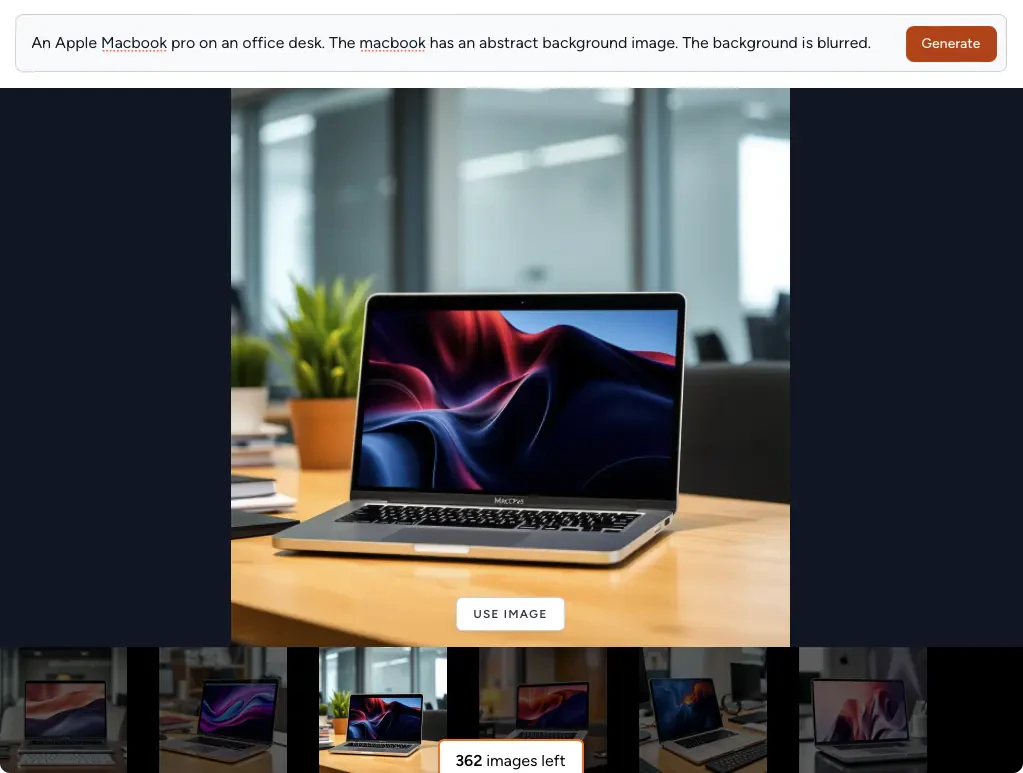
- AI Image Generation: Users can generate up to 500 images using advanced AI models, enhancing creativity and saving time.
- Integrated Stock Photo Search: Search across multiple stock photo platforms like Unsplash, Pexels, and Pixabay with a single query, simplifying the image sourcing process.
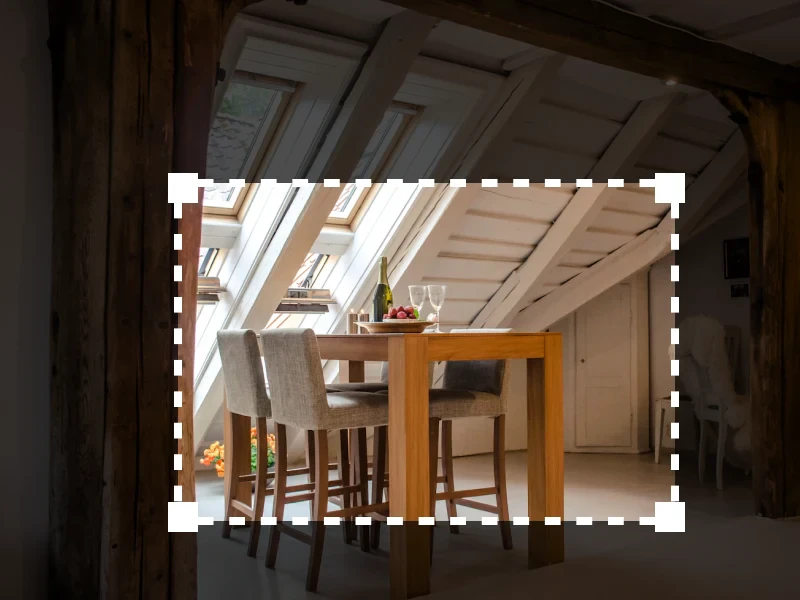
- Easy Image Editing: ImageTool provides tools for cropping, compressing, and resizing images quickly, ensuring they fit perfectly on websites.
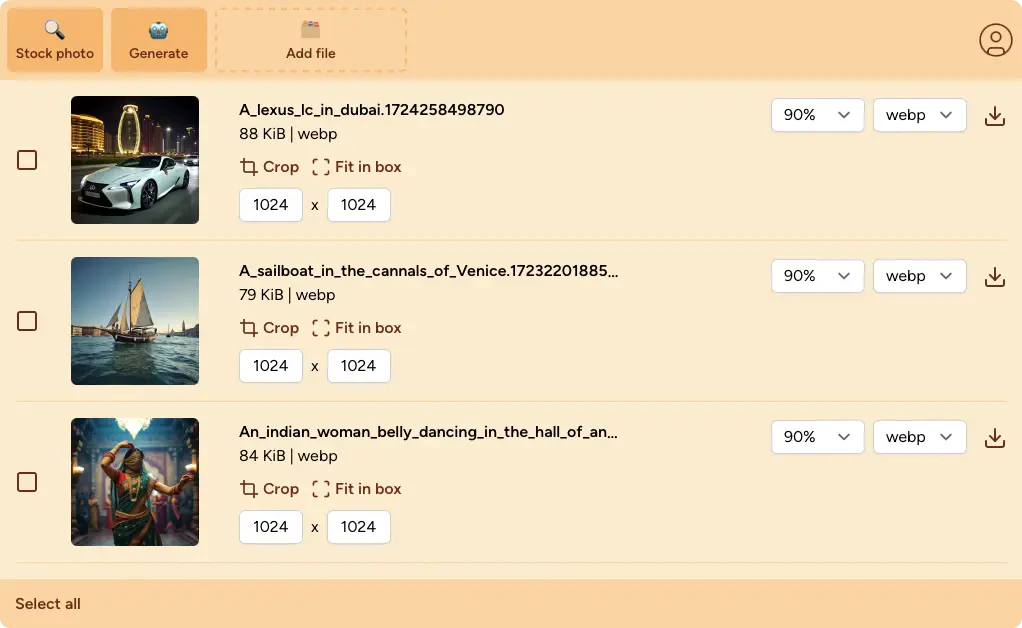
- Automatic Format Conversion: Images are automatically converted to web-friendly formats like WEBP and AVIF, eliminating the need for third-party tools.
Cons
No cons data detected for this tool
Imagetool Pricing
Unlimited Images Plan
Get unlimited images for your web design workflow. This plan includes the ability to generate 500 images with AI, find free stock photos across platforms like Unsplash, Pexels, and Pixabay, and quickly crop and resize images.
For the latest pricing, please visit this link: https://imagetool.dev/pricing
Prices are subject to change. Please visit the official website for the most up-to-date pricing information.
Analytics of Imagetool
Imagetool Website Traffic Analysis
Visits Over Time
Traffic Sources
Nov 2025 - Jan 2026 Worldwide Desktop Only
- Direct: 38.49%
- Search: 37.32%
- Referrals: 12.98%
- Social: 7.50%
- Paid Referrals: 1.85%
- Mail: 0.21%
Top Keywords
| Keyword | Volume | CPC | Estimated Value |
|---|---|---|---|
| imagetool | 550 | $0.00 | $0.00 |





