I18N Studio
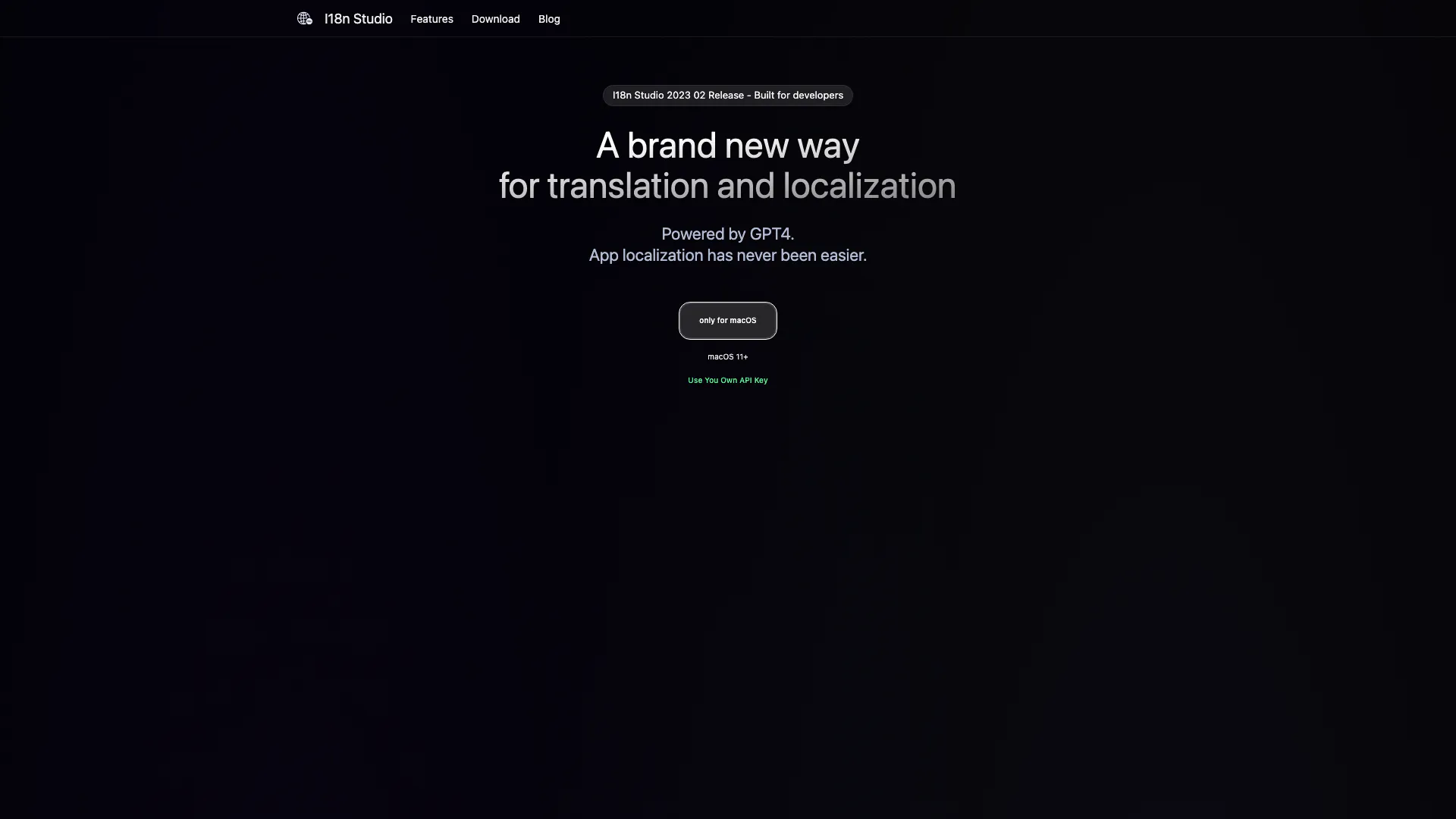
What is I18N Studio?
I18N Studio is a powerful application designed for translation and localization, specifically tailored for developers. Powered by GPT-4, it streamlines the app localization process, making it easier and more efficient than ever before. The tool supports seamless integration with popular development environments like Xcode, VSCode, and Android Studio, enabling users to translate various file formats such as JSON, XML, and Localizable.strings files. I18N Studio's core value lies in its ability to provide context-aware translations, ensuring high accuracy and relevance in translated content.
How to use I18N Studio?
- Download and install I18N Studio for macOS (version 11+).
- Launch the application and load your multi-language files that need translation.
- Use the translation features to translate values, keys, or entire languages by clicking the corresponding buttons.
- Review the translations to ensure accuracy and context relevance.
- Save the translated content back to the original multi-language files.
What are the main features of I18N Studio?
- Context-aware translation capabilities using comments for enhanced accuracy.
- Support for multiple file formats including JSON, XML, and Localizable.strings.
- Batch translation functionality to translate multiple languages quickly.
- Seamless integration with development environments like Xcode, VSCode, and Android Studio.
- User-friendly interface for easy navigation and translation.
Who is I18N Studio for?
I18N Studio is primarily designed for developers and localization teams who need an efficient solution for app localization. It is ideal for those working on mobile and web applications that require translations in multiple languages. Whether you are an indie developer or part of a larger team, I18N Studio provides the tools necessary to manage and streamline the translation process.
What are the use cases of I18N Studio?
- Localizing mobile applications for iOS and Android to reach a global audience.
- Translating web applications and services to improve user experience in different languages.
- Managing multi-language content for software products to ensure consistency and accuracy across different markets.
I18N Studio Pros and Cons
Pros
- Multi-Platform Integration: Seamless integration with Xcode, VSCode and Android Studio, making it easy to translate various file types.
- Fast Translation: Complete translation in multiple languages in just 1 minute, enhancing productivity.
- User-Friendly Interface: The application allows for batch translations and provides an intuitive workflow.
Cons
No cons data detected for this tool
Analytics of I18N Studio
I18N Studio Website Traffic Analysis
Visits Over Time
Top Keywords
| Keyword | Volume | CPC | Estimated Value |
|---|---|---|---|
| i18n | 45.69K | $2.58 | $70.00 |
| i8n | 4.82K | $6.09 | $0.00 |
| online i18n editor | 270 | $0.00 | $40.00 |
| i18n editor | 130 | $0.00 | $20.00 |
| i18n sutdio | 60 | $0.00 | $60.00 |