

Hair Filter





What is Hair Filter?
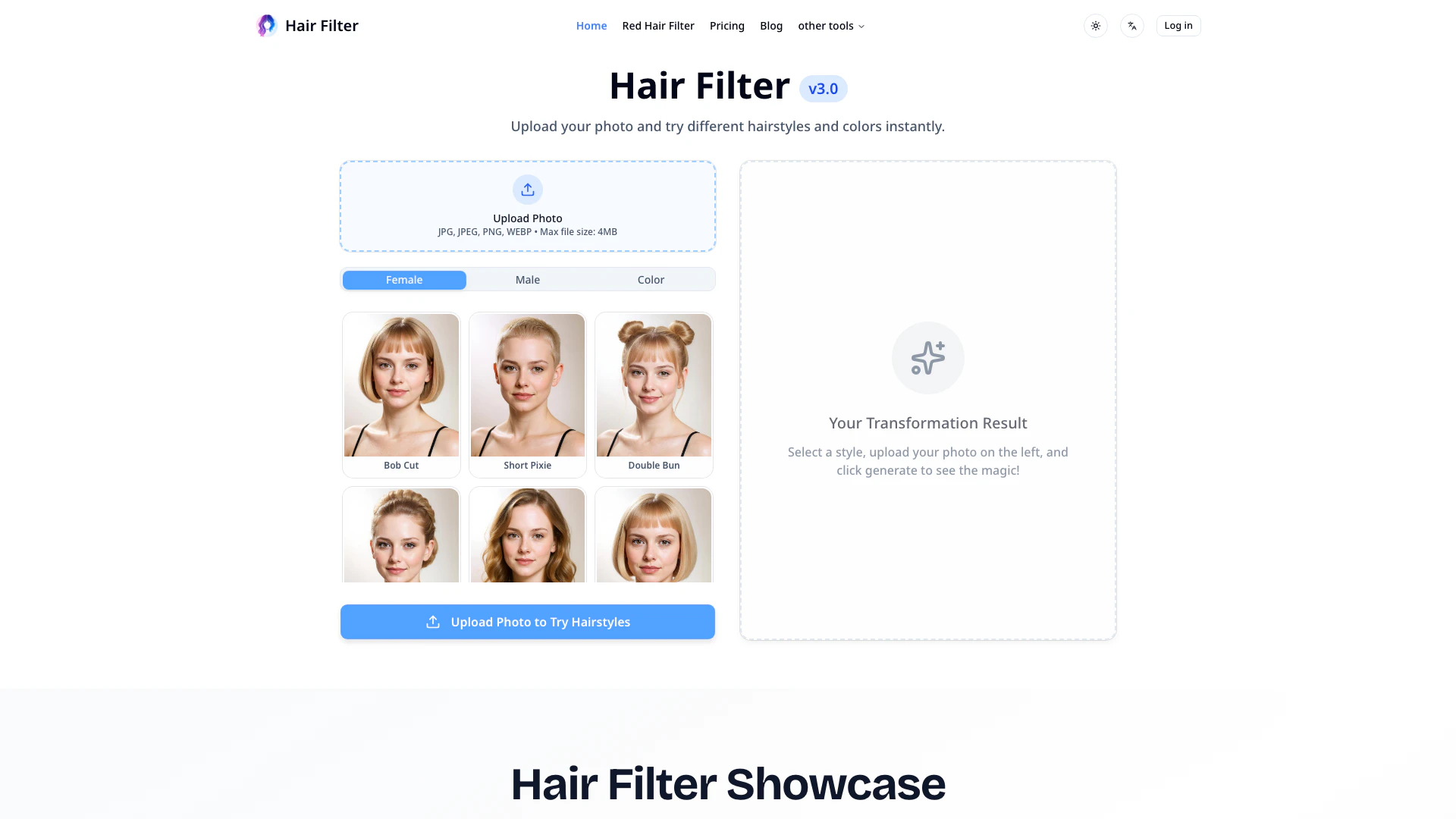
Hair Filter is an innovative AI-powered tool designed to transform your appearance by allowing you to experiment with a wide range of hairstyles and hair colors. Leveraging advanced hair filter technology, this tool provides users with realistic virtual try-on experiences, enabling them to explore dozens of styling options instantly. Whether you're looking to change your look dramatically or subtly, Hair Filter offers an intuitive and user-friendly platform to help you find your perfect style effortlessly.
How to use Hair Filter?
- Upload Your Photo: Begin by dragging and dropping your photo or clicking to select a clear image of yourself. Ensure your photo is in JPG, PNG, or WEBP format for optimal results.
- Choose AI Hairstyles & Colors: Browse through the extensive library of AI hairstyles and colors available for both men and women. Select from a variety of styles, including classic cuts and trendy looks, to discover your ideal appearance.
- Generate & Download: Click on 'Generate' and sign in with your Google account when prompted. Each hairstyle transformation will cost you 10 credits. Once generated, you can instantly download and share your new look.
What are the main features of Hair Filter?
- Extensive AI Hairstyle Library: Access hundreds of AI hairstyles and colors, including classic and modern styles, to enhance your virtual hairstyle try-on experience.
- Advanced Hair Filter Technology: Utilize cutting-edge technology that ensures realistic transformations while maintaining natural lighting and facial features.
- Easy Photo Upload: Quickly upload your photo by dragging and dropping it onto the platform, compatible with JPG, PNG, and WEBP formats.
- Instant Hair Transformations: Experience rapid hairstyle changes, allowing you to see your new look in seconds without any delays.
- Simple Credit-Based Access: Browse styles freely, then log in with Google to generate your transformations, with each costing just 10 credits.
- High-Resolution Downloads: Download your high-quality transformation results for sharing, printing, or consultation with your stylist.
Who is Hair Filter for?
Hair Filter is designed for a diverse audience, including beauty enthusiasts looking to explore new trends, clients preparing for salon appointments who want to preview hairstyles, and professional hairstylists who wish to enhance their service offerings. Additionally, social media influencers can utilize this tool to create engaging content, while online shoppers can visualize how wigs or hair extensions will look before purchasing. It’s also ideal for individuals preparing for special events, such as weddings or proms, who want to test different formal hairstyles.
What are the use cases of Hair Filter?
- Beauty Enthusiasts: Experiment with various hairstyles and colors to find the perfect look that complements personal style and current trends.
- Hair Salon Clients: Preview potential hairstyles before salon appointments to ensure satisfaction with the chosen look.
- Hairstylists & Salons: Use the tool as a consultation aid to present clients with different hairstyle options, enhancing their confidence in new styles.
Hair Filter Pros and Cons
Pros
- Extensive AI Hairstyle Library: Choose from hundreds of AI hairstyles and colors, offering a wide range of options from classic to trendy styles.
- Advanced Hair Filter Technology: Utilizes advanced AI technology to create realistic hairstyle transformations while maintaining natural lighting and facial features.
- Easy Photo Upload: Easy photo upload process allows users to simply drag and drop images in JPG, PNG, or WEBP formats for quick hairstyle trials.
- Instant Hair Transformations: Transforms your look in seconds, providing instant results without delays, making it efficient for users.
Cons
- Credit-Based Access Model: Requires users to purchase credits for transformations, which may limit access for some users who prefer free options.
- Format Limitations: Limited to specific image formats (JPG, PNG, WEBP), which may restrict users with other file types.
- Internet Access Requirement: Users must have internet access and a compatible device to use the online tool, which may be a barrier for some.




