
Twitter-color Created with Sketch. Amazon-color Created with Sketch. Facebook-color Created with Sketch. github [#142] Created with Sketch. meta_fill Pinterest-color Created with Sketch. ProductHunt-color Created with Sketch. Spotify-color Created with Sketch. Threads Logo Streamline Icon: https://streamlinehq.com Yelp-color Created with Sketch. Youtube-color Created with Sketch.
TopAIToolsTopAITools
  • Free Tools
  • Category
  • Leaderboard
  • Deals
  • Submit
EN
TopAIToolsTopAITools
TopAI

TopAITools

TopAITools, The Best Top AI Tools

AI Glossary|English简体中文繁體中文한국어日本語PortuguêsEspañolDeutschFrançaisTiếng Việt|Map

© 2026 TopAITools. All rights reserved.

About

  • Privacy Policy
  • Terms of use

Contact Us

business@topaitoolsreview.com
Home
AI Image Generator
Graphisai
Last updated: May 13, 2026
Graphisai logo

Graphisai

Get deal
5.0|0 Comments|0 Saved
Introduction:
An all-in-one creative platform for AI-generated content.
Launch Date:
September 18, 2025
Social links:
Monthly Visits:
338
Inputs:
ImageTextVideo
Outputs:
ImageTextVideo
AI Models:
Veo 3GeminiByteDance+5 more
Website
Free Trial
💼Work🎨Creativity
AI Image Generator795AI Photo Editor268Ai Text To Image269
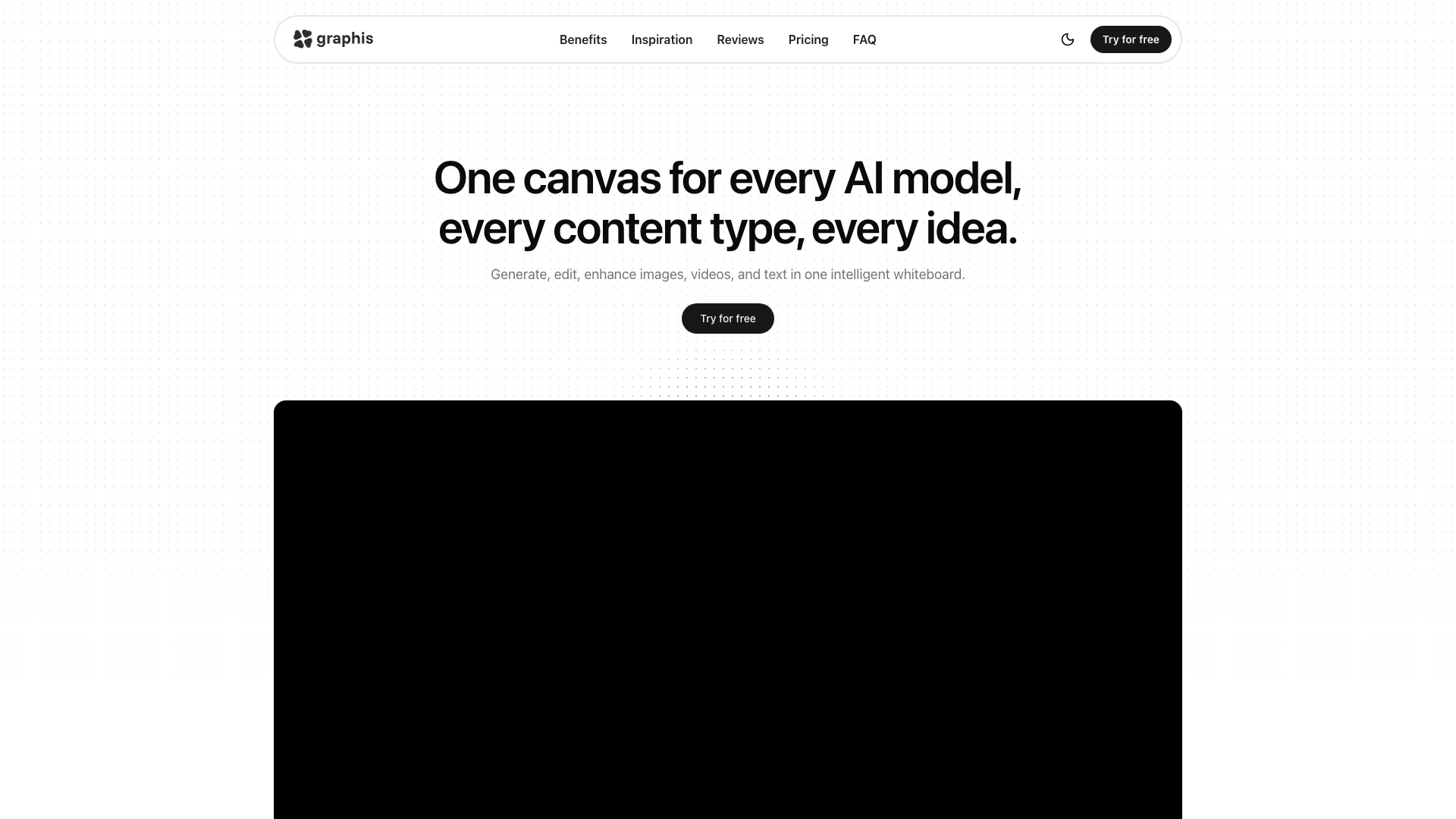
Graphisai website screenshot showing An all-in-one creative platform for AI-g... interface and features
Use tool
Update this tool
Ait Contacts Extractor For Gmail logo

Ait Contacts Extractor For Gmail

EmailWhiz for Gmail™ - Google Workspace Marketplace

Deepl logo

Deepl

Translate texts & full document files instantly. Accurate translations for individuals and Teams. Millions translate with DeepL every day.

Apple logo

Apple

Apple Creator Studio offers a suite of creative tools for video, music, and design.

Gmail Gpt logo

Gmail Gpt

GPT for Gmail™ | AI Email Assistant | Gemini - Google Workspace Marketplace

Deepseek V4 logo

Deepseek V4

Explore cutting-edge AI models with Deepseek.

Graphisai Overview

What is Graphisai?

Graphisai is an innovative creative tool designed to streamline the workflow of designers, marketers, and creators. This all-in-one platform enables users to generate, edit, and enhance images, videos, and text within a single intelligent whiteboard interface. By integrating multiple AI models and content types, Graphisai eliminates the need for tool-switching and enhances productivity, making the creative process more efficient and enjoyable.


How to use Graphisai?

  1. Sign up for an account on the Graphisai website and log in to access the platform.
  2. Choose the type of content you want to create (images, videos, or text) and select the appropriate AI model from the available options.
  3. Use the intuitive interface to input your ideas, prompts, or specifications.
  4. Generate your content and make any necessary edits or enhancements using the provided tools.
  5. Save your work, export it, or share it directly from the platform.

What are the main features of Graphisai?

  • All-in-One Canvas: Seamlessly blend text, images, and videos without switching tools.
  • AI Model Access: Choose from hundreds of AI models tailored for various creative tasks.
  • Editing Tools: Comprehensive editing features for enhancing generated content.
  • Cross-Platform Support: Works across different devices and platforms for flexibility.
  • Team Collaboration: Supports multi-user access and collaboration on projects.

Who is Graphisai for?

Graphisai is designed for a diverse audience including graphic designers, digital marketers, content creators, and anyone involved in creative industries. Whether you are a freelancer, part of a creative team, or a business looking to enhance your marketing efforts, Graphisai provides the tools necessary to streamline your creative workflow and enhance productivity.


What are the use cases of Graphisai?

  1. Content Creation: Generate high-quality images and videos for marketing campaigns or social media posts.
  2. Creative Projects: Collaborate with teams to create storyboards, presentations, and visual content in one place.
  3. Editing and Enhancements: Edit and enhance existing media to improve visual appeal and effectiveness.

Product Images
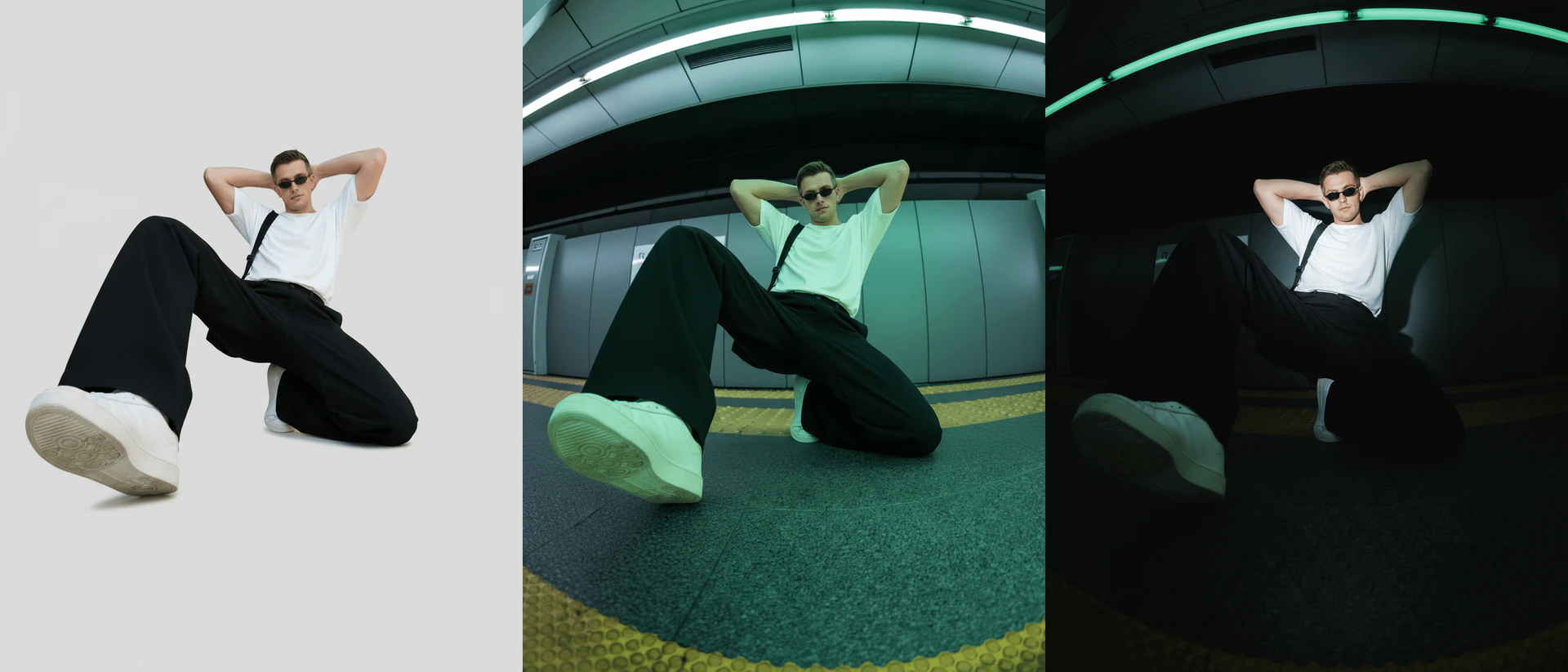
Graphisai usage step screenshot
Graphisai feature demonstration
Graphisai editing tools
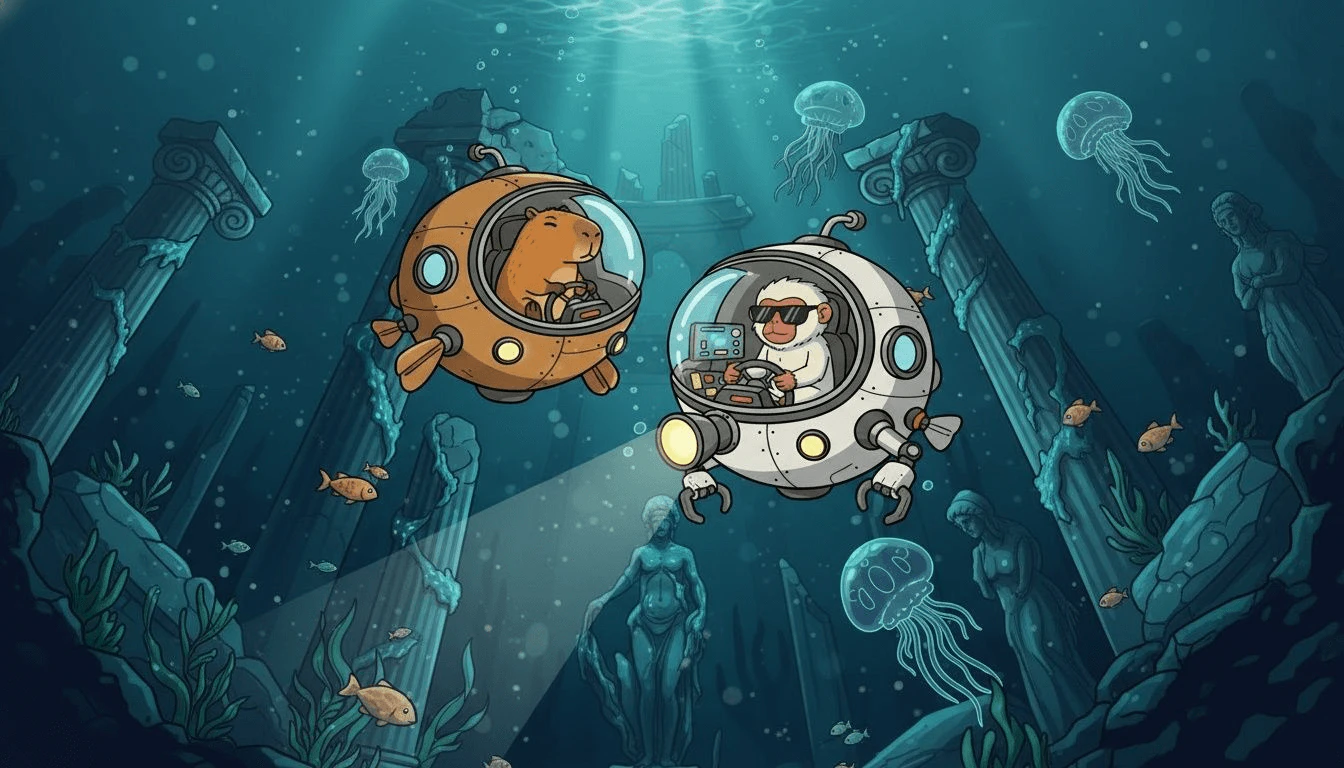
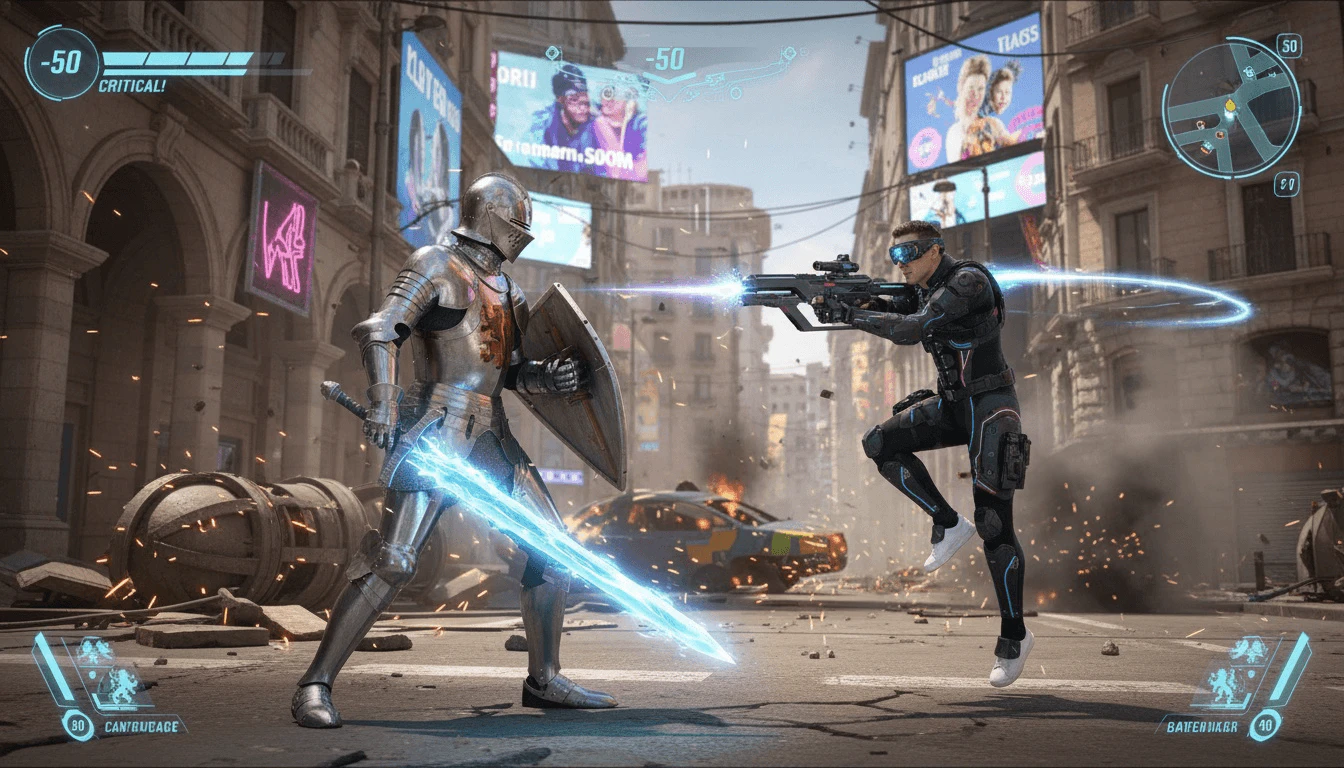
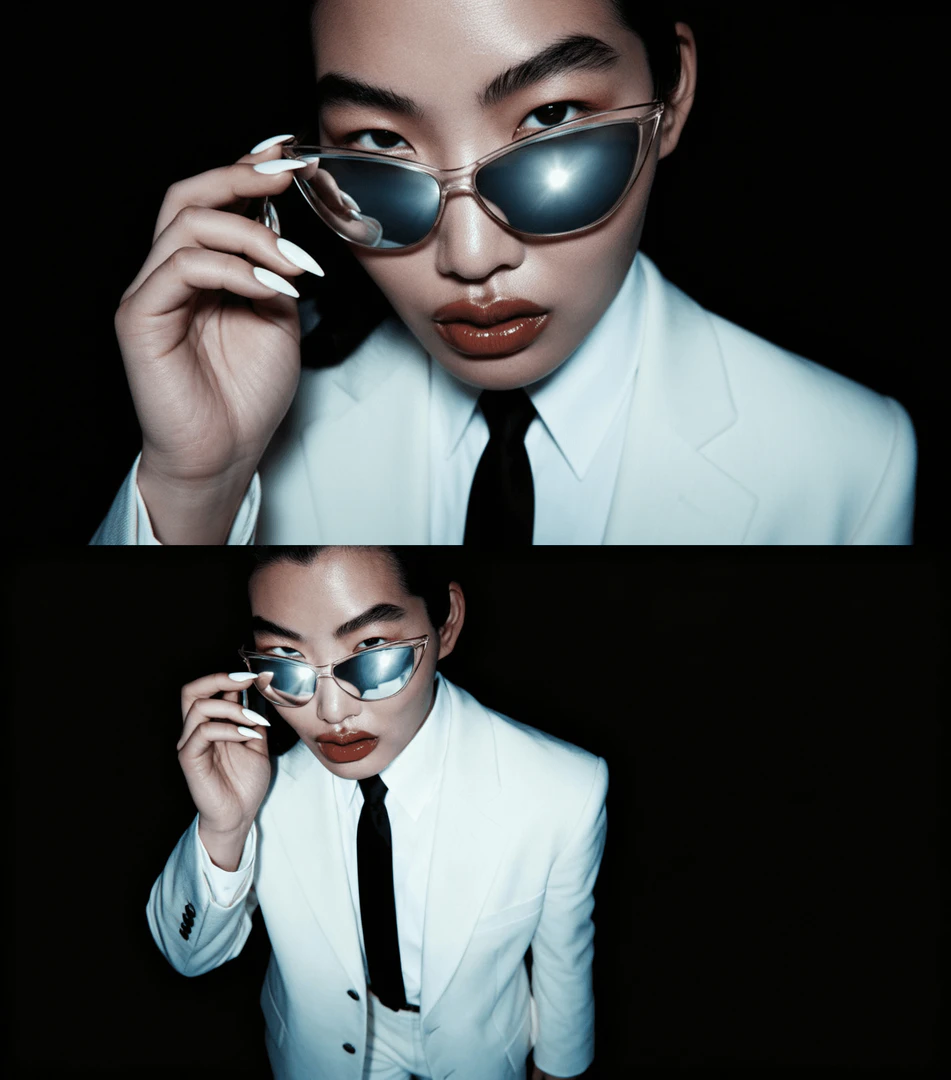
Graphisai generated content example
Graphisai use case example
Graphisai product overview
Graphisai user scenario image
1 / 7

Graphisai Pros and Cons

Pros

  • All-in-One Creative Platform: Graphisai offers a unified canvas for generating, editing, and enhancing images, videos, and text, streamlining the creative process without the need for multiple tools.
  • Access to Multiple AI Models: Users can choose from hundreds of AI models and customize their AI palette for different projects, enhancing creativity and flexibility.
  • User-Friendly Interface: The platform features a simple and intuitive UI, making it accessible for users of all skill levels, from beginners to professionals.

Cons

No cons data detected for this tool

Graphisai Pricing

Basic

$10/month

500 credits each month - ~1667 images - ~167 image edits - ~33 videos - Commercial license

Standards

$35/month

2300 credits each month - ~5800 images - ~583 edits - ~117 videos - Commercial license

Pro

$60/month

5500 credits each month - ~10000 images - ~1000 image edits - ~200 videos - Commercial license

Mega

$250/month

20000 credits each month - ~66700 images - ~6600 image edits - ~1333 videos - Commercial license

For the latest pricing, please visit this link: https://graphis.ai/

Prices are subject to change. Please visit the official website for the most up-to-date pricing information.

Analytics of Graphisai

Graphisai Website Traffic Analysis

Visits Over Time

Nov 2025 - Dec 2025 All Traffic
--
AI Tools Rank
0
Monthly Visits
0.00%
Bounce Rate
0.00
Pages Per Visit
0:00
Visit Duration
3.25M
Global Rank
--
Country Rank

Top Keywords

KeywordVolumeCPCEstimated Value
graphis ai0$0.00$0.00
graphis3.07K$0.56$30.00

Graphisai Reviews

Graphis feels like it was built by people who actually work in the creative industry. Finally, a canvas that keeps up with how we think and organize ideas.

It’s the first tool that truly connects all our AI assets and workflows in one place. Simple, elegant, and genuinely made for creators.

I really enjoy using Graphis for its convenience and intuitive design. It brings different networks together in one place and allows me to organize all the essential components of a project on a single board. It’s a space where creativity and structure meet, making project development both smooth and enjoyable.

For more reviews, visit this link: https://graphis.ai/#reviews

Graphisai Compare

Tool NameIntroductionPricing
Type
RatingLaunch DateLearn more
Quillbot Paraphraser logo
Quillbot Paraph...
Paraphrasing Tool (Ad-Free and No Sign-up Required) - QuillBot AI
Free
💼Work🎨Creativity
December 31, 1984
Get deal
Tutorai logo
Tutorai
Tutor AI - Your personal AI tutor to learn anything
Free
🙋‍♂️Personal💼Work
September 23, 2007
Get deal
Autodraw logo
Autodraw
AutoDraw
Free
🎨Creativity
January 2, 1998
Get deal

Info current as of post date. Offers and availability may vary by location and are subject to change.

Graphisai Q&A

Graphis is a creative tool that helps designers, marketers, and creators use artificial intelligence in their daily work. It combines generation, editing, and automation of visual content in one place. Graphis saves time, removes technical barriers, and makes AI a natural part of the creative process.

For more FAQs, please visit this link: https://graphis.ai/#faq

Graphisai Launch embeds

Use website badges to drive support from your community for your TopAITools Review. They're easy to embed on your homepage or footer.

FEATURED ONTopaitoolsreview.com

Graphisai Alternatives

Dreamina screenshot

Dreamina

Generate stunning images and videos effortlessly with Dreamina's AI.

Website
Free
🎨Creativity
Image Generation & EditingAI Avatar GeneratorAI Image GeneratorAI Romantic Image & Video Generator
  • Image Generation & Editing
  • AI Avatar Generator
  • AI Image Generator
  • AI Romantic Image & Video Generator
Use tool
15.7M
Direct60.15%
Search26.08%
Referrals10.44%
Adobe screenshot

Adobe

Adobe Firefly is an AI-driven tool for creating unique images, videos, and audio.

Website
Free
💼Work🎨Creativity
Image Generation & EditingAI Image GeneratorAI Photo EditorAI Realistic Image Generator
  • Image Generation & Editing
  • AI Image Generator
  • AI Photo Editor
  • AI Realistic Image Generator
Use tool
15.7M
Direct60.39%
Referrals34.84%
Search3.54%
Picsart screenshot

Picsart

Picsart is a versatile platform for creating stunning visual content using AI tools.

Website
Free
🙋‍♂️Personal💼Work🎨Creativity
Image Generation & EditingAI Image GeneratorAI Photo EditorGallery Creation Tool
  • Image Generation & Editing
  • AI Image Generator
  • AI Photo Editor
  • Gallery Creation Tool
Use tool
15.1M
Search66.78%
Direct31.18%
Referrals1.59%

Graphisai Tags

AI Content CreationImage EditingVideo Generationno code platformCreative CollaborationMultiuser Support

Also used for

AI Image Generator795AI Photo Editor268Ai Text To Image269AI Dating Profile Photo Generator13NSFW AI Art Generator5AI Vectorization Tool11AI Romantic Image & Video Generator58Gallery Creation Tool22SVG Optimization Tool9SVG Compression Tool7Text Behind Image Design Tool1Text To 3d Generator8AI Car Wrap Generator1AI Device Mockup Generator6Code Snippet Image Generator2
Graphisai logo
GraphisaiFree
Get deal

Graphisai Comments (0)

Your rating

?
0/2000

No comments yet

Be the first to share your thoughts!

🚀0
🚀0

Graphisai Prompts (0)

Prompts And Results

Add your own prompts and outputs to help others understand how to use this AI.