
Gptimage2





What is Gptimage2?
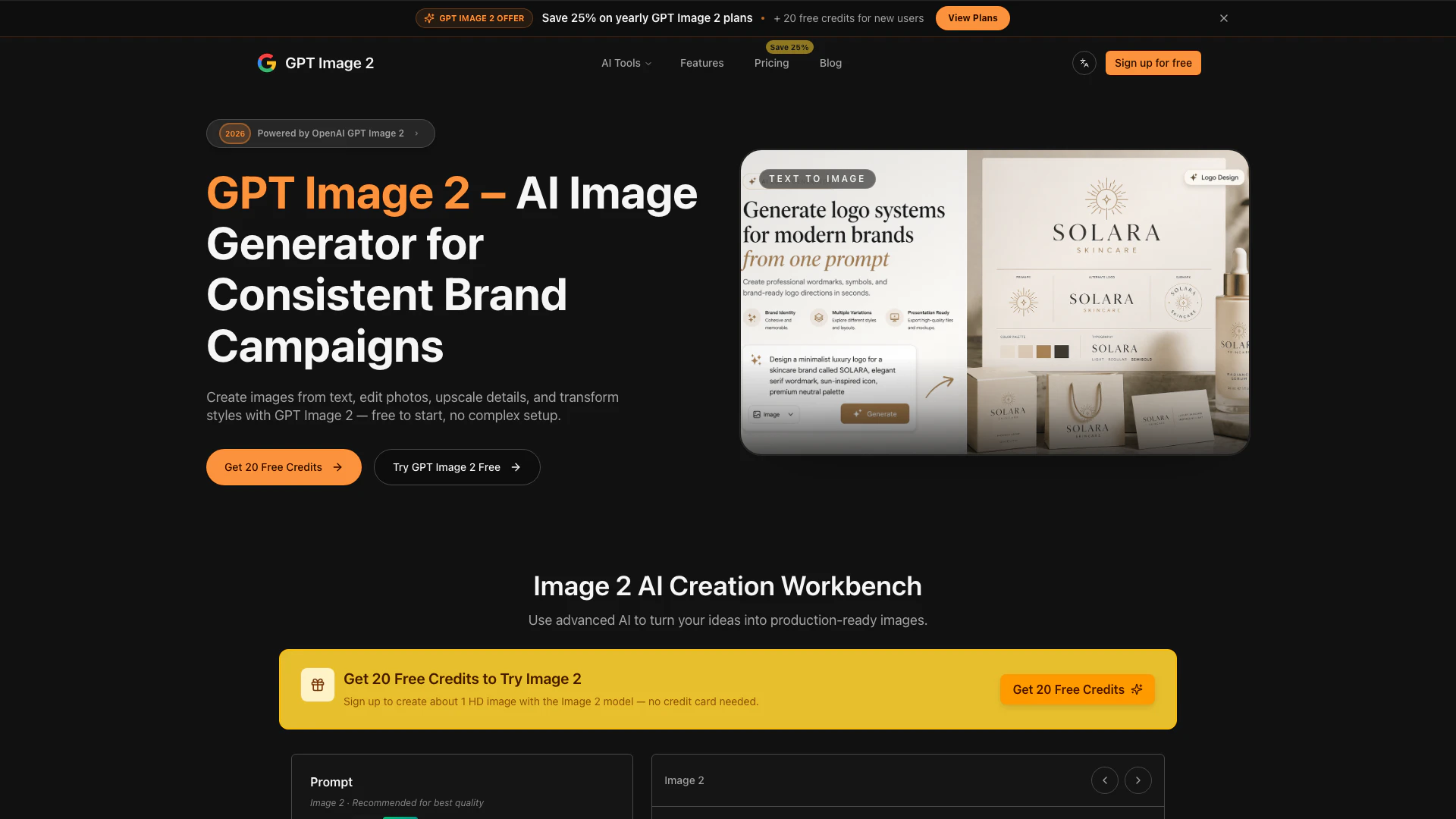
Gptimage2 is an innovative online tool designed for generating, editing, upscaling, and transforming images using advanced AI technology. It allows users to create stunning visuals from text prompts, edit existing images, and enhance image quality in a matter of seconds. With a user-friendly interface and no complex setup, Gptimage2 is perfect for both beginners and professionals looking to produce high-quality images quickly and efficiently.
How to use Gptimage2?
- Visit the Gptimage2 website at https://gptimage2.dev/.
- Sign up for a free account to receive 20 free credits, which can be used to create high-definition images.
- Start by entering a text prompt describing the image you want to create.
- Optionally, upload reference images to enhance the generation process.
- Click on the 'Generate' button to create your image.
- Edit the generated image as needed using the available editing tools.
- Save or download your final image once you are satisfied with the result.
What are the main features of Gptimage2?
- Generate images from text prompts with advanced AI technology.
- Edit and enhance existing images effortlessly.
- Upscale images to improve quality and details.
- Transform styles and apply various artistic effects.
- Support for uploading reference images for better results.
- User-friendly interface with instant examples for easy navigation.
- Free to start with 20 credits, allowing users to try the tool without commitment.
Who is Gptimage2 for?
Gptimage2 is ideal for a wide range of users, including graphic designers, content creators, marketers, and social media managers who require high-quality images for their projects. It is also suitable for hobbyists and anyone interested in exploring AI-generated art without needing extensive technical skills. Whether you need images for personal use, commercial projects, or social media content, Gptimage2 offers the flexibility and tools necessary to meet diverse creative needs.
What are the use cases of Gptimage2?
- Creating unique visuals for social media posts, enhancing engagement and brand visibility.
- Designing promotional materials, such as flyers and banners, for marketing campaigns.
- Generating illustrations for blogs, articles, or websites to complement written content.
- Producing personalized gifts or artworks by transforming text prompts into custom images.
- Assisting artists and designers in brainstorming ideas and generating inspiration through AI-generated images.
Gptimage2 Pros and Cons
Pros
- Versatile Image Generation: GPT Image 2 allows users to create images from text, edit photos, upscale details, and transform styles, making it a versatile tool for various image-related tasks.
- User-Friendly Interface: The tool features a simple, guided workflow that enables users to upload reference images and describe changes without needing complex setups or 3D software.
- Free Credits for New Users: New users can start with 20 free credits, allowing them to try the tool without any financial commitment.
Cons
No cons data detected for this tool




