Gitpack
What is Gitpack?
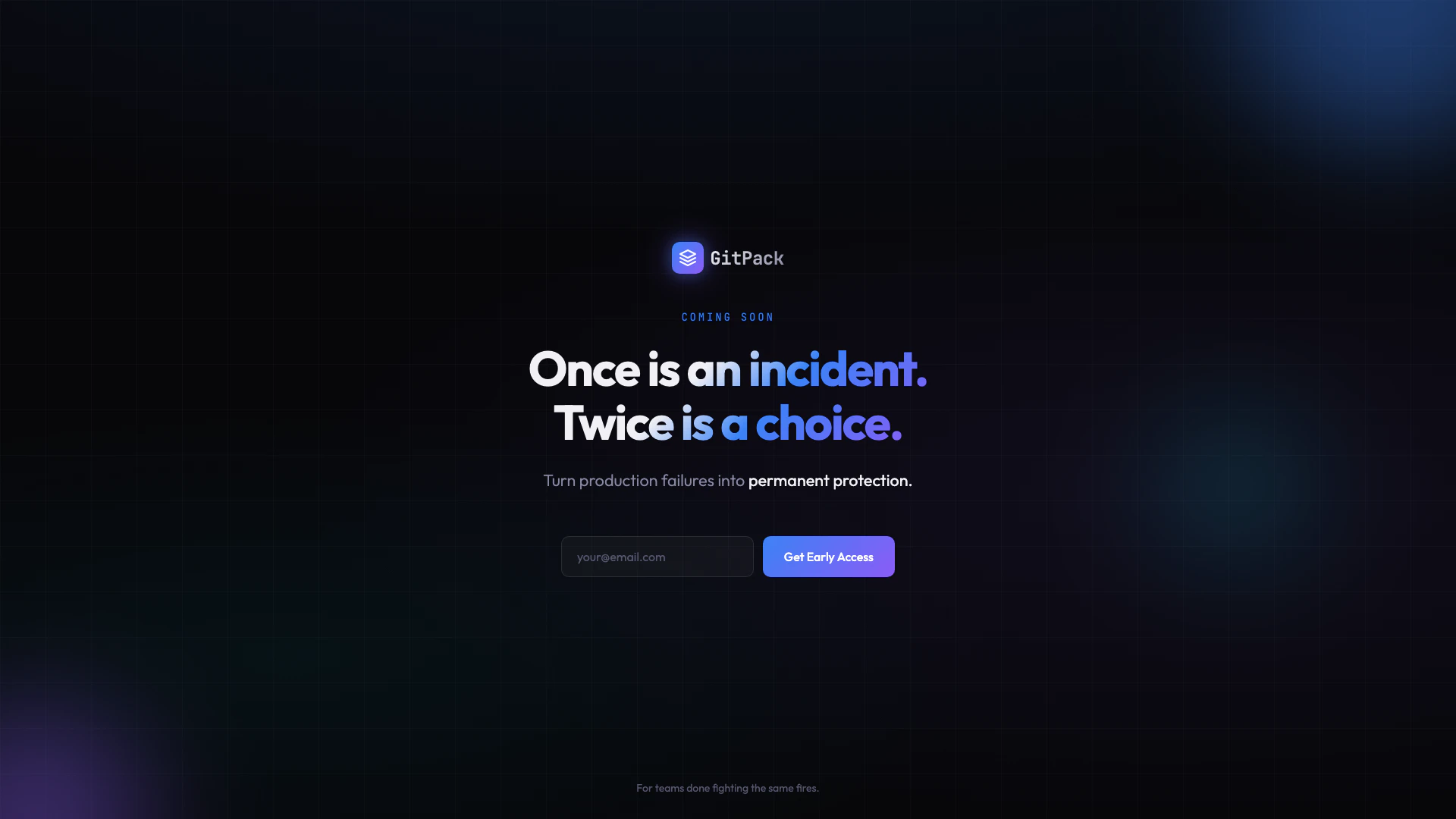
Gitpack is an innovative tool designed to help teams manage and protect against production failures effectively. It embodies the philosophy that while encountering an incident once is a normal occurrence, facing it repeatedly signifies a choice that can be avoided. Gitpack aims to transform these production failures into long-term solutions, ensuring that teams can focus on their core objectives without the distraction of recurring issues. By leveraging Gitpack, organizations can enhance their operational resilience and minimize downtime.
How to use Gitpack?
- Sign Up for Early Access: Visit the Gitpack website at https://gitpack.co/ and click on the 'Get Early Access' button to register your interest.
- Onboard Your Team: Once you gain access, onboard your team members to ensure everyone is familiar with the tool and its capabilities.
- Integrate with Your Workflow: Connect Gitpack with your existing production systems to start monitoring incidents and failures.
- Analyze and Respond: Use Gitpack's features to analyze production failures, document incidents, and implement long-term solutions to prevent recurrence.
What are the main features of Gitpack?
- Incident Monitoring[1]: Track and monitor production failures in real-time.
- Root Cause Analysis[2]: Identify the underlying causes of incidents to prevent future occurrences.
- Documentation Tools[3]: Maintain a comprehensive log of incidents and resolutions.
- Team Collaboration[4]: Facilitate communication among team members to address incidents effectively.
- Long-term Protection[5] Strategies: Develop strategies to mitigate the risk of repeated failures.
Who is Gitpack for?
Gitpack is designed for development and operations teams who are tired of repeatedly addressing the same production issues. It is particularly beneficial for organizations that prioritize operational efficiency and wish to transform their approach to incident management. By providing tools for monitoring and analysis, Gitpack is ideal for teams looking to build resilience and reduce downtime in their production environments.
What are the use cases of Gitpack?
- Incident Resolution: Teams can use Gitpack to quickly resolve production issues and implement changes to prevent future incidents.
- Performance Improvement: By analyzing past incidents, teams can identify areas for improvement in their production systems.
- Documentation and Knowledge Sharing: Gitpack allows teams to document incidents and resolutions, fostering a culture of knowledge sharing and continuous improvement.
Gitpack Pros and Cons
Pros
- Incident Management Focus: Gitpack is designed to help teams manage and learn from production failures, turning incidents into opportunities for improvement.
- Proactive Protection: The tool aims to provide permanent protection against recurring issues, helping teams avoid the same problems in the future.
- Early Access Opportunity: Gitpack offers early access for teams looking to enhance their incident management processes before the official launch.
Cons
No cons data detected for this tool