Getpeech



What is Getpeech?
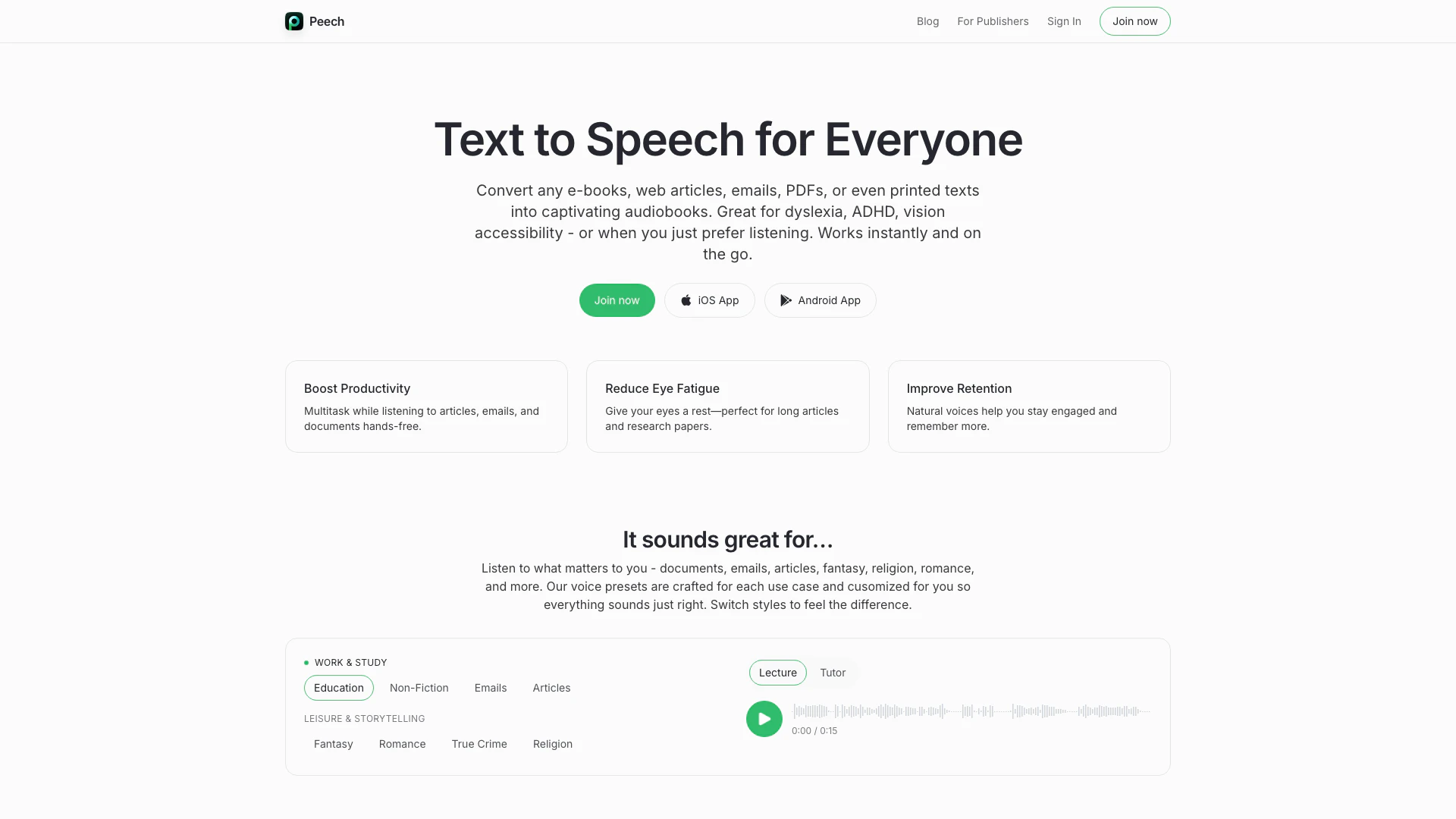
Getpeech is an innovative text-to-speech tool designed to convert various text formats, including e-books, web articles, emails, PDFs, and even printed texts, into engaging audiobooks. This tool is particularly beneficial for individuals with dyslexia, ADHD, or vision impairments, as well as for anyone who prefers listening over reading. Getpeech works instantly and is accessible on-the-go, making it a versatile solution for enhancing productivity and accessibility.
How to use Getpeech?
- Choose Your Text: Select the document or text you wish to convert into audio, such as a PDF, eBook, or web article.
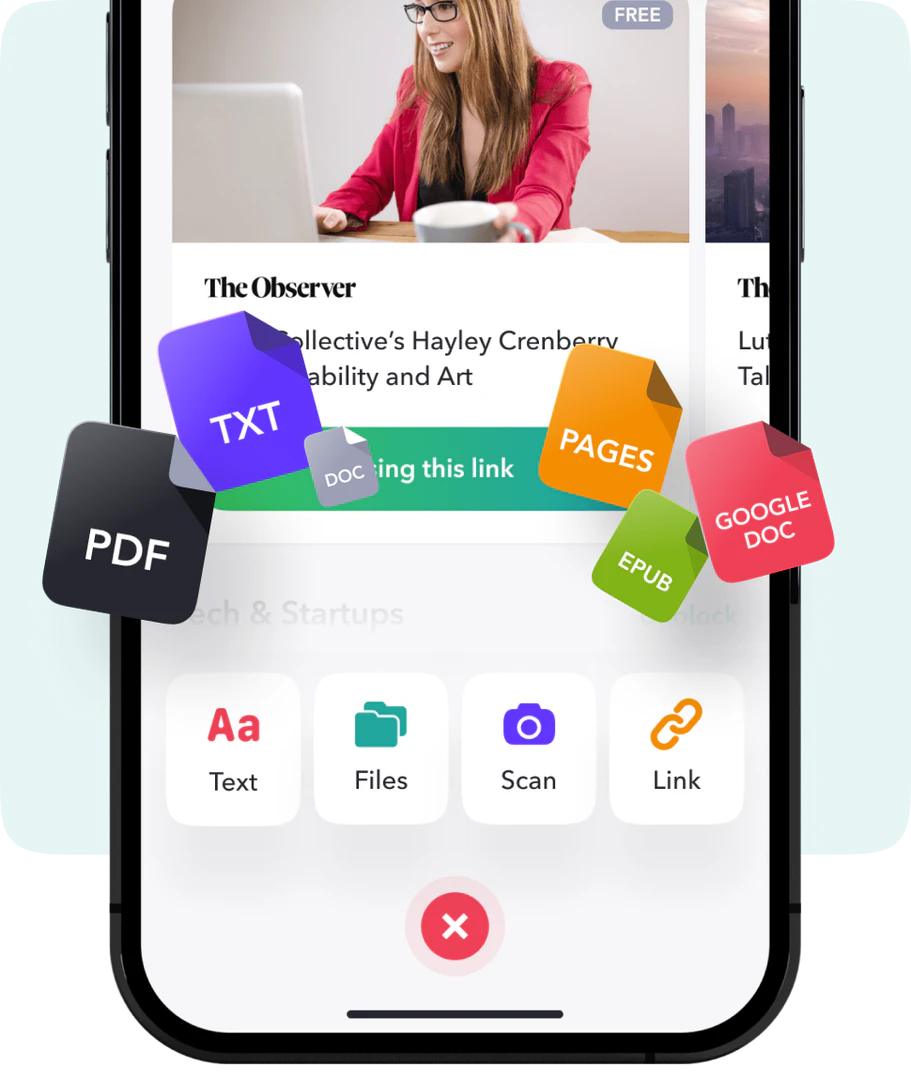
- Upload or Import: Use the Getpeech interface to upload your selected text file or input the text directly. The tool supports various formats including PDFs, DOCX, and emails.
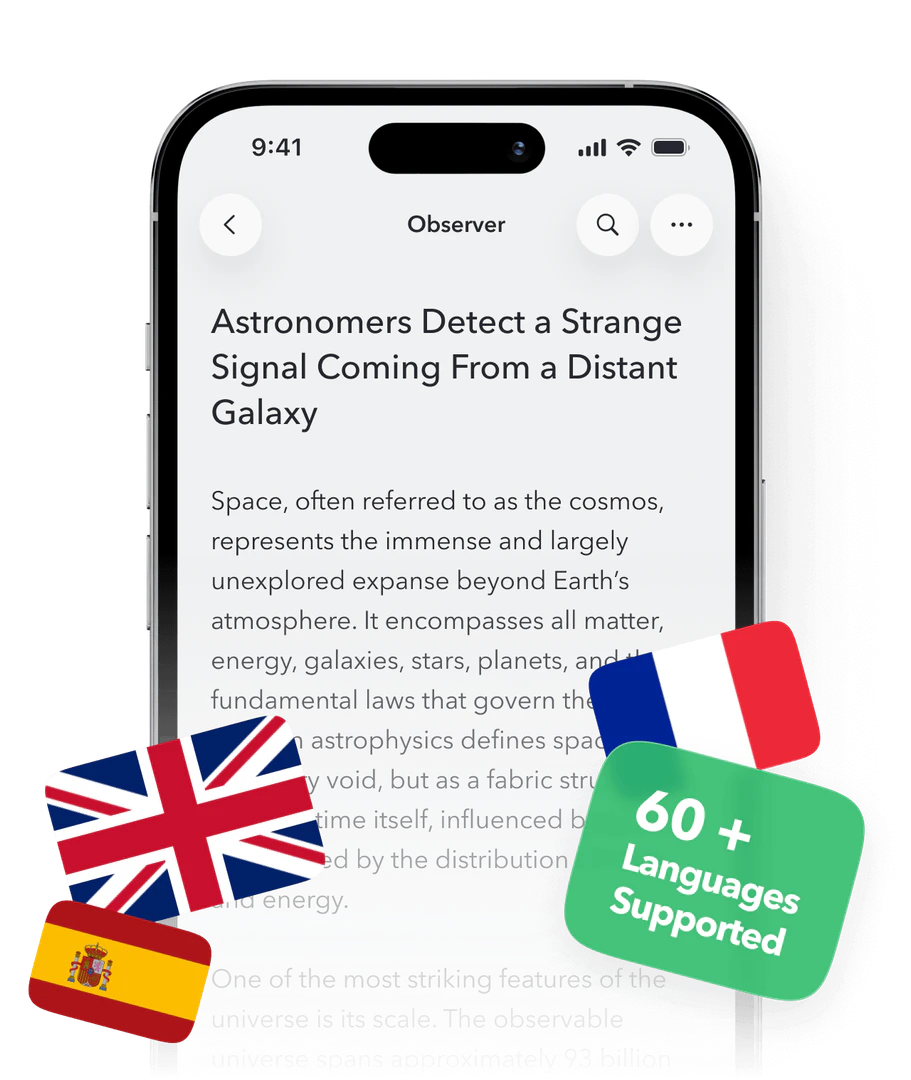
- Select Voice and Language: Choose from over 60 languages and various voice presets tailored for different content styles, such as news, romance, or fiction.
- Adjust Settings: Fine-tune playback speed and enable text highlighting if desired to enhance your listening experience.
- Listen: Click on the play button to start listening to your text being read aloud, allowing you to multitask or relax while consuming content.
What are the main features of Getpeech?
- Multi-format Support: Convert various text formats including PDFs, eBooks, web articles, and emails into audio.
- Voice Presets: Choose from expertly-designed voice presets tailored for different content types, including ASMR and anime styles.
- Best-in-Class Text Scanning: Utilize advanced OCR technology to read printed texts and handwriting with high accuracy.
- Multilingual Support: Access over 60 languages with natural-sounding voices, including automatic language detection.
- Speed Control and Highlighting: Adjust playback speed and enable synchronized text highlighting to improve focus and retention.
Who is Getpeech for?
Getpeech is ideal for a diverse audience including students, professionals, and anyone who consumes large amounts of written content. It caters especially to individuals with learning disabilities such as dyslexia or ADHD, as well as those with vision impairments. Additionally, busy professionals can benefit from its multitasking capabilities, allowing them to listen to emails and articles while performing other tasks. Whether for educational purposes, leisure reading, or enhancing productivity, Getpeech serves anyone looking to improve their reading experience.
What are the use cases of Getpeech?
- Educational Learning: Students can listen to textbooks, lecture notes, and research papers to enhance their learning and retention.
- Content Consumption: Professionals can convert lengthy articles and emails into audio format, allowing them to stay informed while multitasking.
- Leisure and Storytelling: Users can enjoy audiobooks of their favorite genres, such as romance or fantasy, providing an engaging storytelling experience.
Product Images
Getpeech Pros and Cons
Pros
- Versatile Text Input Options: Getpeech supports a wide range of input formats including PDFs, eBooks, web articles, and even handwritten texts, ensuring flexibility for users.
- Multilingual Support: With support for over 60 languages and automatic language detection, Getpeech caters to a global audience, making it accessible to non-English speakers.
- Customizable Voice Presets: Getpeech offers expertly designed voice presets tailored for different content styles, enhancing the listening experience with natural and expressive voices.
Cons
No cons data detected for this tool
Getpeech Reviews
It saves me hours. I put my headphones on and study while doing chores.
Great for gym time — learning and training together.
Natural‑sounding voices and super reliable for long reads.
For more reviews, visit this link: https://www.getpeech.com/#what-our-listeners-say