Getmysched





What is Getmysched?
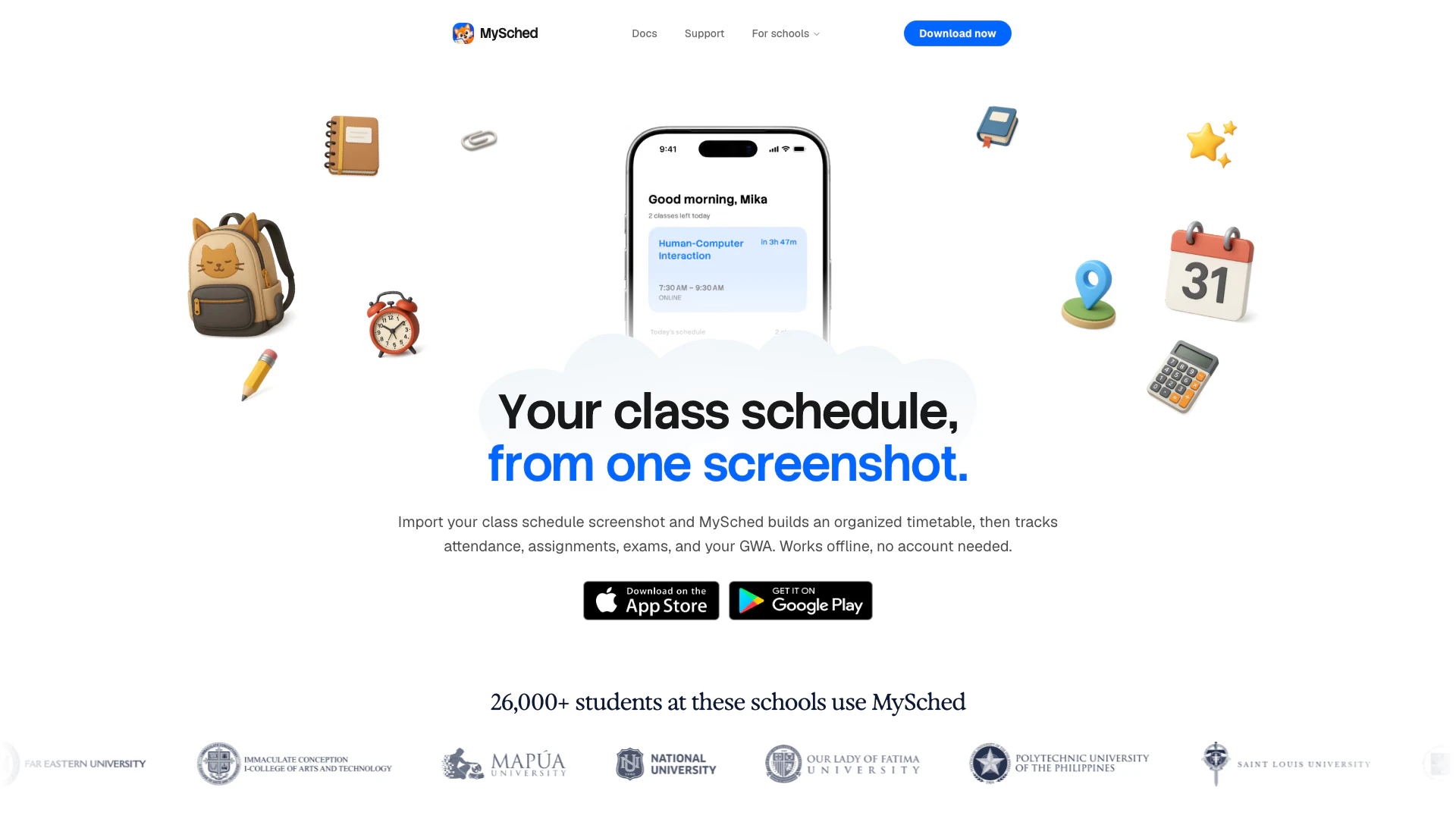
Getmysched is a powerful student planner designed specifically for college students to efficiently manage their class schedules. By simply importing a screenshot of a class timetable, Getmysched quickly transforms it into a well-organized weekly schedule, allowing users to track their attendance, assignments, exams, and General Weighted Average (GWA) offline. This tool is ideal for students looking to streamline their academic life and keep track of important tasks and deadlines.
How to use Getmysched?
- Start by importing your class schedule: You can take a clear screenshot, paste text, select a PDF, or choose an official school timetable.
- Review your imported schedule: Getmysched will present a review step where you can make any necessary adjustments to course details, room numbers, instructors, days, or times.
- Save your organized timetable: Once you're satisfied with the details, save your schedule, which will remain accessible offline. You can also sync records if you create an account.
What are the main features of Getmysched?
- Quickly convert screenshots, PDFs, or pasted timetables into organized weekly schedules.
- Track attendance, assignments, exams, grades, tasks, and class reminders.
- Access today's classes, next class, tomorrow's schedule, and the entire week's timetable.
- Utilize widgets and device features for quick schedule access without opening the app.
- Save and access your schedule offline without needing to sign in.
- Export your timetable to Apple Calendar or subscribe to a calendar feed.
- Choose from published school schedules when available.
Who is Getmysched for?
Getmysched is designed for college students who want an efficient way to manage their academic schedules. It is particularly beneficial for those who are juggling multiple classes, assignments, and exams and need a reliable tool to keep track of their academic commitments. Whether you're a full-time student or a part-time learner, Getmysched helps you stay organized and on top of your coursework.
What are the use cases of Getmysched?
- Quickly organizing class schedules from various formats, such as screenshots or PDFs, into a cohesive timetable.
- Tracking important academic milestones like attendance, assignments, and exams to ensure nothing is missed.
- Providing offline access to class schedules for students who may not always have internet connectivity, allowing them to review their timetable anytime.
Getmysched Pros and Cons
Pros
- Versatile Schedule Importing: MySched allows users to import class schedules from various formats, including screenshots, PDFs, and manual entries, making it versatile for different user needs.
- Comprehensive Class Management: The app provides a comprehensive overview of class schedules, including attendance tracking, task management, and grade monitoring, all in one place.
- Offline Access: MySched can function offline, allowing users to access their schedules without an internet connection, which is convenient for students on the go.
Cons
- Account and Internet Dependency: The app requires a user account and internet connection for syncing supported records, which may limit some functionalities for users without consistent access.
- Not a Replacement for Official Records: MySched does not replace official academic records or enrollment systems, which may lead to confusion if users rely solely on the app for critical academic information.
- Limited Integration Options: The app may have limitations in integrating with all school systems, which could restrict its usability for some users.