Flowspeech



What is FlowSpeech?
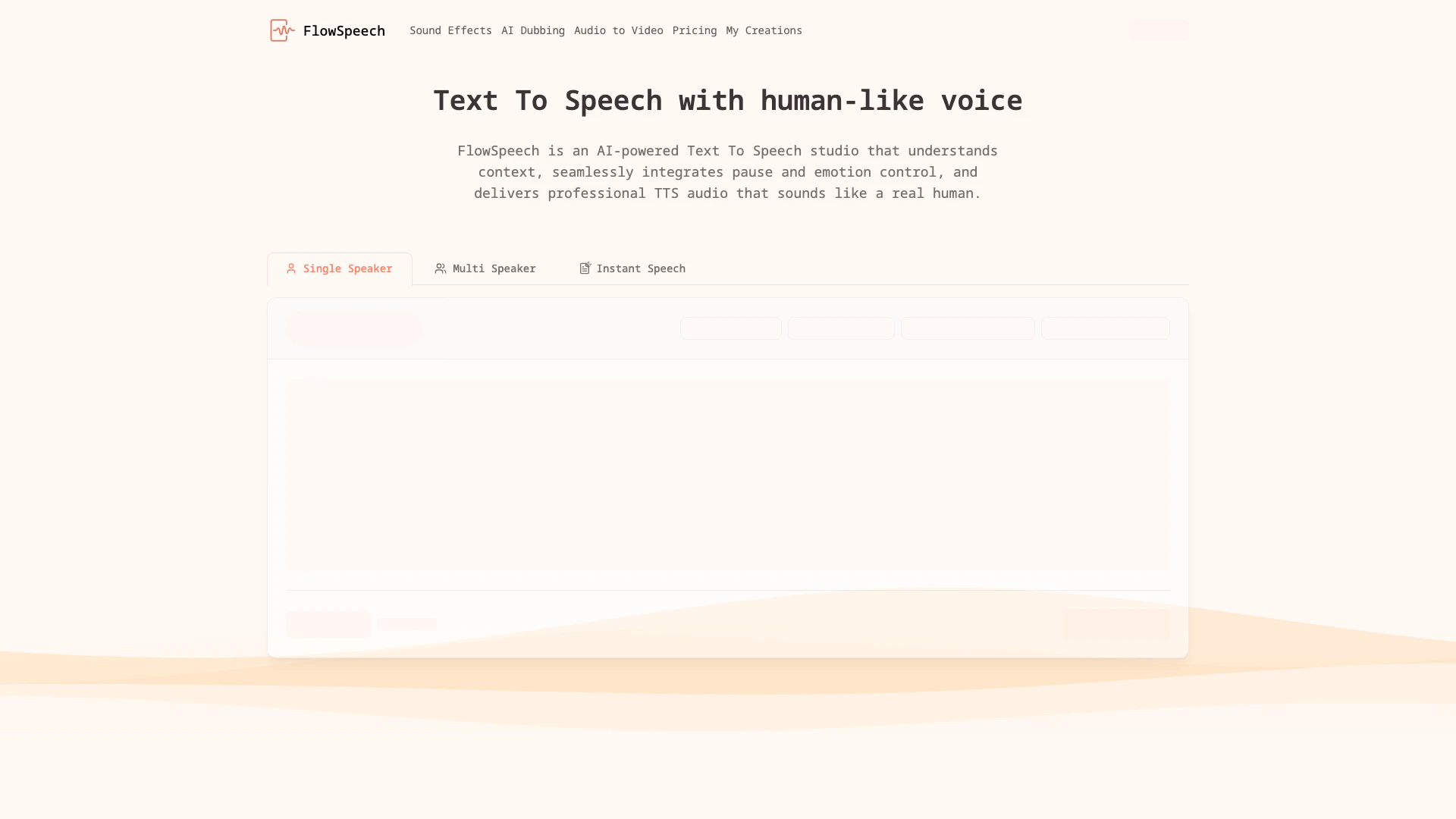
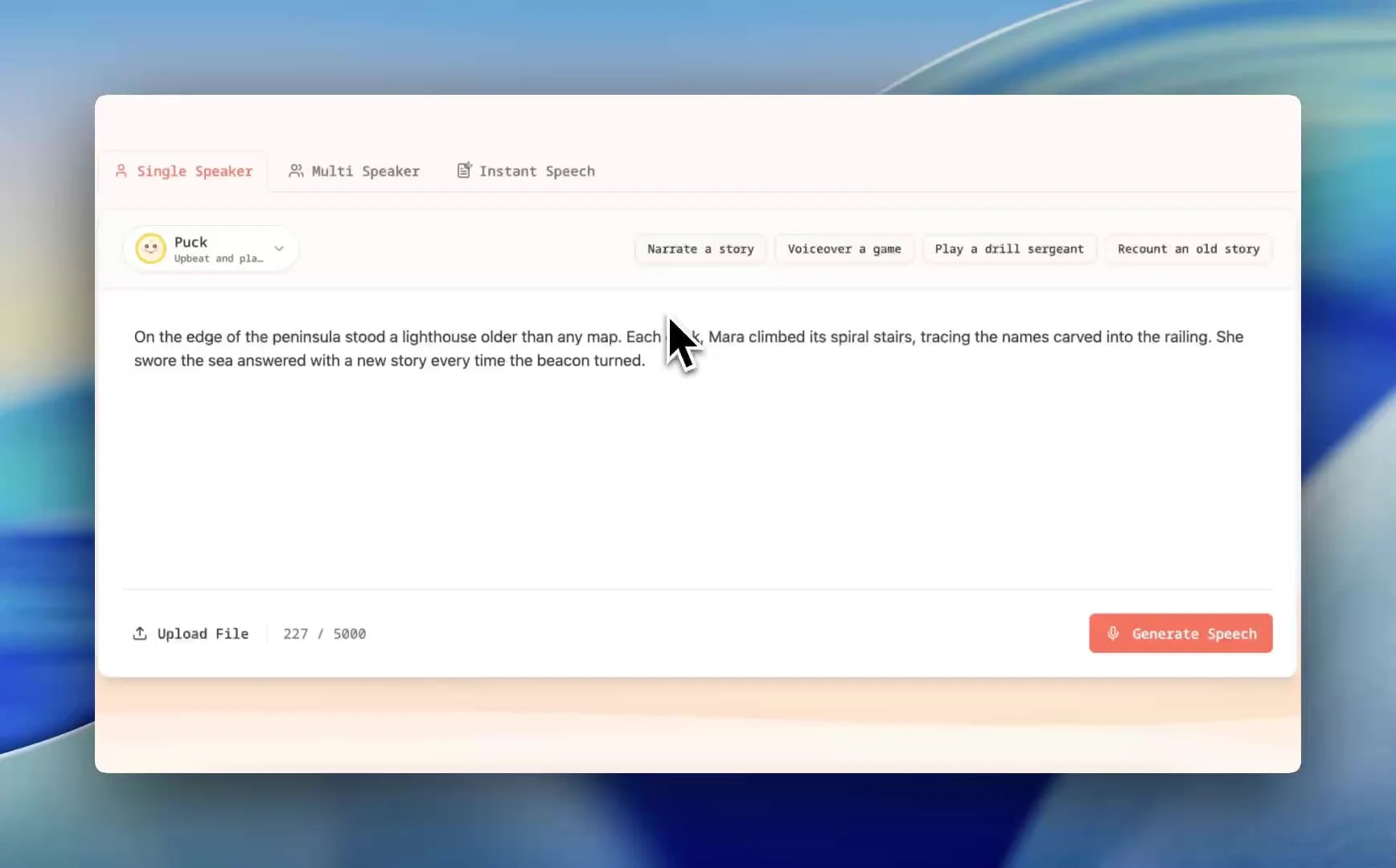
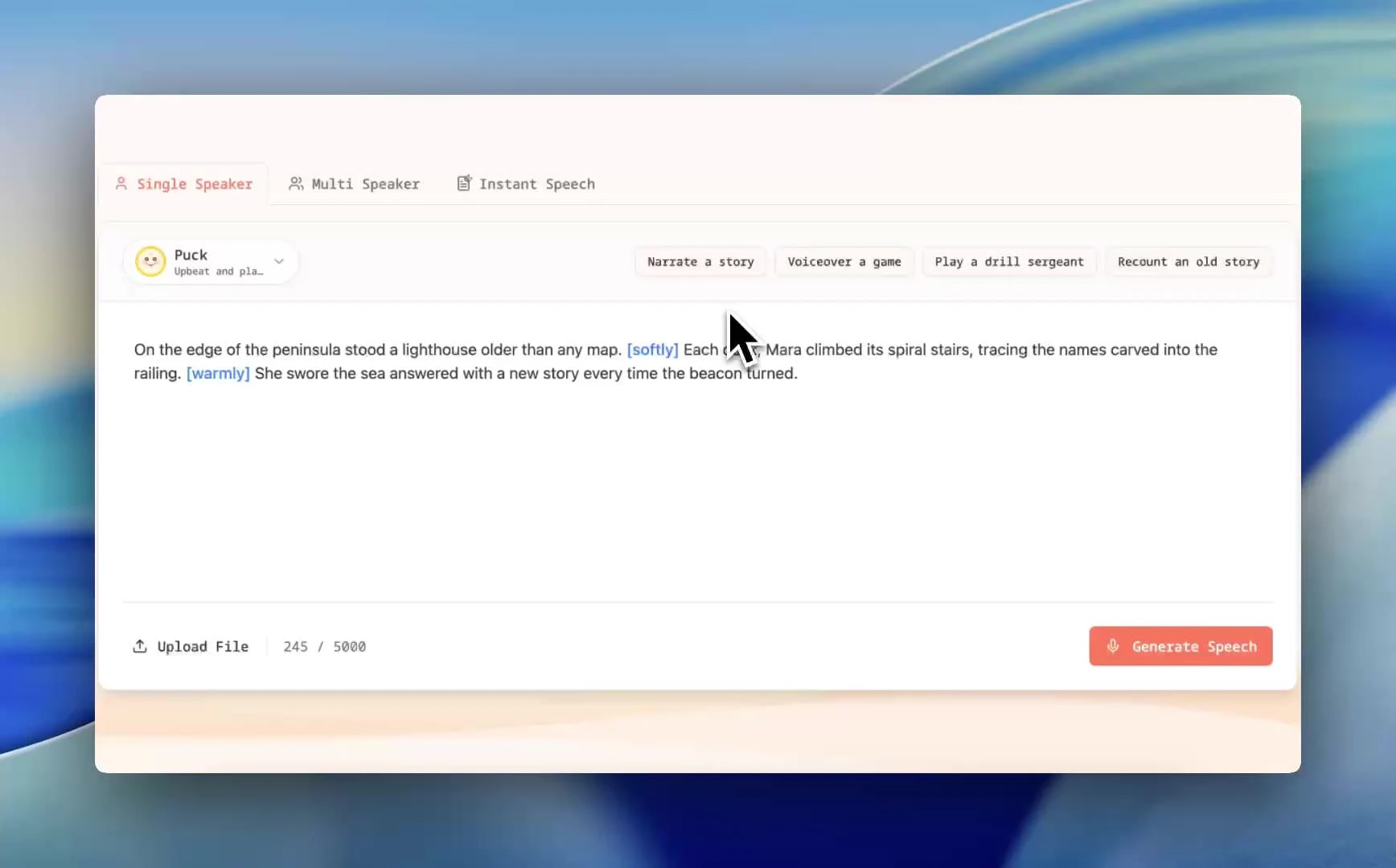
FlowSpeech is an advanced context-aware[2] text to speech[1] (TTS) tool that converts written text into human-like audio[4]. Utilizing AI technology, it excels in delivering lifelike audio by understanding the context, emotion, and nuances of the text. With features such as emotion and pause control[3], FlowSpeech offers over 30 distinct voices, enabling users to create professional-grade audio outputs that resonate with listeners. This tool is particularly beneficial for content creators, marketers, and educators seeking to enhance their audio content with a natural sound.
How to use FlowSpeech?
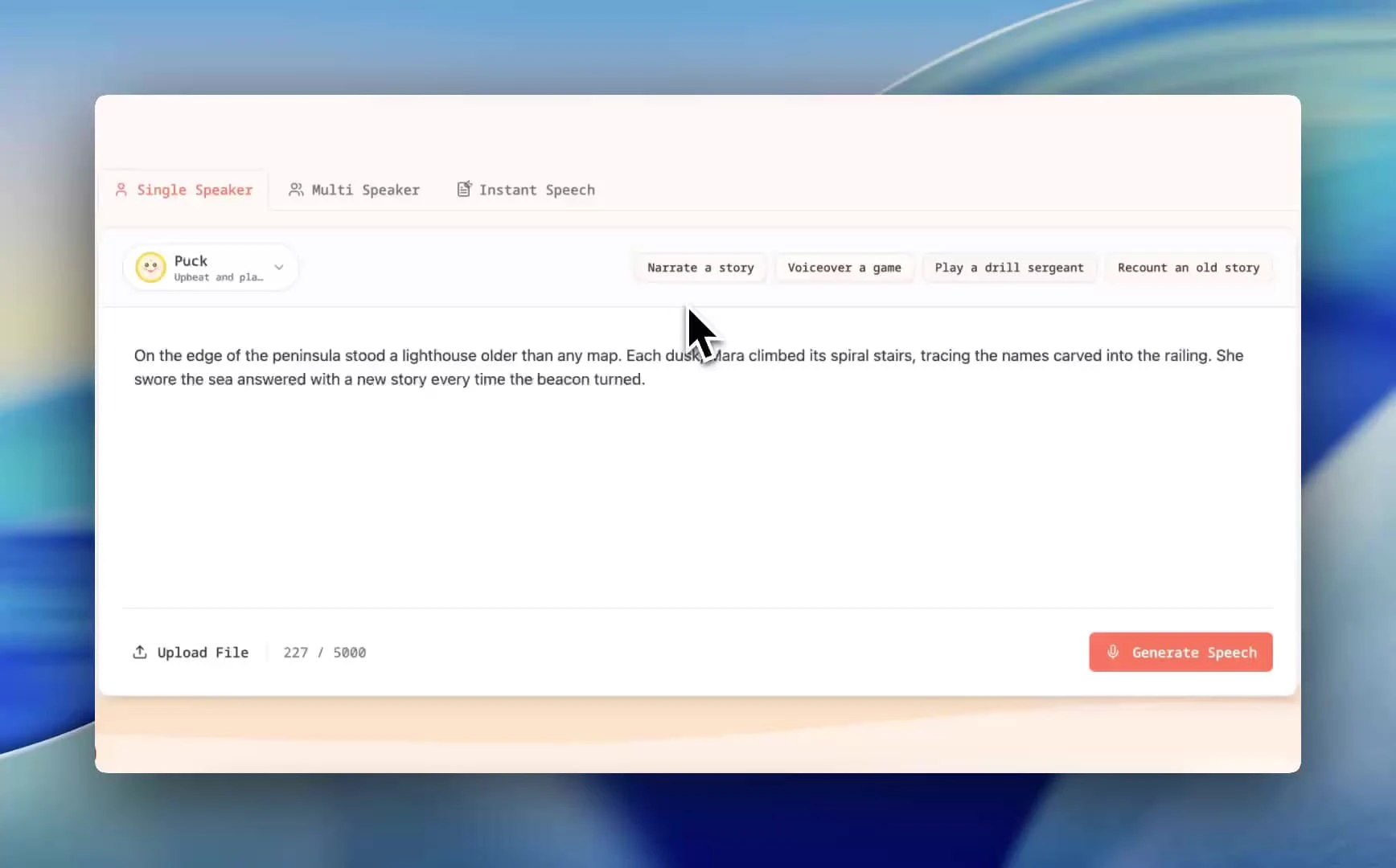
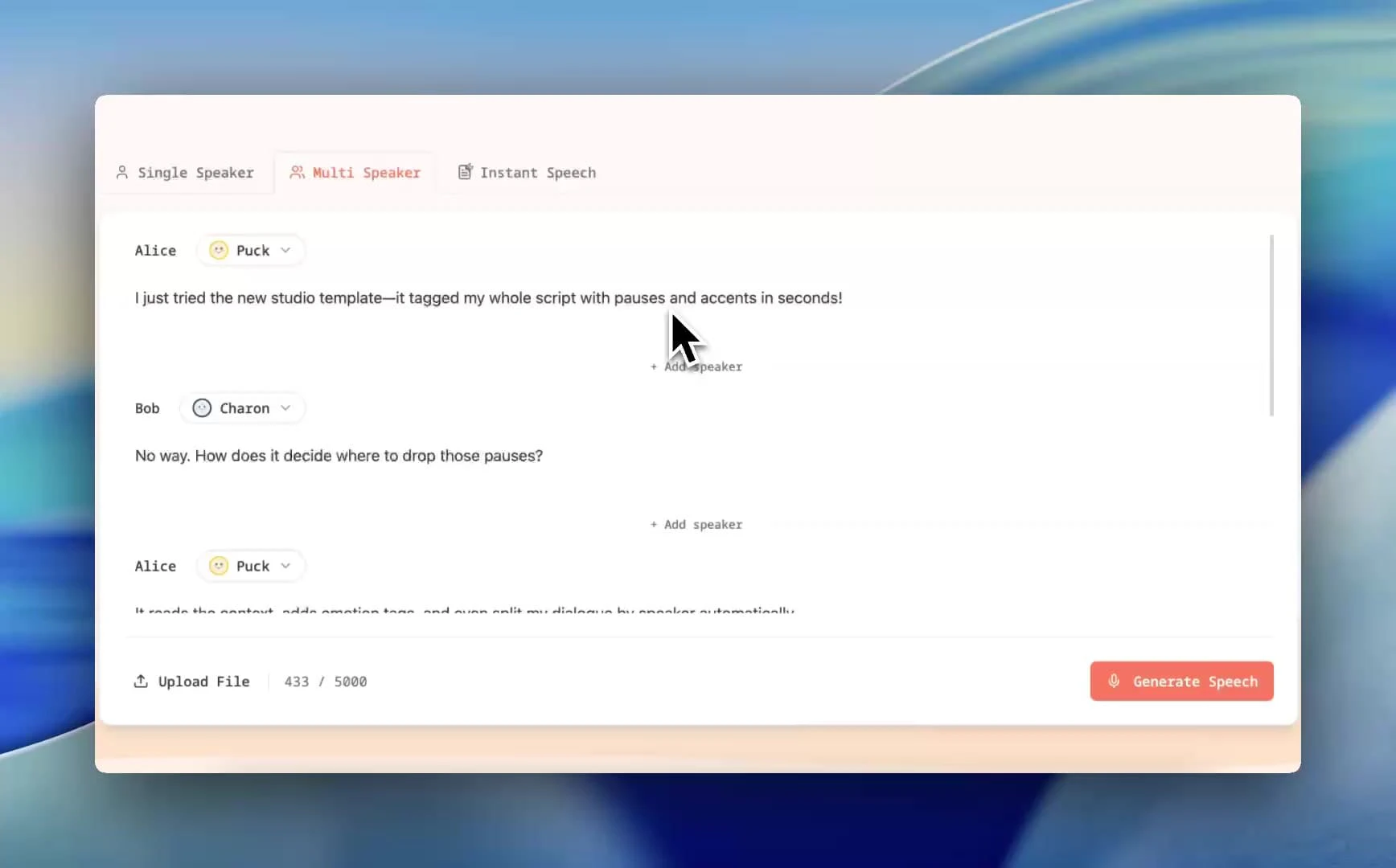
To use FlowSpeech for generating lifelike TTS audio, follow these steps: 1. Choose a generation mode: Select either Single Speaker for monologues, Multi Speaker for dialogues, or Instant Speech for quick results based on your project needs. 2. Enter text or upload files: You can paste your script directly into the tool or upload files in various formats like PDF, DOC, or TXT. FlowSpeech will extract the text for conversion. 3. Add emotions or pauses: Use the command palette by typing '[' to include emotion tags (like [whisper] or [shout]) and pause tags (e.g., [⌛1.0s]) to control the pacing of your audio. 4. Select the right voice: Choose from 30 distinct TTS voices that fit your desired tone, whether it’s serious, energetic, warm, or character-driven.
What are the main features of FlowSpeech?
FlowSpeech offers a range of advanced features that set it apart in the text to speech domain: - Context-aware emotion delivery: Automatically infuses the right sentiment into the audio, enhancing emotional engagement. - Custom emotion and accent control: Users can easily add tags to modify speech tone and style, ensuring natural and expressive audio. - Precise pause controls: Insert specific pause durations to master the pacing of the speech output without needing external editing tools. - Single Speaker auto-markup: Automatically analyzes and tags scripts for emotion, producing consistent and polished audio. - Multi Speaker auto voice matching: Detects different speakers and assigns suitable AI voices, streamlining the creation of multi-voice projects.
Who is FlowSpeech for?
FlowSpeech is designed for a diverse range of users including content creators, educators, digital marketers, and professionals in the media industry. It is particularly useful for those looking to produce high-quality audio content, such as audiobooks, podcasts, and video voiceovers. The tool's ability to deliver lifelike, context-aware audio makes it ideal for anyone needing to enhance their presentations, storytelling, or educational materials with engaging audio.
What are the use cases of FlowSpeech?
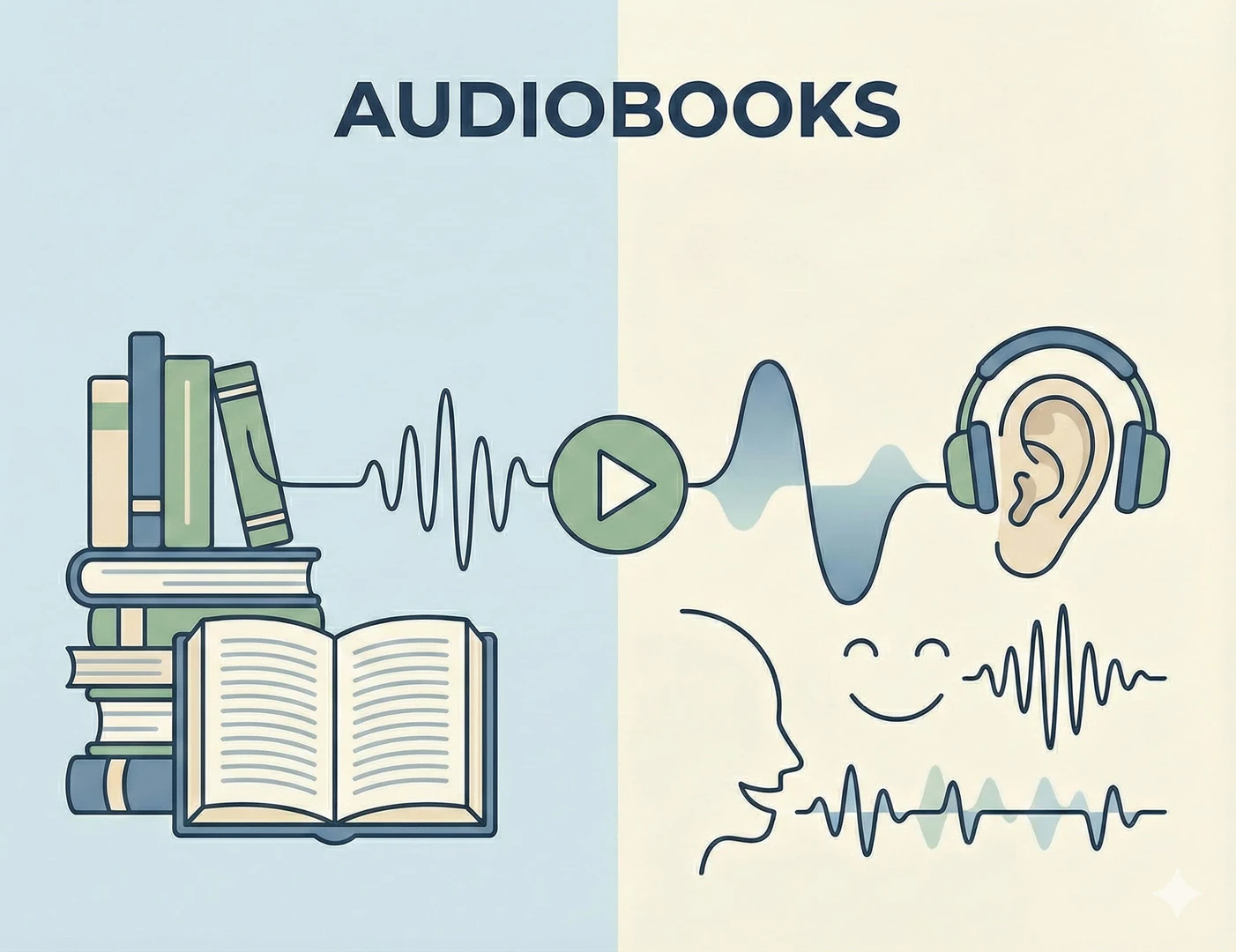
FlowSpeech can be utilized in various scenarios, including: 1. Audiobook Creation[5]: Transform written novels and articles into immersive audiobooks that captivate listeners with natural pacing and emotion. 2. Video Voiceovers: Enhance video content with professional voiceovers that align with the visual elements and narrative. 3. Podcast Production: Quickly generate multi-speaker conversations or narrations for podcasts, making content creation faster and more efficient.
Product Images

Flowspeech Pros and Cons
Pros
- Context-Aware Emotion Delivery: FlowSpeech understands context and infuses appropriate emotions into the audio, enhancing listener engagement with a rich emotional range.
- Flexible Voice Options: With over 30 distinct voices and support for 70+ languages, FlowSpeech allows users to choose the perfect voice for their projects, catering to diverse audiences.
- Precise Control Over Speech: Users can control pauses and emotions in the speech output, ensuring a natural and polished audio experience without needing additional editing.
Cons
No cons data detected for this tool
Flowspeech Pricing
Free
Start for Free
Basic
Basic plan for individuals.
Pro
Pro plan for professionals.
Scale
Scale plan for larger teams.
For the latest pricing, please visit this link: https://flowspeech.io/pricing
Prices are subject to change. Please visit the official website for the most up-to-date pricing information.