Flosign




What is FloSign?
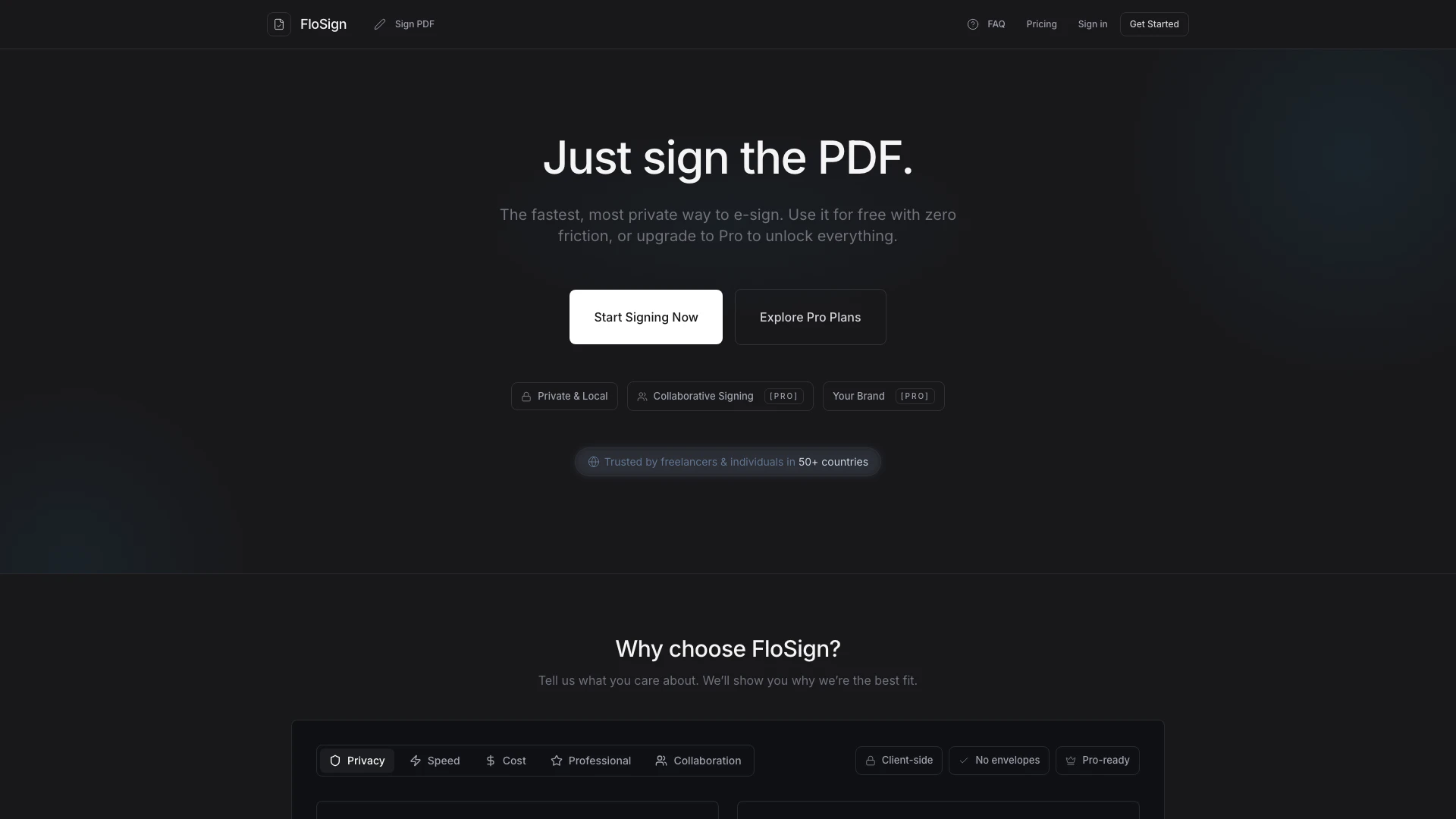
FloSign is an online tool designed for signing PDF documents quickly and securely. It offers a simple e-signature solution that serves as a cost-effective alternative to services like DocuSign. With FloSign, users can sign documents without the need for registration, ensuring a fast and private signing experience. The platform emphasizes user privacy and security, making it ideal for sensitive documents such as contracts and NDAs.
How to use FloSign?
To use FloSign for signing PDFs, follow these steps: 1. Drop your PDF: Drag and drop the PDF document you wish to sign onto the FloSign interface. 2. Sign it: Add your signature, date, or any necessary text by clicking to place them in the document. 3. Download: Once you have signed the document, download the signed PDF to your device. It's that simple!
What are the main features of FloSign?
FloSign offers a variety of features designed to enhance the e-signing experience: - No Registration Required: Start signing documents immediately without creating an account. - Client-Side Processing: Ensures maximum privacy as documents are processed entirely in the user's browser. - Unlimited Signatures: Users can sign an unlimited number of documents for free. - AES-256 Encryption: Provides robust security for sensitive documents. - Pro Plans: Unlock additional features like custom branding, secure cloud storage, and multi-signer workflows.
Who is FloSign for?
FloSign is designed for a wide range of users, including freelancers, individuals, small teams, and organizations that require efficient and secure document signing solutions. It is particularly beneficial for those who handle sensitive documents such as contracts and NDAs, as well as teams that need to collaborate on signing processes. Its straightforward interface and privacy-focused features make it suitable for anyone looking for a reliable e-signature tool.
What are the use cases of FloSign?
FloSign can be used in various scenarios, including: 1. Signing Contracts: Quickly sign legal agreements without the hassle of printing and scanning. 2. NDA Approvals: Securely sign non-disclosure agreements to protect sensitive information. 3. Client Proposals: Send polished proposals to clients with a professional touch, ensuring timely approvals.
Flosign Pros and Cons
Pros
- Fast and Private Signing: FloSign offers a quick and private e-signature solution, allowing users to sign PDFs without registration and ensuring maximum privacy with client-side processing.
- Transparent Pricing: The tool provides clear and affordable pricing plans, making it accessible for freelancers and small teams who need to manage costs effectively.
- User-Friendly Interface: With a simple drag-and-drop functionality, users can easily upload and sign their PDFs in just three steps, enhancing the overall user experience.
Cons
No cons data detected for this tool
Flosign Pricing
Free
Perfect for basic signing needs. Local PDF signing, download signed PDFs, unlimited signatures, basic document editing.
Pro
Unlock everything with a 3-Day Free Trial. Your Custom Logo, Secure Cloud Vault, Collaborative Signing, Bulk Batch Sending, PIN & Expiry Links.
Teams
For your organisation with up to 5 members. Shared Workspaces, Centralised Templates, Everything in Pro.
For the latest pricing, please visit this link: https://flosign.org/pricing
Prices are subject to change. Please visit the official website for the most up-to-date pricing information.