Facedits



What is FaceEdits?
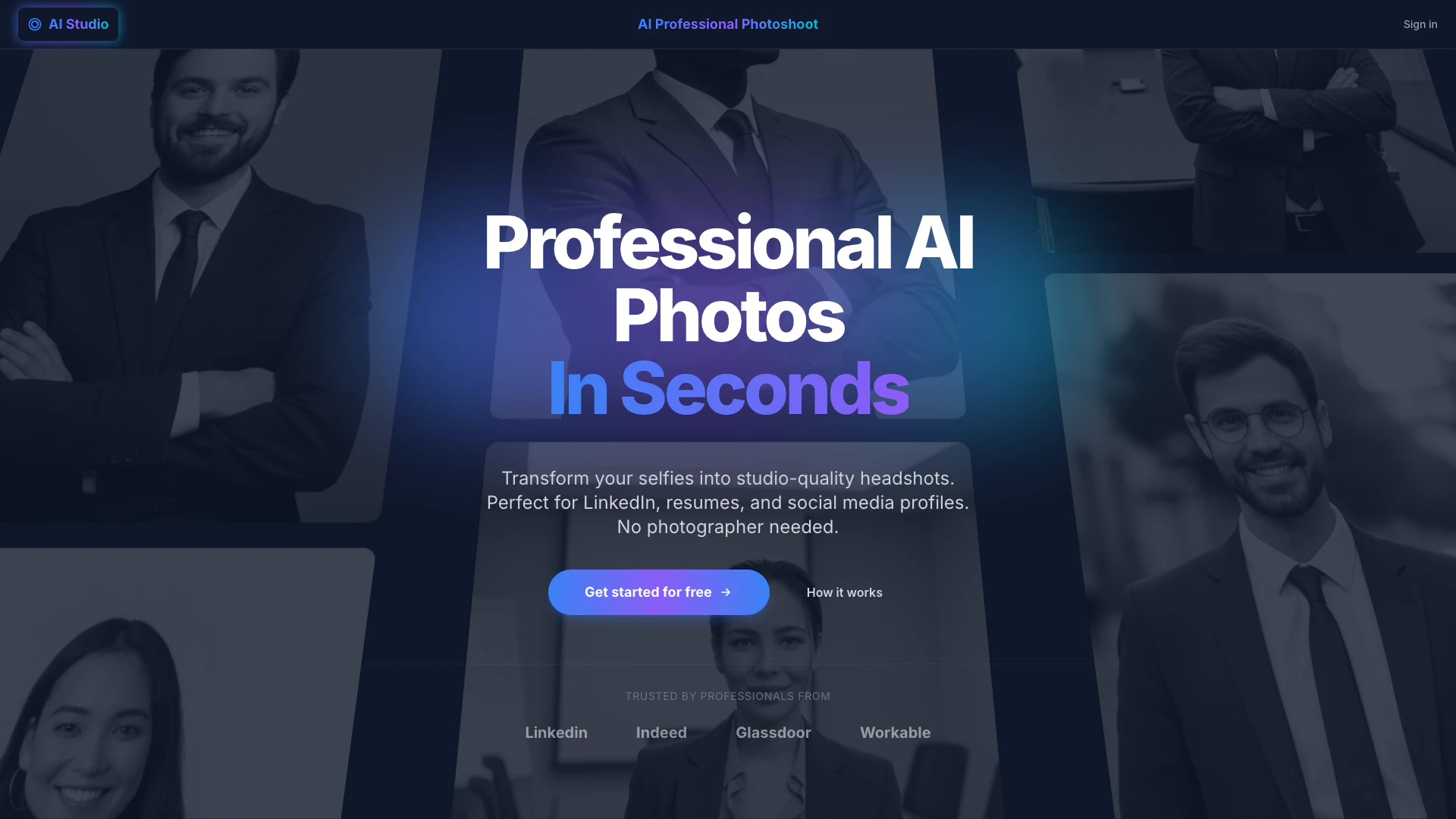
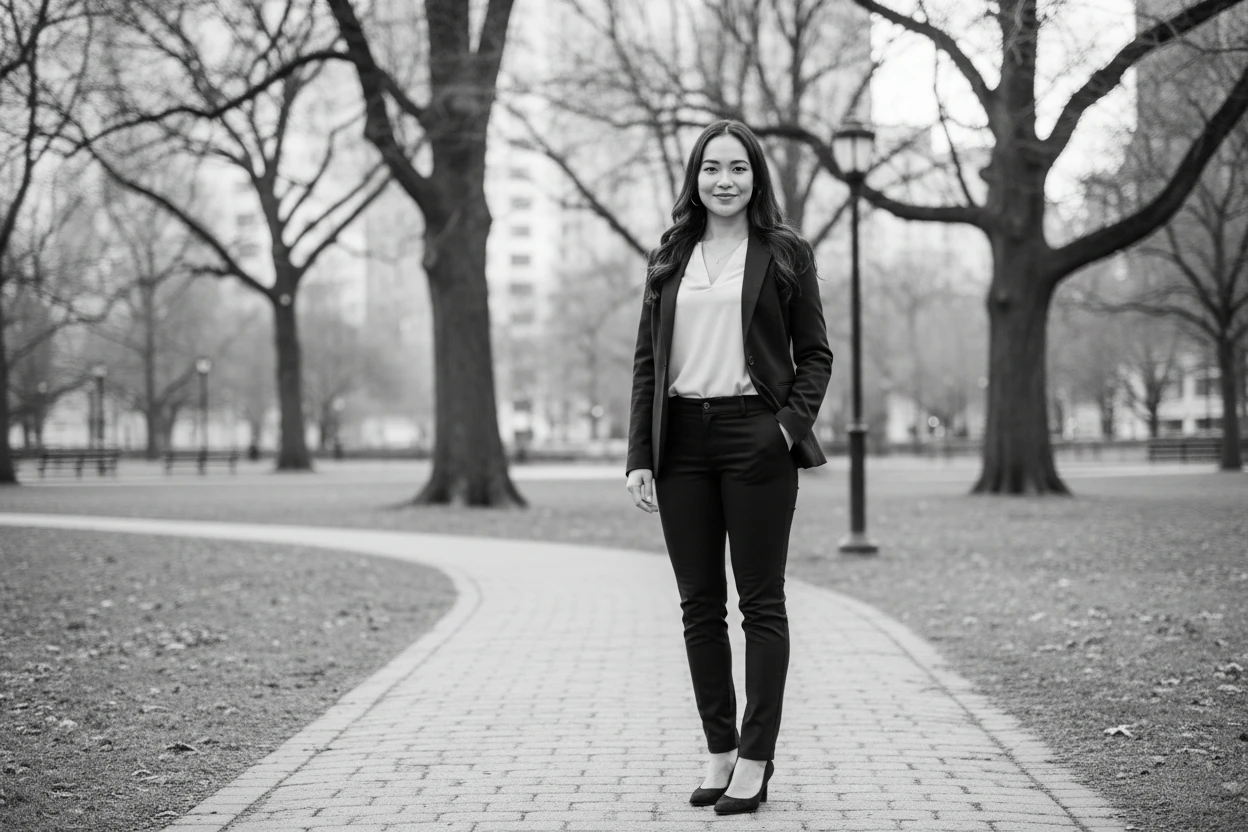
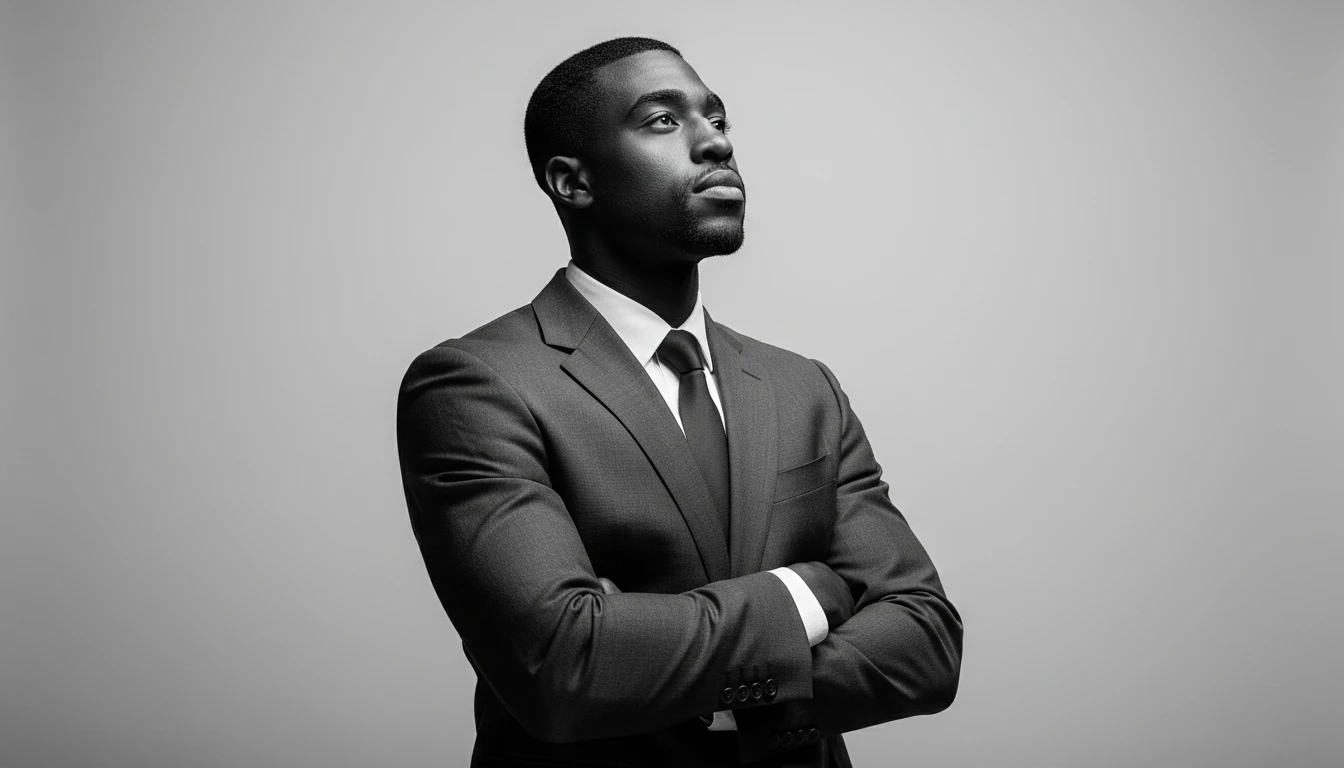
FaceEdits is an innovative AI-powered tool designed to transform your selfies into professional headshots and creative portraits in an instant. With a focus on privacy and high-quality results, FaceEdits eliminates the need for traditional photography sessions, allowing users to generate stunning images quickly and effortlessly. Whether for LinkedIn profiles, resumes, or social media, FaceEdits combines cutting-edge AI technology with professional photography principles to deliver authentic and high-end results.
How to use FaceEdits?
- Upload Selfie: Start by taking a quick selfie or upload one from your gallery. Ensure good lighting for the best results.
- AI Processing: The advanced AI analyzes your features and generates professional variations of your image.
- Download: Review the generated images, choose your favorites, and download high-resolution versions instantly.
What are the main features of FaceEdits?
- AI Professional Photoshoot: Instantly transforms selfies into studio-quality headshots.
- Studio Quality Lighting: Simulates professional studio environments to enhance image quality.
- Privacy First: Ensures secure processing of photos without using them for model training without consent.
- Instant Results: Provides professional-quality images in minutes, eliminating the need for scheduling photoshoots.
Who is FaceEdits for?
FaceEdits is ideal for professionals, freelancers, and anyone in need of high-quality headshots or portraits without the hassle of a traditional photoshoot. It caters to individuals who require polished images for platforms such as LinkedIn, resumes, or social media profiles. The tool is particularly beneficial for those who may not be comfortable in front of a camera or who want to save time and resources in obtaining professional images.
What are the use cases of FaceEdits?
- Professional Networking: Create an impressive LinkedIn profile picture that stands out to potential employers.
- Job Applications: Generate high-quality headshots for resumes and cover letters to enhance your professional image.
- Social Media Profiles: Quickly produce engaging and professional portraits for use on various social media platforms.
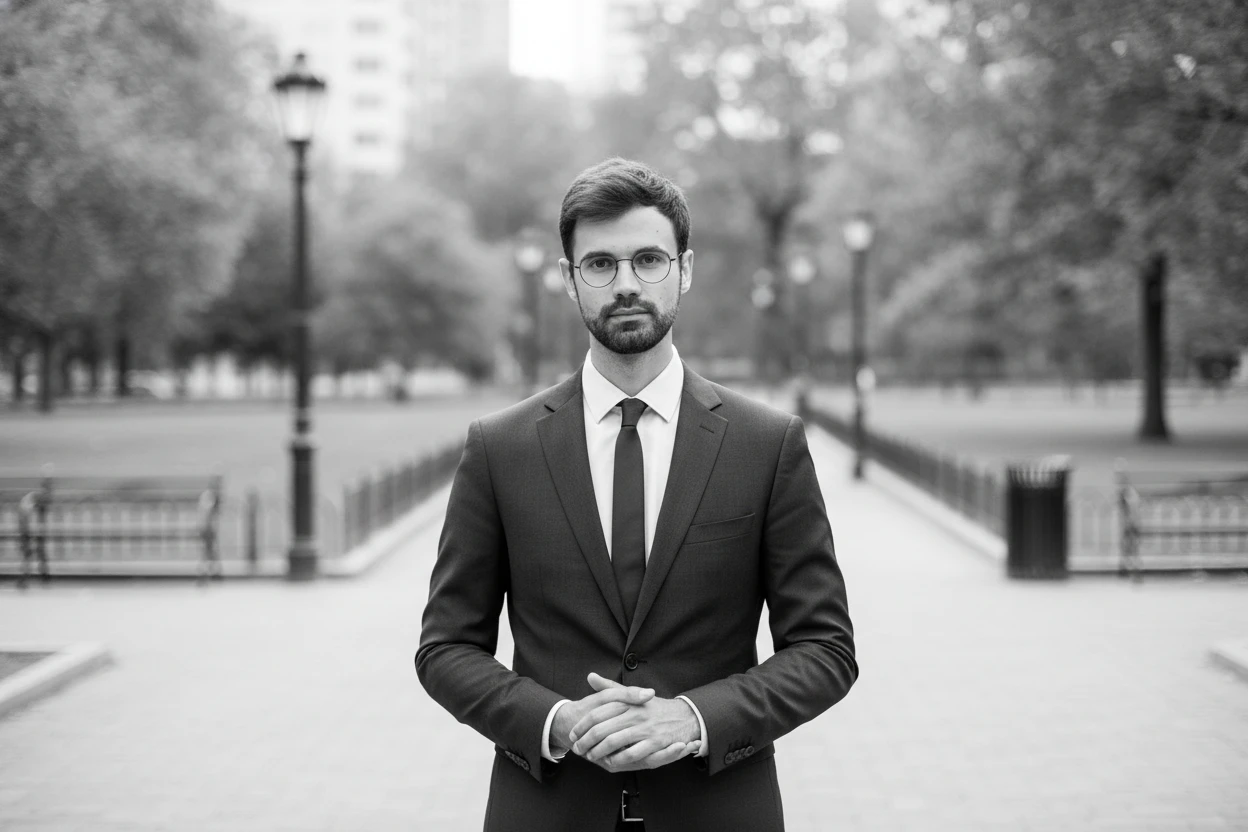
Product Images








Facedits Pros and Cons
Pros
- High-Quality AI Transformations: FaceEdits utilizes advanced AI to transform selfies into professional-quality headshots, ensuring authenticity and high-end results.
- Instant Results: Users can achieve professional images in minutes without the need for scheduling a photoshoot, making it highly convenient.
- Privacy-Focused Processing: FaceEdits prioritizes user privacy by securely processing photos and not using them for model training without consent.
Cons
No cons data detected for this tool
Facedits Reviews
I needed a decent headshot for a conference and didn’t have time to book a photographer. FaceEdits gave me something clean and professional in a few minutes. Way easier than I expected.
I’m terrible at taking photos, so this was a relief. I uploaded a random selfie and ended up with a solid LinkedIn picture without stressing about it.
I've used other AI tools before, but the quality here is on another level.
For more reviews, visit this link: https://facedits.com/#what-users-say