
Eyegestures
What is EyeGestures?
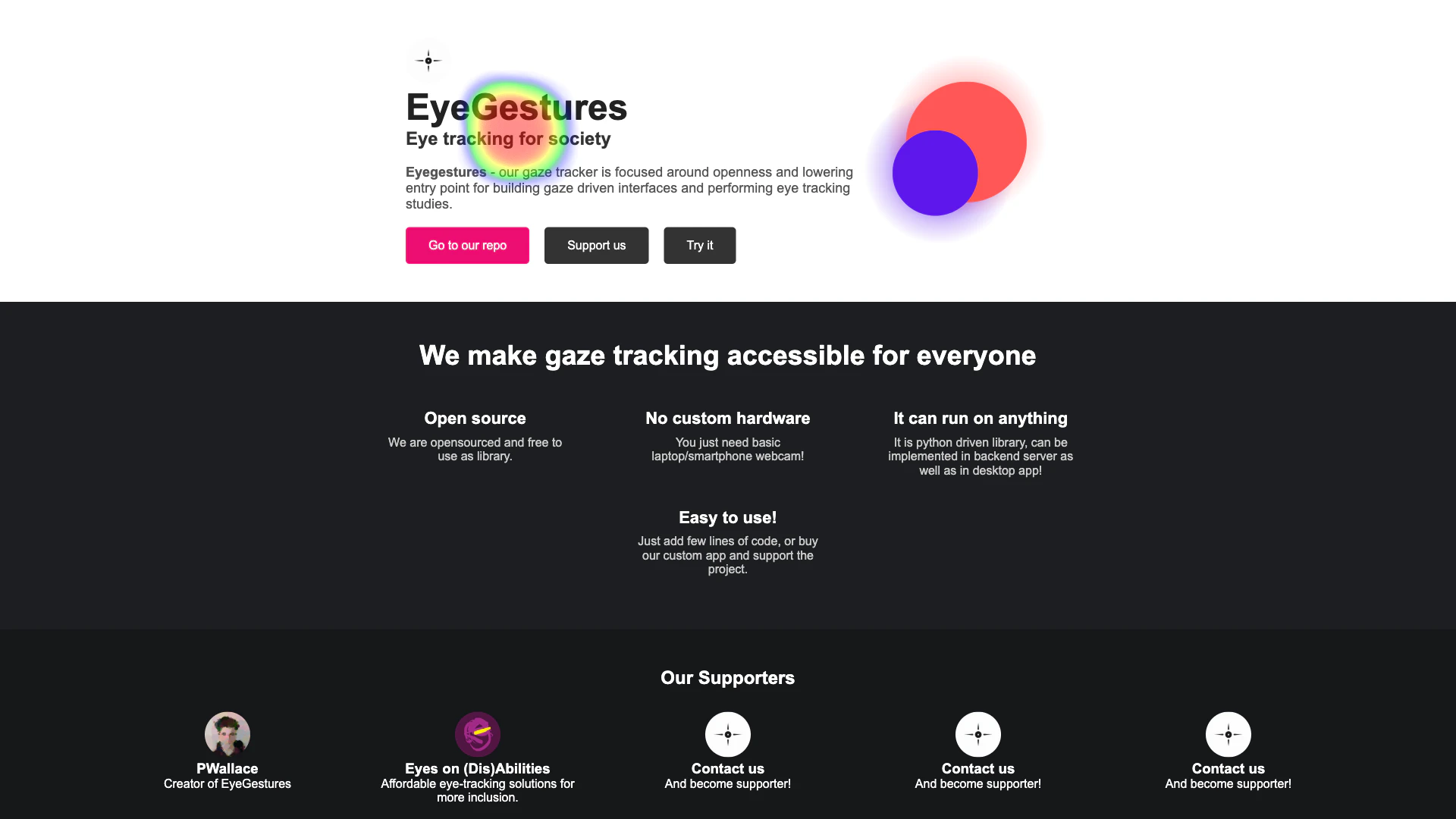
EyeGestures is an innovative open-source[2] gaze tracking[1] project designed to make eye tracking accessible for everyone. Utilizing just a standard webcam[5], EyeGestures offers powerful tools such as EyeFocus[3], which prioritizes user privacy, and EyePointer[4], which is tailored for research studies. The project emphasizes affordability[6], ease of use, and adaptability, making it suitable for a wide range of applications.
How to use EyeGestures?
- Download the EyeGestures library from the official GitHub repository.
- Install the required dependencies and ensure you have Python or JavaScript set up.
- Integrate EyeGestures into your application by adding a few lines of code as per the documentation.
- Connect a standard webcam to your computer or device.
- Launch the application and start using EyeFocus or EyePointer for your gaze tracking needs.
What are the main features of EyeGestures?
- Open Source: EyeGestures is free to use and can be modified as needed.
- No Custom Hardware Required: It operates with just a basic laptop or smartphone webcam.
- Versatile Functionality: The tool can run on various platforms, including backend servers and desktop applications.
- Easy Integration: Users can implement it with minimal coding effort or use a custom app for enhanced functionality.
Who is EyeGestures for?
EyeGestures is ideal for developers, researchers, and educators who are looking to implement gaze tracking technology without the need for expensive hardware. It caters to those interested in creating gaze-driven interfaces or conducting eye tracking studies, especially in fields focused on accessibility and inclusion.
What are the use cases of EyeGestures?
- Accessibility Tools: EyeGestures can be used to create applications that help individuals with disabilities interact with technology using eye movements.
- Research Studies: Researchers can utilize EyeGestures for studies in psychology, human-computer interaction, and usability testing.
- Gaming and Entertainment: Developers can incorporate gaze tracking into games to create immersive experiences.
Product Images