

Last updated:
Evoto Ai

Evoto Ai

Get deal
4.00 Comments0 Saved
Introduction:
Streamline your photography editing with Evoto AI.
Launch Date:
Monthly Visits:
1.1M
Inputs:
Image
Outputs:
Image
Supported Languages:
EN
AI Models:
Evoto Photo EditorEvoto InstantEvoto Video
Evoto Ai Overview

What is Evoto Ai?

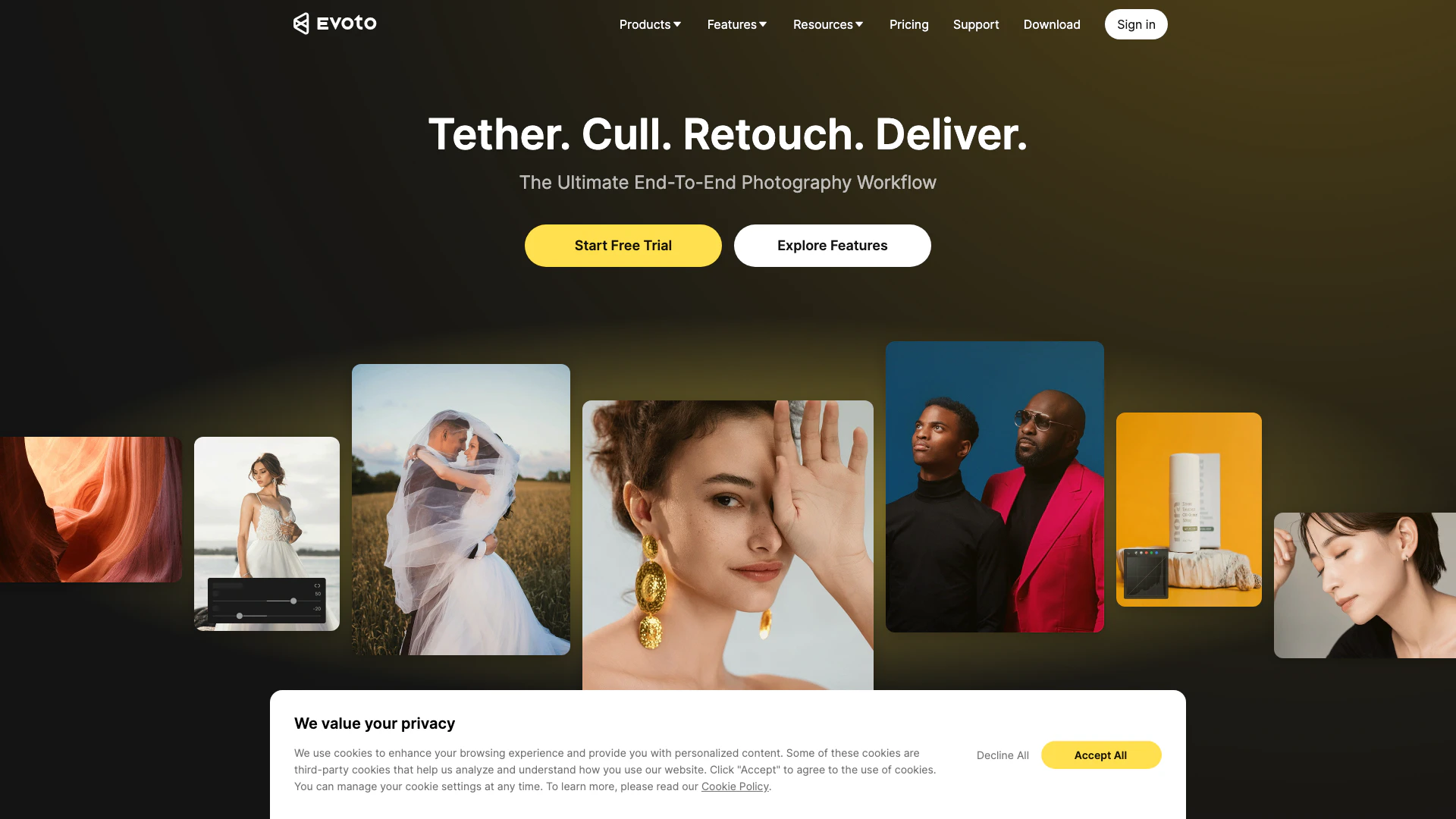
Evoto Ai is a powerful photo editing software designed to enhance the photography workflow for professionals. It utilizes advanced AI technology to automate and streamline various editing processes, including skin retouching, color adjustments, background removal, and de-wrinkling of clothes. This end-to-end solution caters to photographers and creative teams, providing tools that ensure natural and consistent results while significantly improving efficiency from shooting to final delivery.


How to use Evoto Ai?

  1. Download and install Evoto Ai on your preferred device (desktop, mobile, or iPad).
  2. Open the software and import the photos you wish to edit.
  3. Utilize the various editing tools such as skin retouching, color grading, and background adjustments to enhance your images.
  4. For batch processing, select multiple images and apply your desired edits simultaneously.
  5. Once satisfied with your edits, export the final images for sharing or delivery.

What are the main features of Evoto Ai?

  • Photo Culling: Quickly sort and select the best images from your shoot.
  • Color Grading: Adjust colors for enhanced visual appeal.
  • Portrait Retouching: Smooth skin, remove blemishes, and enhance facial features.
  • Background Adjustments: Easily change or remove backgrounds from images.
  • Batch Processing: Edit multiple photos at once, saving time and effort.
  • Gallery Sharing: Share your edited photos directly from the platform.

Who is Evoto Ai for?

Evoto Ai is tailored for professional photographers, creative teams, and content creators who require efficient and high-quality photo editing solutions. It is especially beneficial for those involved in high-volume photography, such as wedding and event photographers, as well as portrait and fashion photographers seeking to streamline their editing workflow while maintaining professional standards.


What are the use cases of Evoto Ai?

  1. Wedding Photography: Enhance wedding photos by retouching skin tones and adjusting backgrounds for a polished look.
  2. Event Photography: Quickly edit event images to remove distractions and improve overall quality for timely delivery.
  3. Portrait Photography: Use advanced retouching features to create stunning headshots and personal portraits.

Product Images
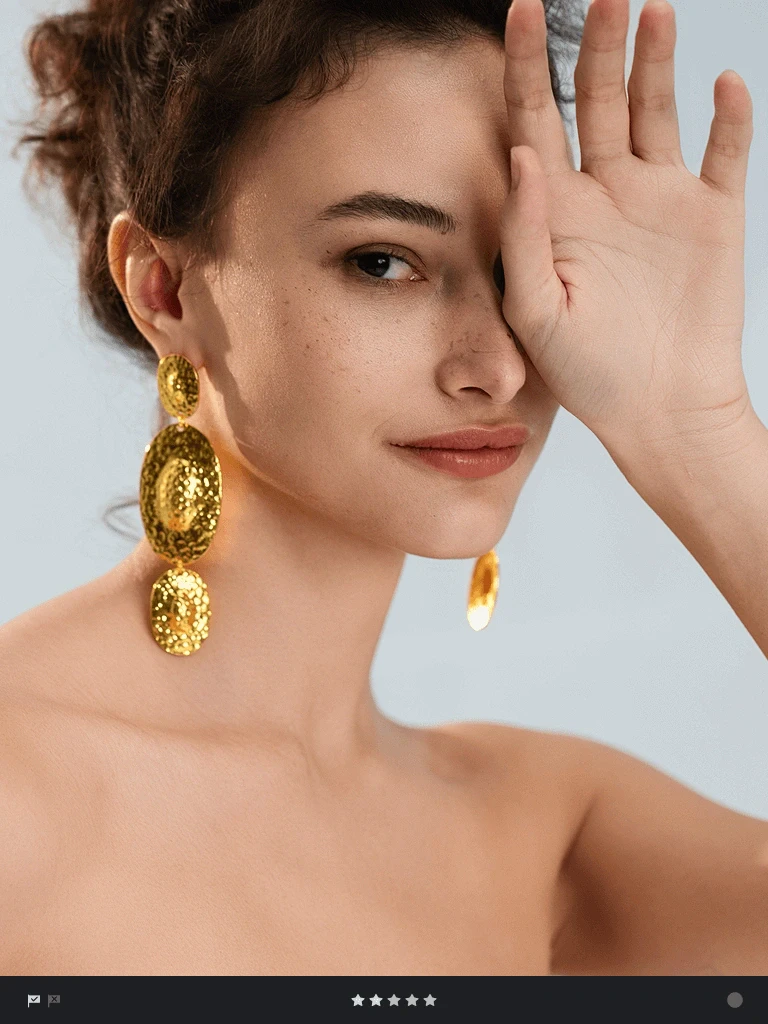
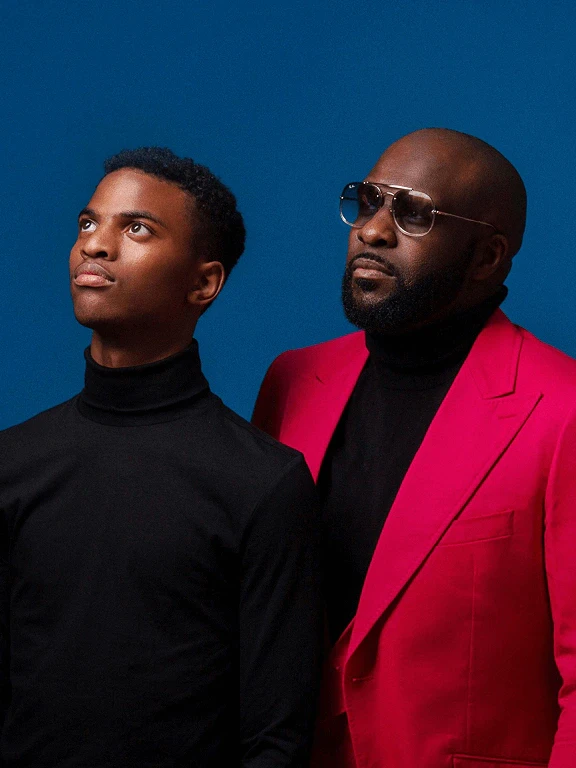
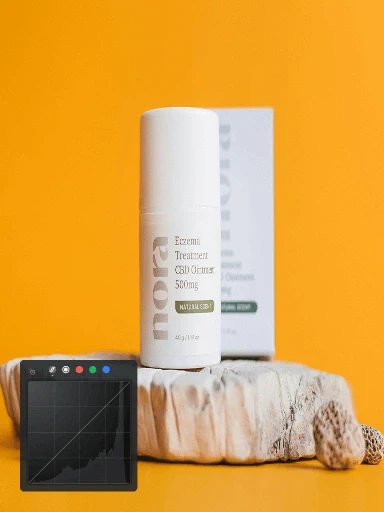
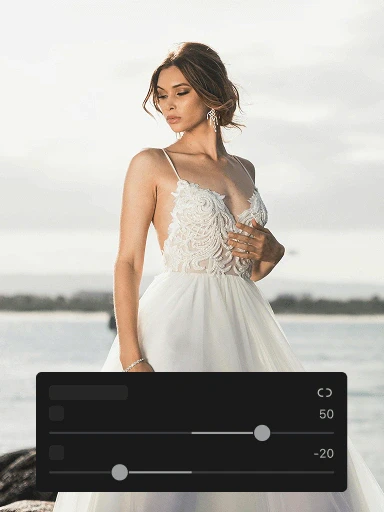
Evoto AI usage step screenshot
Evoto AI operation interface
Evoto AI editing process example
Evoto AI main features demonstration
Evoto AI product interface overview
Using Evoto AI for photo editing
Evoto AI features demonstration
1 / 7

Evoto Ai Pros and Cons

Pros

  • Comprehensive Editing Features: Evoto AI offers a wide range of editing tools including photo culling, color grading, portrait retouching, and background adjustments, making it suitable for various photography needs.
  • AI-Powered Automation: The software utilizes AI to automate repetitive tasks, significantly speeding up the editing process and allowing photographers to focus on creativity.
  • User-Friendly Interface: Evoto AI features an intuitive interface that simplifies the editing workflow, making it accessible for both professional photographers and beginners.

Cons

No cons data detected for this tool

Evoto Ai Pricing

Starter Plan

$80/year

Includes: 800 credits, Credit-Free Features*, Support for 2 devices, Credits roll over with subscription.

Basic Plan

$134/year

Includes: 1,600 credits, Credit-Free Features*, Support for 3 devices, Credits roll over with subscription.

Basic Plus Plan

$242/year

Includes: 3,600 credits, Credit-Free Features*, Support for 4 devices, Credits roll over with subscription.

Standard Plan

$521/year

Includes: 9,000 credits, Credit-Free Features*, Support for 5 devices, Credits roll over with subscription.

Standard Plus Plan

$1,205/year

Includes: 24,000 credits, Credit-Free Features*, Support for 6 devices, Credits roll over with subscription.

For the latest pricing, please visit this link: https://www.evoto.ai/payment

Prices are subject to change. Please visit the official website for the most up-to-date pricing information.

Analytics of Evoto Ai

Evoto Ai Website Traffic Analysis

Visits Over Time

Dec 2025 - Feb 2026 All Traffic
#303
AI Tools Rank
1.14M
Monthly Visits
46.21%
Bounce Rate
2.88
Pages Per Visit
1:40
Visit Duration
43.96K
Global Rank
45.46K
Country Rank

Traffic Sources

Dec 2025 - Feb 2026 Worldwide Desktop Only

  • Search: 57.02%
  • Direct: 35.10%
  • Referrals: 3.56%
  • Social: 2.77%
  • Paid Referrals: 1.49%
  • Mail: 0.06%

Top Regions

Dec 2025 - Feb 2026 Desktop Only
RegionPercentage
🇺🇸
United States
18.11%
🇰🇷
South Korea
10.64%
🇻🇳
Vietnam
10.53%
🇧🇷
Brazil
5.94%
🇮🇳
India
4.88%
  1. United States: 18.11%
  2. South Korea: 10.64%
  3. Vietnam: 10.53%
  4. Brazil: 5.94%
  5. India: 4.88%

Top Keywords

KeywordVolumeCPCEstimated Value
evoto37.15K$6.50$44980.00
evoto ai12.09K$5.30$13400.00
이보토1.85K$0.00$2980.00
에보토1.46K$0.00$2560.00
evoto download980$19.00$1620.00

Evoto Ai Social Listening

Logo

Unlock to view 39 social media results.

Evoto Ai Compare

Tool NameIntroductionPricing
Type
RatingLaunch DateLearn more
Paraphrasing Tool (Ad-Free and No Sign-up Required) - QuillBot AI
Free
December 31, 1984
Get deal
🧠 AI-powered image resizer for social media
Free
June 8, 2021
Get deal
Configure it once and automate your images forever without intervention—no need to review. Photos are ready to publish. Adjust backgrounds, lighting, banners, and more to fit your company branding.
Free
October 5, 2021
Get deal

Info current as of post date. Offers and availability may vary by location and are subject to change.

Evoto Ai Q&A

Evoto empowers professional photography with AI. Designed for photographers and creative teams, Evoto builds intelligent products to support the entire workflow, from shooting and culling to retouching and delivery, helping teams achieve natural, consistent results with greater efficiency.

Evoto currently offers three products: 1. **Evoto Photo Editor** – AI-powered photo editing software (desktop, mobile, iPad, online) for portrait retouching, backgrounds, colors, and batch processing. _For: professional photographers who need complete editing control_ 2. **Evoto Instant** – Automated workflow from tethered shooting to instant editing and delivery with customizable styles. _For: high-volume photographers (weddings, events, studios) who need fast, on-the-spot delivery_ 3. **Evoto Video** – AI video editing with portrait retouching and color correction. _For: content creators and photographers expanding into video_ Whatever you shoot—photos, video, entire workflows—Evoto has you covered with the professional quality that sets you apart.

Evoto uses a credit-based pricing system that scales with your needs. **Start Free:** Download Evoto and get welcome credits to test all premium features risk-free. Essential tools like basic color adjustments, cropping, and file management are always free. **How Credits Work:** Most features cost 1 credit per exported image. Some advanced AI generative tools may cost more, but you'll always see the exact price before use. [Learn more about credits >](https://support.evoto.ai/understanding-evoto-credits-and-pricing/) **Flexible Plans:** **Pay-As-You-Go:** Buy credit packs when you need them, use at your own pace. **Annual Subscription:** Multiple tiers with lower per-credit pricing and credit rollover. [View all plans & pricing >](https://www.evoto.ai/payment)

Most Evoto features require images to be uploaded to our cloud servers for analysis and processing. However, your data is not stored - all images are deleted immediately once processing is complete. Only the following features require storage (with your prior consent): Feature | Cloud Processing | Cloud Storage ---|---|--- Cloud Sync & Cloud Storage | Yes | Yes AI Color Match | Yes | Yes Cropping (ID Photo & AI Horizontal Correction) | Yes | No Background Replacement | Yes | No Portrait Retouching | Yes | No Software Usage (Beta) | Yes (optional) | No **Server Location:** Oregon, United States.

No. Evoto will never use your images for AI training unless you explicitly consent. All model training data comes from legally authorized sources: * **Licensed Content:** Material purchased and legally licensed from compliant third-party vendors * **Original Photography:** Photos taken by professional photographers and models hired by Evoto, with full and exclusive copyrights Your privacy and control over your content are extremely important to us.

Yes. Evoto is committed to protecting personal information across all aspects of our operations. Certification | Status ---|--- GDPR / UK GDPR | Compliant CCPA | Compliant CH-DSG | Compliant Japan P-Mark | Certified ISO 27001 | In Progress SOC II | Under Review

Evoto Ai Launch embeds

Use website badges to drive support from your community for your TopAITools Review. They're easy to embed on your homepage or footer.

Evoto Ai Alternatives

Remove Bg screenshot

Remove image backgrounds automatically in 5 seconds with just one click. Don't spend hours manually picking pixels. Upload your photo now & see the magic.

  • Image Generation & Editing
  • AI Background Remover
  • AI Image Enhancer
  • AI Image Segmentation
Search51.47%
Direct47.21%
Referrals1.17%
Adobe screenshot

Adobe Firefly is an AI-driven tool for creating unique images, videos, and audio.

  • Image Generation & Editing
  • AI Image Generator
  • AI Photo Editor
  • AI Realistic Image Generator
Direct60.39%
Referrals34.84%
Search3.54%
Picsart screenshot

Picsart is a versatile platform for creating stunning visual content using AI tools.

  • Image Generation & Editing
  • AI Image Generator
  • AI Photo Editor
  • Gallery Creation Tool
Search66.78%
Direct31.18%
Referrals1.59%

Evoto Ai Tags

Also used for

Evoto Ai
Evoto AiFree Trial