Easyscribeai





What is Easyscribeai?
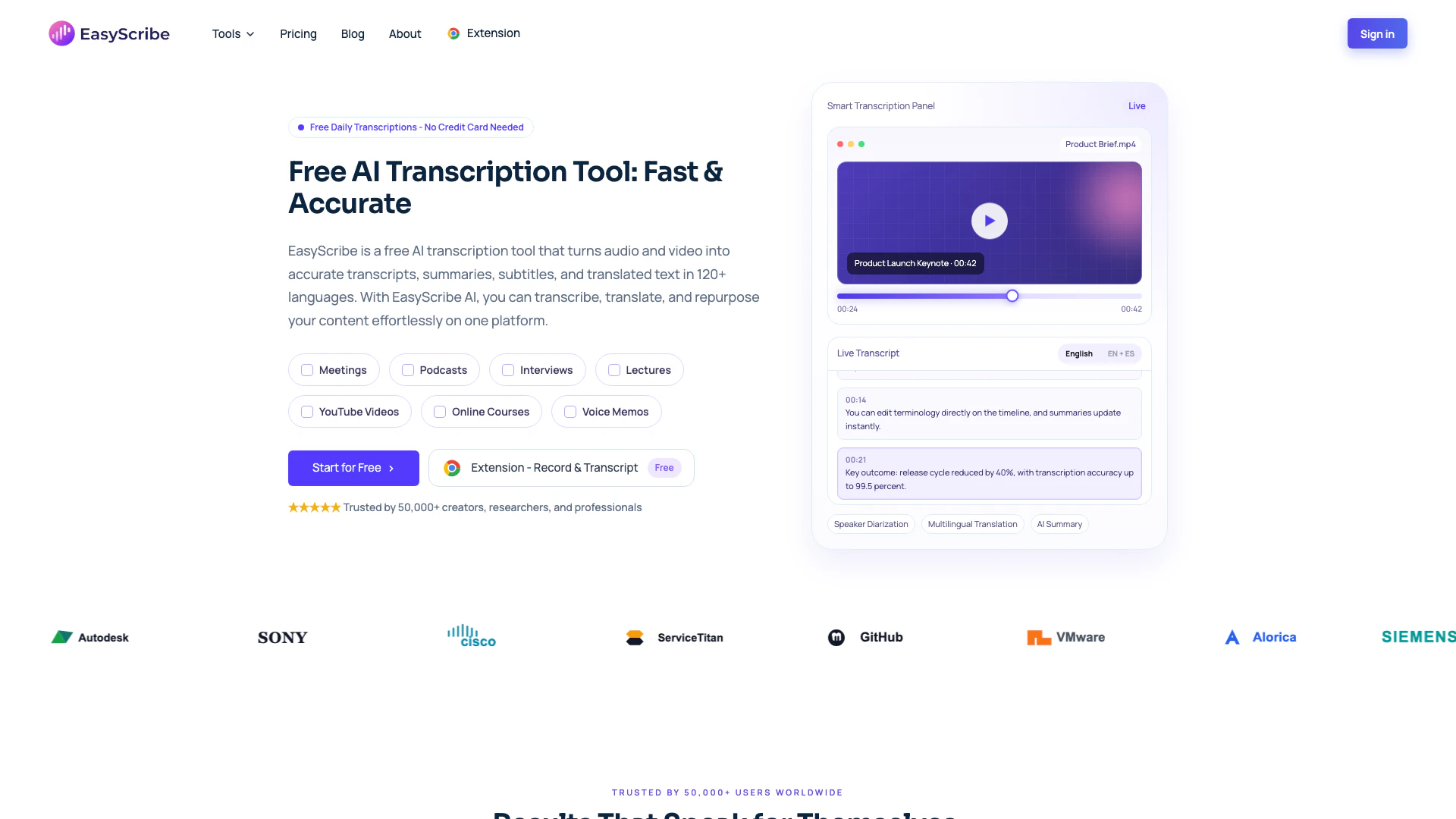
EasyScribe is an advanced AI-powered transcription tool designed to convert audio and video content into high-precision text. It offers free AI-generated summaries and supports multilingual transcription, making it a versatile solution for various content needs. With an impressive accuracy rate of 99.5%, EasyScribe is suitable for diverse applications, including podcasts, interviews, lectures, and professional meetings, helping users save time and effort in content creation.
How to use Easyscribeai?
- Upload: Drag and drop your audio or video file into the EasyScribe platform. It supports multiple formats including MP3, MP4, WAV, and more.
- Transcribe: Select the source language and, if needed, add translation options. Click to start the transcription process, which automatically saves your transcripts in the 'My Creations' section.
- Export & Share: Edit your transcripts, captions, and subtitles directly in the workspace. You can then export your files as TXT or DOCX, or share them publicly with just one click.
What are the main features of Easyscribeai?
- 99.5% Accuracy: Ensures high-quality transcripts without the need for extensive proofreading.
- Speaker Identification: Automatically identifies and separates speakers in multi-speaker audio using AI diarization.
- Multilingual Support: Offers transcription and translation in over 120 languages and dialects.
- AI Summaries & Notes: Generates structured summaries and notes from transcripts for easy review.
- Timestamped Editing: Allows users to manage and edit transcripts with timestamped lines for better organization.
Who is Easyscribeai for?
EasyScribe is designed for a broad audience, including students, educators, professionals, researchers, and content creators. Students can utilize it to convert lectures into searchable transcripts, while educators can create accessible teaching materials. Professionals benefit from accurate meeting notes and records, researchers can streamline their interview transcriptions, and creators can enhance their content by generating subtitles and summaries from recordings.
What are the use cases of Easyscribeai?
- Academic Use: Students can transcribe lectures and seminars to create clear study materials and notes for exam preparation.
- Professional Documentation: Professionals can keep accurate records of client calls, meetings, and interviews, ensuring important details are not lost.
- Content Creation: Creators can transform podcasts and videos into written content, such as articles and summaries, facilitating easier editing and publishing.
Easyscribeai Pros and Cons
Pros
- High Accuracy Transcription: EasyScribe offers a remarkable 99.5% accuracy in transcribing audio and video files, ensuring high-quality transcripts that require minimal proofreading.
- Multilingual Support: With support for over 120 languages and dialects, EasyScribe allows users to transcribe and translate content into multiple languages efficiently.
- AI-Powered Summaries: The tool automatically generates structured summaries and notes from transcripts, making it easier to review and share important information.
Cons
No cons data detected for this tool