

Dyad
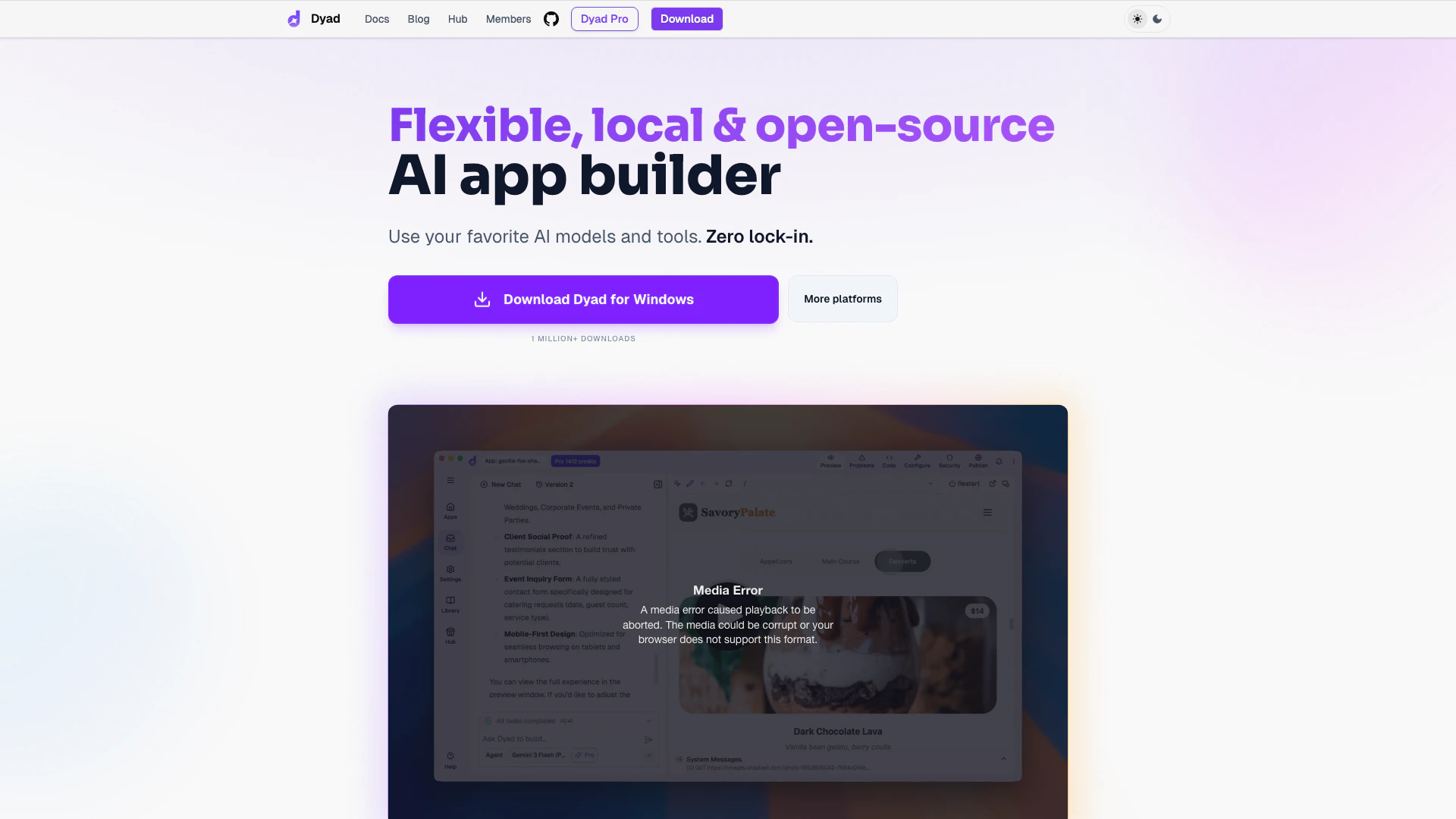


What is Dyad?
Dyad is a flexible, local, and open-source[2] AI app builder[1] designed to empower users to create applications using their preferred AI models and tools without being locked into a proprietary ecosystem. With over 1 million downloads, Dyad offers a unique blend of deep customization and structured support, allowing developers and non-developers alike to build full-stack applications effortlessly. The platform is built to run locally, ensuring that users maintain ownership and control over their code and projects.
How to use Dyad?
- Download Dyad: Visit the official website and download the Dyad application for your operating system (available for Windows and macOS).
- Set Up Your Environment: Follow the quick start guide in the documentation to set up your development environment and connect your accounts to Supabase for database and authentication support.
- Build Your App: Use the intuitive interface to create your application. Customize it with your preferred AI models and tools, ensuring that you have the flexibility to integrate any external services you need.
- Test Your Application: Utilize the built-in security reviews to scan for potential issues and ensure your application is secure before deployment.
- Deploy Your App: Publish your application to platforms like GitHub or Vercel with just a few clicks, or choose to deploy it on your own cloud infrastructure.
What are the main features of Dyad?
- Full-Stack Development[4]: Build applications from start to finish with integrated support for databases, authentication, and server functions.
- Open-Source & Local: Run Dyad on your local machine, ensuring complete ownership and transparency of your projects.
- AI Model Agnostic[5]: Seamlessly integrate various AI models, including those from OpenAI, Google, and Anthropic, allowing for extensive customization.
- Security Features: Built-in security reviews help identify and fix critical vulnerabilities before they become issues.
- Community-Driven: Engage with a global community of developers for support, feedback, and collaboration.
Who is Dyad for?
Dyad is designed for a wide range of users, including developers, designers, and non-technical individuals who want to create AI-powered applications. It is particularly beneficial for those who prefer a local development[3] environment and value open-source software. Whether you are an experienced developer looking to build complex applications or a beginner wanting to explore app development without the fear of vendor lock-in, Dyad provides the tools and flexibility needed to succeed.
What are the use cases of Dyad?
- Web Application Development: Create interactive web applications that leverage AI for enhanced user experiences, such as chatbots or recommendation systems.
- Prototyping and MVPs: Quickly build and iterate on prototypes and minimum viable products (MVPs) to validate ideas before full-scale development.
- Educational Tools: Develop educational applications that utilize AI to provide personalized learning experiences for students.
Product Images
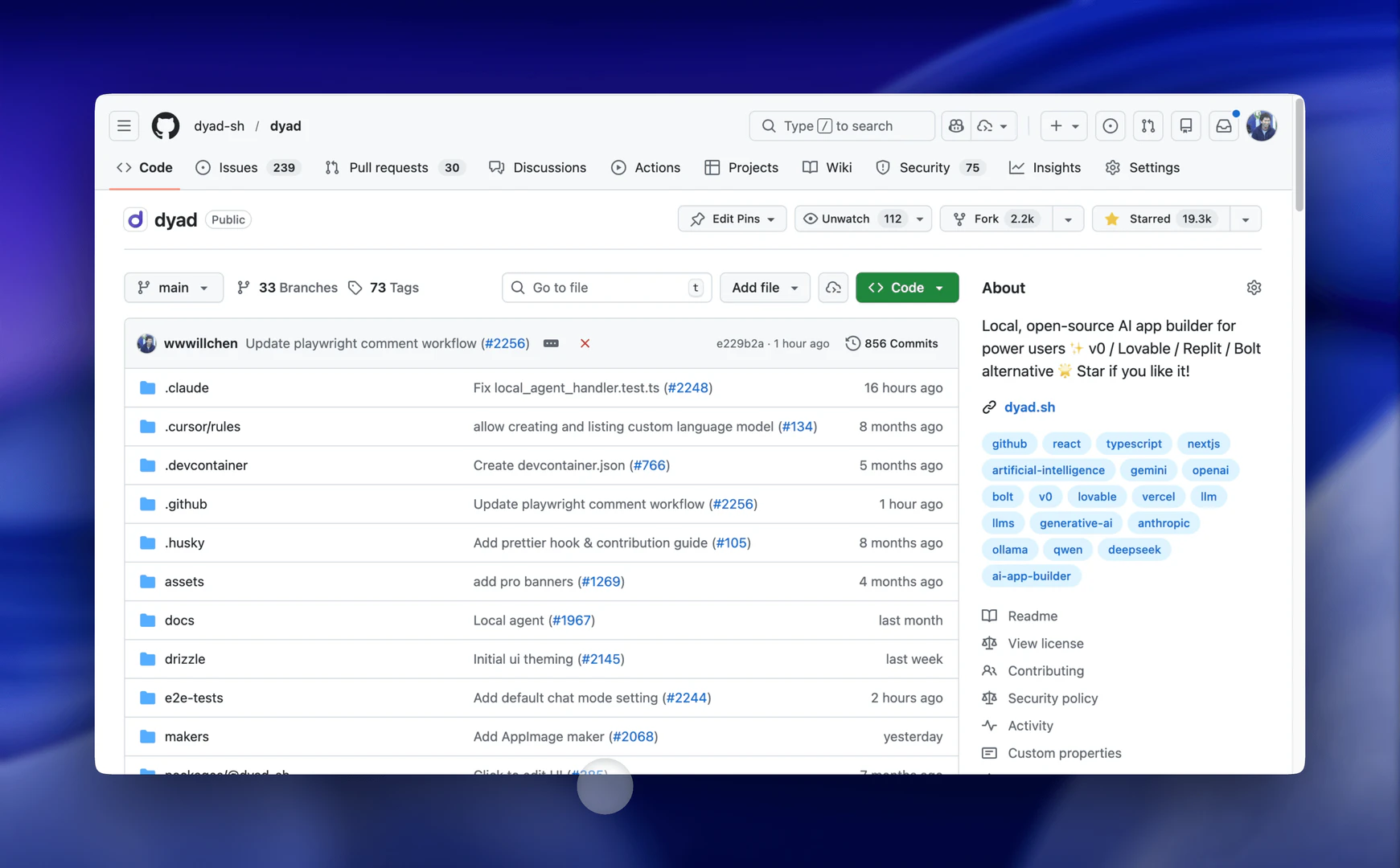
Dyad Pros and Cons
Pros
- Flexible and Open-Source: Dyad is a local, open-source AI app builder that offers flexibility and ownership, allowing users to customize their applications without vendor lock-in.
- Supports Multiple AI Models: Users can integrate various AI models, including those from OpenAI, Google, and Anthropic, providing versatility in application development.
- Built-in Security Reviews: Dyad includes built-in security reviews that help identify and fix critical security issues before they escalate, enhancing application safety.
Cons
No cons data detected for this tool
Dyad Pricing
Dyad Free
Perfect for getting started and building apps. * Local, open-source AI App Builder * Downloadable for macOS & Windows * No sign-up required * Bring your own API key * Community support
Dyad Pro
Unlock powerful AI modes and exclusive Pro features. * Everything in Dyad Free plus... * Exclusive Pro modes to work on large codebases * 200 AI credits/month * Full Dyad Academy access
Dyad Max
For building large, complex apps. * Everything in Dyad Pro plus... * 900 AI credits/month * Prioritized access to office hours * Reload credits at any time (same price)
For the latest pricing, please visit this link: https://www.dyad.sh/pro
Prices are subject to change. Please visit the official website for the most up-to-date pricing information.
Analytics of Dyad
Dyad Website Traffic Analysis
Visits Over Time
Traffic Sources
Nov 2025 - Jan 2026 Worldwide Desktop Only
- Direct: 47.02%
- Search: 37.71%
- Referrals: 9.58%
- Social: 4.30%
- Paid Referrals: 1.11%
- Mail: 0.15%
Top Keywords
| Keyword | Volume | CPC | Estimated Value |
|---|---|---|---|
| dyad | 48.84K | $2.91 | $23760.00 |
| dyad ai | 5.75K | $3.46 | $4090.00 |
| dyad download | 600 | $0.00 | $440.00 |
| dyad ia | 520 | $0.00 | $320.00 |
| dyad vibe coding | 240 | $0.00 | $230.00 |
Dyad Reviews
Dyad completely changed the way I build web interfaces. What I love the most is how intuitive and fast it is — it feels like having a design and dev partner that truly understands my ideas.
I built a poker game with Dyad. It worked very well. Will is working very diligently to add enhancements and fix bugs to make Dyad an even better tool. Best of all, it's local.
Will, you're a genius. This is better than 95% of the other things I have tried, and I've tried them all going back 25 years. You're really on to something here.
For more reviews, visit this link: https://dyad.sh#reviews


Dyad Social Listening
Dyad Review - IGN Video Review
The PSN exclusive Dyad has arr...
Full Review & Testing - Roboro...
The Roborock Dyad Pro replaced...
Dyad Quickstart
Video companion to docs: https...
Unlock to view 36 social media results.