Draw3d



What is Draw3D?
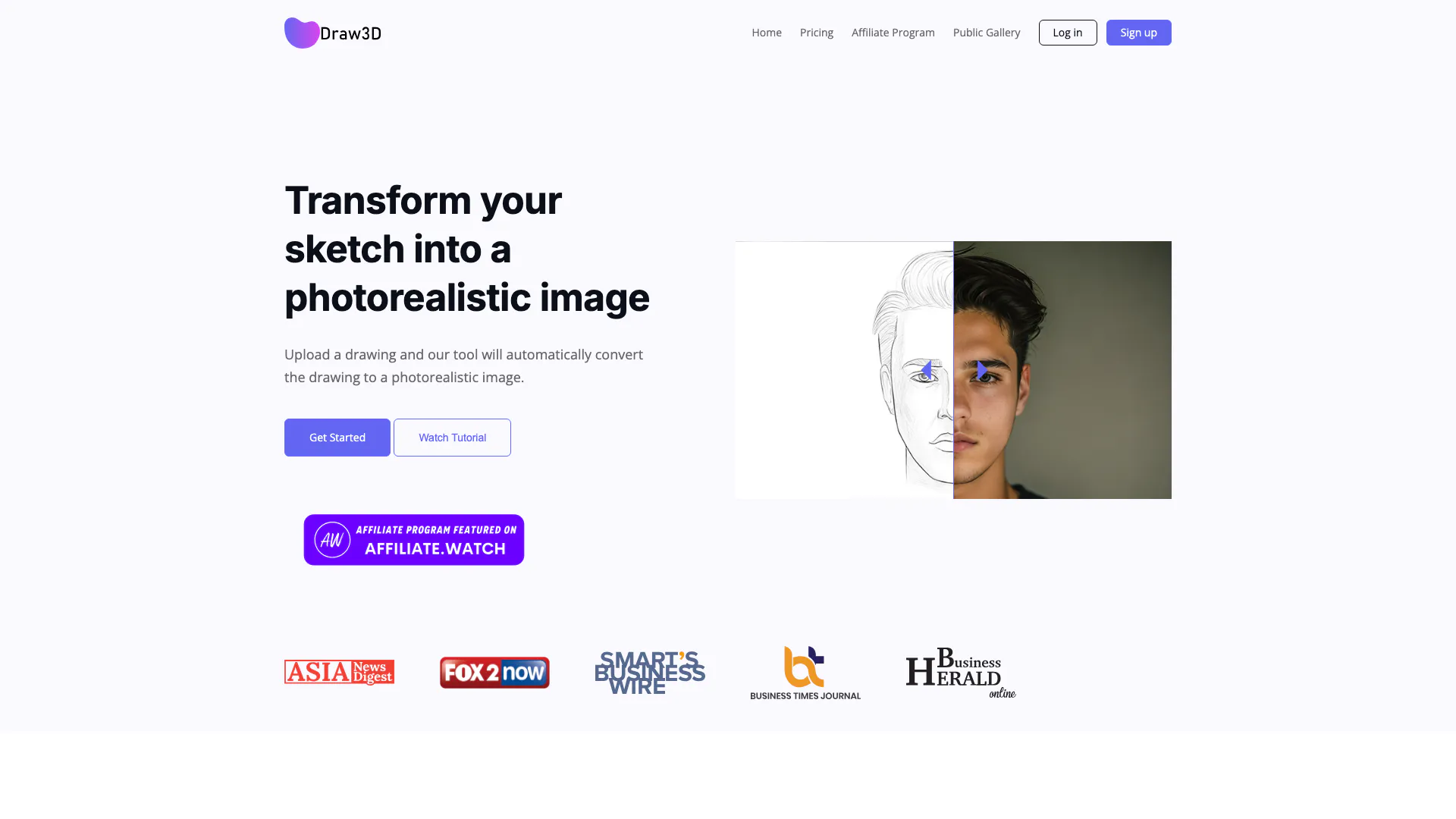
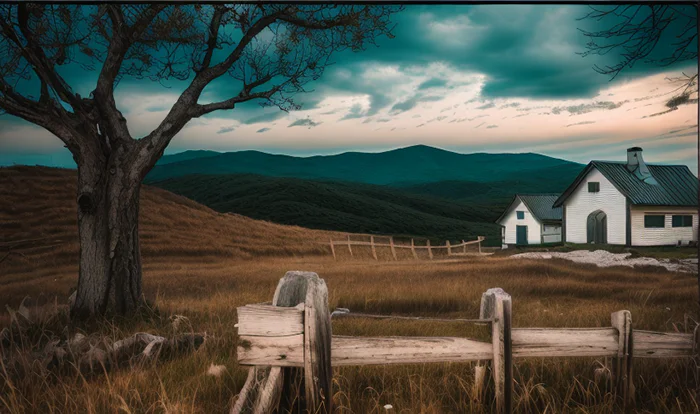
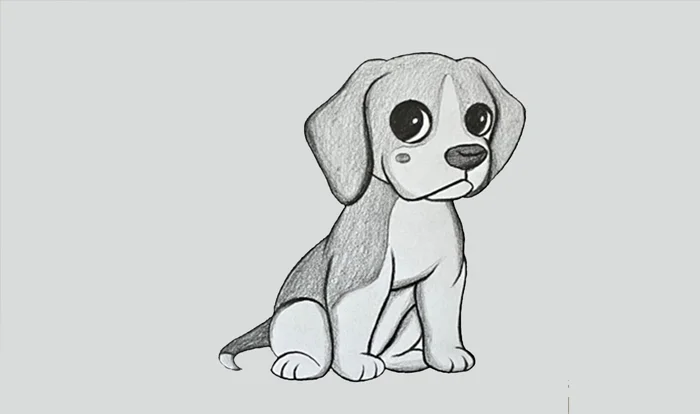
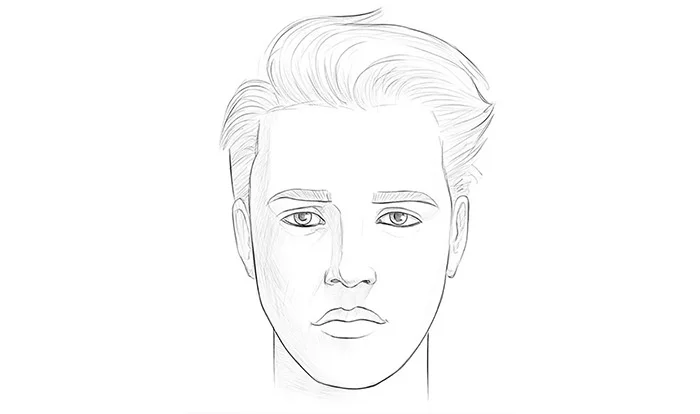
Draw3D is an innovative online tool designed to transform your sketches into photorealistic images effortlessly. Utilizing advanced AI technology, Draw3D allows users to upload their drawings and receive high-quality, realistic renderings in a matter of seconds. Whether you are an artist looking to enhance your sketches or simply someone who wants to visualize ideas more vividly, Draw3D provides a seamless experience that bridges the gap between imagination and reality.
How to use Draw3D?
- Visit the Draw3D website and create an account or log in. 2. Upload your sketch or drawing to the platform. 3. Click on the 'Generate' button to transform your sketch into a photorealistic image. 4. Optionally, use the built-in image editor to resize or apply filters to your generated image. 5. Download your final image or share it directly from the platform.
What are the main features of Draw3D?
- Photorealistic Transformation: Instantly convert sketches into stunning photorealistic images.
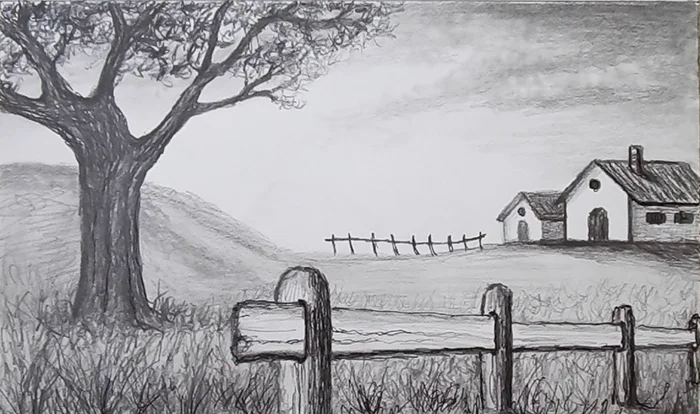
- Versatile Input: Works with any detailed sketch, including animals, landscapes, and sculptures.
- Image Upscaling: Upscale your images up to 4x without quality loss, with an 8x option coming soon.
- Built-in Image Editor: Edit your images directly within the platform, applying filters and resizing as needed.
- User-Friendly Interface: Simple and intuitive design allows users of all skill levels to create professional-quality images.
Who is Draw3D for?
Draw3D is ideal for artists, designers, and hobbyists who want to bring their sketches to life with photorealistic quality. It caters to both professionals looking for a quick way to visualize concepts and beginners who wish to enhance their artistic creations. Additionally, educators and students in art and design fields can utilize Draw3D to better understand the transformation of sketches into realistic imagery.
What are the use cases of Draw3D?
- Art and Design Projects: Artists can use Draw3D to create lifelike representations of their sketches for portfolios or presentations.
- Concept Visualization: Designers can quickly visualize product concepts or architectural designs, aiding in client presentations.
- Educational Tools: Teachers can incorporate Draw3D into art classes to demonstrate the process of converting sketches into detailed images, enhancing students' understanding of visual representation.
Product Images


Draw3d Pros and Cons
Pros
- Photorealistic Image Transformation: Draw3D allows users to upload sketches and automatically convert them into photorealistic images, enhancing creativity and artistic expression.
- Versatile Detail Handling: The tool can manage sketches with any level of detail, making it suitable for various artistic styles, including landscapes and animals.
- Image Upscaling and Editing: Users can upscale generated images up to 4x without quality loss and utilize a built-in image editor for filtering and resizing.
Cons
No cons data detected for this tool
Draw3d Pricing
Free
5 Generation, Single Download, Public Gallery, Commercial License, Remove Watermark, Editor Access, 4x Upscale, Remove Background, Auto Prompt Generation
Starter
1800 Generation, Unlimited Downloads, Private Gallery, Commercial License, Remove Watermark, Editor Access, 4x Upscale, Remove Background, Auto Prompt Generation
Basic
2800 Generation, Unlimited Downloads, Private Gallery, Commercial License, Remove Watermark, Editor Access, 4x Upscale, Remove Background, Auto Prompt Generation
Professional
12000 Generation, Unlimited Downloads, Private Gallery, Commercial License, Remove Watermark, Editor Access, 4x Upscale, Remove Background, Auto Prompt Generation
For the latest pricing, please visit this link: https://draw3d.online/pricing
Prices are subject to change. Please visit the official website for the most up-to-date pricing information.