Dictadoc



What is Dictadoc?
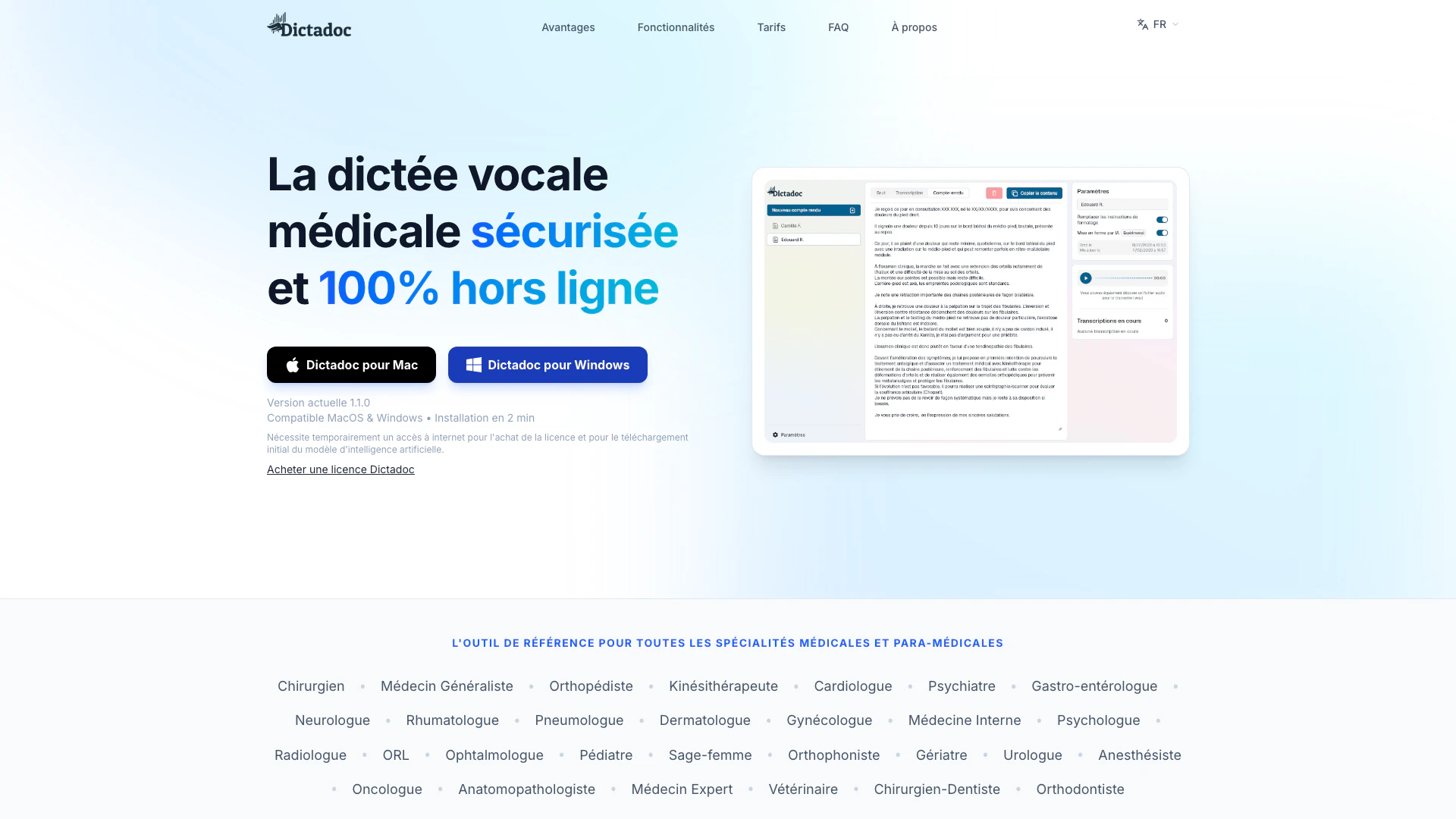
Dictadoc is an innovative medical voice recognition[1] solution designed to streamline the process of creating medical reports[2]. This tool operates 100% offline, ensuring data security[4] and confidentiality, making it an ideal choice for healthcare professionals. With no expensive subscriptions required, Dictadoc provides a cost-effective and efficient way to dictate and manage medical documentation. Its user-friendly interface is tailored specifically for medical and paramedical specialists, allowing them to focus on patient care while minimizing administrative burdens.
How to use Dictadoc?
- Download and Install: Begin by downloading Dictadoc for your operating system (Windows or MacOS) and install it. Ensure you have a temporary internet connection for the initial setup.
- Activate Your License: Purchase a license through the Dictadoc website and enter the activation code provided via email to unlock the full features of the software.
- Start Dictating: Open Dictadoc and begin dictating your medical reports. Use voice command[7]s to control punctuation and formatting, making the dictation process seamless.
- Edit and Review: Utilize the built-in editor to review and modify your transcriptions before exporting them to your patient management system.
- Save and Manage Reports: Save your dictated reports locally, ensuring that all patient data remains confidential and secure.
What are the main features of Dictadoc?
- 100% Offline Operation[3]: Ensures complete data security by processing all information locally without internet dependency.
- Medical Vocabulary[5] Recognition: Designed to understand complex medical terminology, enabling accurate dictation for various specialties.
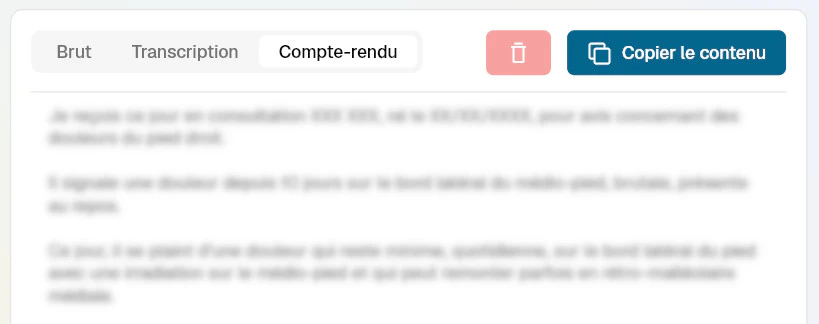
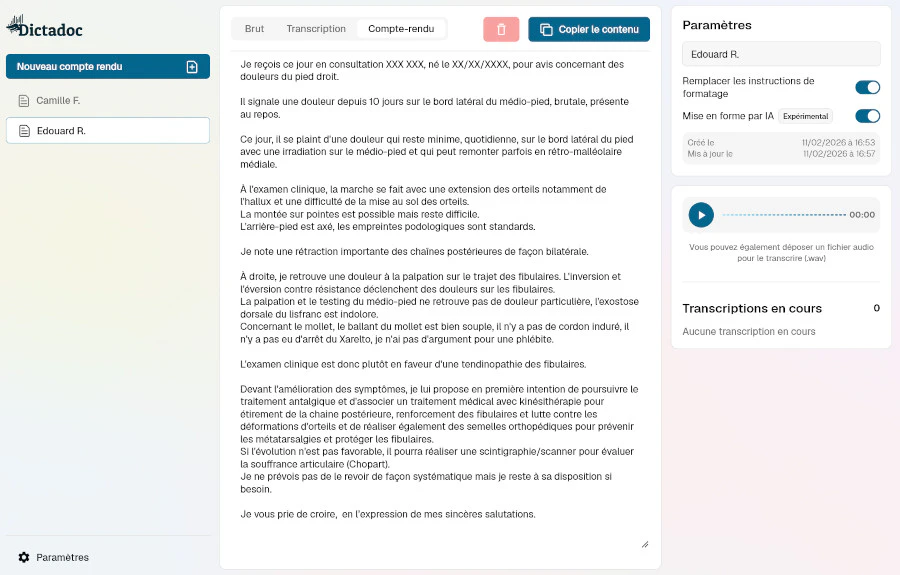
- Integrated Editing[6] Tool: Allows users to review and modify transcriptions directly within the application before exporting.
- Voice Command Formatting: Users can dictate formatting instructions such as 'new paragraph' or 'comma' for a more natural dictation experience.
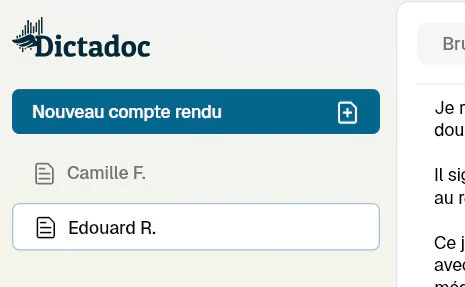
- Multi-Patient Management[8]: Easily switch between patient records without losing track, with dedicated tabs for each patient.
Who is Dictadoc for?
Dictadoc is primarily designed for healthcare professionals, including surgeons, general practitioners, orthopedists, physiotherapists, cardiologists, and many other medical specialists. It is ideal for any medical or paramedical personnel who require a reliable and efficient voice dictation tool to manage their documentation needs securely and effectively. The tool is particularly beneficial for those who wish to reduce their administrative workload and enhance productivity during patient consultations.
What are the use cases of Dictadoc?
- Creating Medical Reports: Dictate patient reports and clinical notes during consultations to save time and ensure accuracy.
- Transcribing Patient Interactions: Use Dictadoc to record and transcribe patient conversations for better documentation and follow-up.
- Streamlining Administrative Tasks: Reduce the time spent on paperwork by dictating and managing reports in real-time, allowing healthcare providers to focus more on patient care.
Product Images
Dictadoc Pros and Cons
Pros
- 100% Offline Functionality: Dictadoc operates entirely offline, ensuring that sensitive medical data remains secure and confidential without any internet dependency.
- Medical Vocabulary Recognition: The tool is designed to understand complex medical terminology, allowing users to dictate naturally while it manages punctuation and formatting.
- User-Friendly Interface: Dictadoc features a clean and intuitive interface that integrates seamlessly into the user's workflow, enabling easy recording, pausing, and editing.
Cons
No cons data detected for this tool
Dictadoc Pricing
Annual License
Unlimited access to dictation, compatible with Windows & MacOS, 100% local processing.
For the latest pricing, please visit this link: https://dictadoc.fr/#prix
Prices are subject to change. Please visit the official website for the most up-to-date pricing information.
Dictadoc Reviews
I use it daily for my reports. I validate every feature and ensure that the tool remains simple and adapted to the reality of my consultations.
For more reviews, visit this link: https://dictadoc.fr/#avis