

Designify



What is Designify?
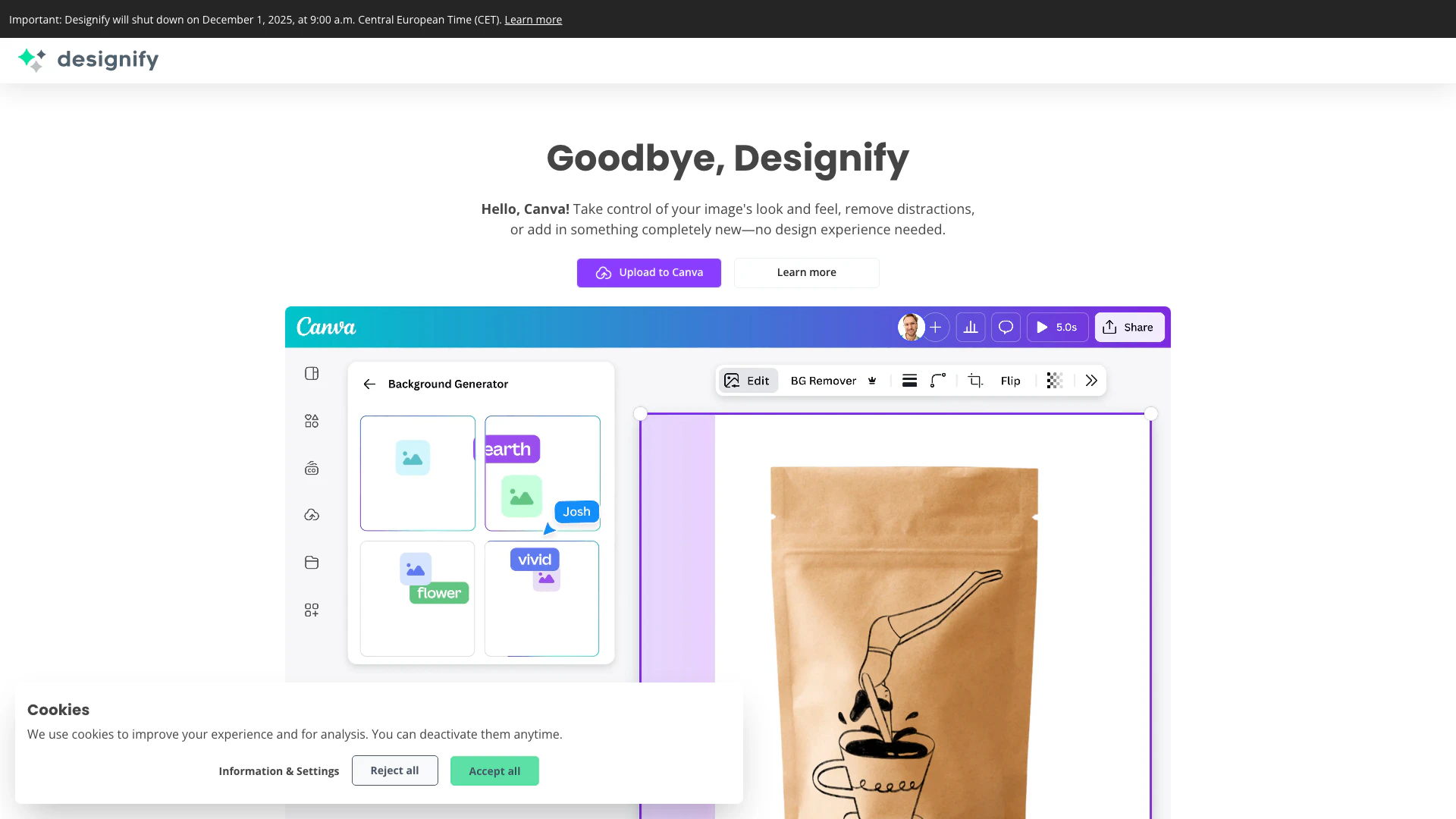
Designify is an innovative online tool designed for creating exceptional product photos and more. It allows users to start with any image and enhance it using advanced editing features. With Designify, even those without design experience can take control of their images, remove distractions, and add new elements effortlessly. The platform is aimed at simplifying the photo editing process, making it accessible to everyone who wants to improve their visual content.
How to use Designify?
- Visit the Designify website and create an account or log in.
- Upload the image you want to edit by clicking on the upload button.
- Use the available editing tools to enhance your image, such as removing backgrounds, adding new elements, or adjusting colors.
- Preview your edited image and make any necessary adjustments.
- Download the final product photo to your device.
What are the main features of Designify?
- User-friendly interface for easy navigation.
- Advanced image editing tools including background removal and enhancement.
- Ability to add new elements to images without needing design skills.
- Quick processing for efficient editing.
- Options for batch processing images for time-saving.
Who is Designify for?
Designify is suitable for a wide range of users including e-commerce businesses looking to enhance product photos, marketers needing quick image adjustments, and individuals wanting to create professional-looking visuals without prior design experience. It's ideal for anyone who needs to improve their image quality for online use, such as social media, websites, or promotional materials.
What are the use cases of Designify?
- E-commerce product photography: Enhance product images for online stores to attract customers.
- Social media marketing: Create visually appealing posts and advertisements for social media platforms.
- Personal projects: Edit personal photos for presentations, portfolios, or blogs.
Product Images

Designify Pros and Cons
Pros
- User-Friendly Interface: Designify offers an intuitive interface that allows users to create exceptional product photos without needing any design experience.
- Magic Image Editing Features: The tool enables users to enhance images by removing distractions or adding new elements, making photo editing accessible and fun.
- Quick and Efficient Processing: Designify allows for fast processing of images, helping users to quickly generate high-quality visuals for their products.
Cons
No cons data detected for this tool
Analytics of Designify
Designify Website Traffic Analysis
Visits Over Time
Traffic Sources
Dec 2025 - Feb 2026 Worldwide Desktop Only
- Search: 50.78%
- Direct: 34.64%
- Referrals: 10.61%
- Social: 2.60%
- Paid Referrals: 1.01%
- Mail: 0.21%
Top Keywords
| Keyword | Volume | CPC | Estimated Value |
|---|---|---|---|
| designify | 1.25K | $2.74 | $690.00 |
| beatuify picture | 470 | $0.00 | $300.00 |
| make a image less look ai | 310 | $0.00 | $250.00 |
| image to real design | 220 | $0.00 | $190.00 |
| butify photo | 190 | $0.00 | $150.00 |






Designify Social Listening
【Agent】🎯 2025首个王炸教程!✨零基础入门:Di...
【Agent】🎯 2025首個王炸教學!✨新手零基礎入門:...
Midjourney AI 生成式設計工具-解放設計師雙手!...
00:00 Midjourney使用流程教學 00:50 M...
2025最新 ComfyUI 保姆级安装教程 | 手把手教你...
#flux #aiportrait X:https://x...
Unlock to view 32 social media results.