

Decoherence




What is Decoherence?
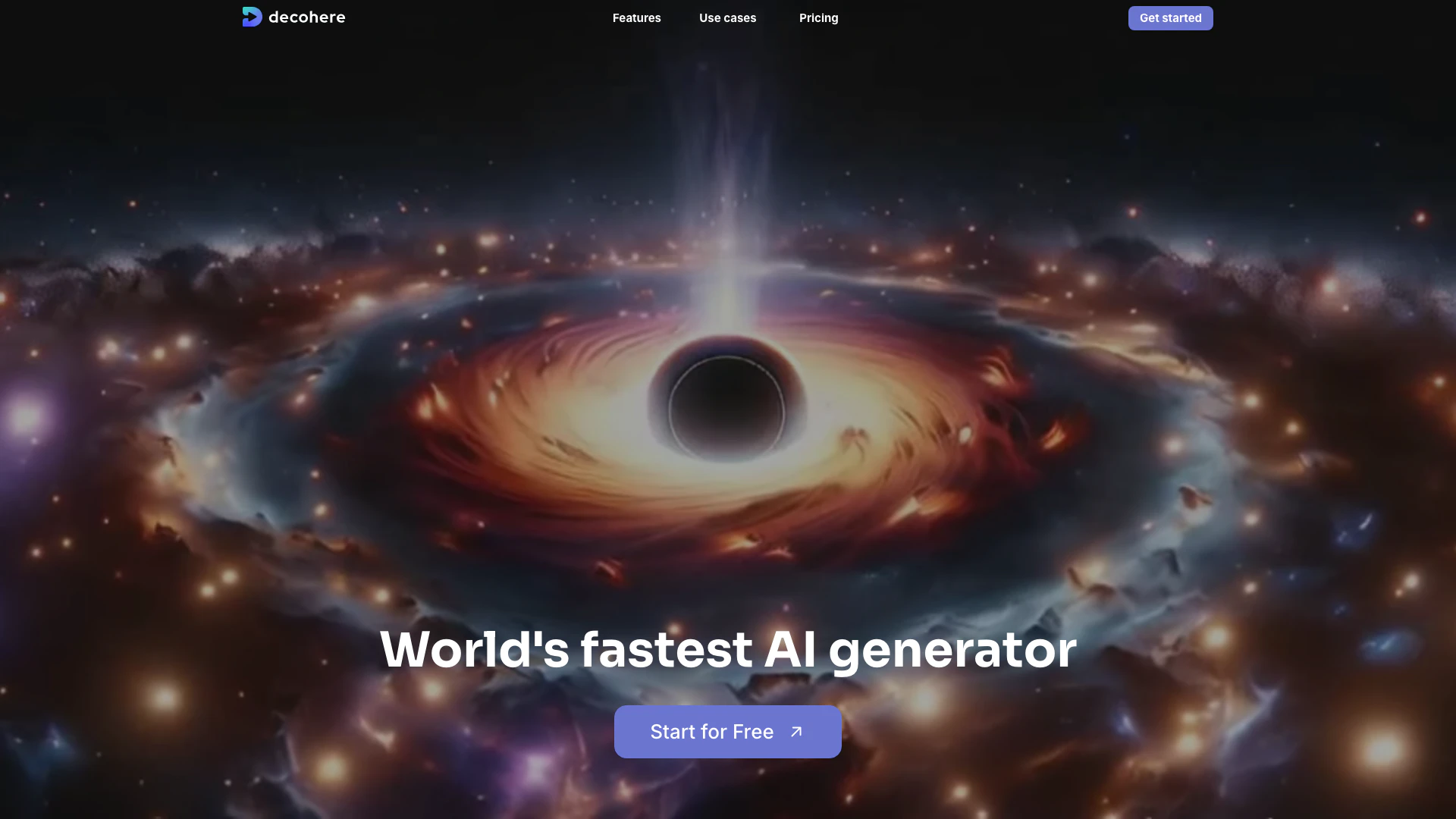
Decoherence is an innovative AI tool designed to create videos, images, art, and more, all for free. It positions itself as the world's fastest AI generator, enabling users to unleash their creativity instantly. With its advanced AI technology, Decoherence offers a range of features that allow users to generate photorealistic images, design characters, upscale images, and even create videos from still images. The tool is ideal for anyone looking to enhance their creative projects with high-quality AI-generated content.
How to use Decoherence?
- Visit the Decoherence website at https://www.decohere.ai/
- Click on 'Get started' to create a free account or log in if you already have one.
- Choose the type of content you want to create (images, videos, characters, etc.).
- Follow the on-screen instructions to customize your project, selecting styles and parameters as needed.
- Generate your content and explore the various options and variations provided by the AI.
What are the main features of Decoherence?
- AI Character Generator: Create photorealistic images of popular characters.
- Realtime AI Image Generator: Generate images instantly with endless variations.
- Video Generator: Transform images into dynamic AI videos with controlled motion.
- Creative Upscaler: Enhance images to 4x resolution with stunning details.
- Reference Person: Maintain character consistency across images using a single reference photo.
- AI Stations: Generate unlimited images in your chosen style for continuous inspiration.
Who is Decoherence for?
Decoherence is designed for a diverse range of users, including artists, designers, marketers, and content creators. It is particularly beneficial for individuals and teams looking to create high-quality visual content quickly and efficiently. Whether you're a professional seeking to enhance your portfolio, a marketer aiming to produce engaging promotional materials, or a hobbyist exploring creative possibilities, Decoherence provides the tools necessary to bring your ideas to life.
What are the use cases of Decoherence?
- Character Design: Create unique characters for games or animations.
- Marketing Materials: Generate eye-catching visuals for advertisements and social media.
- Art Projects: Produce original artwork for personal or commercial use.
- Video Production: Create engaging videos for presentations or online content.
- Concept Art: Develop ideas for illustrations or architectural designs.
Decoherence Pros and Cons
Pros
- Fast AI Generation: Decohere boasts the world's fastest AI generator, allowing users to create images and videos almost instantly, enhancing productivity.
- Versatile Content Creation: Users can generate a wide range of content including images, videos, and art, catering to various creative needs.
- AI Character Design: The tool allows users to design photorealistic characters and customize them for various applications, enhancing user engagement.
Cons
No cons data detected for this tool
Decoherence Pricing
Free
Free daily realtime images. Wait between generations.
Explorer
For hobbyists curious about AI. Save 20%. 600 credits per year. Unlimited realtime images. Generate video. Upscale images. Remove watermark. Fast generation.
Creator
For content creators of all sizes. Save 33%. 4,800 credits per year. Unlimited realtime images. Generate video. Upscale images. Remove watermark. Faster generation. Create AI Character. Commercial license. Optional safety filter.
Director
For pros who want to create more. Save 50%. 12,000 credits per year. Unlimited realtime images. Generate video. Upscale images. Remove watermark. Fastest generation. Create AI Character. Commercial license. Optional safety filter.
For the latest pricing, please visit this link: https://www.decohere.co/pricing
Prices are subject to change. Please visit the official website for the most up-to-date pricing information.
Analytics of Decoherence
Decoherence Website Traffic Analysis
Visits Over Time
Traffic Sources
Dec 2025 - Feb 2026 Worldwide Desktop Only
- Search: 49.95%
- Direct: 37.49%
- Referrals: 8.37%
- Social: 3.06%
- Paid Referrals: 0.92%
- Mail: 0.08%
Top Keywords
| Keyword | Volume | CPC | Estimated Value |
|---|---|---|---|
| decoherence | 3.45K | $0.41 | $50.00 |
| real time ai | 2.43K | $2.69 | $60.00 |
| decohere ai | 2.28K | $0.24 | $1930.00 |
| decohere | 2.12K | $1.73 | $1540.00 |
| modi ai image | 290 | $0.00 | $50.00 |






Decoherence Social Listening
Create videos using AI -- Step...
You've been creating sounds, s...
AI Text To Video Is Here - Dec...
Sign Up for Decoherence Here: ...
Practical Decoherence Modeling...
Full lecture on practical deco...
Unlock to view 7 social media results.