Ctrl



What is Ctrl?
Ctrl is an innovative tool designed to transform your CRM into a powerful sales playbook. By embedding best practices into daily workflows, Ctrl enables sales teams to replicate successful strategies, ensuring consistent top-tier performance. With its focus on automating and optimizing sales processes, Ctrl helps teams maintain clarity and predictability in their sales efforts, ultimately guiding them towards closing deals more effectively.
How to use Ctrl?
- Sign up for an account on the Ctrl website and log in to access the dashboard.
- Integrate Ctrl with your existing CRM to enable seamless data synchronization and workflow automation.
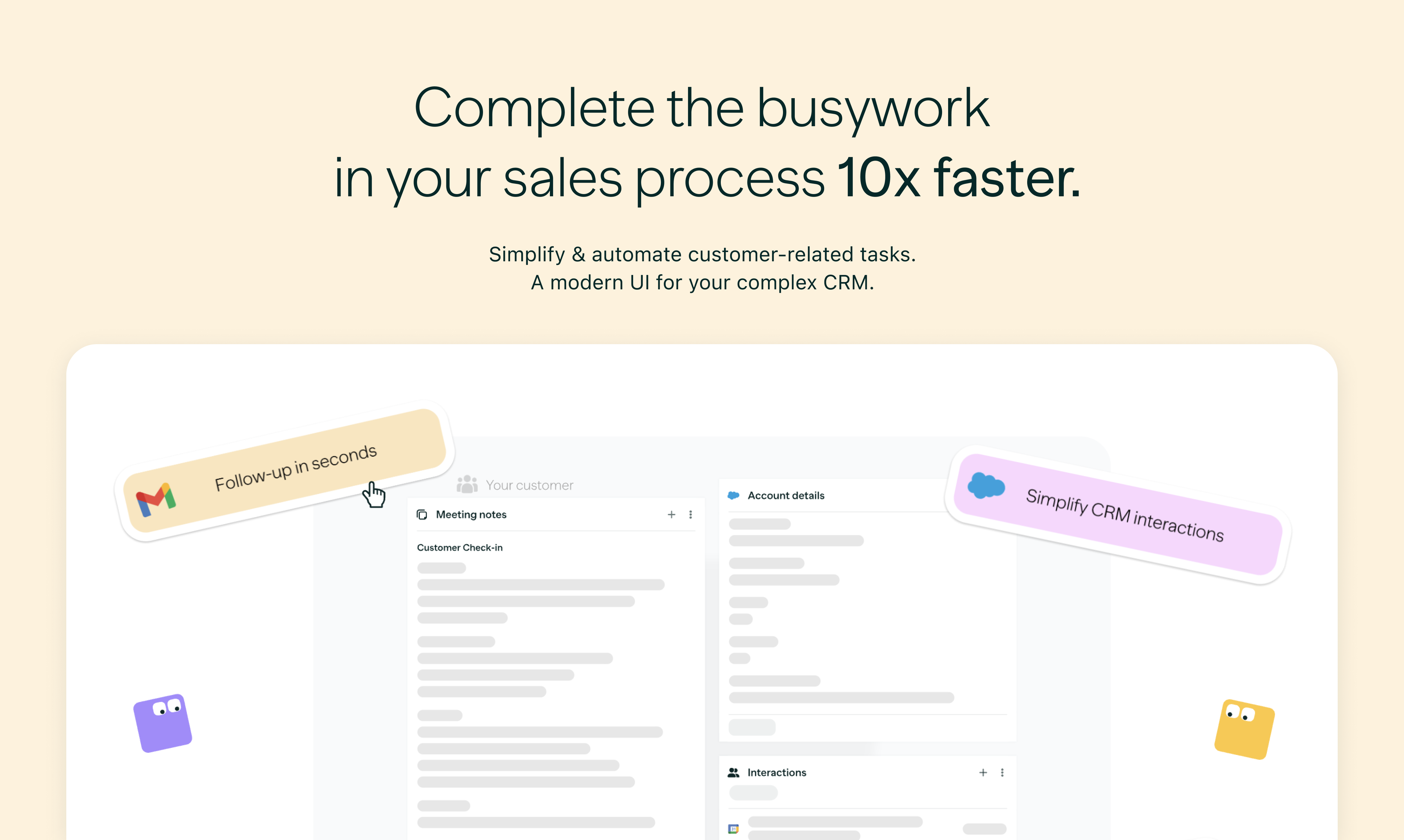
- Utilize the AI features to automate CRM updates, generate follow-up emails, and extract key action items from your notes.
- Customize your sales playbook by embedding best practices and workflows that align with your team’s goals.
- Monitor sales processes and leverage real-time insights to guide your team towards successful outcomes.
What are the main features of Ctrl?
- AI-Powered Automation: Automate CRM updates, generate follow-up emails, and enhance note-taking with AI assistance.
- Unified Workflow: Keep all necessary applications and data in one window for a streamlined experience.
- Sales Process Guidance: Provide clear pathways for sales teams to follow, enhancing predictability and trust.
- Real-Time Visibility: Gain insights into deal progress and identify bottlenecks instantly.
- Data Security: Complies with SOC 2 standards, ensuring high-level data security and privacy.
Who is Ctrl for?
Ctrl is designed for sales teams and professionals who are looking to enhance their CRM effectiveness and streamline their sales processes. It is particularly beneficial for organizations that lack a defined sales process and seek to implement best practices across their teams. Additionally, Ctrl serves businesses of all sizes aiming to improve sales performance, automate repetitive tasks, and ensure consistent results.
What are the use cases of Ctrl?
- Sales Training: Equip new sales representatives with a structured playbook to accelerate their onboarding and effectiveness.
- Performance Monitoring: Track and analyze sales activities to identify trends and areas for improvement.
- Lead Management: Use automated follow-ups and CRM updates to nurture leads and convert them into customers.
Ctrl Pros and Cons
Pros
- Integration Capabilities: Ctrl offers extensive integrations with various applications, allowing users to manage their workflows from a single platform.
- Automated Workflow Features: The tool automates routine tasks like CRM updates and email generation, which can enhance productivity.
- Data Security: Secured by SOC 2 certification, Ctrl ensures high standards of data security and privacy.
- User Experience: The interface is designed to be simple and intuitive, making it easier for users to stay in context and work efficiently.
Cons
- Limited Information on Pricing: There is no clear information regarding the pricing structure of Ctrl.
- Learning Curve: As with many integrated tools, there may be a learning curve for new users to adapt to the platform.
Analytics of Ctrl
Ctrl Website Traffic Analysis
Visits Over Time
Traffic Sources
Oct 2025 - Dec 2025 Worldwide Desktop Only
- Search: 40.77%
- Direct: 38.57%
- Referrals: 13.96%
- Social: 3.67%
- Paid Referrals: 2.11%
- Mail: 0.17%
Top Keywords
| Keyword | Volume | CPC | Estimated Value |
|---|---|---|---|
| ctrl | 23.82K | $1.57 | $50.00 |
| crtrl | 470 | $0.00 | $0.00 |
| ctrl - | 400 | $0.00 | $0.00 |
| ctrl --> | 350 | $0.00 | $0.00 |
| ctrl \ | 310 | $0.00 | $0.00 |