Crocoblock



What is Crocoblock?
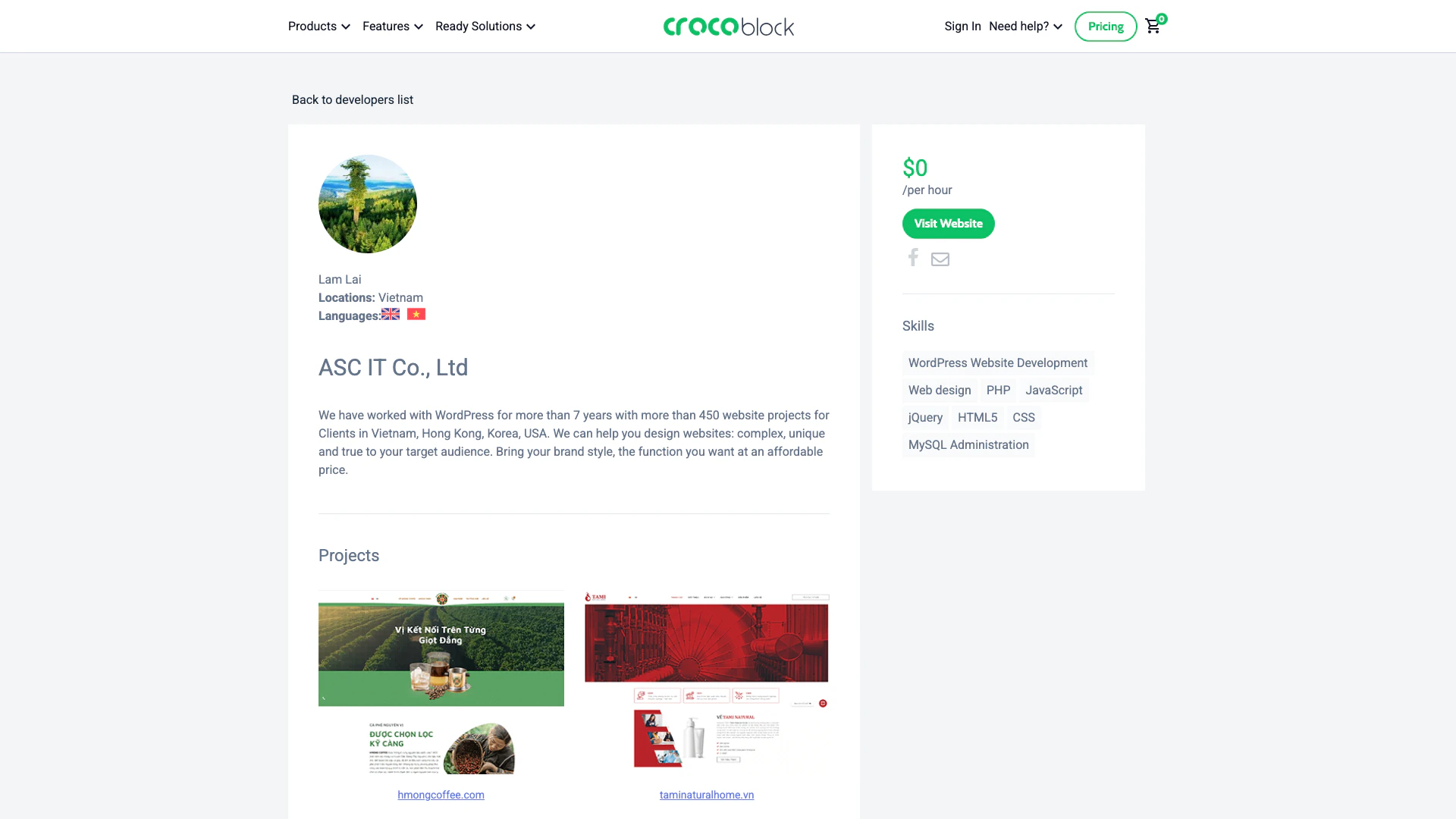
Crocoblock is a comprehensive toolkit designed for WordPress[1] developers, particularly those using Elementor[2]. It provides a suite of plugins[3] and features that enhance the capabilities of Elementor, allowing users to create dynamic and feature-rich websites. With Crocoblock, developers can access a wide array of widgets[4], templates[5], and tools that streamline the website development process, making it easier to build visually appealing and highly functional sites.
How to use Crocoblock?
- Visit the Crocoblock website and create an account.
- Choose the plugins and tools you wish to use with Elementor from the Crocoblock library.
- Download and install the selected plugins on your WordPress site.
- Activate the plugins and configure their settings according to your project needs.
- Use the Crocoblock widgets and templates in the Elementor editor to build your website.
What are the main features of Crocoblock?
- A wide range of widgets for Elementor, including advanced forms, galleries, and sliders.
- Dynamic content[6] capabilities that allow for personalized website experiences.
- Pre-designed templates that can be easily customized to fit specific needs.
- Integration with various third-party plugins and tools for enhanced functionality.
- Regular updates and customer support to ensure optimal performance and user satisfaction.
Who is Crocoblock for?
Crocoblock is primarily aimed at WordPress developers and designers who utilize Elementor for website creation. It is suitable for freelancers, agencies, and businesses looking to enhance their web development capabilities. Additionally, it caters to users who seek to build dynamic and interactive websites without extensive coding knowledge, making it accessible for both novice and experienced developers.
What are the use cases of Crocoblock?
- Creating e-commerce websites with advanced product display and filtering options.
- Building portfolio sites that showcase creative work with dynamic galleries.
- Developing landing pages for marketing campaigns that require high conversion rates.
- Designing blogs with customizable layouts and interactive features.
- Setting up membership sites that offer exclusive content to subscribers.
Crocoblock Pricing
Custom
Choose plugins.
1 site for Gutenberg
Access to Gutenberg plugins for one site.
Freelance Lifetime
Lifetime access for freelance projects.
Lifetime
Lifetime access to all features.
1 site
Single site access.
Unlimited sites for Gutenberg
Access to Gutenberg plugins for unlimited sites.
For the latest pricing, please visit this link: https://crocoblock.com/pricing/
Prices are subject to change. Please visit the official website for the most up-to-date pricing information.