

Comfy




What is Comfy?
Comfy is a powerful and modular visual AI application and engine designed for generative AI. As an open-source tool, it offers a node-based interface that allows users to create, customize, and control their AI workflows visually. Comfy's flexibility and performance make it suitable for various applications, enabling users to build complex AI models and processes without the constraints of traditional linear interfaces. With features like real-time previews and reusable workflows, Comfy is positioned as a leading tool for developers and creatives looking to harness the power of AI.
How to use Comfy?
- Download and Install: Begin by downloading Comfy from the official website and install it on your local machine.
- Create a New Project: Launch Comfy and create a new project to start building your AI workflow.
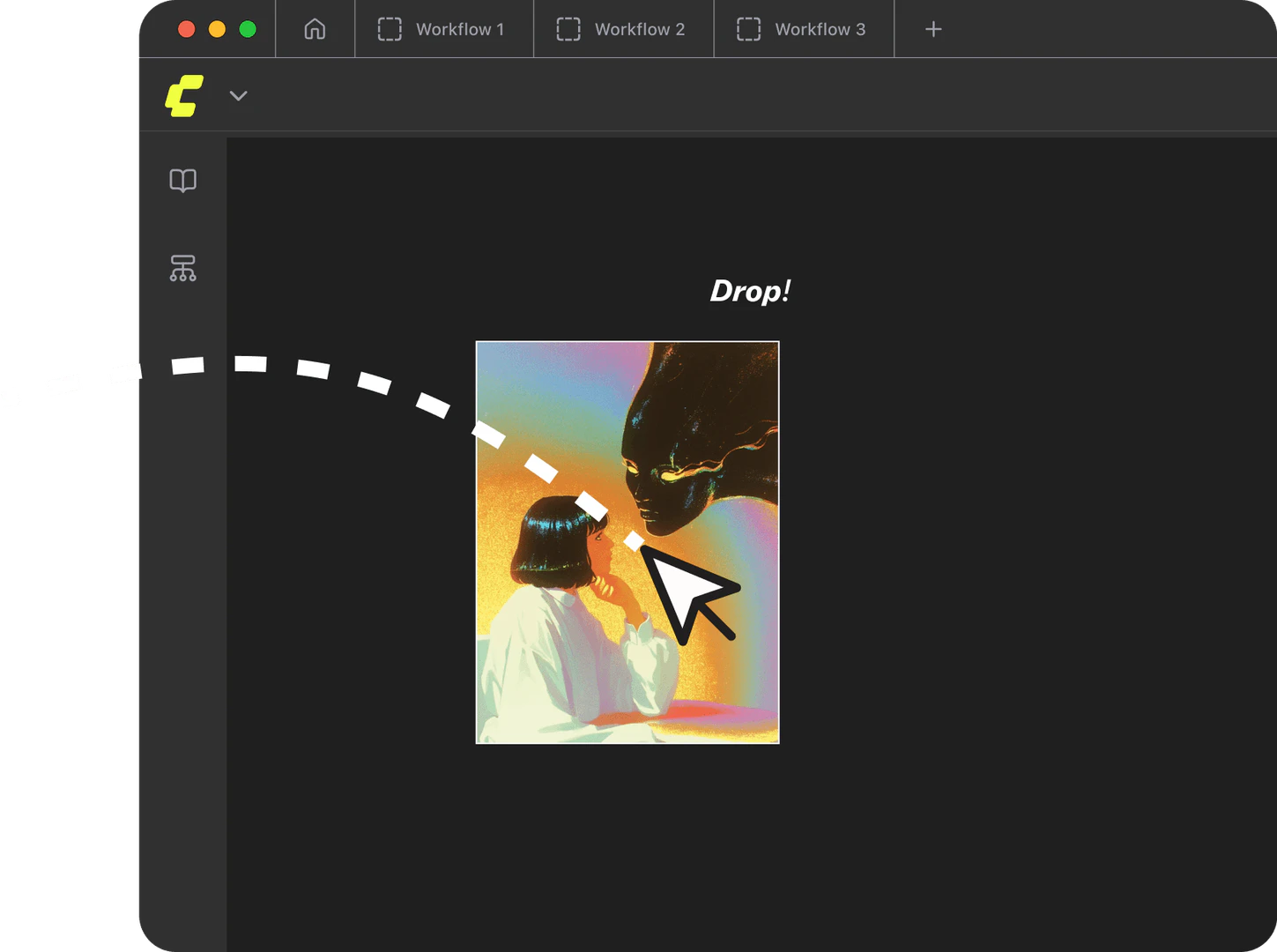
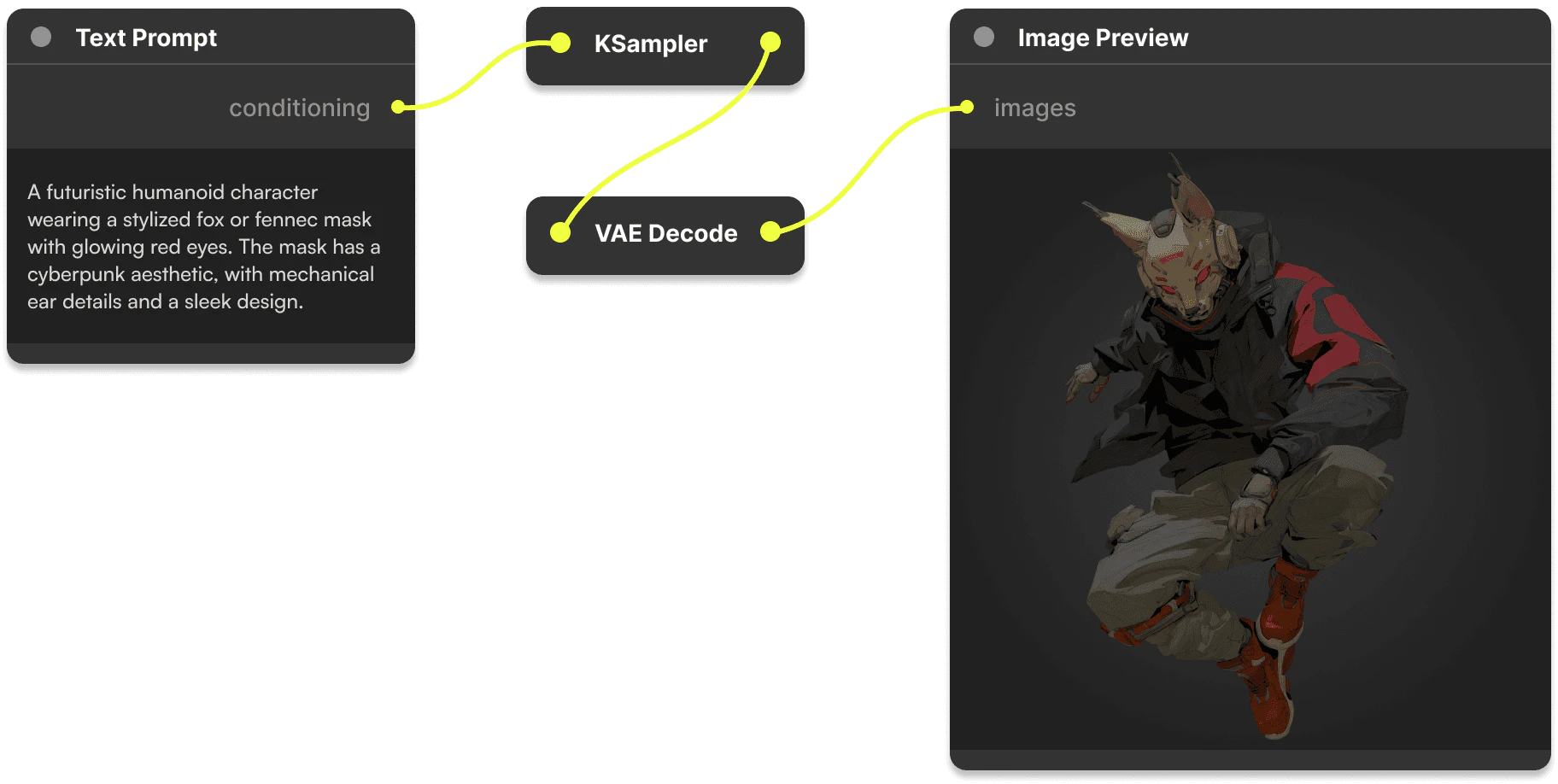
- Build Your Workflow: Use the node-based interface to connect different components visually. You can drag and drop nodes onto the canvas and link them to create complex workflows.
- Customize Nodes: If needed, build custom nodes to extend Comfy's functionality according to your specific requirements.
- Live Preview: Adjust your workflow while observing real-time results to iterate quickly.
- Save and Share: Once satisfied with your workflow, save it and share it with others, allowing them to recreate your project effortlessly.
What are the main features of Comfy?
- Node-Based Interface: Comfy provides a visual canvas where users can build AI workflows by connecting nodes, offering full control over the process.
- Reusable Workflows: Users can save, share, and reuse entire workflows easily, allowing for efficient collaboration and project management.
- Live Preview: Real-time feedback enables users to see results instantly as they make adjustments to their workflows.
- Open Source: Being fully open-source, Comfy allows users to modify and extend the software as needed, fostering a community-driven development environment.
- Custom Nodes: Users can create custom nodes to add specific functionalities tailored to their project needs.
Who is Comfy for?
Comfy is designed for developers, data scientists, and creative professionals who are looking to leverage generative AI in their projects. It caters to individuals and teams who require a flexible and powerful tool to build AI models and workflows. Whether you are in enterprise settings, academic research, or creative industries, Comfy provides the necessary tools to facilitate innovation and streamline the development of AI applications.
What are the use cases of Comfy?
- Generative Design: Create unique visual assets for games, films, or marketing materials by leveraging Comfy's generative AI capabilities.
- Rapid Prototyping: Use Comfy to quickly prototype AI models and workflows, allowing for faster iterations and improvements.
- Educational Tools: Develop educational resources and tools that utilize AI to enhance learning experiences in various fields.
Product Images



Comfy Pros and Cons
Pros
- Powerful Visual AI Engine: Comfy is a robust visual AI application that allows users to create and manage generative AI workflows using a node-based interface, providing flexibility and control.
- Open Source Flexibility: Being fully open source, Comfy allows users to modify, extend, and share their workflows without restrictions, fostering a collaborative environment.
- Real-Time Feedback: ComfyUI provides live preview capabilities, enabling users to see changes in real-time, which accelerates the workflow iteration process.
Cons
No cons data detected for this tool
Analytics of Comfy
Comfy Website Traffic Analysis
Visits Over Time
Traffic Sources
Nov 2025 - Jan 2026 Worldwide Desktop Only
- Direct: 46.01%
- Search: 44.17%
- Referrals: 6.44%
- Social: 3.04%
- Paid Referrals: 0.29%
- Mail: 0.04%
Top Keywords
| Keyword | Volume | CPC | Estimated Value |
|---|---|---|---|
| comfyui | 922.38K | $0.46 | $655610.00 |
| comfy | 176.01K | $0.47 | $13220.00 |
| comfy ui | 97.81K | $0.61 | $72770.00 |
| comfyui manager | 73.80K | $1.13 | $10410.00 |
| comfyui portable | 21.85K | $0.00 | $14010.00 |




Comfy Social Listening
Master AI image generation - C...
ComfyUI complete installation ...
How to use ComfyUI for beginne...
How to INSTALL ComfyUI https:/...
ComfyUI Course - Learn ComfyUI...
This ComfyUI course for beginn...
Unlock to view 75 social media results.