Cliptokit





What is Cliptokit?
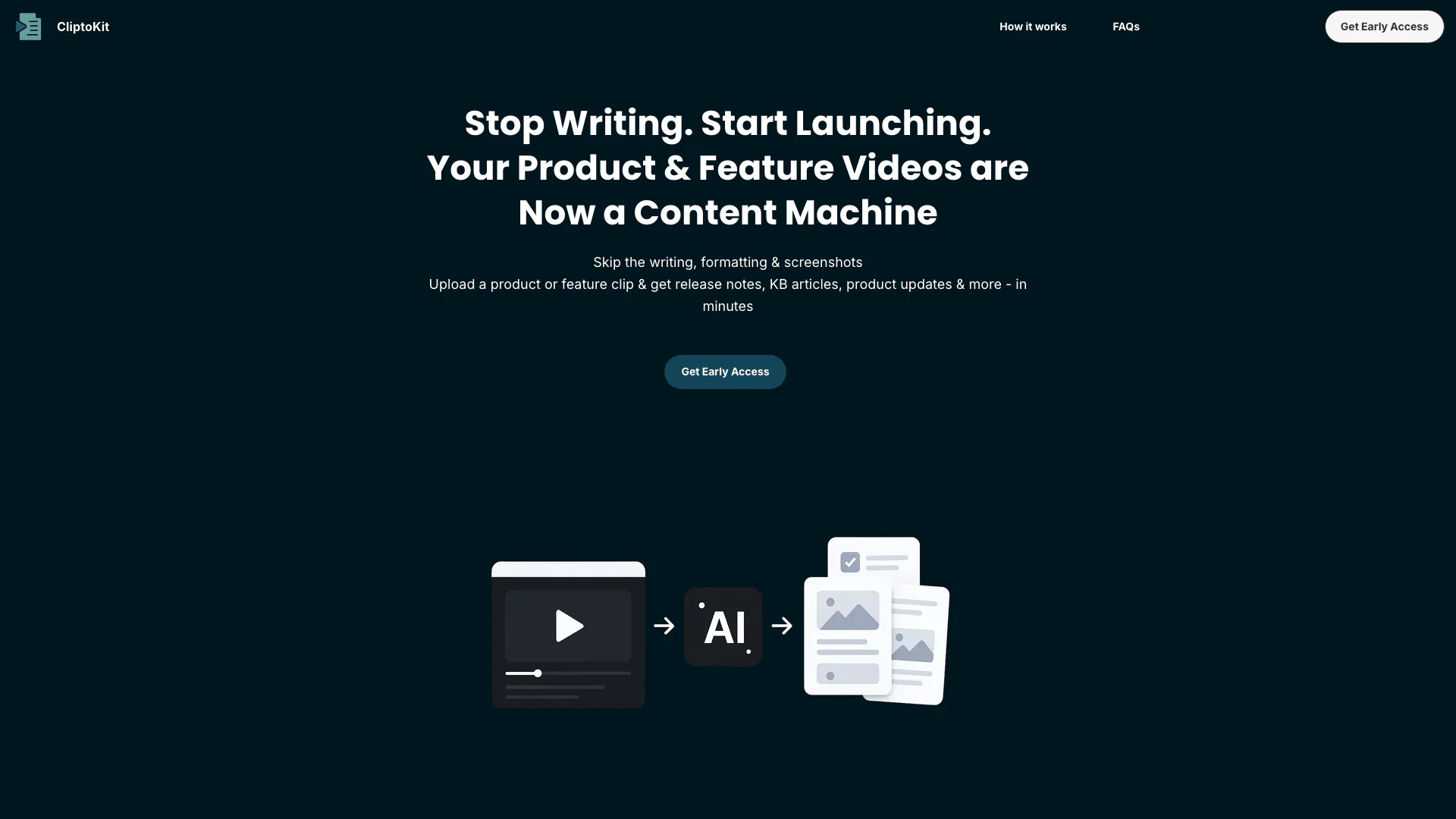
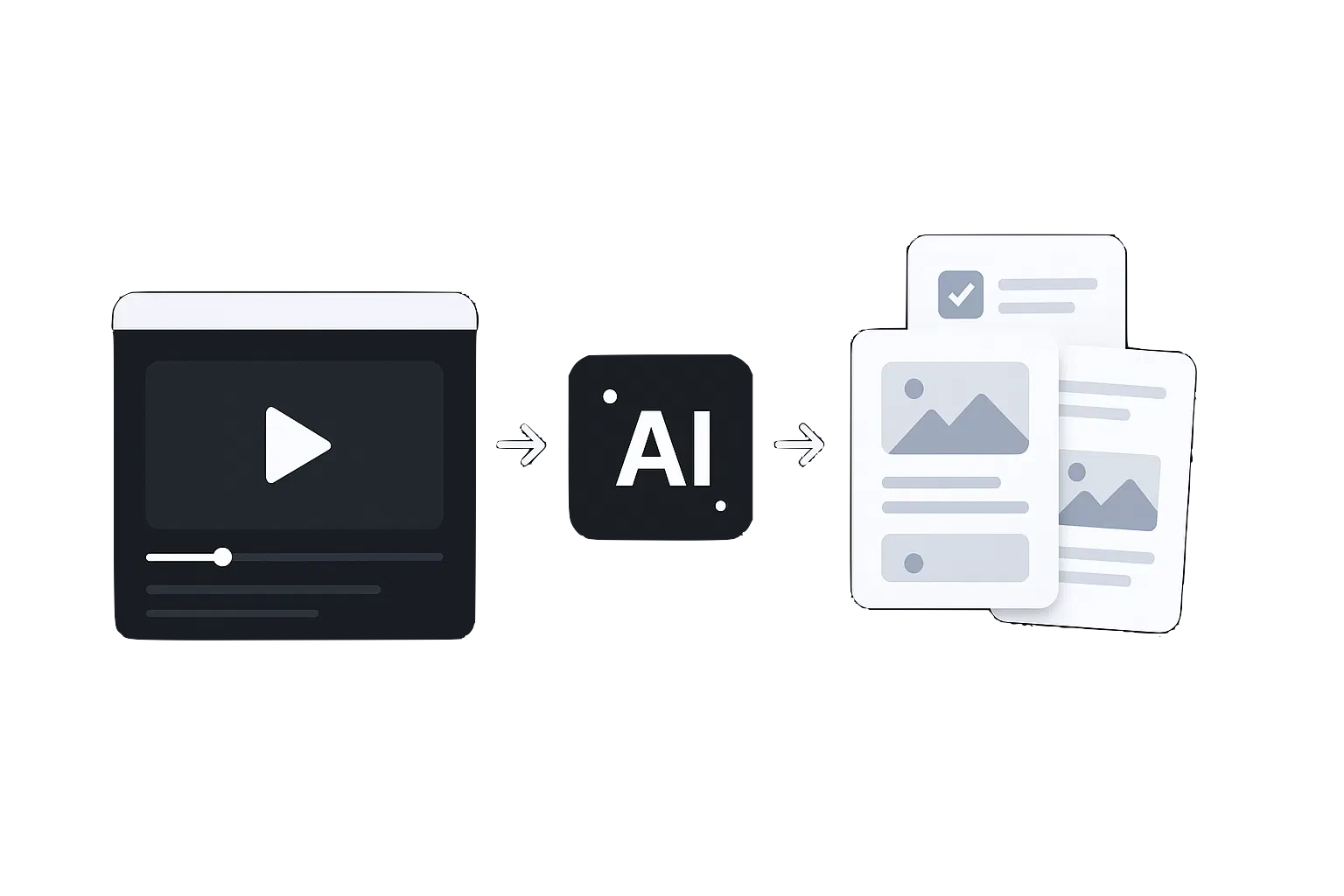
Cliptokit is an innovative AI-powered[1] tool designed to streamline the process of creating launch communications for products and features. By simply uploading a short product video, Cliptokit automatically converts the content into ready-to-edit documents, including release notes and knowledge base articles, all aligned with your brand voice. This tool is perfect for product teams and startups looking to save time and enhance their launch processes, making it easier to communicate updates and new features effectively.
How to use Cliptokit?
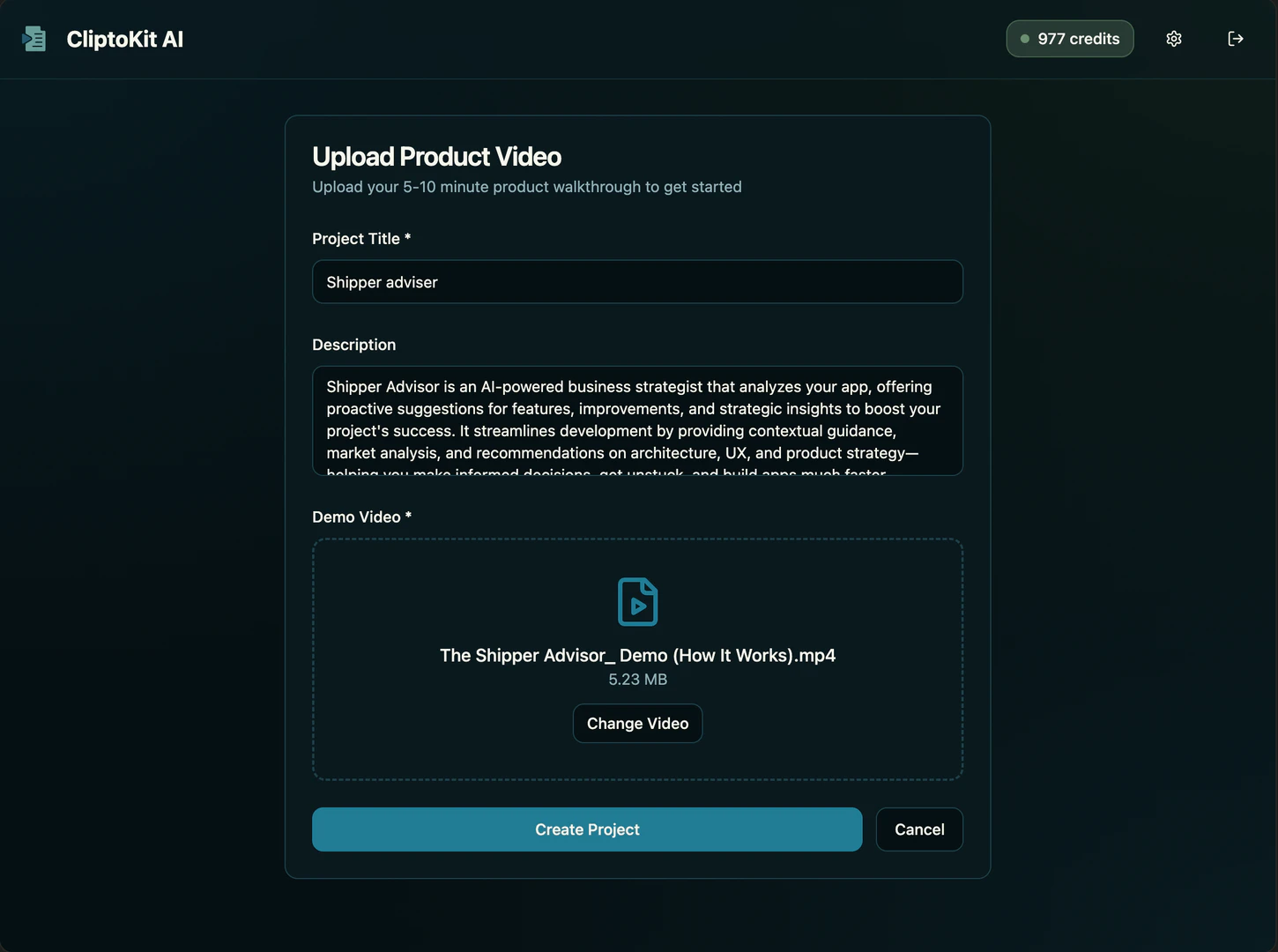
- Upload Product or Feature Clip: Share a product or feature video of 5-10 minutes. This can include new product releases or small feature updates. Ensure any product requirements or notes are included, as all information remains private.
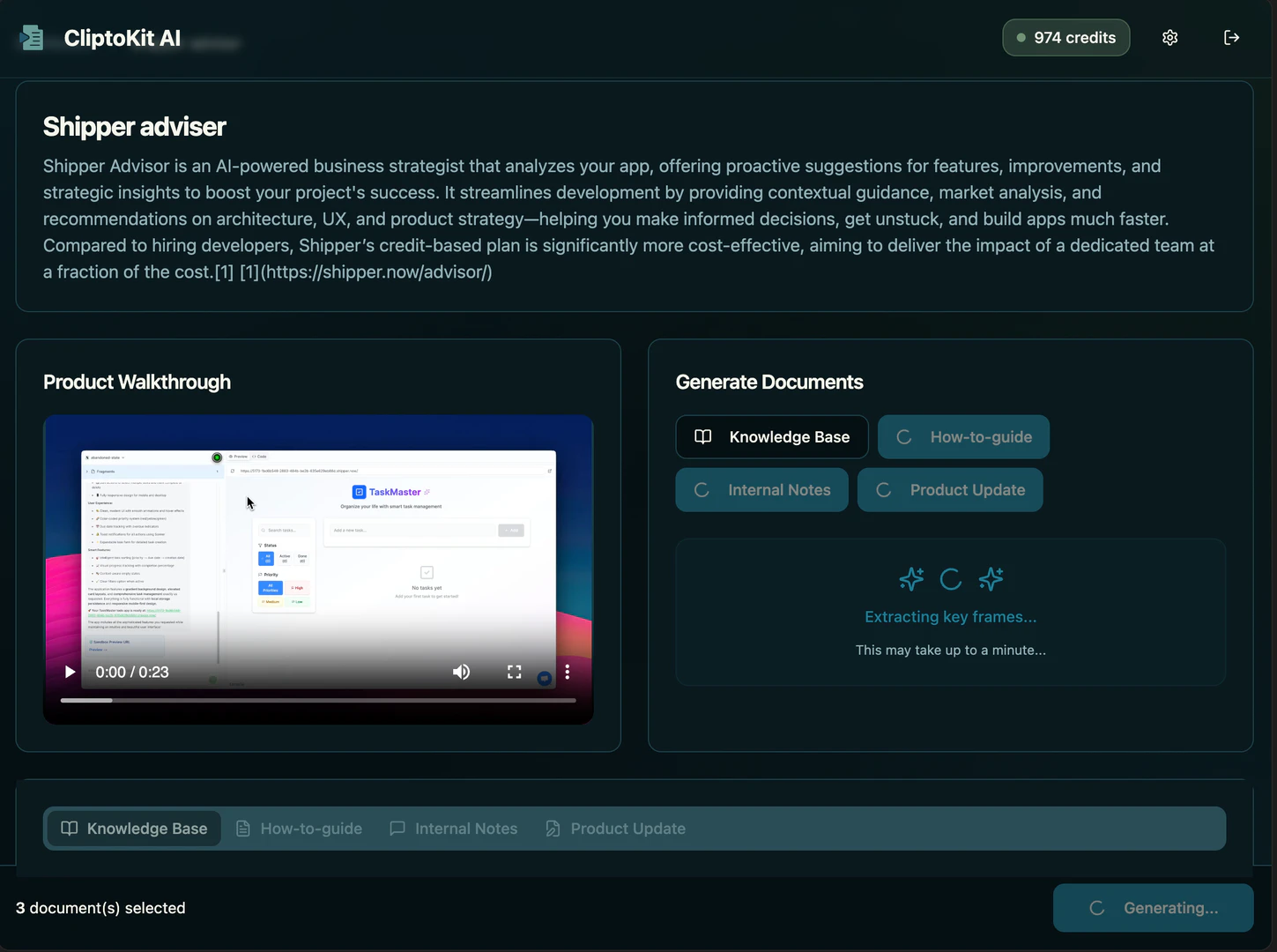
- AI Extracts Key Information: Cliptokit’s AI will identify key moments from the video, generate clean screenshots or GIFs, and provide a summary of changes and reasons, all tailored to your brand's voice.
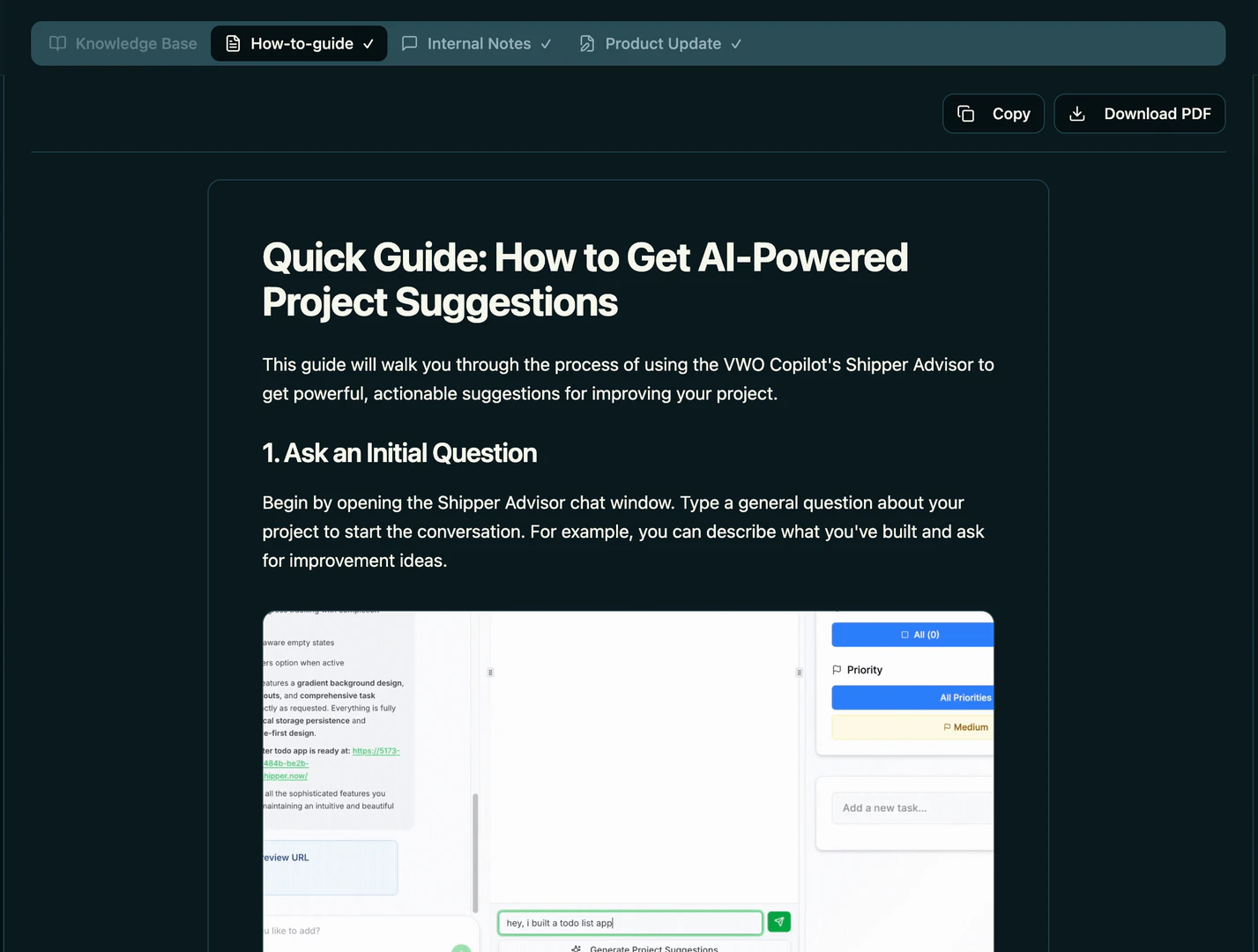
- Get Polished Marketing Kit: You will receive instant drafts[4] for your Knowledge Base, Changelog, and Internal Notes on Slack/Teams with visuals included. Review, customize, and export these documents within minutes.
What are the main features of Cliptokit?
- AI-Powered Video Processing[2]: Automatically extracts key moments, visuals, and summaries from your product videos.
- Customizable Outputs[3]: Allows you to align the generated documents with your brand voice and style.
- Supports Multiple Video Formats: Upload various formats such as MP4, MOV, and WebM, making it flexible for different users.
- Instant Drafts for Multiple Deliverables: Generates ready-to-use documents including release notes, knowledge base articles, and changelogs.
- Secure and Private: Ensures that all uploaded videos are encrypted and kept private, with the option to delete anytime.
Who is Cliptokit for?
Cliptokit is designed for product teams, startups, product managers, marketers, and founders who are involved in product launches and feature updates. It is particularly beneficial for those looking to streamline their communication processes and create polished content quickly, whether for major product releases or minor feature updates. The tool provides an efficient solution for teams that want to enhance their launch strategies and maintain consistent brand messaging.
What are the use cases of Cliptokit?
- Product Launches: Use Cliptokit to generate comprehensive launch kits that include release notes and marketing materials for new product introductions.
- Feature Updates: Quickly create documentation and communication materials for small feature updates, ensuring that users are informed about changes.
- Internal Communication: Streamline internal updates by generating notes for Slack or Teams, keeping team members aligned with the latest product developments.
Product Images
Cliptokit Pros and Cons
Pros
- Automated Content Generation: Cliptokit automates the creation of release notes, knowledge base articles, and marketing kits from product videos, saving significant time and effort.
- Brand Voice Alignment: The tool tailors the generated content to match your brand's voice, ensuring consistency in messaging across all materials.
- User-Friendly Process: With a simple three-step process, users can easily upload videos and receive polished outputs within minutes, making it accessible for teams of all sizes.
Cons
No cons data detected for this tool
Cliptokit Pricing
Early Access Deal
Flat 50% Off • 10 extra credits to explore more • Direct feedback channel with our team to build features you actually need
For the latest pricing, please visit this link: https://cliptokit.com/#
Prices are subject to change. Please visit the official website for the most up-to-date pricing information.