Clipboardtts




What is Clipboardtts?
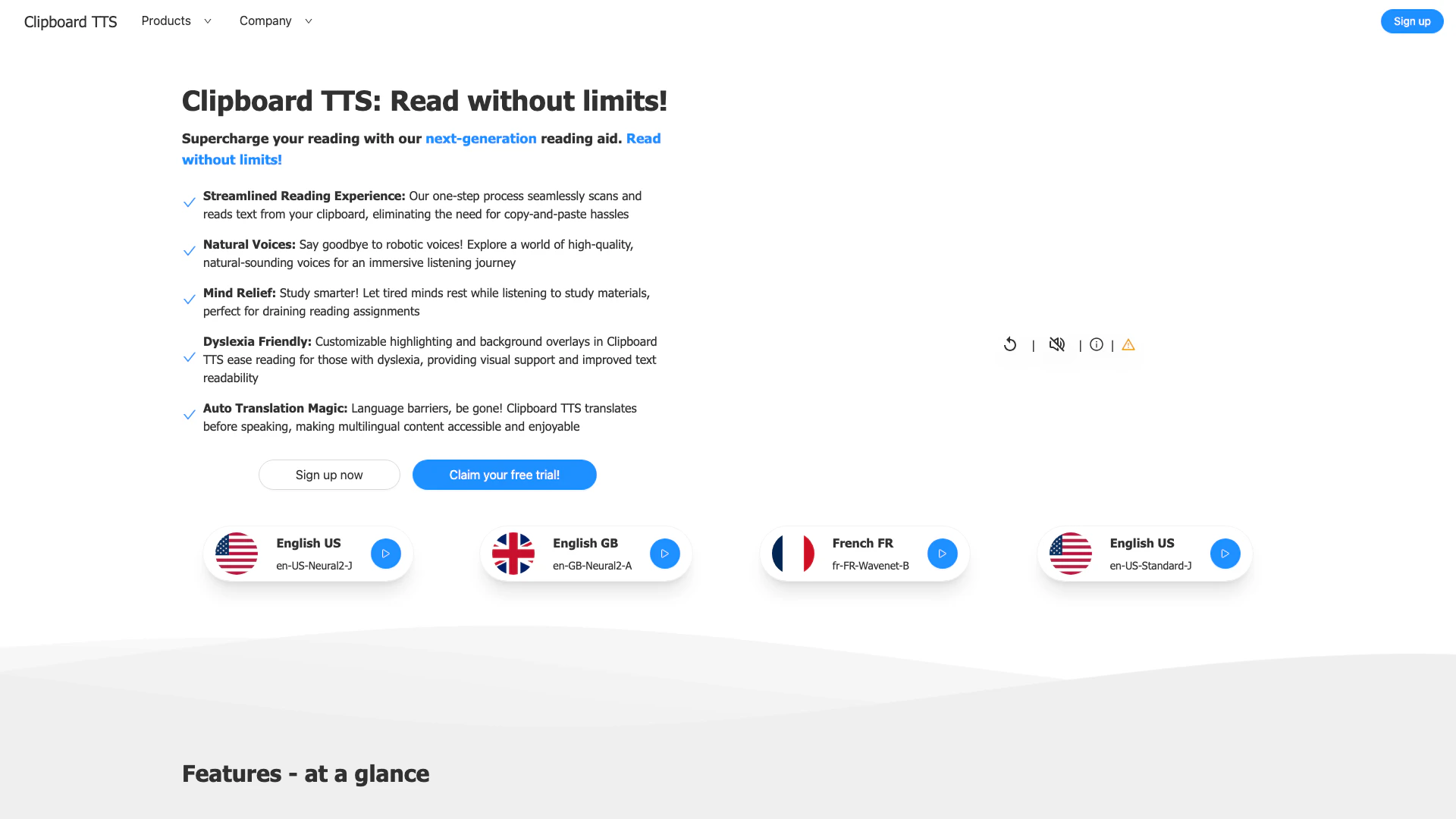
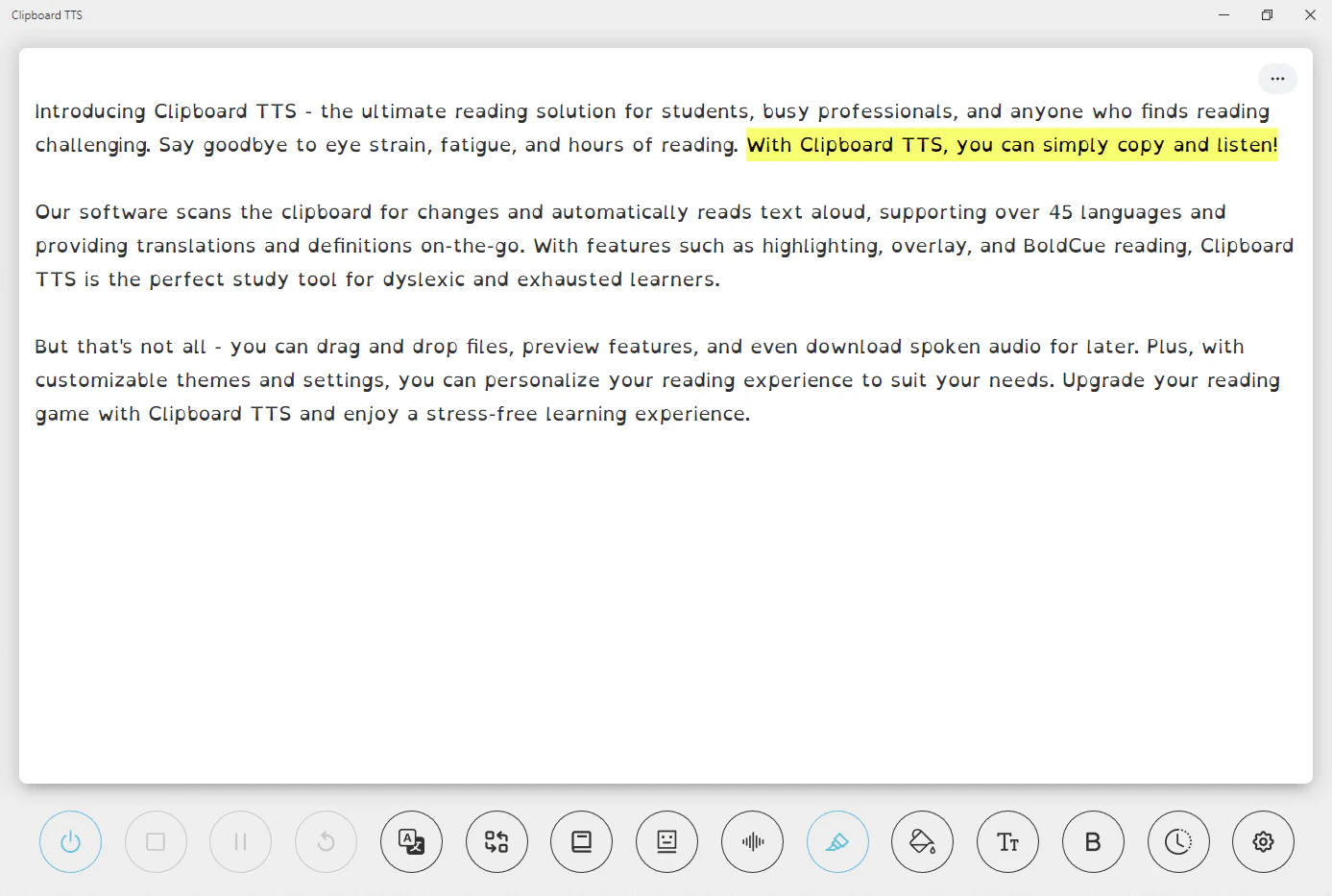
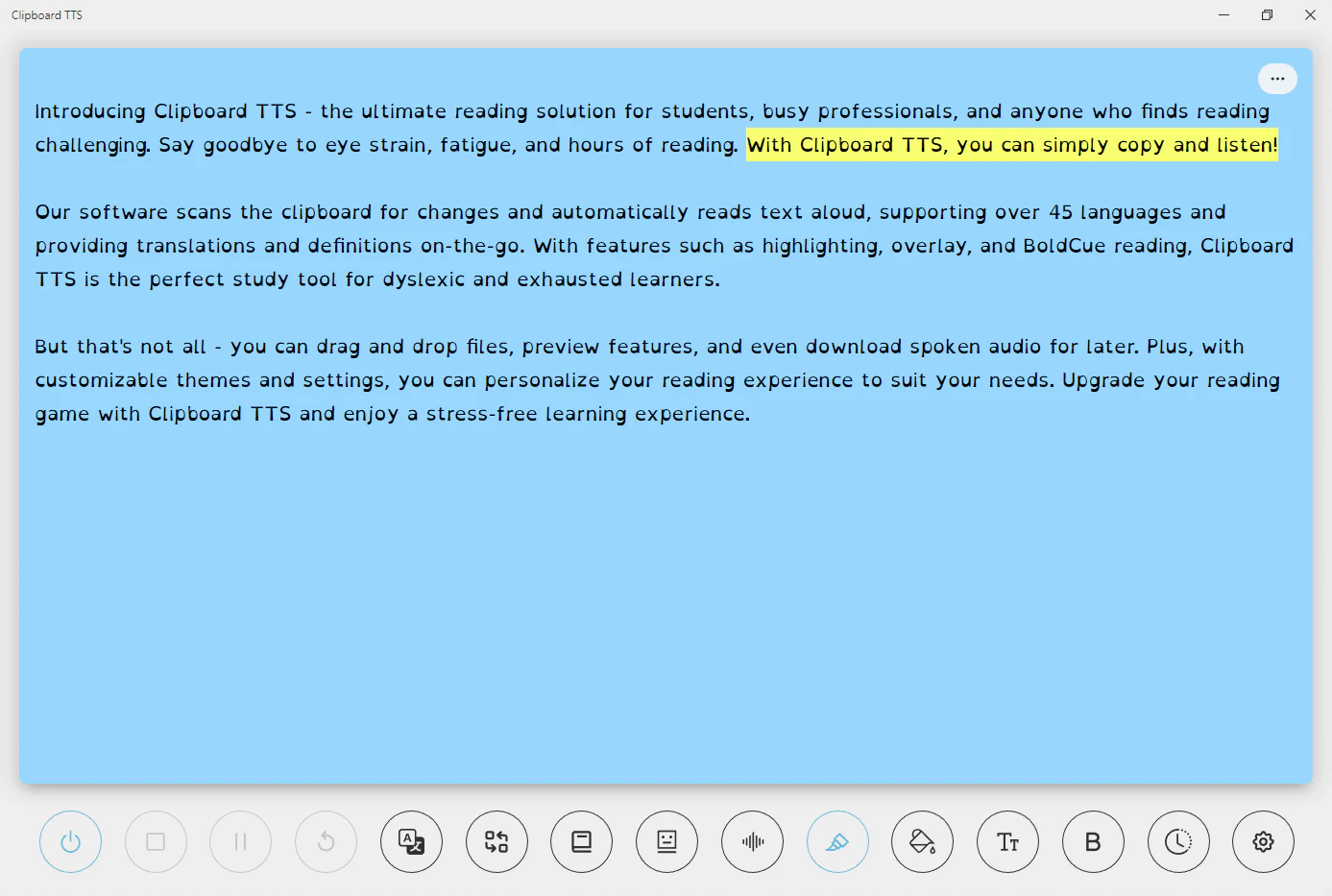
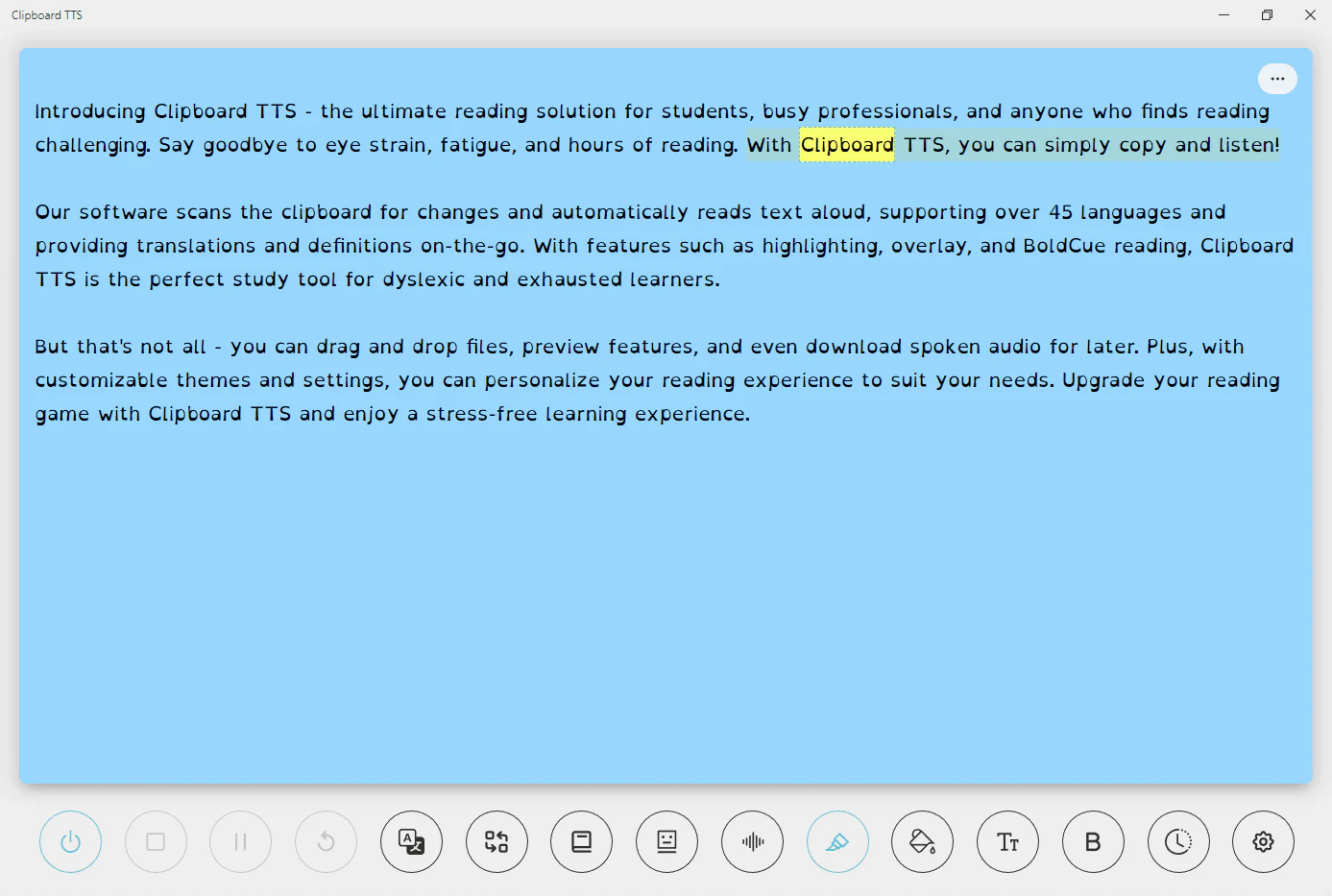
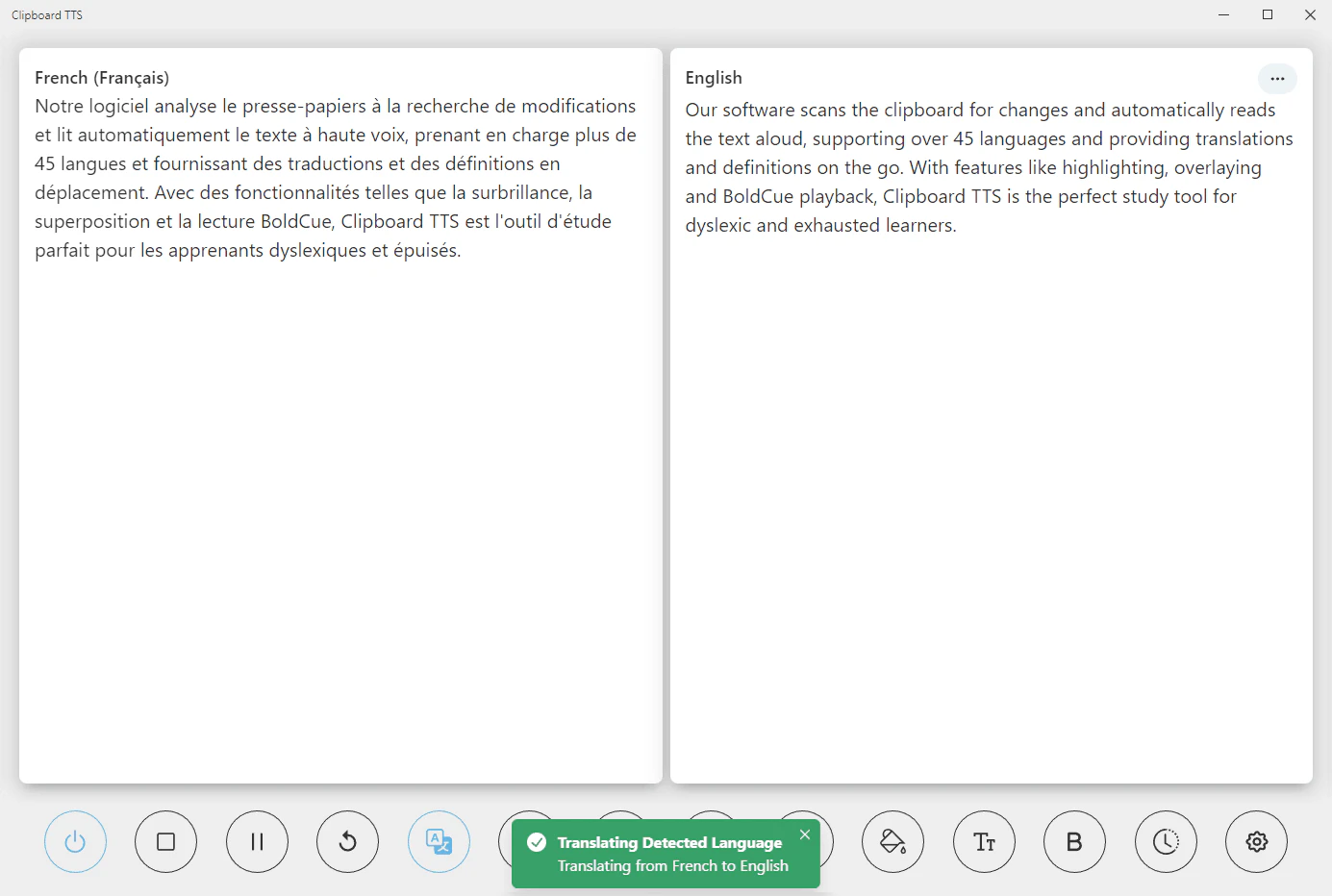
Clipboardtts is a next-generation text-to-speech[1] reading aid specifically designed for individuals with dyslexia[2]. This innovative tool allows users to seamlessly read any text on the web using high-quality, natural-sounding voices. Clipboardtts enhances the reading experience by providing customizable features[3] such as highlighting[4], overlays, and auto-translation[5], making it easier for users to comprehend and enjoy written content. With support for 49 languages[6] and over 100 voices, Clipboardtts aims to eliminate reading barriers and provide a more accessible way to consume information.
How to use Clipboardtts?
- Sign up for an account on the Clipboardtts website.
- Copy any text from the web or documents that you wish to listen to.
- Open Clipboardtts, which will automatically detect the copied text from your clipboard.
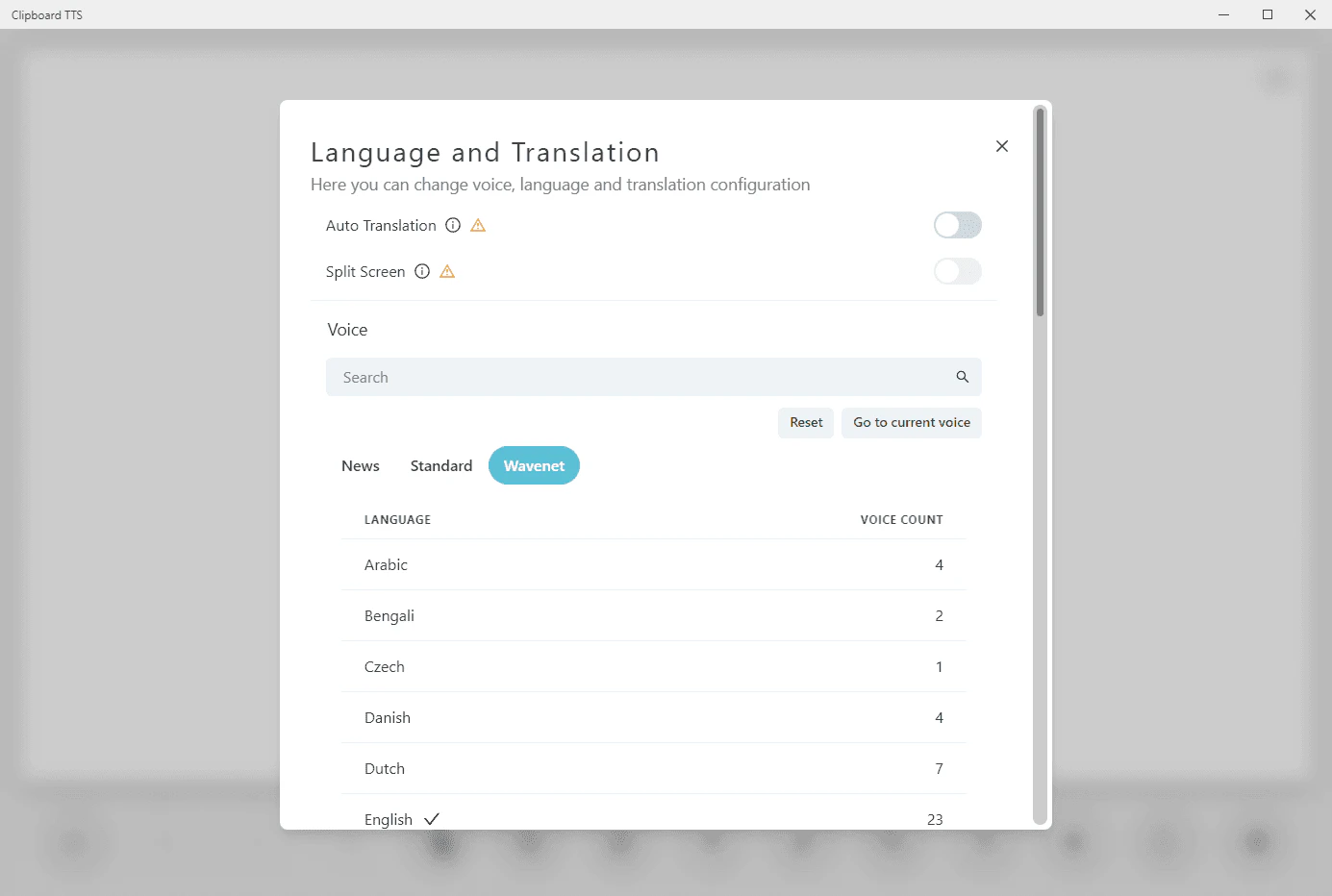
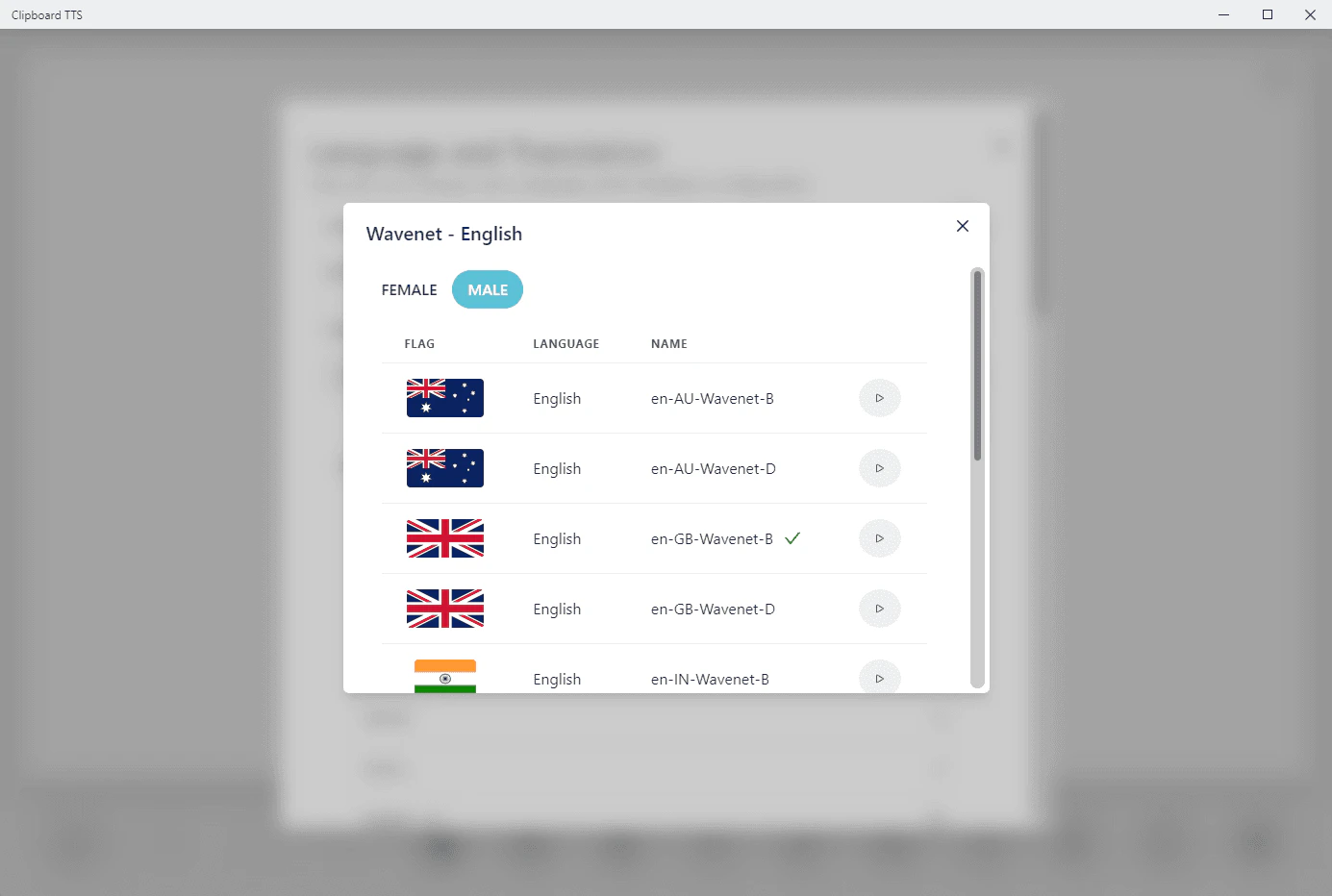
- Choose your preferred voice and language settings.
- Click on the 'Read' button to listen to the text being read aloud.
- Customize the reading experience using features like highlighting, overlays, and font adjustments as needed.
What are the main features of Clipboardtts?
- Text-to-Speech: Reads aloud any text copied to the clipboard with support for 49 languages and over 100 voices.
- Auto Dictionary: Provides definitions for any word copied, enhancing vocabulary.
- Image-to-Text: Converts text from images into speech.
- Auto Translation: Automatically translates text into the selected voice's language.
- Font Customization: Allows users to adjust font type, size, and spacing for better readability.
- Highlighting: Visually emphasizes the current word and sentence being read.
- Overlays: Changes the background color for improved readability, especially for dyslexic users.
- BoldCue: Enhances word recognition by bolding the first half of each word.
- Substitutions: Customizes text before reading, allowing for personalized audio output.
- History: Keeps a record of copied text for easy retrieval.
- AI Assist: Generates summaries or modifies text based on user prompts.
- Custom Mutations Order: Allows users to set the order of text modifications.
Who is Clipboardtts for?
Clipboardtts is designed primarily for individuals with dyslexia, providing them with a powerful reading aid that simplifies the process of consuming written content. It is also beneficial for language learners, students, and anyone who struggles with traditional reading methods. The customizable features make it suitable for a wide range of users, including educators looking for accessible tools for their students and professionals needing to absorb large amounts of text efficiently.
What are the use cases of Clipboardtts?
- Studying: Students can use Clipboardtts to listen to study materials, reducing cognitive load and improving retention.
- Language Learning: Users can listen to foreign language text being read aloud, aiding in pronunciation and comprehension.
- Accessibility: Individuals with reading difficulties can benefit from the customizable features that enhance readability and understanding.
- Work Efficiency: Professionals can quickly absorb large volumes of text without the need to read manually, making it easier to process information.
Product Images

Clipboardtts Pros and Cons
Pros
- Streamlined Reading Experience: Clipboard TTS offers a one-step process that seamlessly scans and reads text from your clipboard, eliminating copy-and-paste hassles.
- Natural Voices: The tool provides high-quality, natural-sounding voices, enhancing the listening experience and making it more immersive.
- Dyslexia-Friendly Features: Clipboard TTS includes customizable highlighting and background overlays, improving readability for users with dyslexia.
- Auto Translation: The tool automatically translates copied text before speaking, making multilingual content accessible and enjoyable.
Cons
No cons data detected for this tool