Cheatmate





What is CheatMate?
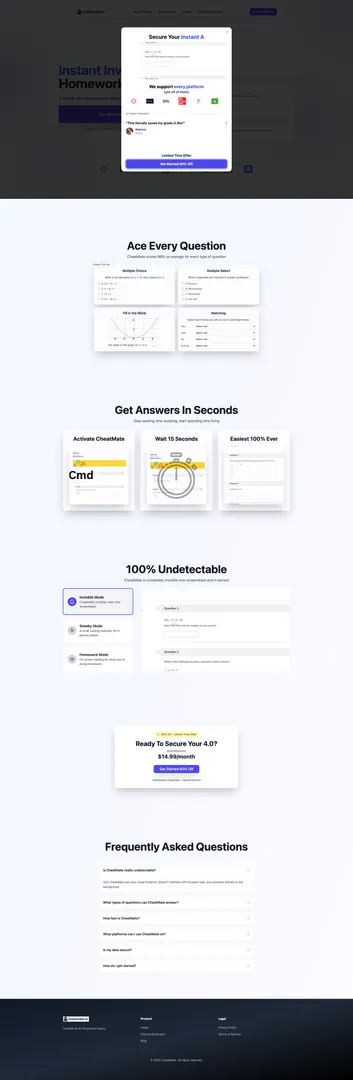
CheatMate is a powerful Chrome extension[1] designed to assist users in acing their online quizzes and exams. It is compatible with various educational platforms such as Canvas, Blackboard, Moodle, and more. The tool prides itself on being 100% undetectable[2], ensuring that users can utilize it without fear of being caught during assessments. With its innovative features, CheatMate aims to provide seamless support, making it an invaluable resource for students looking to improve their academic performance.
How to use CheatMate?
- Install the CheatMate Chrome extension from the Chrome Web Store.
- Create an account or log in to your existing CheatMate account.
- Select the educational platform you will be using (e.g., Canvas, Blackboard).
- Start your quiz or exam, and CheatMate will operate in the background, providing answers as you progress.
- Use the different modes (Invisible, Sneaky, or Homework) based on your needs during the assessment.
What are the main features of CheatMate?
- 100% Undetectable: Operates invisibly during assessments, ensuring no visual footprint.
- Multi-Platform Support[3]: Works seamlessly with platforms like Canvas, Blackboard, Moodle, and others.
- Multiple Modes: Offers Invisible Mode, Sneaky Mode, and Homework Mode to suit different scenarios.
- High Accuracy: Achieves an average score of 98% across various question types, including multiple choice and fill-in-the-blank.
Who is CheatMate for?
CheatMate is primarily designed for students who are looking for a discreet and effective way to enhance their performance in online quizzes and exams. It is particularly beneficial for those studying in environments where traditional learning methods may not suffice. Whether you are a high school student, a college attendee, or someone engaged in online courses, CheatMate provides the support you need to succeed academically.
What are the use cases of CheatMate?
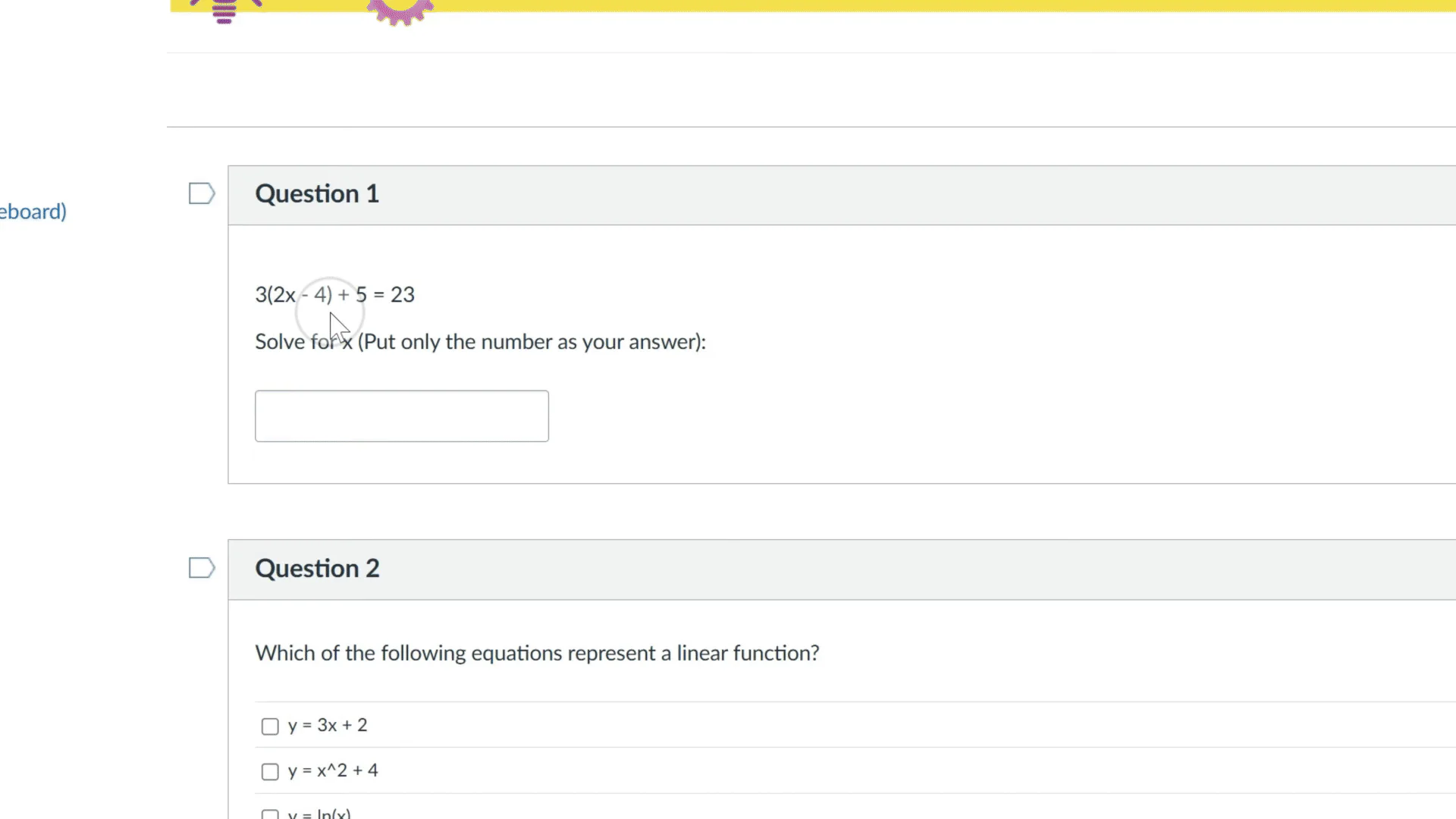
- Taking Online Exams: Use CheatMate during online assessments to get accurate answers without detection.
- Completing Homework: Utilize the tool to assist with homework assignments and ensure high-quality submissions.
- Studying for Tests: Leverage CheatMate's capabilities to practice with various question types and improve understanding of course material.
Product Images



Cheatmate Pros and Cons
Pros
- High Accuracy Rate: CheatMate boasts an impressive average score of 98% across various question types, ensuring reliable assistance for users.
- Undetectable Functionality: The tool operates completely undetectable during screenshare and in-person exams, providing users with a discreet experience.
- Wide Platform Compatibility: CheatMate is compatible with multiple learning management systems like Canvas, Blackboard, and Moodle, making it versatile for users.
Cons
No cons data detected for this tool
Cheatmate Pricing
Annual
Unlimited Questions
For the latest pricing, please visit this link: https://www.cheatmate.io/pricing
Prices are subject to change. Please visit the official website for the most up-to-date pricing information.