Careerfornia





What is Careerfornia?
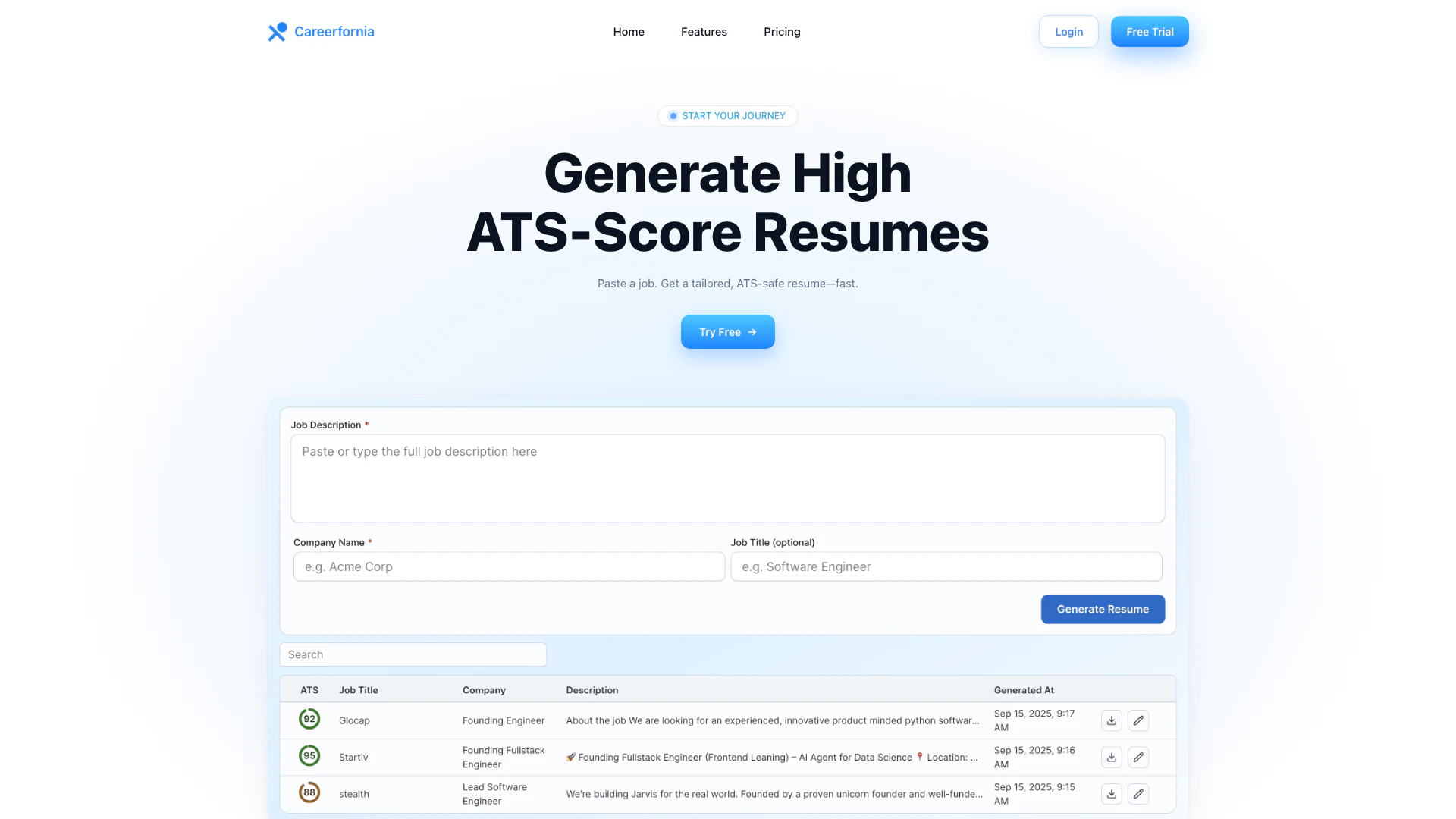
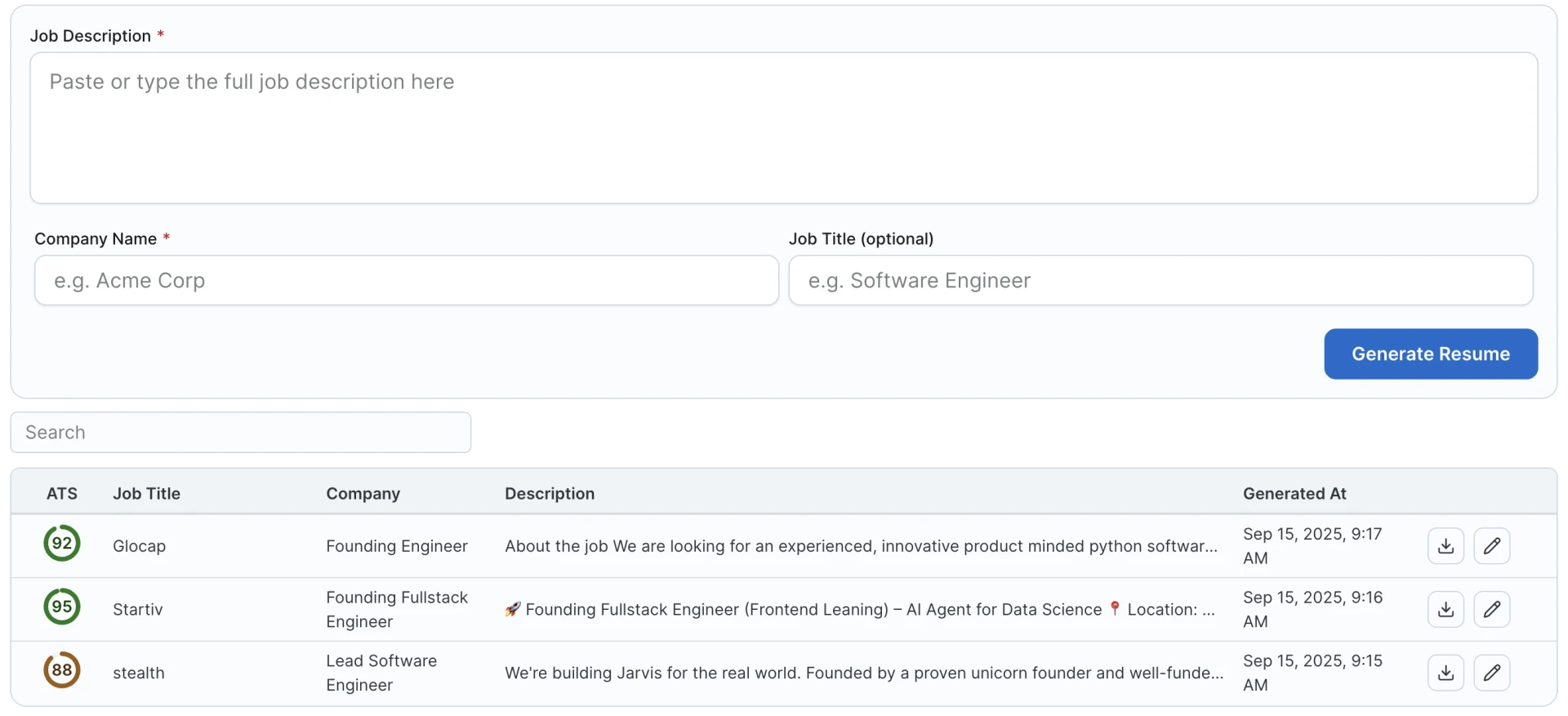
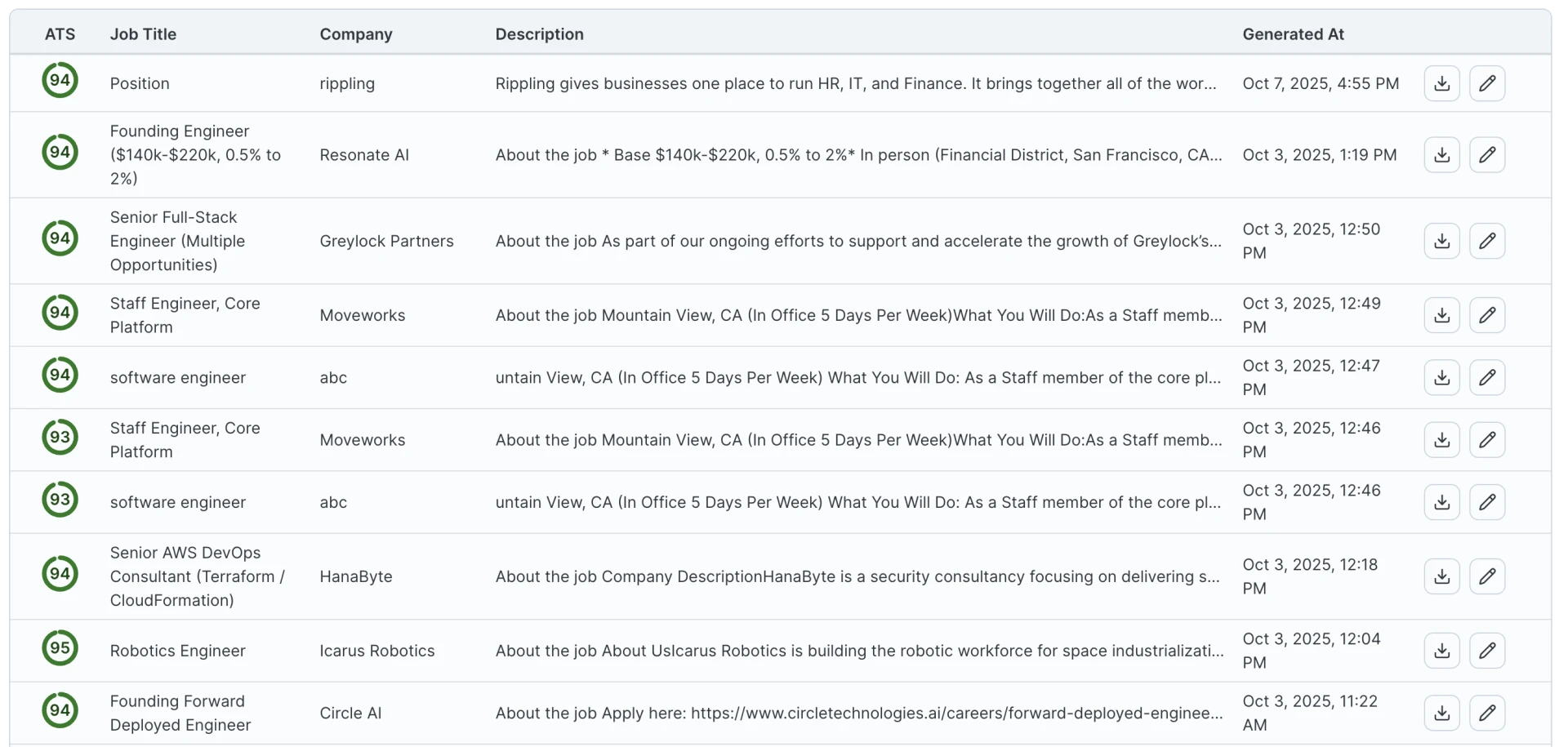
Careerfornia is an innovative resume generator[1] designed to create ATS-optimized[2] resumes quickly and efficiently. By simply pasting a job description or using its LinkedIn Chrome extension[3], users can generate tailored resumes that meet the requirements of Applicant Tracking Systems (ATS). The tool offers clean and professional templates that ensure your resume stands out while being ATS-safe, making it easier for job seekers[5] to secure interviews with top companies.
How to use Careerfornia?
- Visit the Careerfornia website or install the Chrome extension.
- Paste the job description of the position you are applying for, or open the extension on LinkedIn.
- Generate a tailored resume in PDF or DOCX format that is optimized for ATS.
- Review the resume to ensure it matches your experience and the job description.
- Export your resume and apply for the job.
What are the main features of Careerfornia?
- ATS-safe formatting[4] ensures that your resume meets the requirements of Applicant Tracking Systems.
- Job description (JD) keyword match feature helps tailor your resume to specific job postings.
- Quick generation of resumes with a single click.
- Export options available in both PDF and DOCX formats.
- Clean and professional templates that enhance readability and presentation.
Who is Careerfornia for?
Careerfornia is designed for job seekers at all levels who want to improve their chances of landing interviews. This tool is particularly beneficial for individuals applying for positions in competitive industries where ATS plays a significant role in the hiring process. Whether you are a recent graduate or an experienced professional, Careerfornia provides the necessary tools to create a compelling resume that stands out to employers.
What are the use cases of Careerfornia?
- Quickly generate a resume for a job application by pasting the job description.
- Use the LinkedIn Chrome extension to create a resume tailored to a specific role directly from LinkedIn profiles.
- Prepare multiple resumes for different job applications, ensuring each is optimized for ATS to increase interview chances.
Product Images

Careerfornia Pros and Cons
Pros
- High ATS Compatibility: Careerfornia generates resumes that are optimized for Applicant Tracking Systems (ATS), ensuring better chances of passing initial screenings.
- Quick Resume Generation: Users can create tailored resumes in minutes by simply pasting a job description or using the LinkedIn Chrome extension.
- Multiple Export Formats: The tool allows users to export their resumes in both PDF and DOCX formats, catering to various application requirements.
Cons
No cons data detected for this tool
Careerfornia Pricing
Day Pass
Unlimited for 24 hours - Generate unlimited resumes for 24 hours, Download PDF & DOCX, Score 90+ for all jobs you apply, Priority support, Refund if not happy, All Free features included.
For the latest pricing, please visit this link: https://www.careerfornia.com/
Prices are subject to change. Please visit the official website for the most up-to-date pricing information.