Canyoupaythat





What is Canyoupaythat?
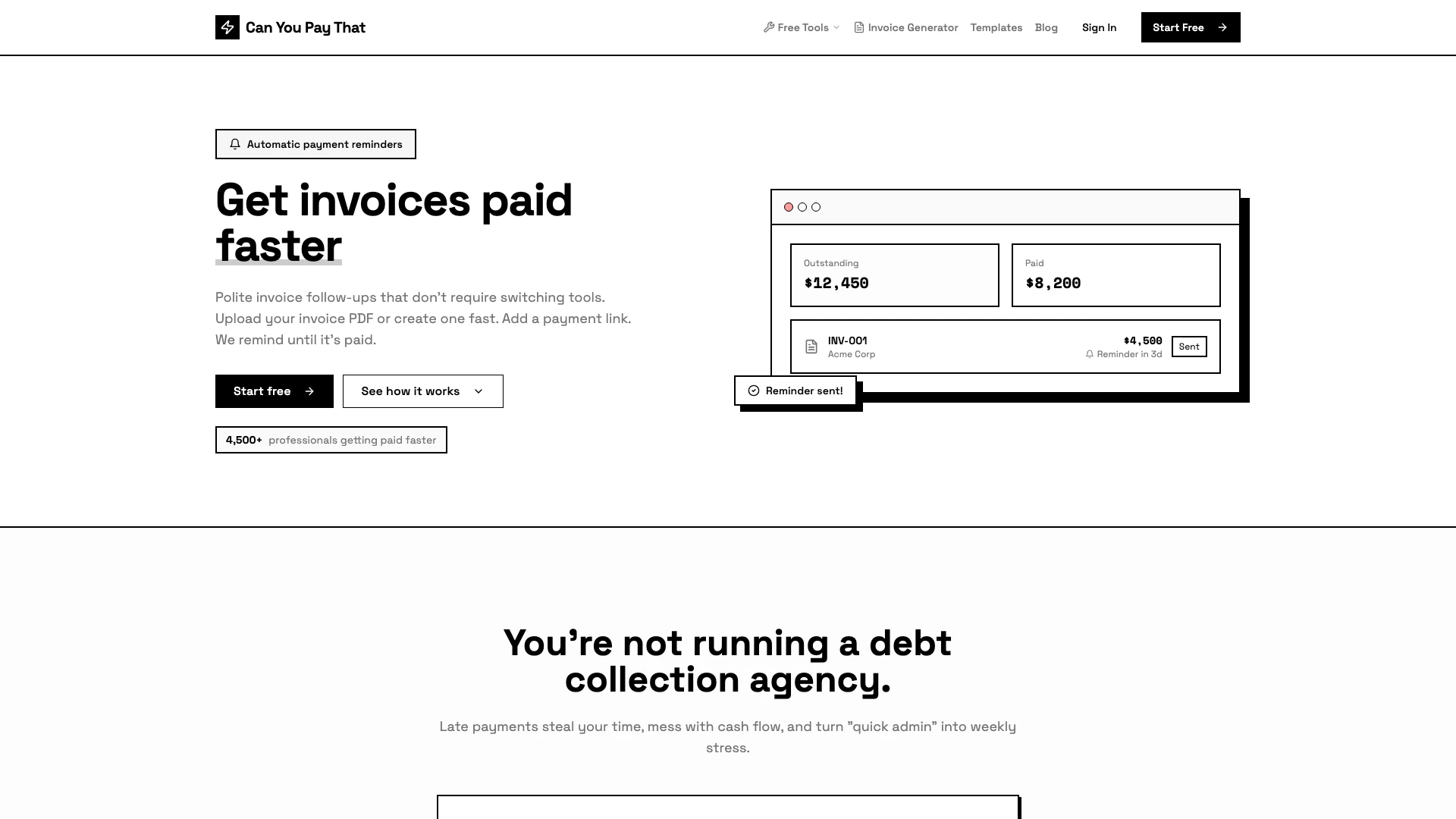
Canyoupaythat is an automated invoice management[1] tool designed to help professionals and businesses streamline their invoicing process. It simplifies the task of getting invoices paid on time by sending polite, automated reminders to clients without the need for manual follow-ups. By allowing users to create or upload invoices, add payment links, and manage reminders all in one platform, Canyoupaythat ensures that users can focus more on their work and less on chasing payments. This tool is particularly beneficial for service-based businesses, freelancers, and agencies that send invoices regularly.
How to use Canyoupaythat?
- Add a client: Store billing emails once and generate a secure client portal[2] link automatically.
- Create or upload an invoice: Set the amount and due date, upload your invoice PDF, and optionally add a Stripe payment link.
- Set up reminders: Choose your reminder schedule (e.g., 7, 3, and 1 day before due and after due) to ensure clients are reminded until the invoice is paid.
What are the main features of Canyoupaythat?
- Automated Reminder Schedule: Set pre-due and post-due reminders on autopilot, with customizable timing and messaging.
- Client Portal: A dedicated space for clients to view invoices, download PDFs, and make payments easily.
- Invoice Dashboard: An overview of total outstanding, overdue invoices, and payments made, allowing for easy tracking.
- AR Inbox: Manage overdue invoices as trackable cases, with the ability to pause reminders and log disputes.
- Email Log: Record of every invoice email and reminder sent, ensuring transparency and accountability.
Who is Canyoupaythat for?
Canyoupaythat is designed for service-based businesses that regularly send invoices and seek to automate their follow-up process. This includes marketing agencies, design and development studios, freelancers, consultants, and small service businesses with recurring invoicing needs. It is particularly beneficial for those who send more than ten invoices a month, experience follow-up anxiety, or desire a more predictable cash flow.
What are the use cases of Canyoupaythat?
- Freelancers: Use Canyoupaythat to manage invoicing for multiple clients, ensuring timely payments without manual follow-ups.
- Agencies: Marketing and design agencies can streamline their billing processes and maintain professional communication with clients regarding payments.
- Consultants: Automate reminders for consulting fees, reducing the stress associated with chasing overdue payments.
Canyoupaythat Pros and Cons
Pros
- Automated Payment Reminders: The tool sends polite, automated reminders for unpaid invoices, ensuring timely follow-ups without manual effort.
- Client Portal: Offers a secure client portal where clients can view invoices, download PDFs, and make payments easily.
- Time-Saving Features: Eliminates the need for manual follow-ups and spreadsheet tracking, saving users hours each month.
Cons
No cons data detected for this tool
Canyoupaythat Pricing
Free
Try it out with basic features. Includes 1 team member, 3 clients, 10 invoices/month, default reminder schedule, client portal, 30-day email log, and AR Inbox (collections).
Starter
For solo operators and small teams. Includes 1 team member, 50 clients, 250 invoices/month, fully configurable reminders, editable email templates, remove 'Powered by' branding, CSV export, 12-month email log, and AR Inbox (collections).
Pro
For growing agencies with teams. Includes up to 10 team members, unlimited clients, 2,000 invoices/month, everything in Starter, reporting dashboard, webhooks (coming soon), custom branding (coming soon), 24-month email log, AR Inbox (collections), and priority support.
For the latest pricing, please visit this link: https://canyoupaythat.com/
Prices are subject to change. Please visit the official website for the most up-to-date pricing information.