

Bluewillow





What is BlueWillow?
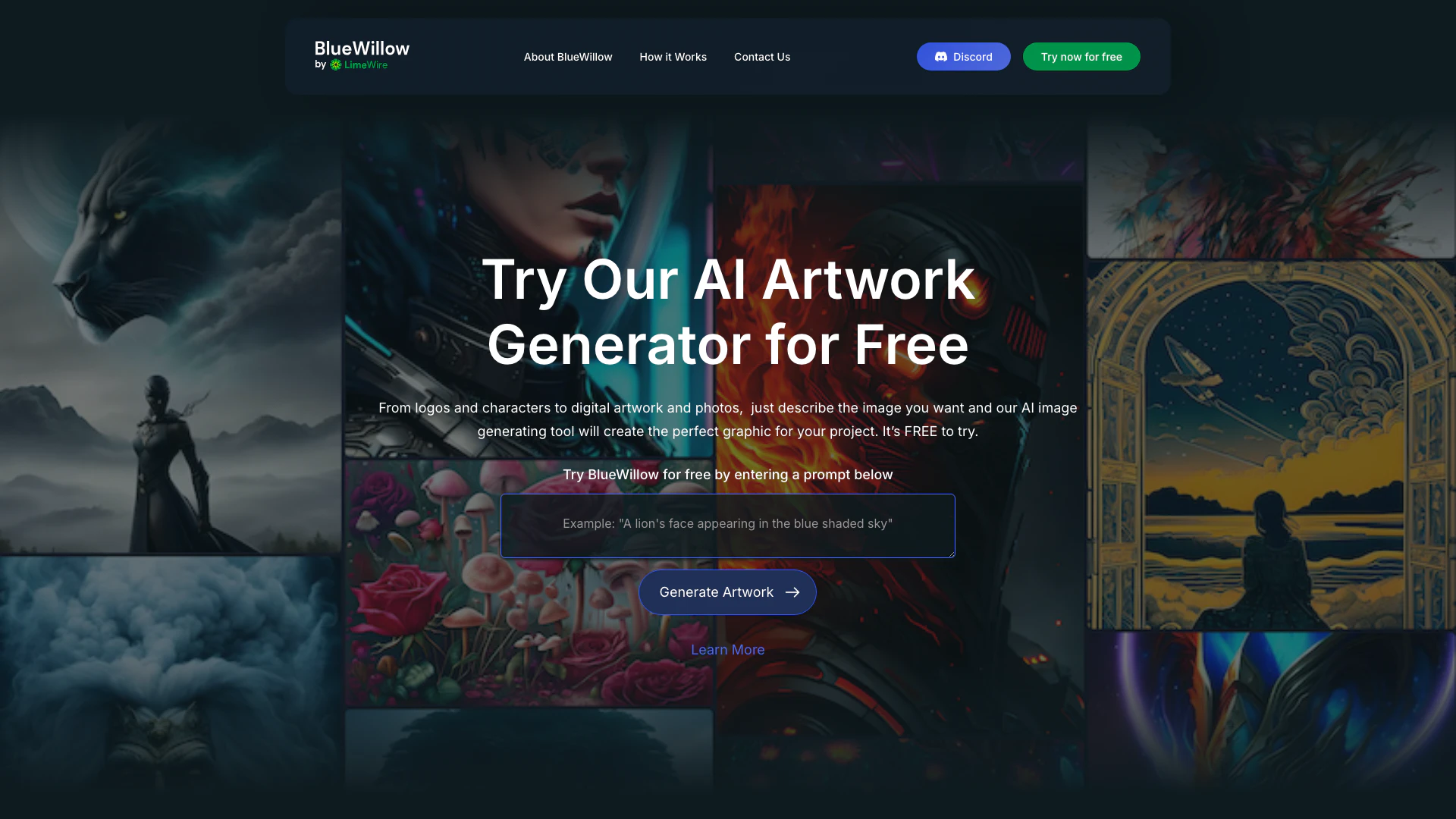
BlueWillow is a free AI artwork generator that enables users to create stunning and unique images effortlessly. This tool is designed to provide beautiful, inspiring AI-generated artwork, making it a compelling alternative to other platforms like Midjourney. With BlueWillow, users can simply enter a prompt and receive a variety of images tailored to their specifications, showcasing the power of AI in art creation.
How to use BlueWillow?
- Enter a Prompt: Begin by typing a description of the image you want in the provided text input on the BlueWillow homepage.
- Generate AI Artwork: Click 'Generate Artwork' to be redirected to the AI Studio. Here, enter your email to continue, and the AI will produce a selection of images based on your prompt within seconds.
- Refine and Share: You can refine your results or regenerate artworks as needed. Additionally, you can share your creations with the BlueWillow community.
What are the main features of BlueWillow?
- Free AI artwork generation: Create stunning images without any cost.
- User-friendly interface: Designed for users of all experience levels to easily generate artwork.
- Customizable prompts: Users can enter specific descriptions to tailor the generated images.
- Community sharing: Users can share their artwork and connect with others in the BlueWillow community.
Who is BlueWillow for?
BlueWillow is ideal for artists, designers, marketers, and anyone interested in generating unique visual content. Whether you are a professional looking for inspiration, a hobbyist exploring creative possibilities, or a business needing graphics for branding, BlueWillow caters to a wide range of users who seek to leverage AI technology for artistic expression.
What are the use cases of BlueWillow?
- Logo Creation: Generate unique logos for businesses or personal brands.
- Digital Artwork: Create original art pieces for personal projects or galleries.
- Marketing Materials: Produce visually appealing graphics for social media posts, ads, or promotional content.
Product Images
Bluewillow Pros and Cons
Pros
- User-Friendly Interface: BlueWillow features a user-friendly interface that allows users of all experience levels to easily create stunning AI-generated images by simply entering prompts.
- Free to Use: BlueWillow offers a free AI artwork generation service, making it accessible for anyone to create unique images without any cost.
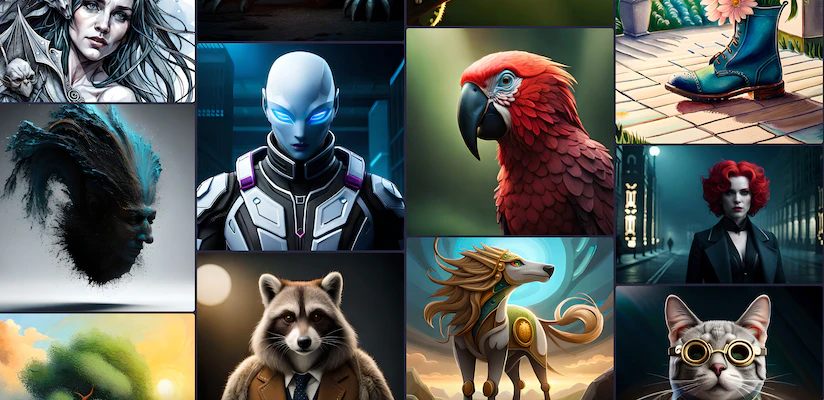
- Diverse Image Generation: The tool can generate a wide variety of images, including logos, graphics, and photo-realistic images, catering to different creative needs.
Cons
No cons data detected for this tool
Analytics of Bluewillow
Bluewillow Website Traffic Analysis
Visits Over Time
Traffic Sources
Dec 2025 - Feb 2026 Worldwide Desktop Only
- Search: 45.85%
- Direct: 37.86%
- Referrals: 10.65%
- Social: 4.12%
- Paid Referrals: 1.11%
- Mail: 0.16%
Top Keywords
| Keyword | Volume | CPC | Estimated Value |
|---|---|---|---|
| blue willow | 5.72K | $0.94 | $1080.00 |
| bluewillow | 3.13K | $0.17 | $2940.00 |
| bluewillow ai | 580 | $2.17 | $550.00 |
| blue willow ai | 270 | $0.61 | $90.00 |
| ai blue willow | 200 | $0.00 | $140.00 |





Bluewillow Social Listening
FREE Midjourney Alternative - ...
Midjourney is the most popular...
BlueWillow AI just turned Supe...
Is BlueWillow AI better then M...
So many AI Art generating serv...
Unlock to view 64 social media results.