

Bilfrost





What is Bifrost?
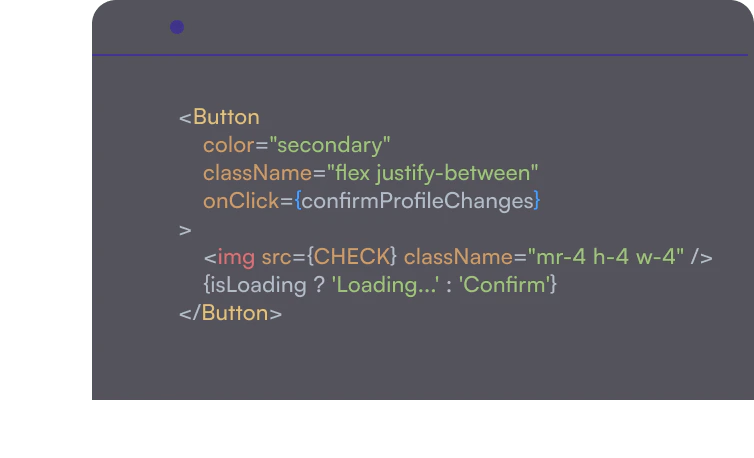
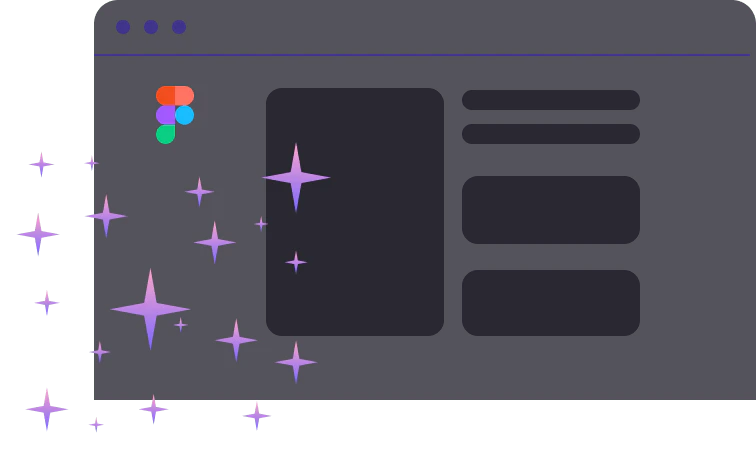
Bifrost is an innovative AI-powered tool designed to convert Figma designs into clean React code automatically. This tool simplifies the frontend development process by allowing users to generate type-safe components and screens directly from their Figma designs, significantly reducing the need to write code from scratch. Bifrost supports popular UI frameworks like Tailwind and Chakra, making it an essential asset for developers and designers alike. With Bifrost, teams can streamline their workflow, enhance collaboration, and focus on building features that drive business growth.
How to use Bifrost?
- Sign up for a Bifrost account and log in.
- Connect your Figma account to Bifrost, allowing it to access your design files.
- Select the specific design components or screens you want to convert into React code.
- Choose your preferred UI framework (Tailwind or Chakra) for styling.
- Click on the 'Generate Code' button to receive clean, ready-to-use React code for your selected designs.
What are the main features of Bifrost?
- AI-Powered Code Generation: Automatically converts Figma designs into clean React code.
- Support for Tailwind and Chakra: Easily integrates with popular UI frameworks for styling.
- Type-Safe Components: Generates type-safe React components that ensure reliability.
- Real-Time Design Updates: Allows users to pull new design changes from Figma into existing components effortlessly.
- Flexible Component Creation: Users can start with any screen and generate new components or modify existing ones.
Who is Bifrost for?
Bifrost is ideal for developers and designers looking to streamline their workflow and enhance collaboration. It caters to teams in startups and established companies who use Figma for design and require efficient methods to convert those designs into functional React code. Whether you are a developer focusing on creating features or a designer aiming to produce clean, functional screens, Bifrost empowers both roles by simplifying the design-to-code process.
What are the use cases of Bifrost?
- Rapid Prototyping: Quickly turn design mockups into functional React components for testing and feedback.
- Design Iteration: Effortlessly update existing components with new designs pulled directly from Figma.
- Team Collaboration: Improve communication between designers and developers by reducing handoff issues and ensuring that designs are accurately translated into code.
Product Images
Bilfrost Pros and Cons
Pros
- AI-Powered Code Generation: Bifrost uses AI to automatically convert Figma designs into clean React code, eliminating the need for manual coding.
- Seamless Design Integration: Easily update existing components with new design changes from Figma, allowing for efficient iteration during development.
- Seamless Design Updates: Easily pull new design changes from Figma into existing components, allowing for quick iterations without losing custom logic.
- Enhanced Collaboration: Empowers designers to create and update screens without messy handoffs, facilitating better collaboration between design and engineering teams.
Cons
No cons data detected for this tool
Analytics of Bilfrost
Bilfrost Website Traffic Analysis
Visits Over Time
Traffic Sources
Jan 2026 - Feb 2026 Worldwide Desktop Only
- Search: 45.55%
- Direct: 32.78%
- Referrals: 13.72%
- Social: 4.81%
- Paid Referrals: 2.13%
- Mail: 0.26%
Top Keywords
| Keyword | Volume | CPC | Estimated Value |
|---|---|---|---|
| bifrost gen 3 | 0 | $0.00 | $0.00 |



