

Twitter-color Created with Sketch. Amazon-color Created with Sketch. Facebook-color Created with Sketch. github [#142] Created with Sketch. meta_fill Pinterest-color Created with Sketch. ProductHunt-color Created with Sketch. Spotify-color Created with Sketch. Threads Logo Streamline Icon: https://streamlinehq.com Yelp-color Created with Sketch. Youtube-color Created with Sketch.
TopAIToolsTopAITools
  • Free Tools
  • Category
  • Leaderboard
  • Deals
  • Submit
EN
TopAIToolsTopAITools
TopAI

TopAITools

TopAITools, The Best Top AI Tools

AI Glossary|English简体中文繁體中文한국어日本語PortuguêsEspañolDeutschFrançaisTiếng Việt|Map

© 2026 TopAITools. All rights reserved.

About

  • Privacy Policy
  • Terms of use

Contact Us

business@topaitoolsreview.com
Home
AI Photo Editor
Behindimg
Last updated: May 21, 2026
Behindimg logo

Behindimg

Get deal
4.0|0 Comments|0 Saved
Introduction:
Easily create stunning text-behind-image designs.
Launch Date:
June 6, 2025
Monthly Visits:
--
Inputs:
ImageText
Outputs:
Image
Supported Languages:
EN
AI Models:
BehindIMG
Website
Free Trial
🎨Creativity
AI Photo Editor267Ai Text To Image268Text Behind Image Design Tool
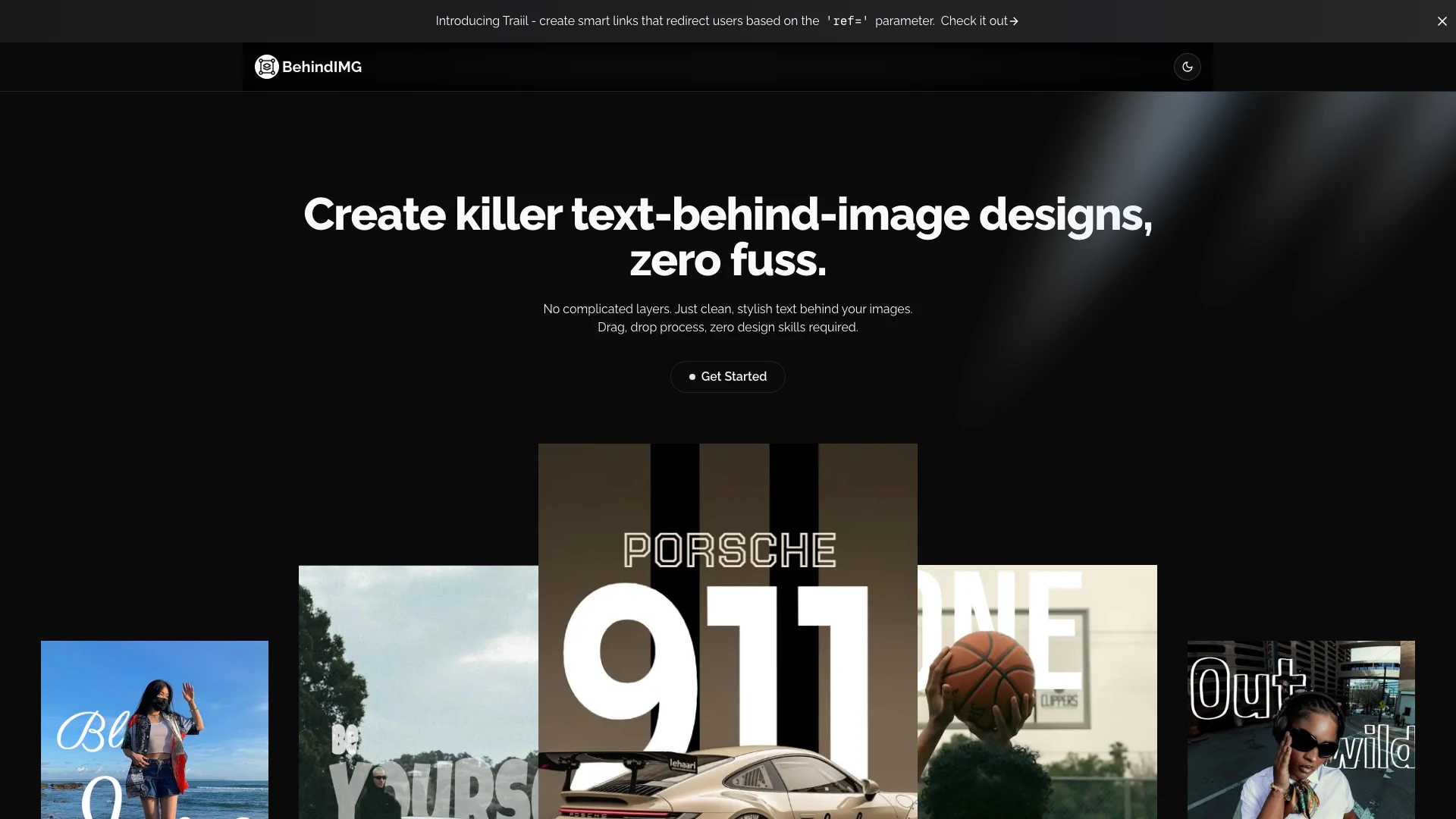
Behindimg website screenshot showing Easily create stunning text-behind-image... interface and features
Use tool
Update this tool
Apple logo

Apple

Apple Creator Studio offers a suite of creative tools for video, music, and design.

Notion 1771246560178 logo

Notion 1771246560178

Notion AI enhances productivity by integrating AI tools directly into your workspace.

Openai Codex logo

Openai Codex

OpenAI Codex enhances coding efficiency with AI-driven task support.

Plus Ai For Google Slides logo

Plus Ai For Google Slides

Stop creating slides and docs the old way. Make work easier with the best AI tools for Google Slides™ and Google Docs™.

Deepl logo

Deepl

Translate texts & full document files instantly. Accurate translations for individuals and Teams. Millions translate with DeepL every day.

Behindimg Overview

What is BehindIMG?

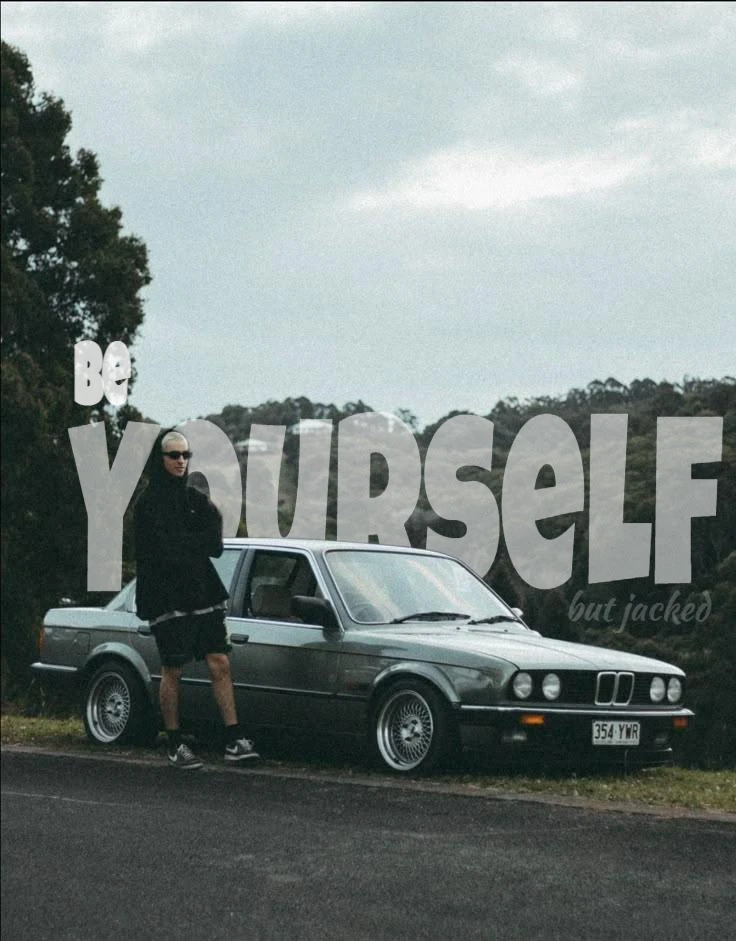
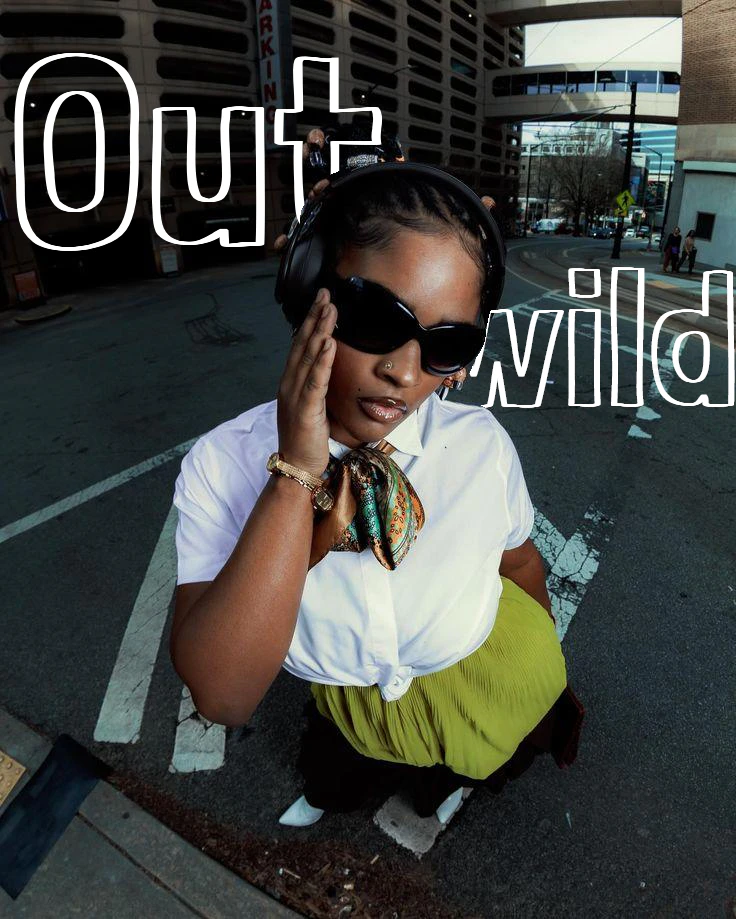
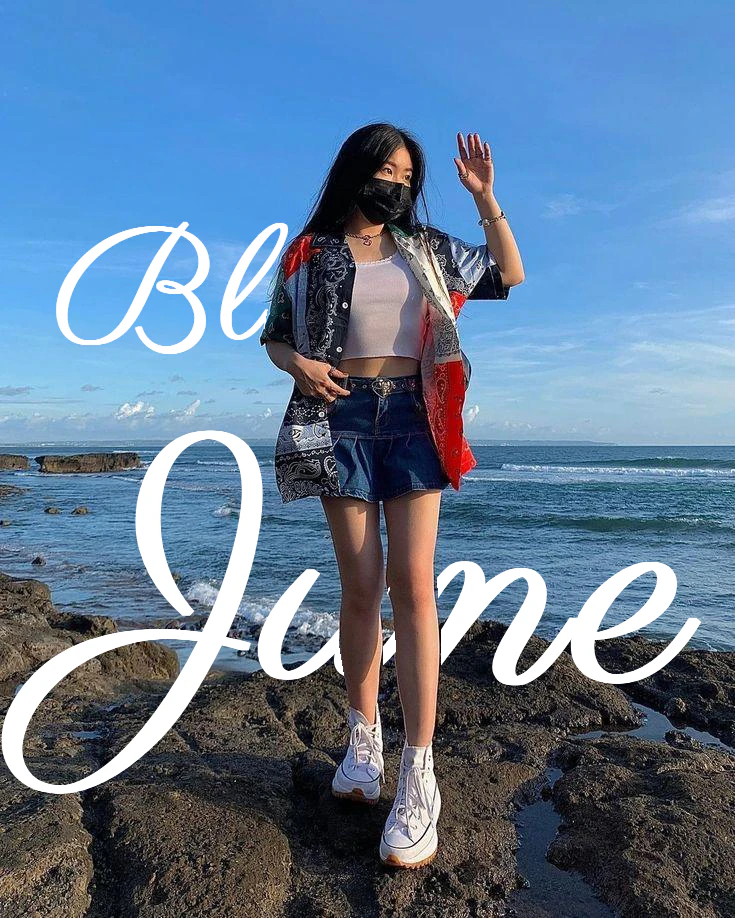
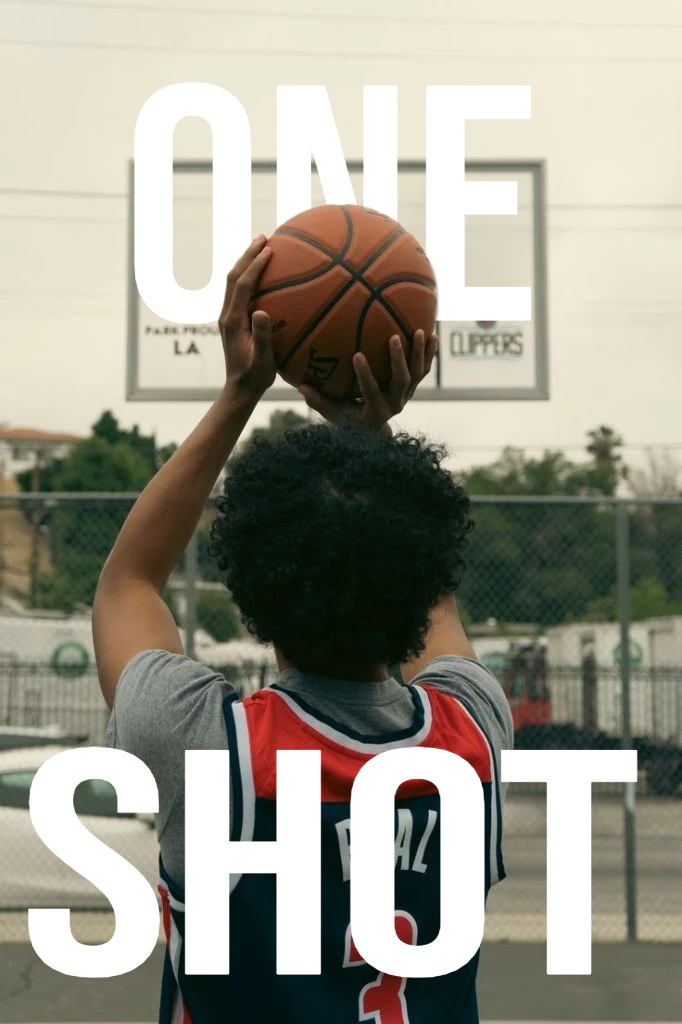
BehindIMG is an innovative design tool[2] that allows users to create stunning text-behind-image[1] designs effortlessly. It eliminates the complexity often associated with graphic design, enabling anyone—regardless of skill level—to produce eye-catching visuals. With its user-friendly drag-and-drop interface[3], BehindIMG is perfect for content creators, marketers, and bloggers who want to enhance their images without the need for extensive design knowledge. The tool focuses on simplicity and efficiency, making it easy to add stylish text behind images, thereby creating professional-looking designs in no time.


How to use BehindIMG?

  1. Go to the BehindIMG website and click on 'Get Started' to access the editor.
  2. Upload your desired image by dragging and dropping it into the workspace.
  3. Select the text tool and type your message, adjusting the font, size, and color as needed.
  4. Position the text behind the image by using the layering options.
  5. Once satisfied with your design, save or export your creation for use on social media or other platforms.

What are the main features of BehindIMG?

  • User-friendly drag-and-drop interface for easy design creation.
  • Real-time preview to see instant changes and adjustments.
  • Access to over 30 fonts for diverse text styles.
  • Powerful editing tools for layering and positioning text behind images.
  • Side-by-side comparison feature to visualize edits before and after.

Who is BehindIMG for?

BehindIMG is designed for a wide range of users, including content creators who need to produce eye-catching thumbnails and social media posts, marketing teams looking to create professional materials quickly, and bloggers or writers wanting to enhance their articles with visually appealing featured images. Its intuitive design makes it accessible for anyone who wants to elevate their visual content without needing advanced design skills.


What are the use cases of BehindIMG?

  1. Creating stunning social media graphics that capture attention and increase engagement.
  2. Designing professional marketing materials such as flyers and brochures without the need for a graphic designer.
  3. Enhancing blog posts with visually appealing images that complement written content.

Product Images

BehindIMG usage step screenshot
Using BehindIMG editor interface
BehindIMG 使用步骤截图
BehindIMG editing tools demonstration
BehindIMG product interface overview
Creating text-behind-image designs with BehindIMG
1 / 6

Behindimg Pros and Cons

Pros

  • User-Friendly Interface: BehindIMG offers a drag-and-drop process that requires zero design skills, making it accessible for all users.
  • Powerful Editing Tools: The tool includes a simple yet powerful image editor with real-time preview and instant adjustments, enhancing user experience.
  • Wide Font Selection: Users have access to over 30 fonts with a single click, allowing for diverse design options.

Cons

No cons data detected for this tool

Behindimg Reviews

This tool has completely transformed how I create social media content. It's incredibly intuitive and saves me hours every week.

For more reviews, visit this link: https://behindimg.site#reviews

Behindimg Compare

Tool NameIntroductionPricing
Type
RatingLaunch DateLearn more
Ai Sofiya logo
Ai Sofiya
AiSofiya offers AI-powered tools, chatbots, and automation to help websites and businesses work smarter, faster, and 24/7.
Free
💼Work🎨Creativity
January 10, 2023
Get deal
Promptvibes logo
Promptvibes
Explore Prompt Vibes to create unique prompts with our ChatGPT Prompt generator. Discover a collection of the best prompts designed for various uses.
Free
🙋‍♂️Personal🎨Creativity
February 25, 2023
Get deal
Shulex Copilot logo
Shulex Copilot
Shulex Copilot ChatGPT E-commerce Tool & Sidebar - Shulex VOC
Free
💼Work🎨Creativity
December 15, 2017
Get deal

Info current as of post date. Offers and availability may vary by location and are subject to change.

Behindimg Launch embeds

Use website badges to drive support from your community for your TopAITools Review. They're easy to embed on your homepage or footer.

FEATURED ONTopaitoolsreview.com

Behindimg Alternatives

Adobe screenshot

Adobe

Adobe Firefly is an AI-driven tool for creating unique images, videos, and audio.

Website
Free
💼Work🎨Creativity
Image Generation & EditingAI Image GeneratorAI Photo EditorAI Realistic Image Generator
  • Image Generation & Editing
  • AI Image Generator
  • AI Photo Editor
  • AI Realistic Image Generator
Use tool
15.7M
Direct60.39%
Referrals34.84%
Search3.54%
Picsart screenshot

Picsart

Picsart is a versatile platform for creating stunning visual content using AI tools.

Website
Free
🙋‍♂️Personal💼Work🎨Creativity
Image Generation & EditingAI Image GeneratorAI Photo EditorGallery Creation Tool
  • Image Generation & Editing
  • AI Image Generator
  • AI Photo Editor
  • Gallery Creation Tool
Use tool
15.1M
Search66.78%
Direct31.18%
Referrals1.59%
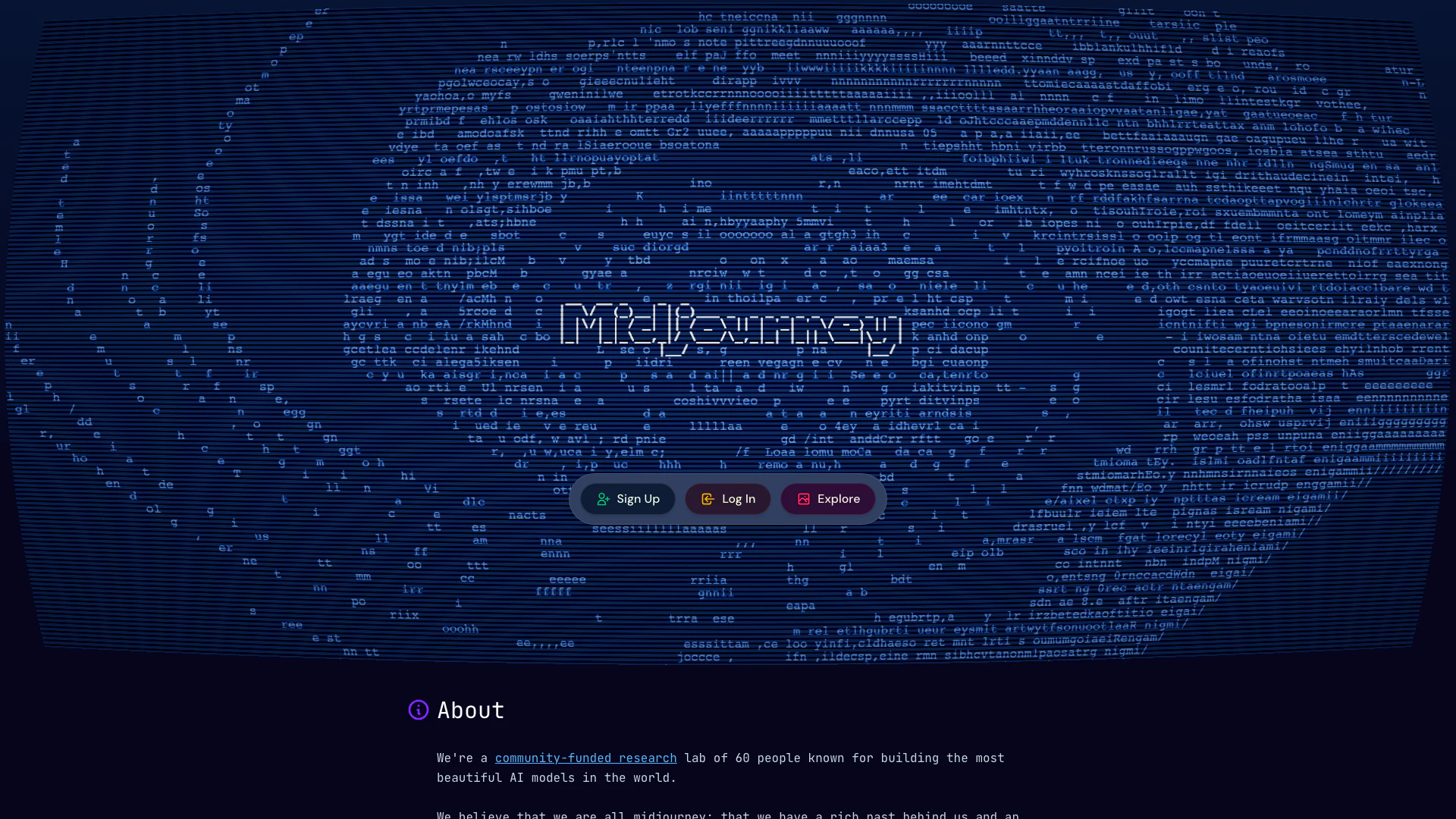
Midjourney screenshot

Midjourney

Explore the artistic potential of AI with Midjourney.

Website
Free Trial
🎨Creativity
Image Generation & EditingAI Image GeneratorAI Realistic Image GeneratorAi Text To Image
  • Image Generation & Editing
  • AI Image Generator
  • AI Realistic Image Generator
  • Ai Text To Image
Use tool
12.8M
Direct71.60%
Search25.18%
Referrals2.54%

Behindimg Tags

text-behind-imageimage editorDrag-and-DropSocial Media Designthumbnail creatorReal-time Preview

Also used for

AI Photo Editor267Ai Text To Image268Text Behind Image Design Tool1AI Dating Profile Photo Generator13NSFW AI Art Generator5AI Vectorization Tool11AI Romantic Image & Video Generator58Gallery Creation Tool21SVG Optimization Tool8SVG Compression Tool6Text To 3d Generator8AI Car Wrap Generator1AI Device Mockup Generator5Code Snippet Image Generator2Code Visualization Tool2

Sources (3)

Behindimg logo
BehindimgFree
Get deal

Behindimg Comments (0)

Your rating

?
0/2000

No comments yet

Be the first to share your thoughts!

Behindimg Prompts (0)

Prompts And Results

Add your own prompts and outputs to help others understand how to use this AI.

🚀0
🚀0