Audio Transkriptor Audio - Chrome Extension




What is Audio SpeechScribe: Audio to Text?
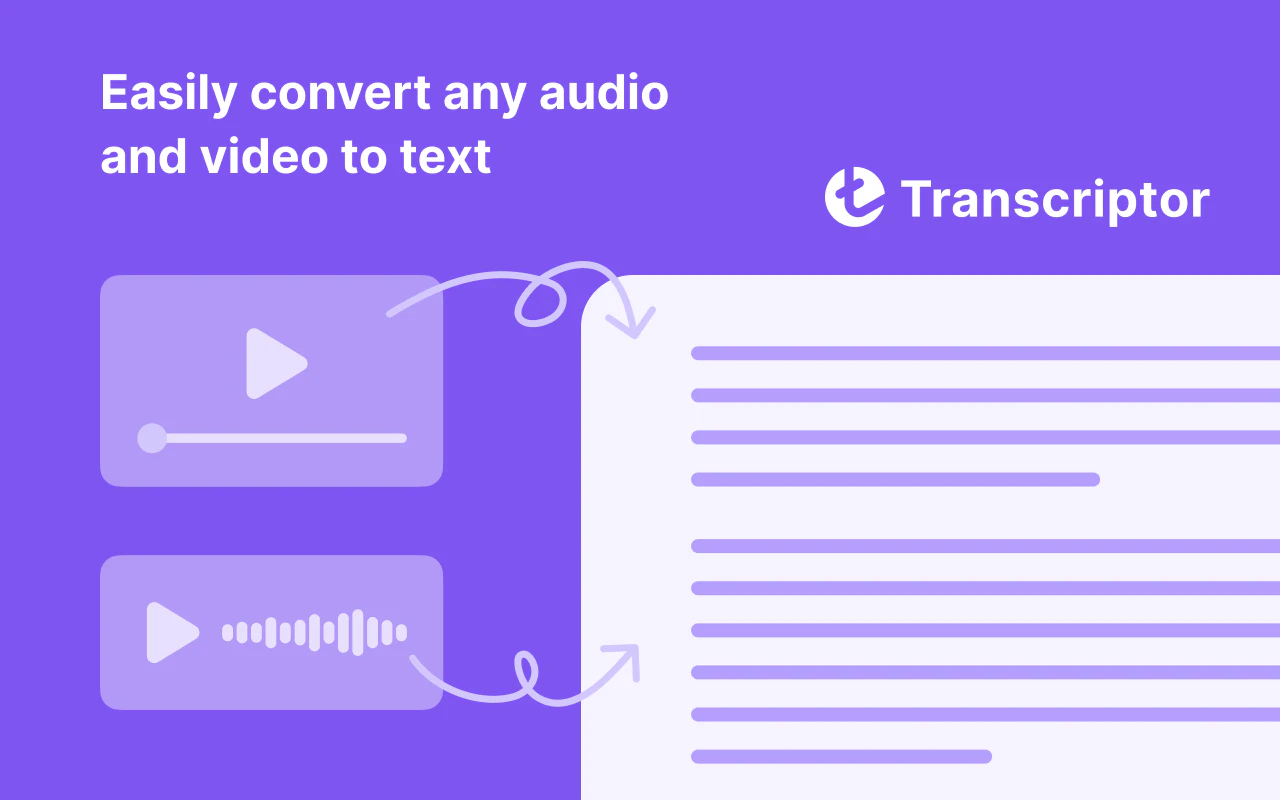
Audio SpeechScribe: Audio to Text is a powerful transcription tool designed to convert audio recordings into text format efficiently. This Chrome extension leverages advanced speech recognition technology to accurately transcribe spoken words into written text, making it an invaluable resource for students, professionals, and anyone who needs to document audio content. The core value proposition of Audio SpeechScribe lies in its ability to save time and effort by automating the transcription process, allowing users to focus on content creation rather than manual typing.
How to use Audio SpeechScribe: Audio to Text?
- Install the Audio SpeechScribe: Audio to Text extension from the Chrome Web Store.
- Open the extension and grant it the necessary permissions to access your microphone.
- Select the audio source you wish to transcribe, which can include live speech or pre-recorded audio files.
- Click the 'Start Transcribing' button to begin the transcription process.
- Review the transcribed text displayed in the interface, making any necessary edits for accuracy.
- Save or export the final text document in your preferred format.
What are the main functions of Audio SpeechScribe: Audio to Text?
- Accurate speech recognition technology for high-quality transcriptions.
- Ability to transcribe both live audio and pre-recorded files.
- User-friendly interface for easy navigation and operation.
- Options to edit and refine transcriptions for improved accuracy.
- Export functionality to save transcriptions in various text formats.
Who is Audio SpeechScribe: Audio to Text suitable for?
Audio SpeechScribe: Audio to Text is particularly suitable for a diverse range of users, including students who need to transcribe lectures, professionals conducting interviews, and content creators looking to convert podcasts or videos into written format. Additionally, educators and researchers can benefit from this tool by easily documenting discussions and presentations. Its accessibility and ease of use make it a great choice for anyone who regularly works with audio content and requires quick, accurate transcriptions.
What are the use cases for Audio SpeechScribe: Audio to Text?
- Transcribing university lectures for study purposes, allowing students to review material in written form.
- Converting interviews into text for journalists and researchers, facilitating easier analysis and reporting.
- Creating written content from podcasts or webinars, enabling content creators to reach a wider audience through text-based formats.
Audio Transkriptor Audio - Chrome Extension Pricing
Free Trial
Offers 60 minutes of free transcription to check the accuracy of your dictation.
For the latest pricing, please visit this link: https://chromewebstore.google.com/detail/audio-transkriptor-audio/gijnkelbkbmaekkkgoalpimggbmoahol
Prices are subject to change. Please visit the official website for the most up-to-date pricing information.