

Atomicbotai




What is Atomic Bot?
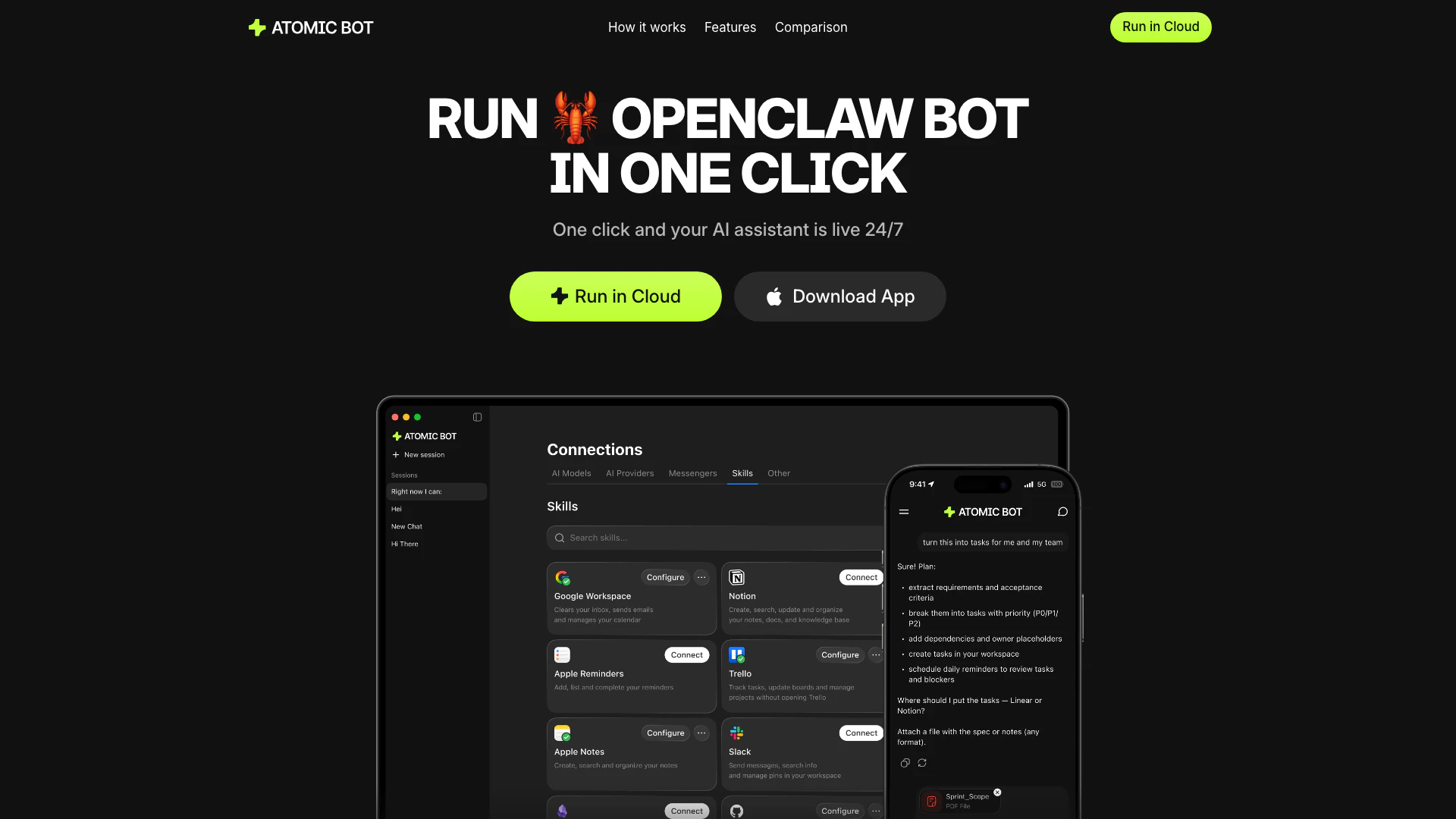
Atomic Bot is a user-friendly application designed to simplify the installation and management of OpenClaw[1], a powerful personal assistant tool. With just one click, users can install, configure, and launch their AI assistant, making it accessible for non-technical users. Atomic Bot retains the full capabilities of OpenClaw while presenting them through an intuitive interface, allowing users to seamlessly integrate AI into their daily workflows.
How to use Atomic Bot?
- Download and Install: Visit the Atomic Bot website and download the application for your device. Follow the installation prompts to set it up on your system.
- Sign In with Google: Open the application and sign in using your Google account to access its features and functionalities.
- Connect Skills and Services: Configure the skills and services you want Atomic Bot to use, such as email, calendar, and document management.
- Start Using Your Assistant: Once everything is set up, you can start interacting with Atomic Bot to manage tasks, schedule meetings, and automate your workflows.
What are the main features of Atomic Bot?
- One-Click Installation[2]: Easily install and configure OpenClaw with a simple click.
- User-Friendly Interface[3]: Designed for non-technical users, making it accessible for everyone.
- Persistent Memory[4]: Remembers user preferences and ongoing tasks to provide a personalized experience.
- Browser Control[5]: Automates web tasks such as filling forms and clicking buttons directly from chat.
- Task Scheduling[6]: Allows users to schedule reminders and recurring tasks effortlessly.
- Multiple AI Models: Users can choose from different AI engines like Claude, GPT, and more.
Who is Atomic Bot for?
Atomic Bot is tailored for individuals and professionals who seek a reliable assistant to handle everyday tasks such as email management, scheduling, and document processing without requiring extensive technical knowledge. It is ideal for busy professionals, students, and anyone looking to improve their productivity through automation.
What are the use cases of Atomic Bot?
- Email Management: Automate cleaning up email threads, drafting replies, and sending follow-ups.
- Calendar Scheduling: Quickly schedule meetings, set reminders, and manage calendar events.
- Document Summarization: Generate summaries and action items from lengthy documents and PDFs.
- Web Automation: Perform routine web tasks like filling forms and submitting requests seamlessly.
- File Organization: Sort and rename files to maintain a tidy digital workspace.
Atomicbotai Pros and Cons
Pros
- Simple Installation: Atomic Bot allows for one-click installation, making it easy for non-technical users to set up and start using the assistant quickly.
- User-Friendly Interface: The application features a user-friendly interface that simplifies interactions and task management for everyday users.
- Multiple AI Models: Users can choose from various AI engines like Claude, GPT, and Gemini, allowing for flexibility in task execution.
- Privacy-First Design: Atomic Bot prioritizes user privacy by allowing data to be stored either locally or in the cloud, giving users full control over their information.
Cons
No cons data detected for this tool




