

Archrenderai
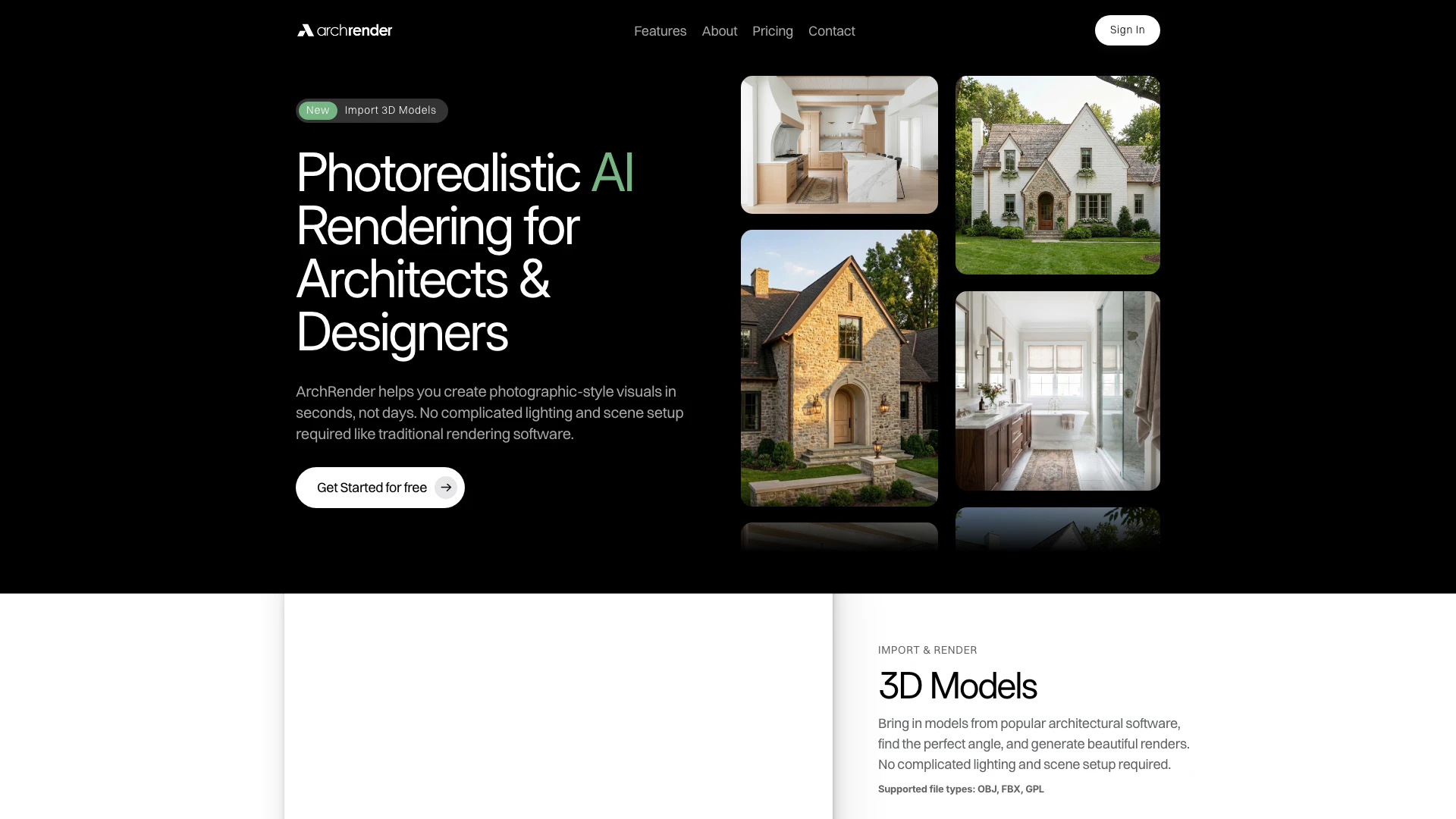





What is ArchRender?
ArchRender is an innovative AI-powered rendering tool designed specifically for architects and designers, enabling users to create photographic-style visuals in mere seconds, rather than the traditional days required by conventional rendering software. It eliminates the complexities of lighting and scene setup, streamlining the rendering process while maintaining high-quality output. With ArchRender, users can easily import 3D models from popular architectural software and generate stunning renders with minimal effort.
How to use ArchRender?
- Choose Render or Edit: Start by creating a new render from a drawing or model, or edit an existing render or photo.
- Set Style & Prompt: Adjust the render settings, describe materials using a simple prompt, or upload a moodboard for inspiration.
- Generate & Iterate: Create multiple versions of the render, refine details, and keep all renders and source files organized within a project.
What are the main features of ArchRender?
- Photorealistic Rendering: Create high-quality, photographic-style visuals in seconds.
- 3D Model Import: Easily import models from various architectural software, supporting file types like OBJ, FBX, and GPL.
- Season Control: Visualize designs across different seasons, helping clients understand the project year-round.
- Time of Day Settings: Adjust lighting conditions to see how different times of day affect the design.
- Environment Selection: Choose from various surrounding environments to place designs in context.
- Mood Board Integration: Upload inspiration boards for the AI to interpret colors and styles into the final render.
- 4K Upscaling: Enhance any render to high-resolution 4K quality for presentations and marketing materials.
- Prompt-Driven Control: Use natural language prompts to guide materials, style, and lighting for custom visuals.
Who is ArchRender for?
ArchRender is tailored for architects, interior designers, and visual artists who need to produce high-quality renderings quickly and efficiently. It is ideal for professionals who may not have extensive rendering experience but require stunning visuals for client presentations, project proposals, or design iterations. The tool is also beneficial for students and emerging designers looking to enhance their portfolios with realistic renderings.
What are the use cases of ArchRender?
- Client Presentations: Quickly generate realistic visualizations to showcase design concepts to clients, enhancing communication and understanding.
- Design Iterations: Use ArchRender to explore different design options and styles, allowing for fast iterations and refinements.
- Marketing Materials: Create high-quality images for brochures, websites, or social media marketing to attract potential clients and showcase capabilities.
Product Images
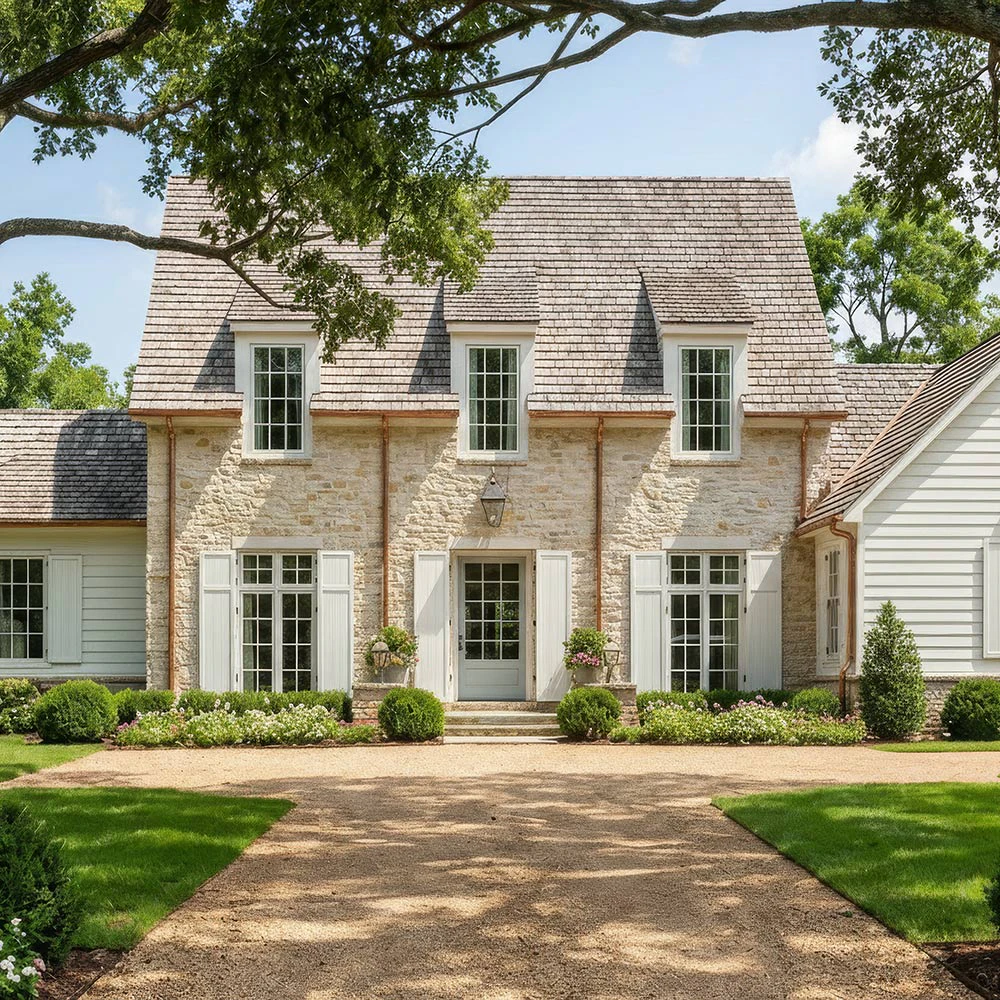
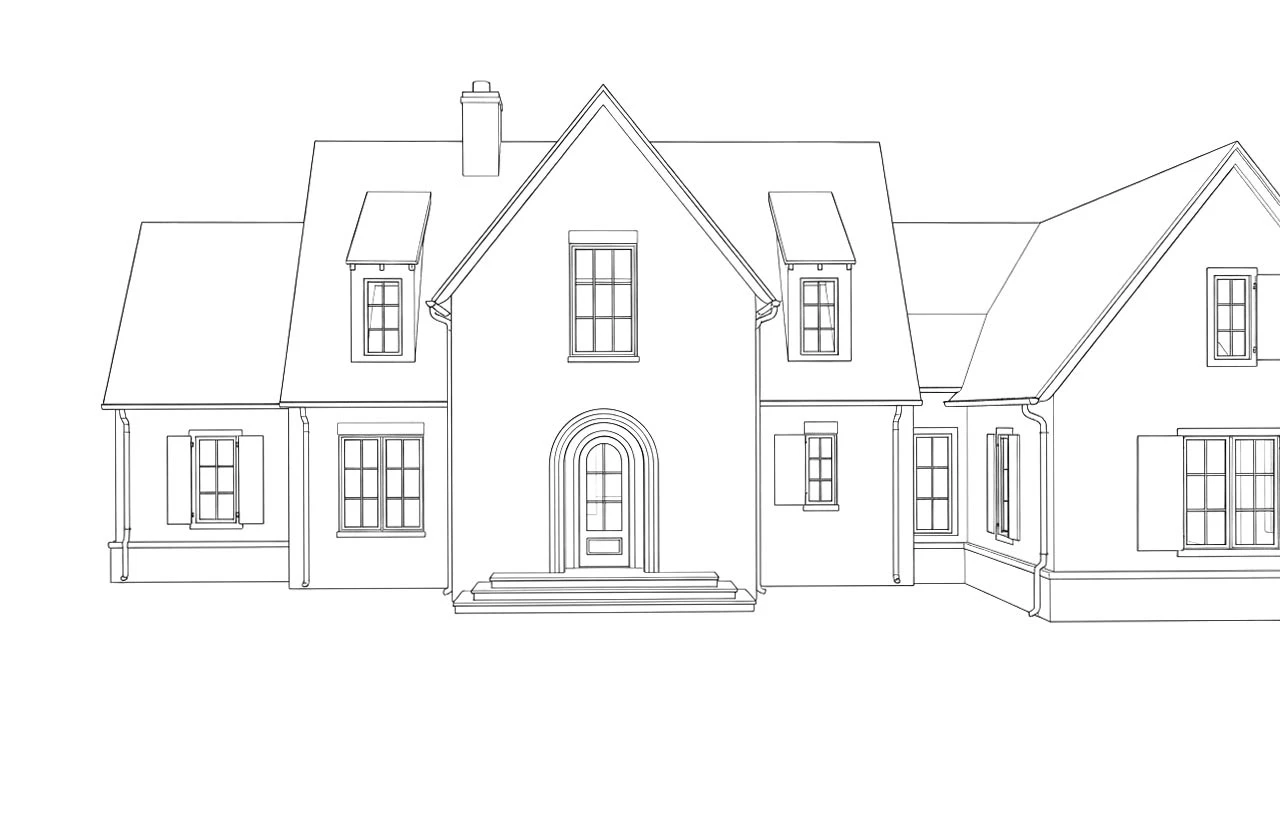
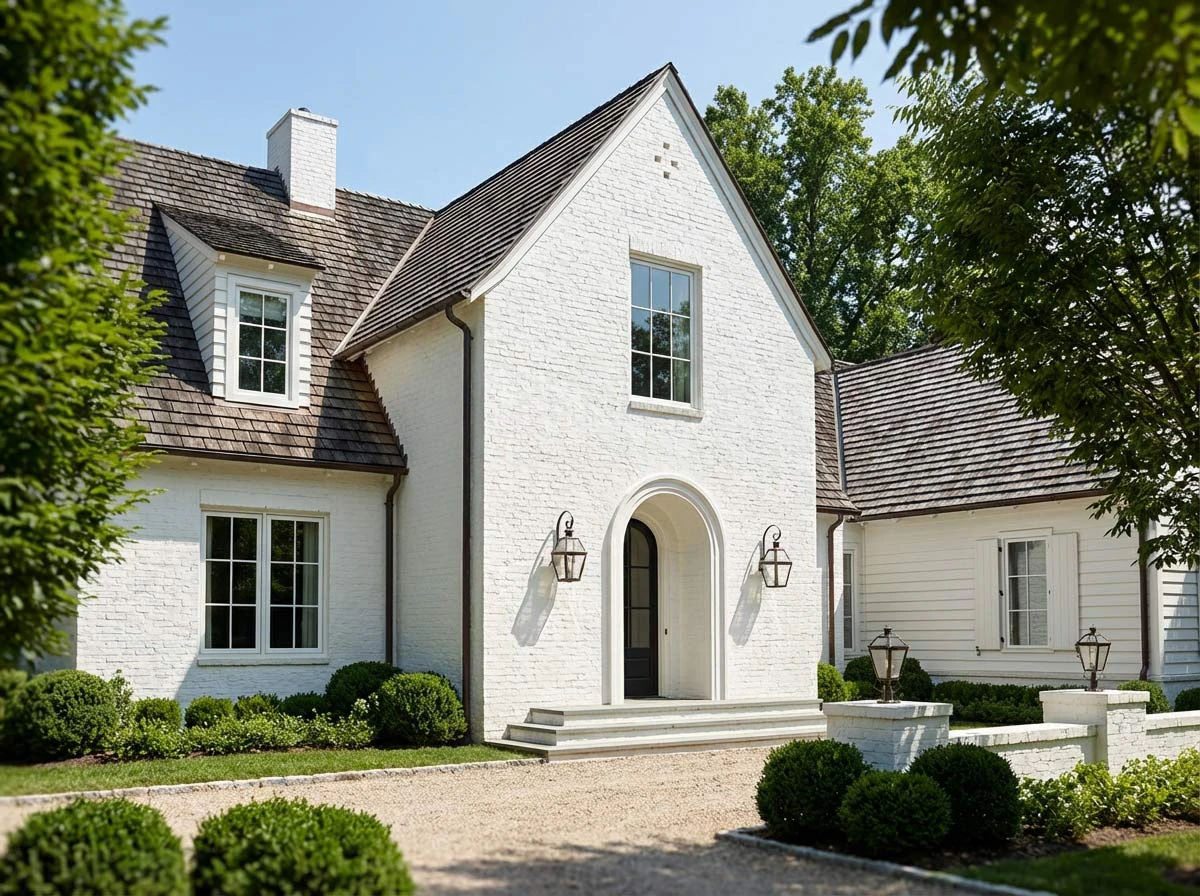
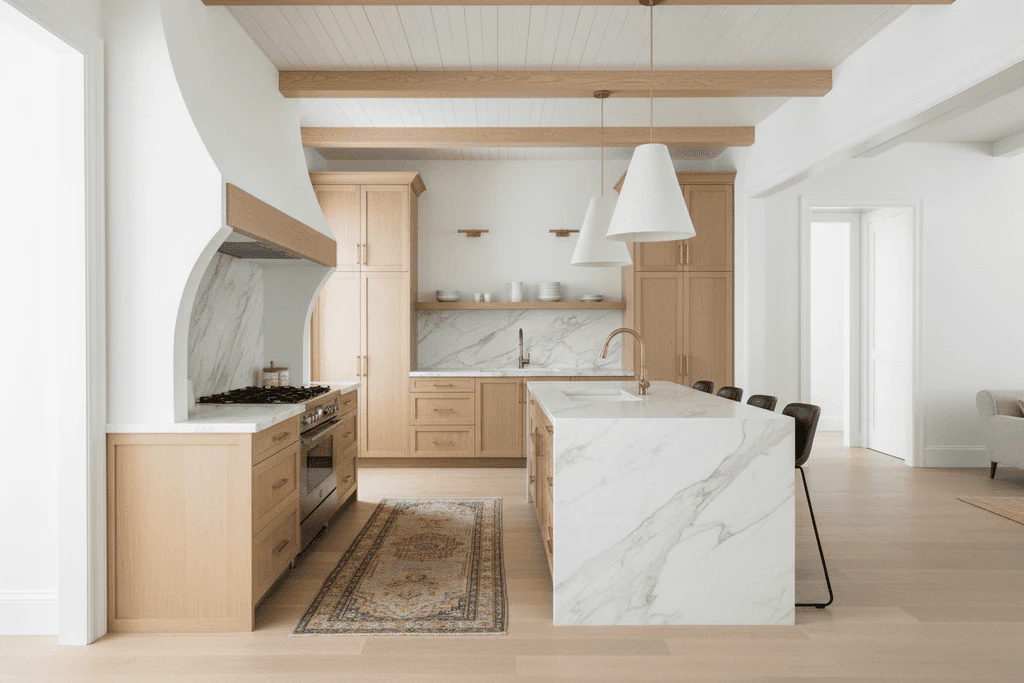
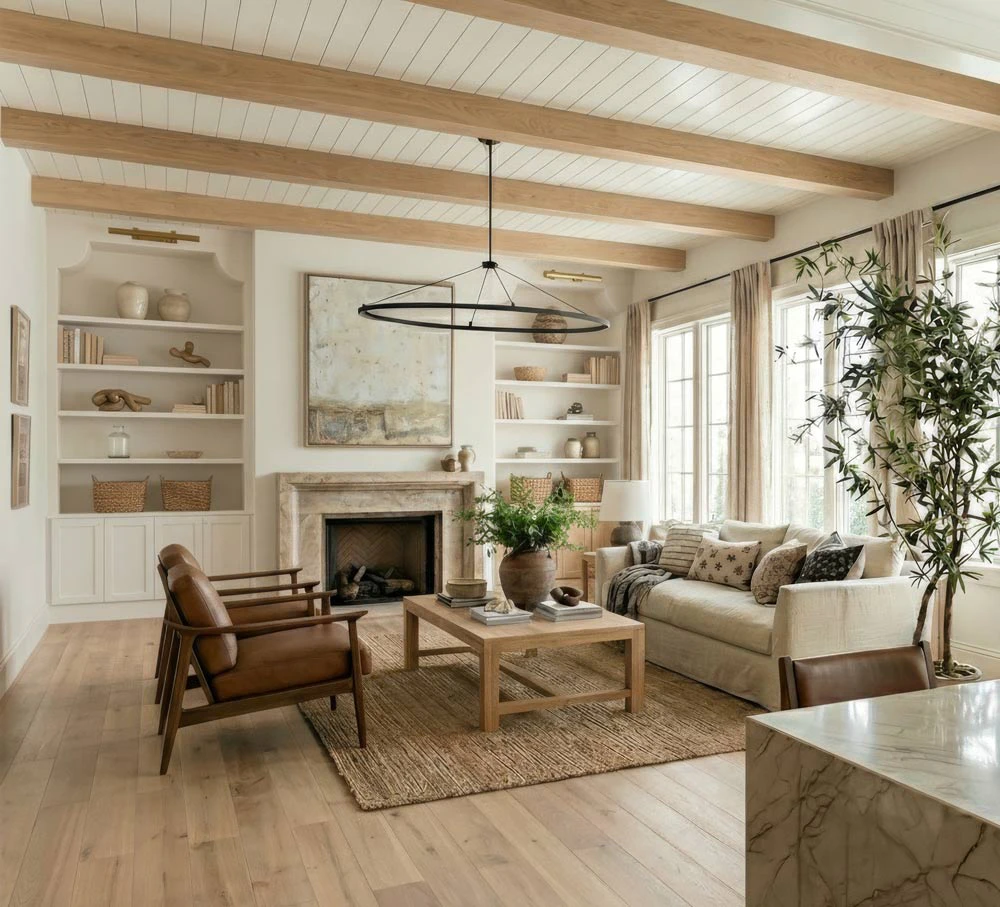
Archrenderai Pros and Cons
Pros
- Fast Rendering Speed: ArchRender enables users to create photorealistic visuals in seconds, significantly reducing the time compared to traditional rendering methods.
- User-Friendly Interface: The tool requires no complicated lighting or scene setup, making it accessible for users without extensive rendering experience.
- Versatile 3D Model Support: ArchRender supports popular 3D model formats like OBJ and FBX, allowing easy import from various architectural software.
Cons
No cons data detected for this tool
Archrenderai Pricing
Basic
For early-stage exploration and light rendering needs.
Pro
For daily use, client presentations, and active projects.
Studio
For high-volume rendering and professional production workflows.
For the latest pricing, please visit this link: https://www.archrender.ai/#pricing
Prices are subject to change. Please visit the official website for the most up-to-date pricing information.




