

Appmakerkit




What is Appmakerkit?
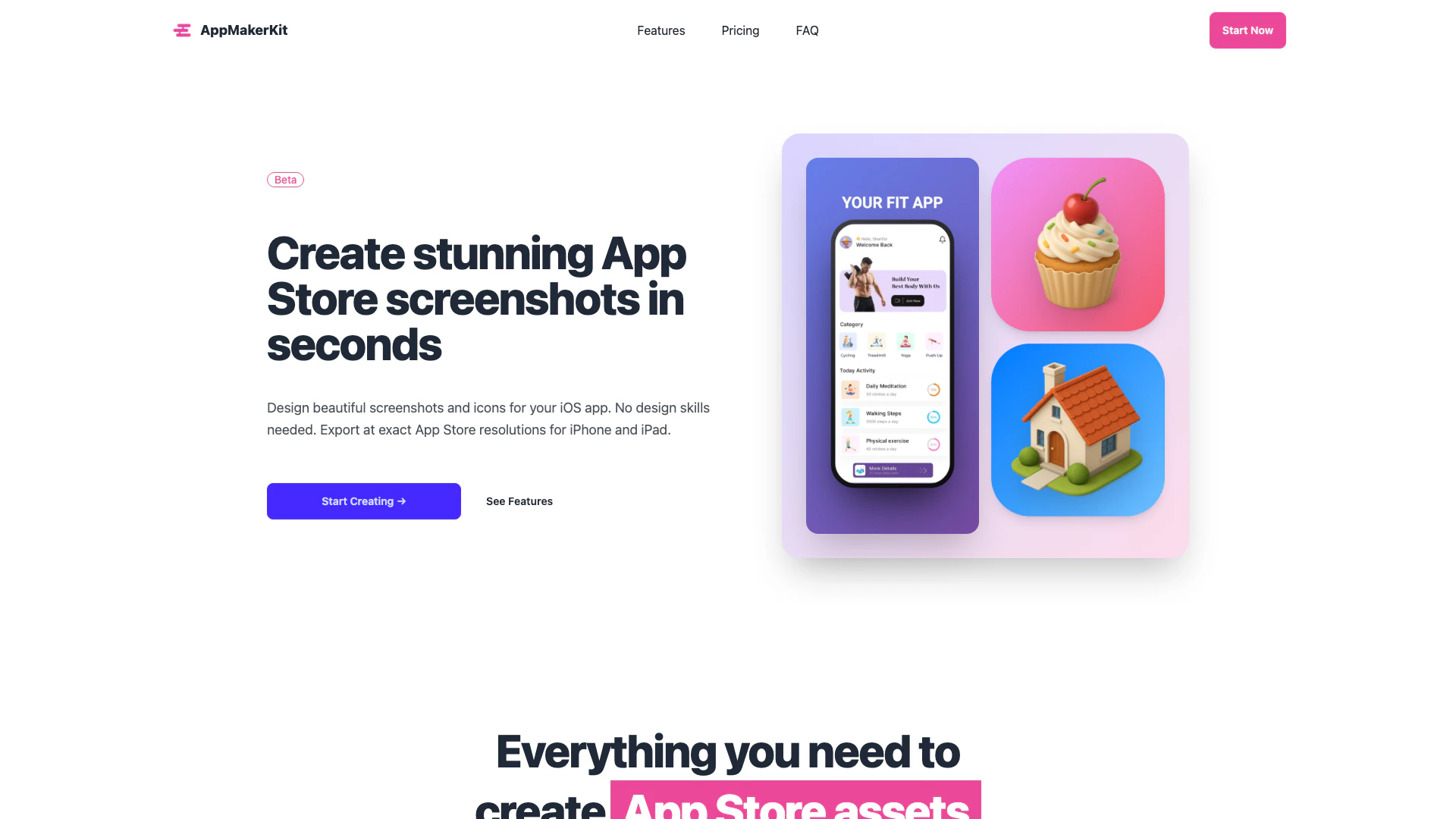
Appmakerkit is a powerful app creation tool designed to help users effortlessly build and launch their applications on both the App Store and Google Play. With its user-friendly interface, Appmakerkit allows developers to create stunning app store assets, including screenshots and icons, without needing any prior design skills. The tool offers a comprehensive solution for generating high-quality images that meet the exact specifications required by app stores, making it an essential resource for indie developers and businesses looking to enhance their app's visibility.
How to use Appmakerkit?
- Visit the Appmakerkit website and create an account to access the dashboard.
- Choose the type of asset you want to create, such as screenshots or icons.
- Upload your app screenshots or select from the provided templates.
- Customize your assets by adding text, adjusting colors, and selecting device frames.
- Once satisfied with your design, click on the 'Export' button to download your images in the required formats for the App Store and Google Play.
What are the main features of Appmakerkit?
- Icon Maker: Create custom app icons with beautiful gradient backgrounds and precise resizing options.
- 1-Click Export: Instantly export screenshots for all required iPhone and iPad sizes, eliminating manual resizing.
- Fully Customizable: Adjust gradients, shadows, text styles, and device frames to perfectly align with your brand.
- No Design Skills Needed: Use professional templates designed for ease of use, allowing quick creation of visually appealing assets.
- Flexible Devices: Select from various device models to create screenshots tailored for all iPhone and iPad sizes.
Who is Appmakerkit for?
Appmakerkit is designed for indie developers, small businesses, and anyone looking to launch an app on the App Store or Google Play. Its intuitive interface makes it accessible to users without any design experience, allowing them to create professional-looking app assets quickly and easily. Whether you are a solo developer or part of a larger team, Appmakerkit provides the tools necessary to enhance your app's presentation and attract potential users.
What are the use cases of Appmakerkit?
- Creating App Store Screenshots: Quickly generate high-quality screenshots for your app to improve visibility in the App Store.
- Designing App Icons: Utilize the Icon Maker to create eye-catching icons that represent your app effectively.
- Optimizing Assets for Google Play: Although optimized for the App Store, the exported images can also be used for Google Play, making it versatile for developers targeting both platforms.
Product Images




Appmakerkit Pros and Cons
Pros
- User-Friendly Design Tool: Appmakerkit is designed for users without design skills, allowing anyone to create professional-looking app screenshots and icons quickly.
- One-Click Export: The tool offers a 1-click export feature that allows users to instantly export screenshots in all required sizes for the App Store, saving time and effort.
- Fully Customizable Options: Users can customize gradients, shadows, and text styles, ensuring that the app assets align with their brand identity.
Cons
No cons data detected for this tool
Appmakerkit Pricing
Monthly
Full access, billed monthly. Full editor capacity, unlimited icons & screenshots, unlimited exports, all device frames (iPhone, iPad), custom backgrounds & gradients, text overlays & styling, high-resolution exports.
Annual
Full access, billed yearly — save 46%! Full editor capacity, unlimited icons & screenshots, unlimited exports, all device frames (iPhone, iPad), custom backgrounds & gradients, text overlays & styling, high-resolution exports, priority support.
For the latest pricing, please visit this link: https://appmakerkit.com/#pricing
Prices are subject to change. Please visit the official website for the most up-to-date pricing information.



