Alwaysqa




What is AlwaysQA?
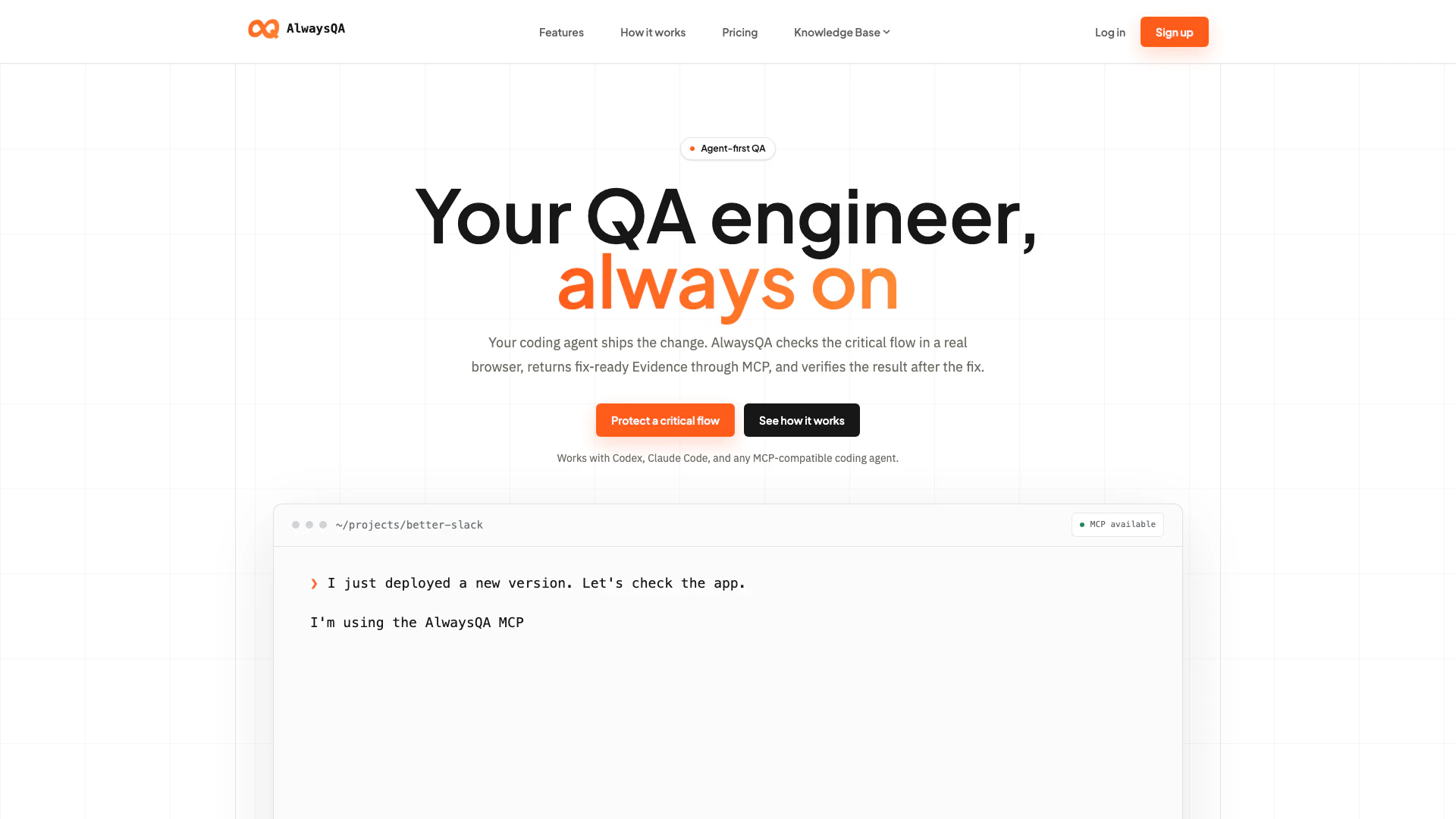
AlwaysQA is an innovative QA tool designed to automate the testing of critical workflows in web applications. By functioning as a coding agent, AlwaysQA checks the stability of applications after deployment, ensuring that essential features like login, checkout, and uploads continue to work seamlessly. This tool is particularly valuable for teams that deploy frequently, as it provides immediate feedback on the status of the application, allowing developers to address issues proactively before they impact users. With its real-browser testing capabilities and structured bug reporting, AlwaysQA enhances the efficiency and effectiveness of quality assurance processes in software development.
How to use AlwaysQA?
- Define a Test Case: Start by setting the initial URL, describing the workflow, and defining an observable success condition. You can also add a QA account or a reference image to aid in the testing process.
- Run Tests Your Way: Choose to run each Test Case on demand, or schedule it to run daily or weekly. AlwaysQA will open a fresh browser and follow the defined workflow from beginning to end.
- See What Happened: After the test run, review the results which will clearly indicate if the test Passed, Failed, or Needs Attention. The results come with observations, an action timeline, and a temporary browser replay for further analysis.
- Fix, Verify, and Repeat: Utilize the evidence gathered from the test to address any issues, rerun the same Test Case, and confirm that the workflow functions correctly before it impacts users.
What are the main features of AlwaysQA?
- Real-Browser Testing: AlwaysQA runs tests in a real browser environment, ensuring that the user experience is accurately represented.
- Automated Test Runs: Schedule tests to run daily or weekly, reducing the need for repetitive manual testing.
- Clear Outcomes: Each test run provides a straightforward result indicating whether it Passed, Failed, or Needs Attention, along with supporting observations and a timeline.
- Contextual Bug Reporting: Turn customer reports into verified bugs, providing developers with the context and evidence needed to resolve issues efficiently.
- Comprehensive Workflow Coverage: Define a Test Case once and run it consistently to monitor critical workflows without the need to manually repeat steps.
Who is AlwaysQA for?
AlwaysQA is tailored for software development teams, particularly those who utilize coding agents for deployment. It is ideal for QA professionals, developers, and product managers who need to ensure that their applications remain functional after updates and changes. The tool is particularly beneficial for organizations that deploy frequently and require a robust solution to manage and mitigate the risks associated with bugs and broken workflows.
What are the use cases of AlwaysQA?
- Post-Deployment Testing: Ensure that critical workflows such as login, signup, and checkout function correctly after each deployment.
- Continuous Integration/Continuous Deployment (CI/CD): Integrate AlwaysQA into your CI/CD pipeline to automate testing and catch issues before they reach production.
- User Experience Assurance: Regularly validate the user experience by testing various user flows, ensuring that any changes do not introduce new bugs or regressions.
Alwaysqa Pros and Cons
Pros
- Automated Testing Process: AlwaysQA automates the testing process by running defined Test Cases in a fresh browser, ensuring that critical workflows are continuously monitored and validated.
- Reduced Manual Testing: The tool allows users to define a Test Case once and run it on demand or on a schedule, significantly reducing the need for repetitive manual testing.
- Clear Test Outcomes: AlwaysQA provides clear outcomes for each test run, including Passed, Failed, or Needs Attention results, along with detailed observations and timelines to aid in debugging.
- Comprehensive Testing Support: The tool supports testing beyond browsers, including APIs and email validations, allowing for comprehensive quality assurance across different platforms.
Cons
- Technical Knowledge Requirement: The tool may require users to have a certain level of technical knowledge to effectively define Test Cases and interpret the results.
- Potential Platform Limitations: AlwaysQA may have limitations in terms of browser compatibility or specific environments that are not supported for testing.
- Setup and Configuration Time: Users may need to invest time in setting up and configuring the tool to fit their specific testing needs and workflows.
Alwaysqa Pricing
Starter
For approved testers who want to evaluate AlwaysQA and provide product feedback. Up to 10 active Test Cases, 50 Runs per Billing Period, On-demand Runs, Daily and Weekly schedules, Dedicated QA Accounts, Image upload workflows, Passed, Failed, and Needs Attention Outcomes, Structured Evidence and temporary browser replays.
Basic
For developers, product owners, and small teams that want ongoing browser QA for important workflows. Up to 50 active Test Cases, 200 Runs per Billing Period, On-demand Runs, Daily and Weekly schedules, Dedicated QA Accounts, Image upload workflows, Passed, Failed, and Needs Attention Outcomes, Structured Evidence and temporary browser replays, No automatic overages.
For the latest pricing, please visit this link: https://alwaysqa.com/pricing/
Prices are subject to change. Please visit the official website for the most up-to-date pricing information.