Cloudshowplace




What is Cloudshowplace?
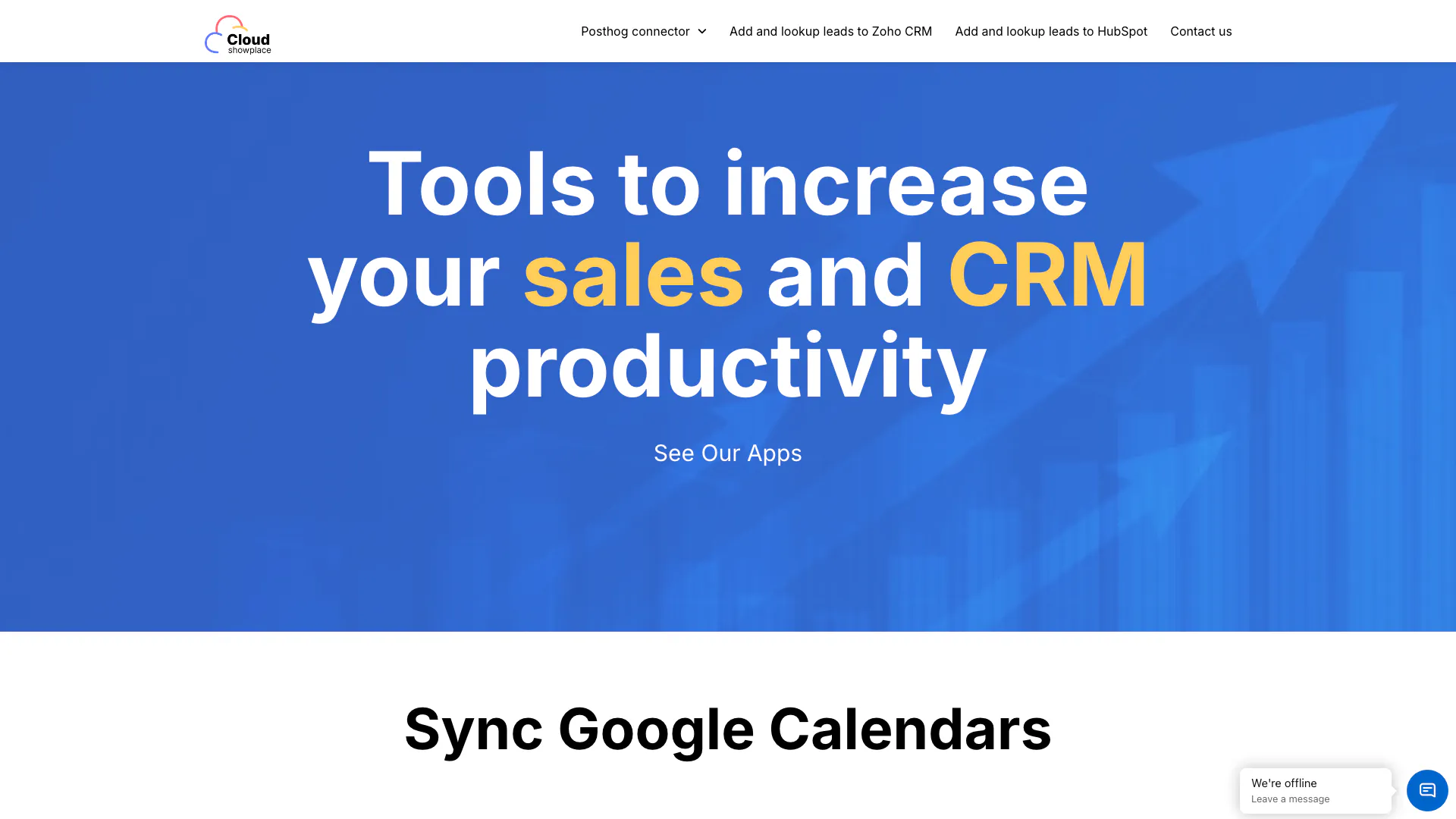
Cloudshowplace is an innovative productivity tool designed to enhance sales and customer relationship management (CRM) through seamless integration with various platforms. By offering connectors to popular CRM systems such as HubSpot, Salesforce, and Zoho, Cloudshowplace enables users to manage leads and synchronize calendars effortlessly. Its core value lies in simplifying workflows, reducing manual tasks, and increasing overall efficiency for sales teams and CRM users.
How to use Cloudshowplace?
- Visit the Cloudshowplace website and create an account if you haven't already.
- Choose the desired connector (e.g., HubSpot, Salesforce) from the dashboard.
- Follow the prompts to link your CRM account with Cloudshowplace.
- Use the lead lookup feature to highlight any text or contact details on your browser, allowing you to search for corresponding records in your CRM.
- Add new leads or contacts directly from your current tab without switching between applications.
What are the main features of Cloudshowplace?
- CRM Connectors: Integrates with HubSpot, Salesforce, Zoho, and more to streamline lead management.
- Lead Lookup: Allows users to highlight text and search for corresponding records in their CRM directly from their browser.
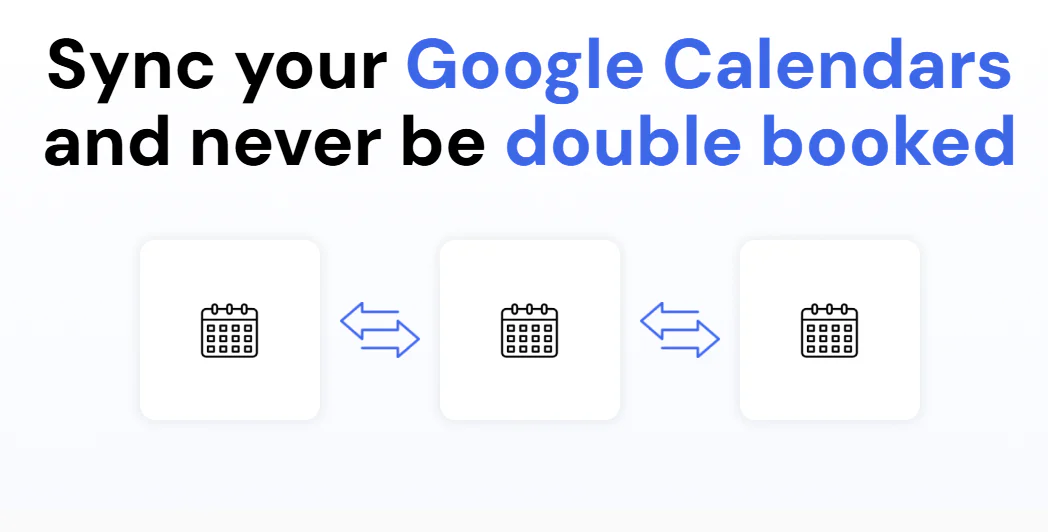
- Calendar Synchronization: Automatically syncs Google Calendars to avoid double bookings and ensure seamless scheduling.
- User-Friendly Interface: Simplifies navigation and enhances user experience with an intuitive design.
Who is Cloudshowplace for?
Cloudshowplace is designed for sales professionals, CRM users, and teams looking to enhance their productivity and lead management processes. It is particularly beneficial for businesses that rely on CRM systems for tracking customer interactions and sales data. Whether you are a small business owner, a sales representative, or part of a larger sales team, Cloudshowplace provides tools that can significantly streamline your workflow.
What are the use cases of Cloudshowplace?
- Lead Management: Quickly add and manage leads in your CRM while browsing websites, enhancing data entry efficiency.
- Scheduling Meetings: Use the Google Calendar sync feature to manage appointments and avoid conflicts across multiple calendars.
- CRM Integration: Seamlessly connect and utilize multiple CRM systems to improve data consistency and access across platforms.
Product Images



Cloudshowplace Pros and Cons
Pros
- Seamless Calendar Sync: Automatically syncs all your Google Calendars to prevent double bookings, ensuring that events are consistently updated across all connected calendars.
- Lead Management Integration: Allows users to add and lookup leads directly from any website, streamlining the process of managing contacts in CRM systems.
- Multiple CRM Connectors: Supports integration with various CRM platforms such as HubSpot, Salesforce, and Zoho, enhancing flexibility for users.
Cons
No cons data detected for this tool